7
Phone Pairing
You must first pair BlueConnect® (establish a communication link) to your Bluetooth®
hands free profile cell phone. Please refer to your cell phone’s operation manual for
instructions on how to place your cellular phone into a pairing mode before starting the
pairing process. In order to complete successful pairing, both your cell phone and the
BlueConnect® module must be in a pairing mode at the same time. BlueConnect® will
remain in a pairing mode for about 3 minutes before timing out.
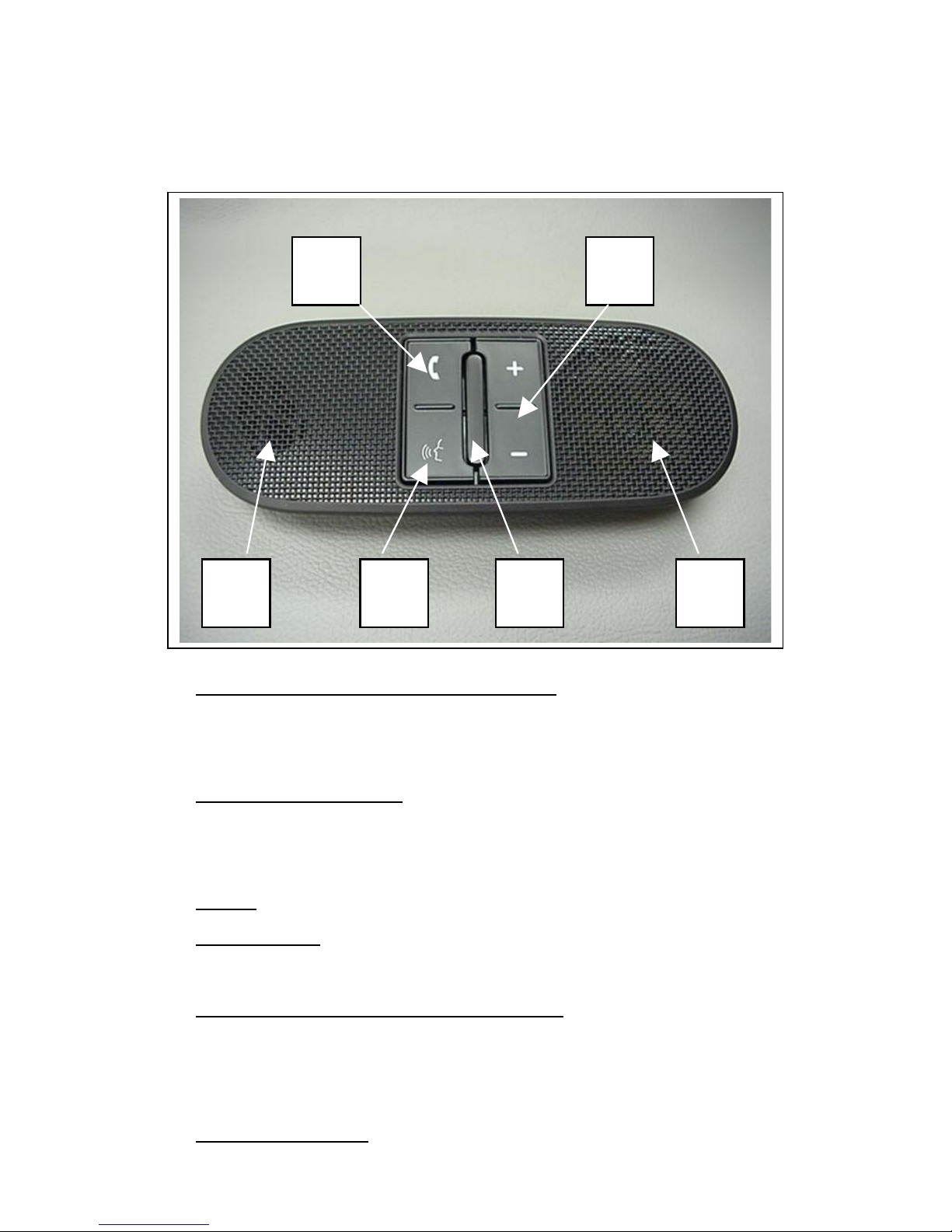
Press and release the BlueConnect® PHONE button and say "Set Up".
For example, say, "Set Up" at the Main menu and BlueConnect® prompts
"Select one of the following: phone pairing, confirmation prompts, select
phone or say cancel to return to the main menu." If there is no response to
the prompts, BlueConnect® reminds you of the selection two more times
until you select an option. If there is no option selected after two repeats,
BlueConnect® will power down.
1
2 Say, "Phone Pairing."
After the system prompts you, say “Pair a Phone.” The system will remind
you that pairing should only be completed while the vehicle is in park.
When the vehicle is in park say "Continue."
3
The system will then ask you for a 4-digit PIN. This can be any number you
choose as long as you enter the same number on the phone later.
4 Say your four-digit PIN. For example: "One-Two-Three-Four"
Follow your cell phone manufacturer's instructions for placing your cell
phone in a pairing mode.
5
Select BlueConnect® on the phone. Then, on the phone's numeric keypad,
enter the same PIN number as entered in step 4.
6
BlueConnect® will prompt you for a phone name. Name it something easy
to remember. Say the phone name, for example, "Jacob's phone.”
7
To complete the pairing process, BlueConnect® will now ask you for a
phone priority from 1 to 7. Number 1 is the highest priority. If two phones
are paired, BlueConnect® will use the higher priority phone when both
phones are within range. Say the phone priority, for example, "One."
8
9 When complete, BlueConnect® will indicate "Pairing Complete.”