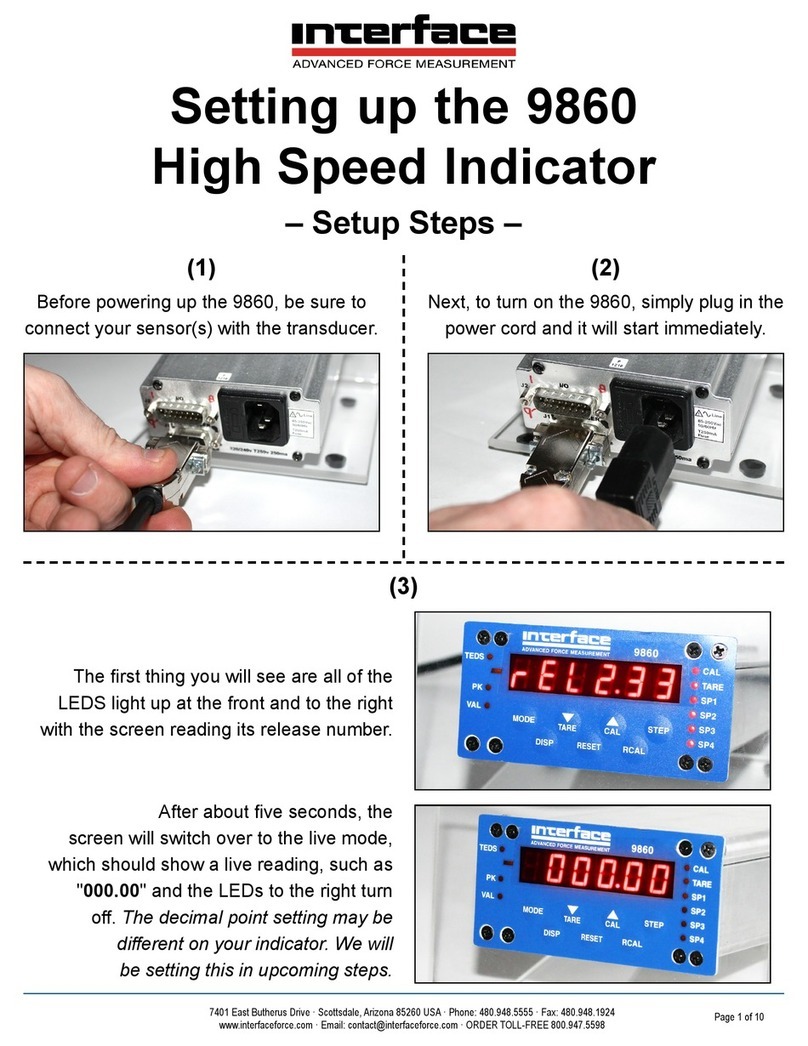
Interface 9325-NU User manual

9325-NU Quick Start Guide
9325-NU
Portable Sensor Display

2
Interface Inc.
9325-NU Quick Start Guide
Introduction/overview
The 9325-NU allows simple display of strain bridge-based measurements such as load cells and pressure gauges
with sensitivity up to +/-480 mV/V.
Up to six calibration ranges are available allowing for different loading modes (tension and compression) or
different sensors. Each calibration range will remember settings that contribute to the user experience such as
selected units and tare values.
TEDS devices using templates 33, 40 and 41 can be connected and will update the viewed calibration. The last
twenty TEDS devices connected will be remembered and recognized when connected again reverting to the last
user experience settings for that device. TEDS can be disabled, and the internal calibration ranges become
available again.

3
Interface Inc.
9325-NU Quick Start Guide
Getting started
This document is designed to give a very quick overview of the 9325-NU and its general, standard functionality. For
more details, see the full manual.
Hardware overview
Front

4
Interface Inc.
9325-NU Quick Start Guide
Back

5
Interface Inc.
9325-NU Quick Start Guide
Top
The Load Cell connector fitted to 9325-NU Standard Product is BINDER 770-8. The cable fitted mating connector is a
BINDER 771 8-pin male connector. There are three versions available with different field cable diameters.
View from solder connector side of the connector
Connector
Pin
Function
1
Loadcell Reference (Sense) +ve
2
Loadcell Reference (Sense) -ve
3
Loadcell Signal +ve
4
Loadcell Signal -ve
5
Loadcell Excitation +ve
6
Loadcell Excitation -ve
7
TEDS
8
Ground
Cable screen should only be connected to
chassis of the sensor.
If this cannot be achieved, then it should be
connected to Excitation -ve.

6
Interface Inc.
9325-NU Quick Start Guide
Setting up the 9825-NU
Setup is possible using just the handheld.
Calibration
’CALIBRATION’
’USER CALIBRATION’
’ENTER PASSWORD’ (if set default is “9325”)
Scrolls through available characters
Moves between digits
’LIVE CALIBRATION’
’SENSITIVITY’
Select required input sensitivity (Note, this MUST be selected before the following
steps)
Return to previous menu
’UNITS’
Select required calibration units
Please note that this must be done in the correct order for the calibration to work
correctly. Changing the Sensitivity after inputting mV/V readings will cause the
calibration to be void. Always make sure you finish with Apply

7
Interface Inc.
9325-NU Quick Start Guide
Return to previous menu
’LOW/HIGH CALIBRATION’
’SET OUTPUT LOW’
Manually enter the low output required using to select digits and to change
the value
changes the sign of the entered number
moves the decimal place to the left
moves the decimal to the right
to save changes (long press cancels changes and returns to previous view)
’SET OUTPUT HIGH’
Manually enter the high output required (as above)
to save changes (long press cancels changes)
’CAPTURE mV/V LOW’ Apply low load, let load settle then:
Confirm or edit low mV/V input
(You can manually edit the mV/V to a value from a calibration certificate here)
to save changes (long press cancels manual changes)
’CAPTURE mV/V HIGH’ Apply high load, let load settle then:
Confirm or edit high mV/V input
(You can manually edit the mV/V value to a value from a calibration certificate here)
to save changes (long press cancels manual changes)
If everything is as planned
Return to previous menu

8
Interface Inc.
9325-NU Quick Start Guide
’APPLY’
Return to previous selected display mode.
Change units
In all standard display modes, scrolls through the available units for the selected calibration.
Change decimal places
A 2 second press shifts the decimal place position for the selected units.
Overload/underload
alarm
’ALARM’
’ALARM SOURCE’
Select ‘GROSS’ or ‘NET’
Return to previous menu
’ALARM MODE’
Select ‘NORMAL’ or ‘LATCHED’
(When the alarm is latched but no longer being triggered, cancel the alarm by:
’ALARM’
Please note, the values saved for the thresholds are applied in the calibrated units of the
currently selected range. This means that different ranges will trigger at different loads if
the calibrated unit is different.

9
Interface Inc.
9325-NU Quick Start Guide
’**ALARM CANCEL**’ )
’ALARM THRESHOLDS’
’ALARM LOW’
Manually enter the low threshold required using to select digits and
to change the value
changes the sign of the entered number
moves the decimal place to the left
moves the decimal to the right
to save changes (long press cancels changes and returns to display mode)
’ALARM HIGH’
Manually enter the high threshold required as above.
to save changes (long press cancels changes and returns to display mode)
Return to previous menu
’ALARM TRIGGER’
Select from:
Disabled
Outside limits (<low, >high)
Inside limits (>low, <high)
Above high (>high)
Below high (<high)
Above low (>low)
Below low (<low)

10
Interface Inc.
9325-NU Quick Start Guide
Return to previous menu
’ALARM ACTION’
Select ‘NONE’, ‘BEEP’, ‘FLASH’ or ‘BOTH’
Return to previous menu
Return to previous selected display mode.
Using TEDS
Plug in a TEDS enabled load cell.
Message: ‘NEW TEDS DEVICE USE SESSION DEFAULTS’
TEDS table(s) will be automatically loaded.
Change selected TEDS calibration
Change displayed units
To disable TEDS and use the 9325-NU internal calibration:
’CALIBRATION’
’USER CALIBRATION’
’ENTER PASSWORD’ (if set default is “9325”)
Scrolls through available characters
This manual suits for next models
1
Table of contents
Other Interface Measuring Instrument manuals
Interface
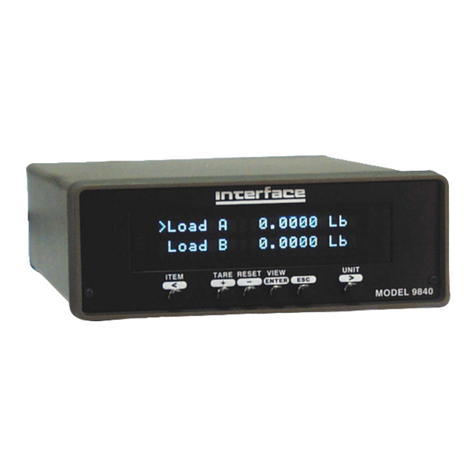
Interface 9840 User manual

Interface
Interface BlueDAQ BX8 User manual

Interface
Interface INF1 User manual
Interface
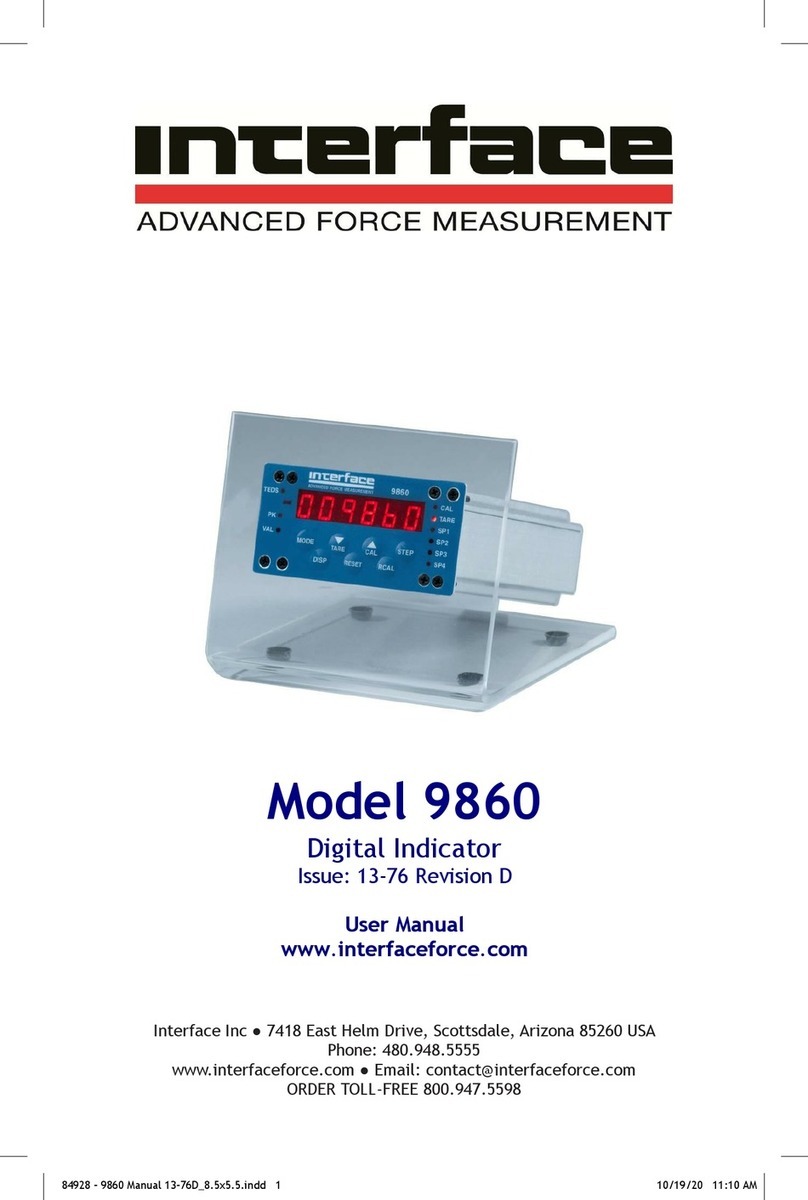
Interface 9860 User manual
Interface
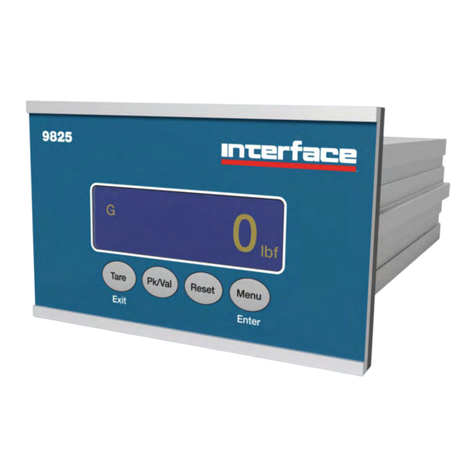
Interface 9825 Instruction Manual
Interface
Interface ITL Specifications
Interface
Interface 9840-400 User manual
Interface
Interface INF1 Instruction Manual
Interface
Interface 9860 User manual
Interface
Interface DMA2 Manual