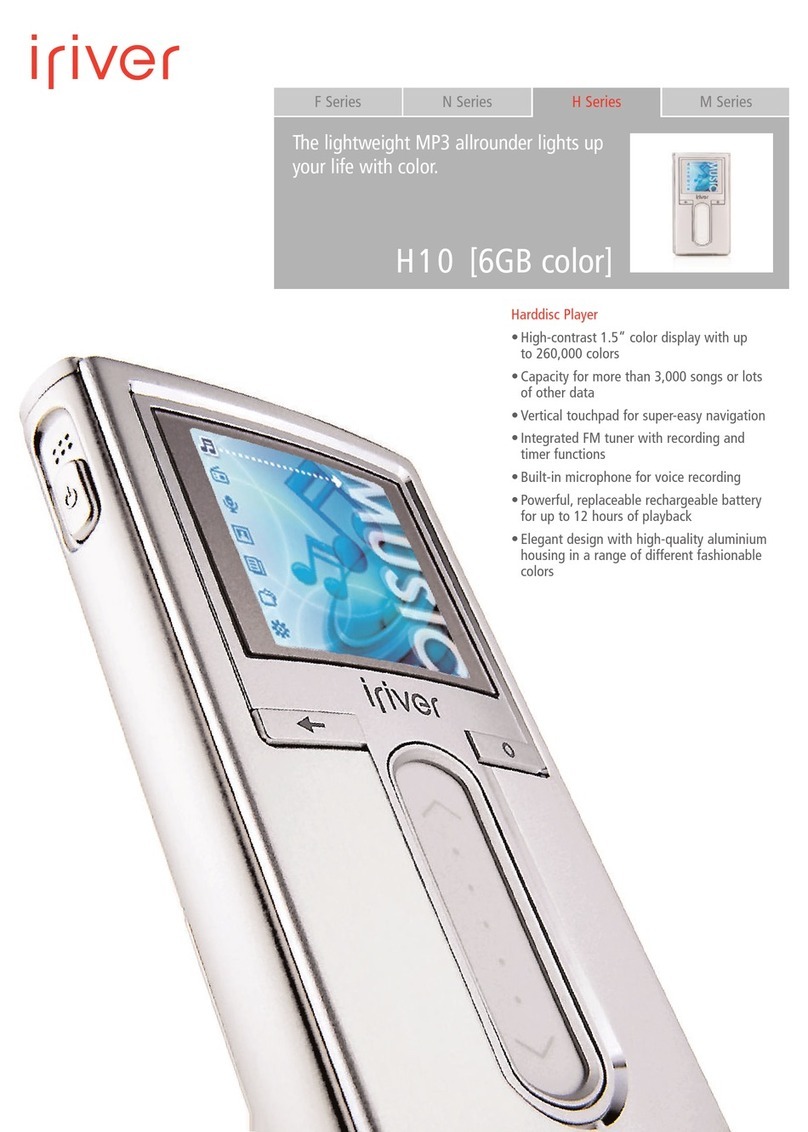
IRiver H10 User manual

www.iriver.com
Instruction Manual
H10 [5GB pure]
Thank you for your purchase.
Please read this manual carefully before using your new player.

Before using the product
Welcome
iriver web site
Copyrights/Certification/Trademarks/Limited Liability ………………………………… 1
Precautions and afety ……………………………………………………………………… 2
Chapter 4 I Useful features
ettings Menu ……………………………………………………………………………… 50
ettings menu navigation ………………………………………………………………… 51
Menu settings ………………………………………………………………………………… 53
Chapter 5 I Additional information
Firmware upgrade ………………………………………………………………………… 66
Initializing H10 ……………………………………………………………………………… 67
Troubleshooting …………………………………………………………………………… 68
Chapter 6 I Appendix
pecifications ………………………………………………………………………………… 72
FCC …………………………………………………………………………………………… 73
Chapter 2 I Quick start
Turning on / off the player and playing music ………………………………………… 28
Controlling volume and changing modes ……………………………………………… 29
Chapter 3 I Basic operation
Playing music ……………………………………………………………………………… 32
Playlist function ……………………………………………………………………………… 38
Auto ync function ………………………………………………………………………… 39
Recording …………………………………………………………………………………… 40
Chapter 3 I Basic operation continued)
Viewing images ……………………………………………………………………………… 43
Viewing text ………………………………………………………………………………… 45
Browser function …………………………………………………………………………… 47
Chapter 1 I Getting started
Features of the H10 …………………………………………………………………………… 8
Components ………………………………………………………………………………… 10
Locating the controls ……………………………………………………………………… 11
LCD screen display ………………………………………………………………………… 14
Connecting the product …………………………………………………………………… 16
Installing the software ……………………………………………………………………… 23
Table of contents
This manual covers the use of the H10 player hardware.
For instructions on related software and instructions for getting music on your player, please see the included iriver plus
user manual.

Before using the product
Copyrights/Certification/Trademarks/Limited Liability
1
Before using the product
Welcome
Thank you for purchasing the iriver H10.
Your new player delivers a com ination of style and features you can't find anywhere else.
This instruction manual is designed to help you use the iriver H10 properly.
It is important that you read the manual to ensure that you get the most out of your new player.
Thank you.
iriver Limited has all the rights of the patent, trademark, literary property and intellectual property
related to this manual. You may not copy or reproduce any part of this manual unless
authorized y iriver Limited. You can e punished y using any part of this manual illegally.
The software, audio and video which have an intellectual property are protected y copyright
and international laws. It is user’s responsi ilities when he/she reproduce or distri ute the
contents created y this product.
The companies, institutions, products, people and events used in examples are not real data.
We don t have any intension to e related with any companies, institutions, products, people
and events through this manual and should not draw inferences. Users are responsi le for
o serving the copyrights and intellectual properties.
© 1999~2005 iriver Limited. All rights reserved.
www.iriver.com
O tain information a out your player, look for updates, and find answers to questions at
our we site.
Use the firmware (system software) upgrade function of our products from the site to
continuously improve the product performance.
Get the online support and check the FAQs.
Register your iriver product online so that our Customer Service is a le to provide support
as efficiently as possi le.
In addition, you can get updated news including new products, firmware upgrade and various
events y e-mail.
iriver web site
Copyrights
Neither the Manufacturer, importers nor dealers is responsi le for any accidental damage
including odily injury or any damage resulting from misuse or unsuita le operation y you.
The information on this manual is prepared with the current player specifications.
The manufacturer, iriver Limited, is adding new features to the product and may persistently
apply new technologies hereafter.
All standards may e changed at any time without notice.
Limited Liability
Windows 2000, Windows XP and Windows Media Player are the registered trademarks of
Microsoft Corp.
Trademarks
CE, FCC, MIC
Certification

Before using the product
Precautions and Safety
3
Before using the product
Precautions and Safety
2
Do not overload a single
power circuit.
Overheating or fire can result.
Do not handle power plug
and adapter with wet hands.
Electrical Shock may result.
Do not kink or crease the
power cable or place heavy
objects on the power cable.
Fire can result from damaged
power ca les.
Unplug adapter when it’s
not in use.
Overheating or fire can result.
Immediately power off the player
and unplug the AC adapter if
smoke or odors emit from the
player or adapter.
Fire can result from improper use.
Immediately power off the
player and unplug the
AC adapter if water or other
liquids are present.
Fire can result from improper use.
Firmly plug the adapter into
the wall socket.
Fire can result from improper use.
Use only the supplied
AC adapter.
Use of unauthorized power
adapters is not recommended.
Electrical Shock may result.
Unplug the AC adapter
during electrical storms.
Electrical Shock may result.
Electricity
Please read the notices efore using for your safety. Please read the notices efore using for your safety.
Do not place heavy objects
on the device.
Damage to your player may result
from improper use.
Avoid contact with water and
other liquids.
Damage to your player may result.
Keep away from harsh
environments including
humid, dusty, and smoky
areas.
Damage to your player may result
from improper use.
Keep out of direct sunlight
and extreme heat and cold.
Damage to your player may result
from improper use.
Do not drop or subject the
device to impact.
Damage to your player may result
from improper use.
Do not use water or
chemicals to clean the
player. Clean the surface with
a soft cloth.
Damage to your player may result
from improper use.
Do not use excessive force
on the buttons or attempt to
disassemble the device.
Damage to your player may result
from improper use.
Do not clean with chemical or
detergent.
Damage to your player may result
from improper use.
Product

Before using the product
Precautions and Safety
5
Before using the product
Precautions and Safety
4
Please read the notices efore using for your safety.
Keep the player away from
strong magnets.
Damage to your player may result
from magnets such as CRT, TV,
monitor and speaker.
Bad sectors can be created in
HDD because of physical
impact.
Data in HDD can e damaged.
Always keep a proper ackup of data
stored on porta le devices.
Do not dry the product with
heater or microwave.
Damage or severe injury may result
from improper use.
Do not disassemble or modify.
Damage to your player may result
from improper use.
When you upload or download
files using U B cable, do not
disconnected the U B cable
suddenly or turn it off.
Data in HDD can e damaged.
Data can be damaged because
of physical impact, lightning
and power failure.
Users are responsi le for creating
ackup data and iriver Limited is not
responsi le for any damaged data.
Do not use headphones /
earphones while cycling,
driving, or operating any
motorized vehicle.
It is dangerous and is illegal in some
areas.
Do not use headphone /
earphones at high volume.
Hearing experts advise against
listening to continuous, loud and
extended play.
Reduce volume while walking,
especially at pedestrian
crosswalk.
Reduce volume or stop using
the player if you experience a
ringing in your ears.
Hearing experts advise against
listening to continuous, loud and
extended play.
Keep headphone/earphone
cords under control to avoid
getting caught on varous objects.
Do not use at high volume for
continuous listening.
Hearing experts advise against
listening to continuous, loud and
extended play.
Others
Please read the notices efore using for your safety.

Chapter 1 I Getting started
Features of the H10 ……………………………………… 8
Components …………………………………………… 10
Locating the controls ……………………………………11
H10 Player ……………………………………………………11
Remote control ………………………………………………12
Cradle …………………………………………………………13
LCD screen display………………………………………14
LCD screen display ……………………………………………14
MUSIC screen …………………………………………………15
RECORDING screen …………………………………………15
Connecting the product …………………………………16
Connecting PC - Connecting ca le …………………………16
Connecting PC - Disconnecting ca le ………………………17
Connecting the power - connecting the adapter(player) ……18
Connecting the power - connecting the adapter(cradle) ……19
Connecting earphone/remote control ………………………20
Connecting the cradle …………………………………………21
Connecting the cradle - Connecting PC ……………………21
Connecting the cradle - Line-in connection …………………22
Connecting the cradle - Line-out connection ………………22
Installing the software ……………………………………23
Installing iriver plus ……………………………………………23
This manual covers the use of the H10 player hardware.
For instructions on related software and instructions for getting
music on your player, please see the included iriver plus user manual.
I

Getting started
Features of the H10
9
Getting started
Features of the H10
8
1Vivid color display – 1.5-inch TFT LCD with 260,000 colors
The 1.5-inch, 260,000 color TFT LCD shows off an exciting new visual interface that makes it easy to
navigate through your music.
2mall Device – Large Capacity
The H10 features a 5GB hard drive that can hold more than 1,200 music files.
(1GB = 1,000,000,000 Bytes - Not all memory availa le for storage.)
3Convenient ID3 tag database
Searching with the ID3 tag data ase ena les you to select the music file y artist, al um or genre.
4Intuitive software (iriver plus)
The intuitive software makes it easy to manage all of your music.
5Faster file transferring – upporting U B 2.0 interface
USB 2.0 supports transfer rates up to 480M ps.
6Firmware upgradeable
Firmware upgrades keep your player up to date.
7Photo and text viewer
View digital photos or text files on the player’s color screen.
8Enhanced 3D sound
SRS WOW sound effect technology provides rich ass sound and dynamic 3D sound effect.
9Customizable EQ settings
Over 30 preset EQs to choose from and a custom user EQ.
10 Removable battery
Maximum play time can e extended with remova le and rechargea le spare attery.
(extra attery sold separately)
11 Easy to use touch strip
Navigating through your music is easy using convenient touch strip scrolling.

Getting started
Locating the controls
11
Getting started
Components
10
Actual player may vary slightly from images shown.Accessories su ject to change without notice and may vary from image shown.
H10 Player Instruction Manual /
Warranty Card /
Quick Start Guide
Earphones
AC Adaptor Carrying Case Installation CD
Ca le
Optional Accessories
H10 Player
Power ON/OFF utton
Built-in microphone
LCD screen
Cancel utton
Up / Down scroll utton
Select utton
Play / Pause utton
Previous utton
Next utton
HOLD switch
Earphone / Remote control jack
USB / Adapter jack
Battery release utton
Cradle, USB ca le and Line-In/Out ca le Remote control Extra attery
Front view Right viewLeft view
Top view

Getting started
Locating the controls
13
Getting started
Locating the controls
12
Actual player may vary slightly from images shown.Actual player may vary slightly from images shown.
Remote control (Remote control is an optional accessory.) Cradle (Cradle is an optional accessory.)
Power ON, OFF / Play / Pause utton
Previous utton
Next utton
Volume control utton
HOLD switch
Clip
Line in jack
Charging indicator
Line Out jack
USB 2.0 jack
DC 5V jack
Battery charging jack
Battery release utton
Front view
Back view
Bottom view
Front view Right viewLeft view
Top view

Getting started
LCD screen display
15
Getting started
LCD screen display
14
LCD screen display I MU IC screen
Menu
: MUSIC
: RECORDING
: PHOTO
: TEXT
: BROWSER
: SETTINGS
Note
Note
Note
The following icons are displayed to indicate the type of file playing.
: MP3 : WMA
Time
Hold indicator
Battery indicator
Artist
File name
File num er / Total file num er
File type / Play mode
Progress ar
Total play time
Play time
Menu Examples
Recording status
Free space
Remaining recording time
Record elapsed time
I RECORDING screen
Other manuals for H10
6
Table of contents
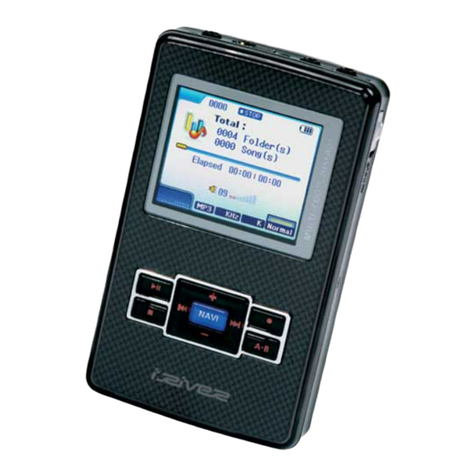
Other IRiver MP3 Player manuals
IRiver
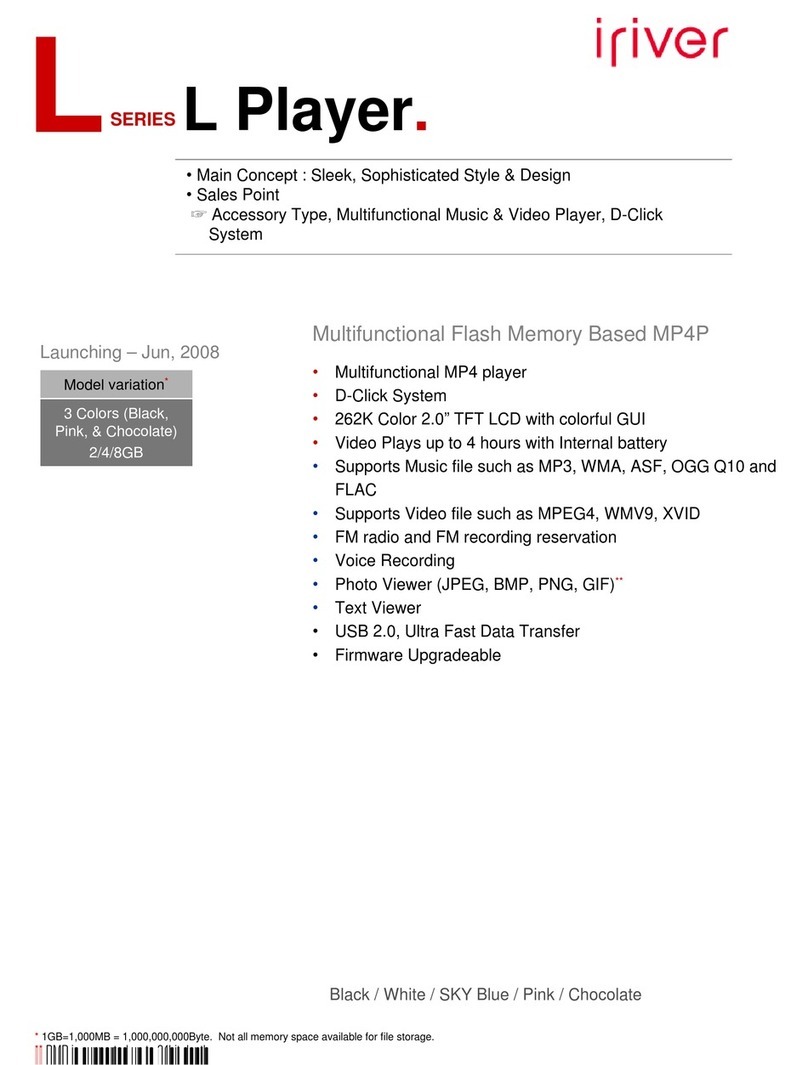
IRiver Lplayer 4GB User manual
IRiver
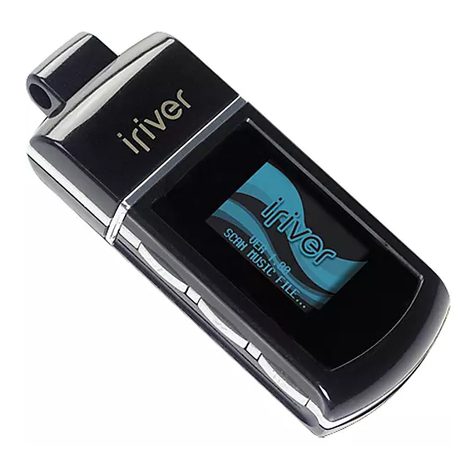
IRiver N10 User manual
IRiver
IRiver E300 User manual
IRiver
IRiver H320 User manual

IRiver
IRiver S100 Soft Silhouette User manual

IRiver
IRiver E10 User manual
IRiver
IRiver iFP-799 User manual
IRiver
IRiver Astell&Kern AK70 User manual
IRiver
IRiver iFP-990 User manual
IRiver
IRiver T10 User manual
IRiver
IRiver PMP-120 User manual
IRiver
IRiver T6 2GB User manual
IRiver
IRiver iFP-120 User manual

IRiver
IRiver iFP-1090 Mounting instructions
IRiver
IRiver iFP-500 Series User manual
IRiver
IRiver astell & kern AK100 User manual
IRiver
IRiver iFP-120 User manual

IRiver
IRiver T5 User manual
IRiver
IRiver X20 8GB User manual
IRiver
IRiver CLIX User manual