WatchPAT™200 System vii Operation Manual
List of Figures
Figure 1 –Packed Device ................................................................................... 11
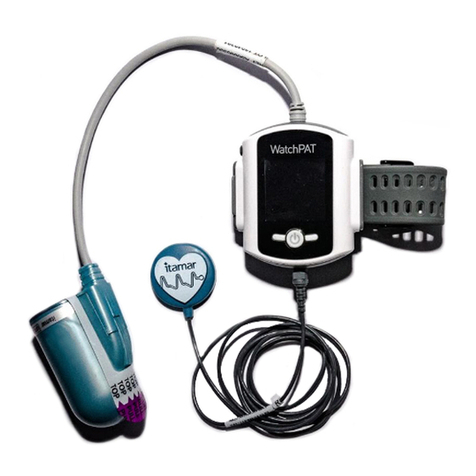
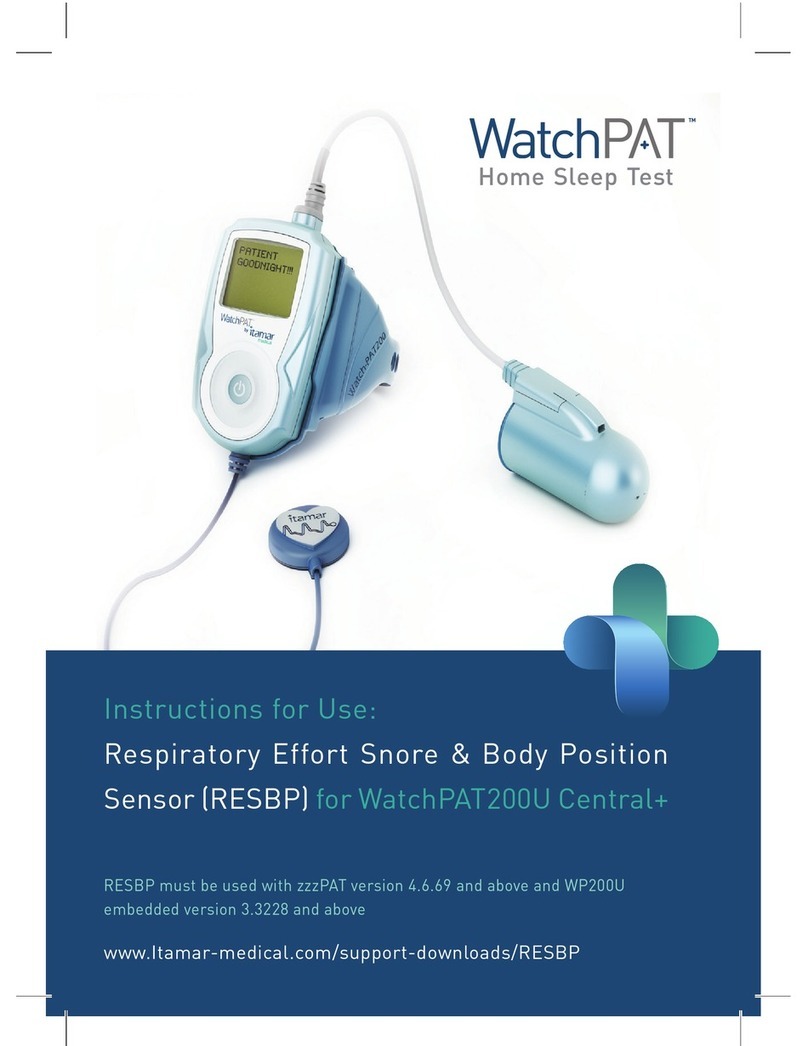
Figure 2 –WatchPAT™ Device with Sensors ................................................... 11
Figure 3 –The Buttons and Display .................................................................. 12
Figure 4 –Service Ports and Peripherals.......................................................... 13
Figure 5 –WatchPAT™ Wrist with Oximetry Module ....................................... 13
Figure 6 –Charging the WatchPAT™ device.................................................... 19
Figure 7 –Oximetry Sensor................................................................................ 21
Figure 8 –Preparing the Nonin Oximetry Sensor............................................ 21
Figure 9 –Wrist Strap ........................................................................................ 22
Figure 10 –Disconnecting the Probe ................................................................ 23
Figure 11 –Probe Disconnected........................................................................ 23
Figure 12 –A WatchPAT™ Device Fully Prepared ........................................... 24
Figure 13 - The Snoring and Body Position Sensor......................................... 26
Figure 14 –WatchPAT™ Device with Tamper-Proof Bracelet......................... 27
Figure 15 –Bracelet on Patient's Hand ............................................................. 27
Figure 16 –WatchPAT™ Device with Cable for Bracelet................................ 28
Figure 17 –WatchPAT™ Device with Bracelet ................................................. 28
Figure 18 –Bracelet and WatchPAT™ Device on a Patient’s Hand................ 28
Figure 19 –Cut the Bracelet at the Specified Location.................................... 29
Figure 20 –Case for a 3 Night Multi-Night Study ............................................. 29
Figure 21 –Replacing Oximetry Sensor............................................................ 33
Figure 22 –PAT®Probe with Screw................................................................... 34
Figure 23 –Replacing the PAT®Probe.............................................................. 34
Figure 24 –Replacing the Battery...................................................................... 35
Figure 25 –Finger Designation.......................................................................... 38
Figure 26 –Putting On the Wrist Strap.............................................................. 38
Figure 27 –Wearing the WatchPAT™ Device ................................................... 38
Figure 28 –Removing Adhesive Cover............................................................. 39
Figure 29 –Positioning Oximetry On Ring Finger............................................ 39
Figure 30 –Fold Top Flap and Short Flap......................................................... 39
Figure 31 –Wrap The Long Flap........................................................................ 39
Figure 32 –Flexiwrap Line Indication................................................................ 40
Figure 33 –Placing Finger in PAT®Probe......................................................... 41
Figure 34 –Removing TOP Tab ......................................................................... 41
Figure 35 –Removing BOTTOM Tab ................................................................. 41
Figure 36 –Wearing the WP200 –Ready for Sleep .......................................... 41
List of Tables
Table 1 –Operator Troubleshooting.................................................................. 47
Table 2 –Patient Troubleshooting..................................................................... 48
Table 3 –WatchPAT™200 Device Specifications............................................. 49