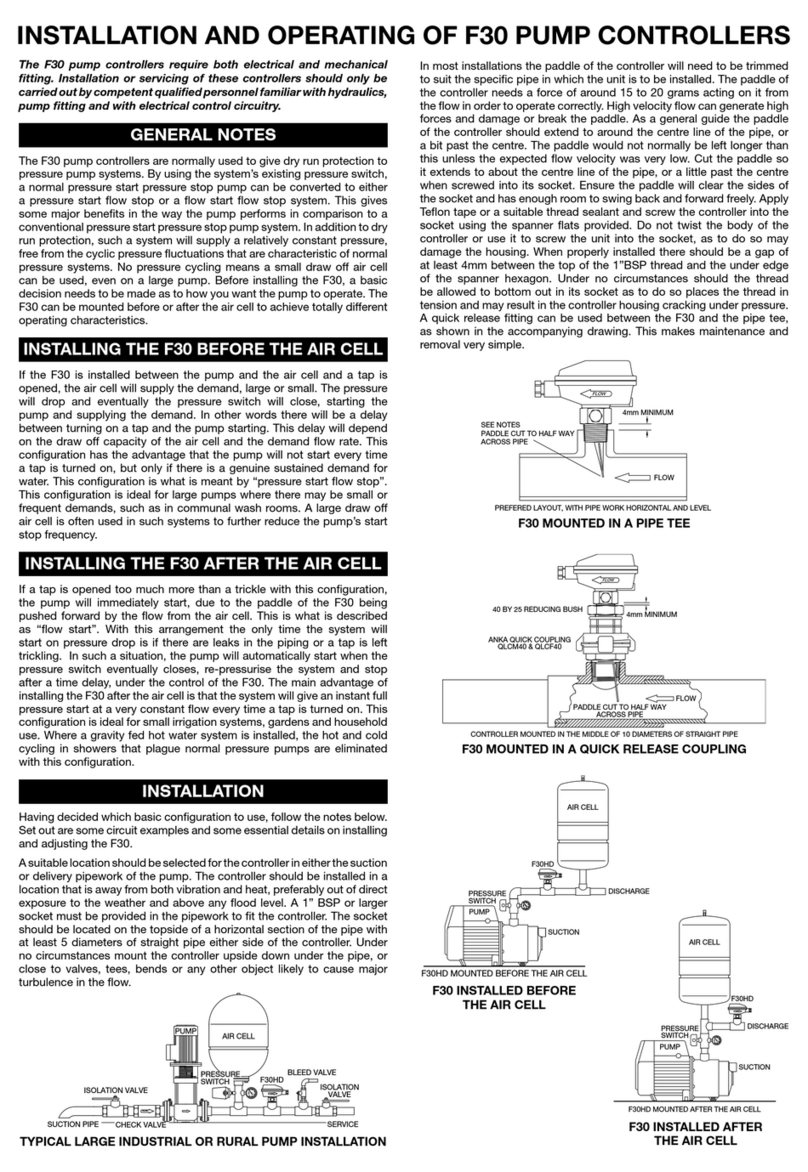
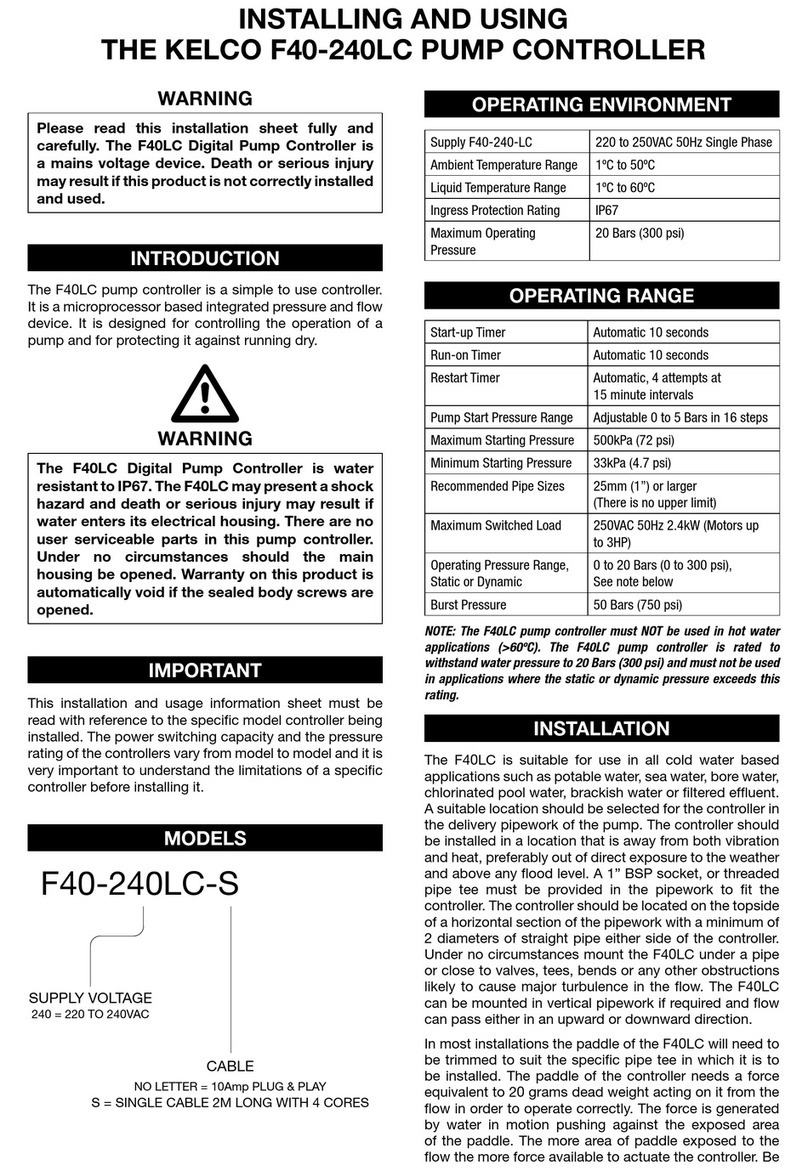
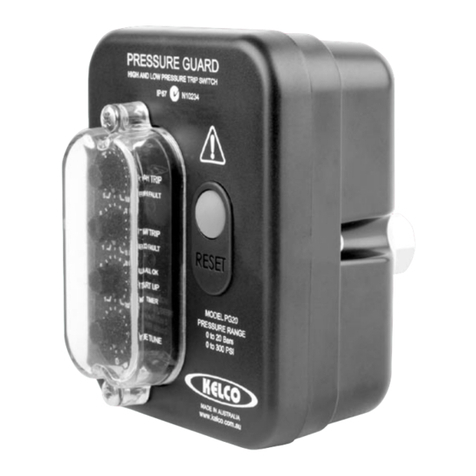
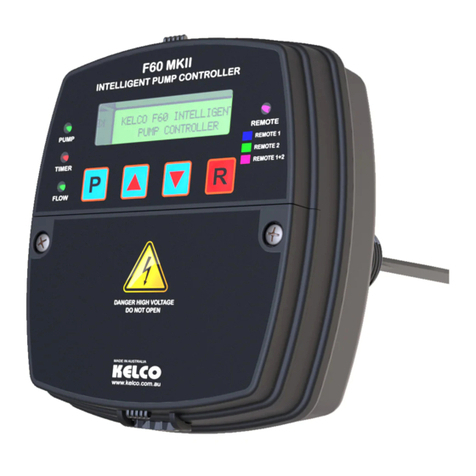
No. DESCRIPTION FUNCTION
1 MASTER RESET BUTTON With power on, press this button to start the pump at any time. Always press it after making any changes to the settings on the 4 timer
dials. Any changes you have made will not take effect until you press the reset button. This button can be pressed at any time even if
the pump is running. All timers are reset to zero when the reset button is pressed.
2 PRESSURE SETTING This dial sets the pump’s start up pressure. The dial is adjustable from zero to 5 Bars in 16 steps of 33 kPa each. If this dial is left on
zero the F40 only senses flow and not pressure. This dial is normally set to marginally higher than the system’s static pressure. When
pressure falls because a tap has been turned on a point will be reached where the pressure drops to the level set on this dial. The pump
then automatically starts and runs for the time set on the run-on dial (4). If there is a demand for flow the pump will run continuously
and satisfy the demand.
3 START TIMER When the F40 is first turned on, or when the reset button is pressed, the start timer sets how long the pump runs for ignoring the fact
that there may be no flow or pressure present at that time. The dial can be set from zero to 3 minutes in 16 steps. During this start
time the pressure in the system must rise up to a level higher than the pressure set on the pressure dial (2). If the pressure fails to
reach the correct level by the end of the timer’s run the pump will be automatically shut down. The F40 will then rapidly flash its red
alarm light (7). Pressing the reset button (1) re-runs the start timer and adds pressure to the system until the pressure rises above the
pressure that is set on the pressure dial (2).
4 RUN-ON TIMER If the flow is interrupted for any reason while the pump is running this timer sets how long the loss of flow is ignored before the pump
automatically shuts down. It can be set from zero to 5 minutes in 16 steps. The run-on timer also determines how long the pump runs
for if it is triggered by a pressure drop that reaches the pressure set on the pressure dial (2). Is should be set to long enough for the
pressure to rise up above the pressure dial (2) set pressure.
5 STOP TIMER If the F40 goes into alarm mode due to being run dr, this dial sets how long the pump will remain off before the F40 attempts to restart
it. This dial is adjustable from zero to 48 hours in 16 steps. If the stop timer is set to zero the pump will not try to restart automatically
but if run dry will simply remain in alarm mode, rapidly flashing its red warning light till attended to.
6 START TIMER LED This light shows steady blue whenever the start-up timer is running. It means the pump is running under the control of the start up timer
and the light is letting you know that when the start timer times out the pump will either continue to run, if there is a demand for flow,
or automatically shut down and wait for a pressure drop or flow demand to re-trigger it.
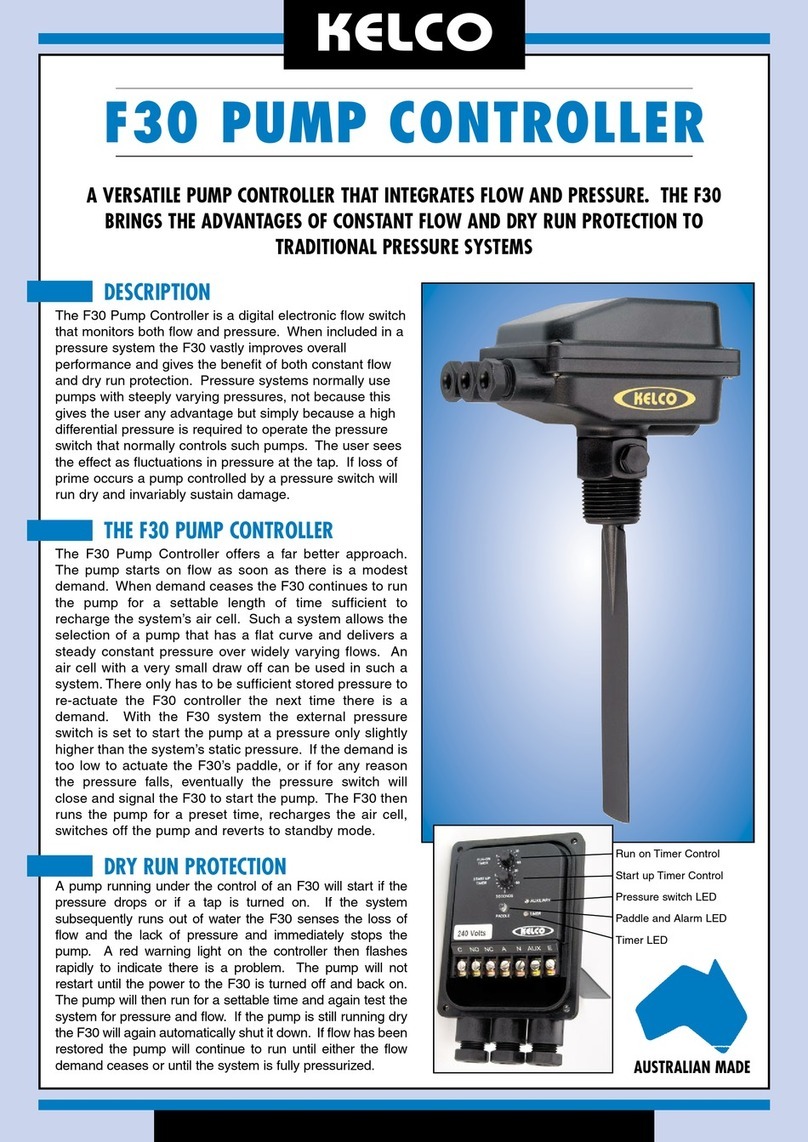
7 FLOW STATUS & ALARM LED This light will show a steady green whenever the paddle of the F40 is held on by flow. It will be on at all times there is a modest flow
through the system. This light also pulses slowly red whenever the F40 is powered up and in standby mode. It indicates that everything
is OK and the F40 is simply waiting for a flow demand or a pressure drop to re-start the pump. This light also flashes rapidly red in
alarm mode if the F40 senses that the pump has run dry. If the stop timer is running this light turns steady red indicating the pump has
stopped but will re-start after whatever delay is set on the stop timer dial (5).
8 RUN-ON TIMER LED This light shows steady red whenever the run-on timer is running. If you have set the run-on timer to say 5 seconds to ignore air bubbles
in the pipework then the pump will keep running and this light will come on steady red for 5 seconds every time air passes through the
system. This light also shows steady red whenever the system starts up on pressure drop. On a pressure start it must be set to remain
on long enough for the pressure to rise above the pressure that is set on the pressure setting dial (2).
9 FLOW SENSITIVITY ADJUSTMENT Under this dust cap is a screw that sets the sensitivity of the F40 to flow. As supplied, this screw is wound fully in which is its least
sensitive position. By winding this screw anti-clockwise (out) the F40 can be set to detect progressively lower flows. In other words
become more sensitive and responsive to low flows. The screw should not be wound out beyond where the dust cap can be refitted.
The F40 will not operate if this screw is fully removed. Use a wide bladed screwdriver to adjust this screw.
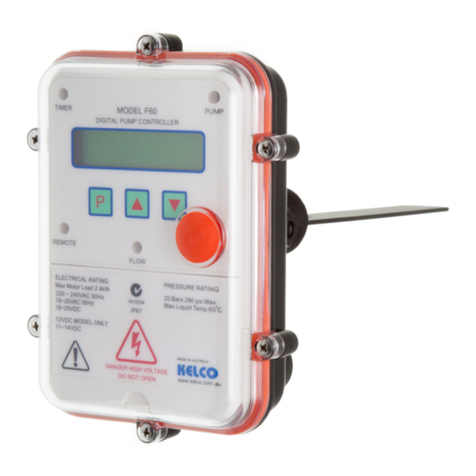
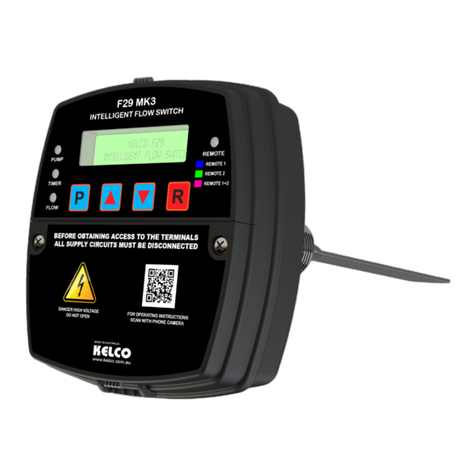
10 PADDLE The paddle (a replaceable item) must be trimmed to suit the intended application. Normally the paddle is cut so when installed it
intrudes to a little past the centre line of the pipe. The more area of paddle exposed to the flow the more responsive the F40 will be. The
paddle is normally trimmed with a pair of tin snips or a hacksaw. It can be narrowed down and its end rounded to suit the specific pipe
in which it is to be installed. The paddle should always be trimmed so there is a minimum of 4mm clearance to the closest adjacent
pipe walls. If you know the likely flow rate and the pipe size of your pump system there is an online calculator available at www.kelco.
com.au that will help you to work out an exact size to cut the paddle.
TYPICAL LARGE PUMP SYSTEM
CONTROLLED BY AN F40
AIR CELL
CHECK VALVE
PUMP
ISOLATION VALVE
SUCTION PIPE
F40 DIGITAL PUMP
CONTROLLER
BLEED VALVE
ISOLATION
VALVE
SERVICE
BASIC OPERATION - NO TIMERS USED
With the three timer dials set to zero the F40 pump controller only responds to flow
in a basic way. It will behave like a basic on/off flow switch, it will simply turn on
and off in direct response to paddle movement. Any pump connected to it will also
start and stop in direct response to the actual flow past the paddle of the switch.
Power can be switched on to such a system and the pump will not automatically
start unless there is initially enough flow past the paddle of the F40 to actually turn
it on. This inability to automatically start is the very reason why a timer is normally
required to override the off state and start the pump. The only condition under which
such a system would automatically start would be if there was flow from some
external source, such as from an air cell or a gravity feed from an elevated water
source.
START TIMER
Setting the start timer (3) will override the off state of the F40 so that when power is
applied, your pump will start and will run for whatever time you have set on the start
timer dial. The blue light (6) will be on while the timer is running, and if correctly
set, and if there is a flow demand, flow will push the paddle (10) to its on position
before the start timer times out. Flow is indicated by the flow status light (7) turning
steady green in response to the flow. When correctly set the start timer should run
for slightly longer than the time it takes for the water flow to actuate the paddle of
the F40 and for the flow status light (7) to come on steady green.
RUN-ON TIMER
The run-on timer can be set to suit the specific application, for example, it can be set
to several minutes to pressurise long pipes or a large air cell. It will keep your pump
running for up to 5 minutes after the flow has reduced to a point below where the
paddle of the F40 can detect. Alternatively, it could also be set to only a few seconds
to simply allow the pump to ignore minor fluctuations in flow. The run-on timer only
starts when pressure has dropped to whatever pressure you have set on the pressure
dial, or the flow has essentially stopped. For example, air passing through the flow
switch would normally stop the pump due to the paddle detecting the momentary
loss of flow. The run-on timer will keep the pump running seamlessly and ignore this
loss of flow for whatever time period it is set to.
The start timer and the run-on timer function independently of each other and are
totally flexible. For example you can set the start timer to 3 seconds, to get a pump
started, and the run-on timer to 5 minutes to run a pump on and pressurise a pipe
system or an air cell. Alternately, you could set the start timer to 3 minutes to allow
a bore pump with a self-draining riser time to fill its pipework, and you could also set
the run-on timer to 3 seconds to ignore bubbles of entrained gas in the pipe system.
Note that the run on period will only commence when the flow has reduced to a
lower rate than the F40 is able to detect.
STOP TIMER
The stop timer sets how long the pump remains off once it has been run dry. It can
be set on zero or from 1 minute to 48 hours in 15 steps. The stop timer can be set
for sufficient time for the standing water level in a bore to recover. At the end of the
stop time the pump will automatically restart under the control of the F40. By using
the loss of pressure as detected by the F40 when a pump is run dry, a bore pump
can be cycled and a low yield bore pumped to its maximum yield. The alarm (7) will
turn a steady red whenever the stop timer is running. This is to indicate to you that
while the pump is off it will restart automatically at the end of whatever time is set
on the stop time dial.