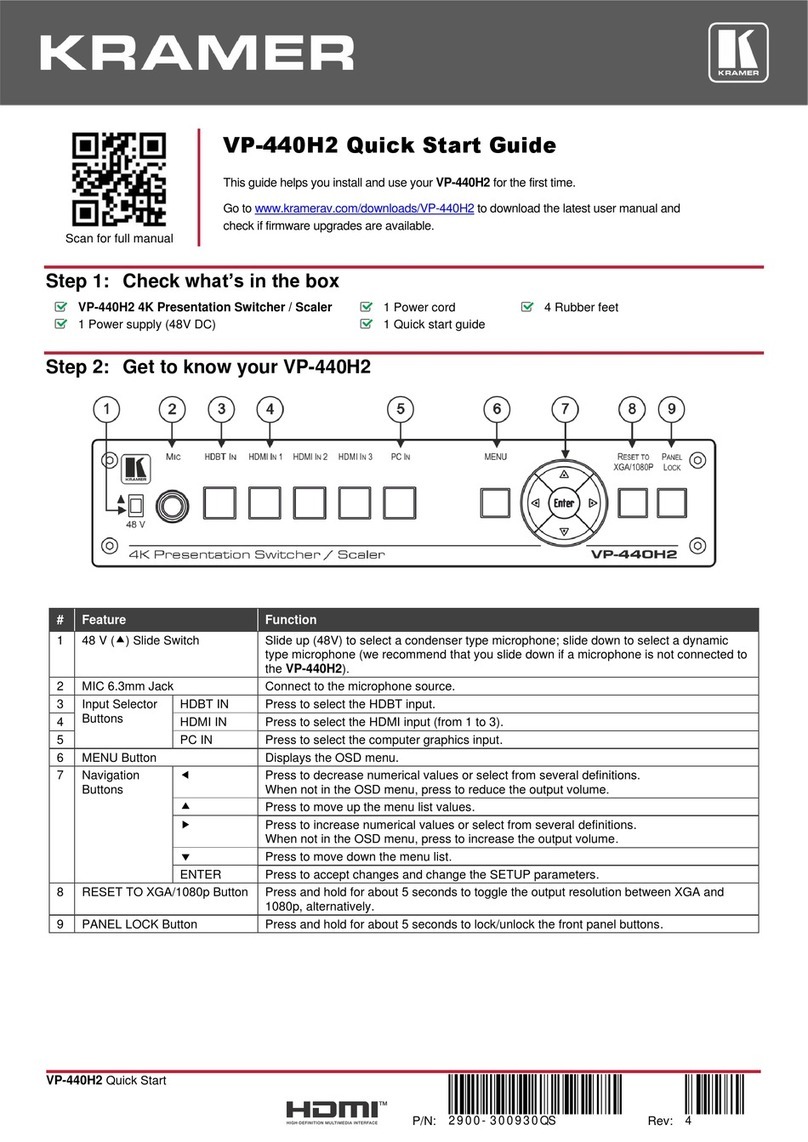
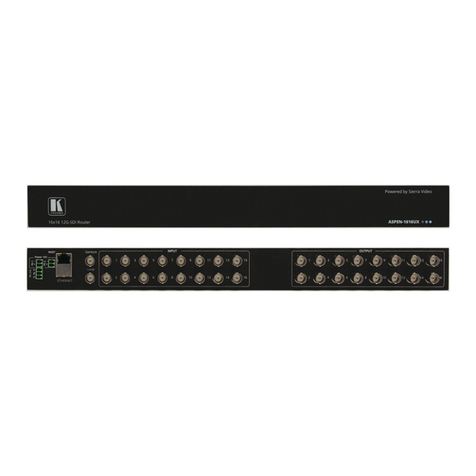
Kramer VM-22H User manual

VM-22H Quick Start
P/N:
2900- 301120QS
Rev:
4
Scan for full manual
VM-22H Quick Start Guide
This guide helps you install and use your VM-22H for the first time.
Go to www.kramerav.com/downloads/VM-22H to download the latest user manual and check if firmware
upgrades are available.
Step 1: Check what’s in the box
VM-22H 2x1:2 HDMI Switcher/DA
4 Rubber feet
1 Quick start guide
1 Power supply (5V DC)
Kramer RC-IR3 Infrared Remote Control Transmitter with
batteries and user manual
Step 2: Mount VM-22H
Install VM-22H using one of the following methods:
•Attach the rubber feet and place the unit on a flat surface.
•Fasten a bracket on each side of the unit and attach it to a flat surface
(see www.kramerav.com/downloads/VM-22H).
•Mount the unit in a rack using the recommended rack adapter
(see www.kramerav.com/product/VM-22H).
•Ensure that the environment (e.g., maximum ambient temperature & air flow) is compatible for the
device.
•Avoid uneven mechanical loading.
•Appropriate consideration of equipment nameplate ratings should be used for avoiding overloading of
the circuits.
•Reliable earthing of rack-mounted equipment should be maintained.
•Maximum mounting height for the device is 2 meters.
Step 3: Connect inputs and outputs
Always switch OFF the power on each device before connecting it to your VM-22H.
To achieve specified extension distances, use the recommended Kramer cables available at www.kramerav.com/product/VM-22H.
Using third-party cables may cause damage!
The terms HDMI, HDMI High-Definition Multimedia Interface, and the HDMI Logo are trademarks or registered trademarks of HDMI Licensing Administrator, Inc.

Step 4: Connect power
Connect the power cord to VM-22H and plug it into the mains electricity.
Safety Instructions (See www.kramerav.com for updated safety information)
Caution:
•For products with relay terminals and GPI\O ports, please refer to the permitted rating for an external connection, located next to the
terminal or in the User Manual.
•There are no operator serviceable parts inside the unit.
Warning:
•Use only the power cord that is supplied with the unit.
•Disconnect the power and unplug the unit from the wall before installing.
Step 5: Operate the VM-22H
1. Press the EDID SETUP button to cycle through the EDID sources in the following order:
a. Output 1 (Out 1 LED lights)
b. Output 2 (Out 2 LED lights)
c. Default EDID (Out 1 and 2 LEDs flash)
d. Auto-Mix EDID (Out 1 and 2 LEDs light)
2. To store the EDID, release the button and the EDID is acquired.
Other manuals for VM-22H
3
Table of contents
Other Kramer Switch manuals
Kramer
Kramer VS-611DT User manual

Kramer
Kramer VP3232 User manual

Kramer
Kramer VP-28 User manual
Kramer
Kramer TP-590T User manual
Kramer
Kramer VP-732 User manual
Kramer
Kramer VP-734 User manual
Kramer
Kramer VS-211UHD User manual

Kramer
Kramer VP-719DS User manual
Kramer
Kramer VP-773AMP User manual
Kramer
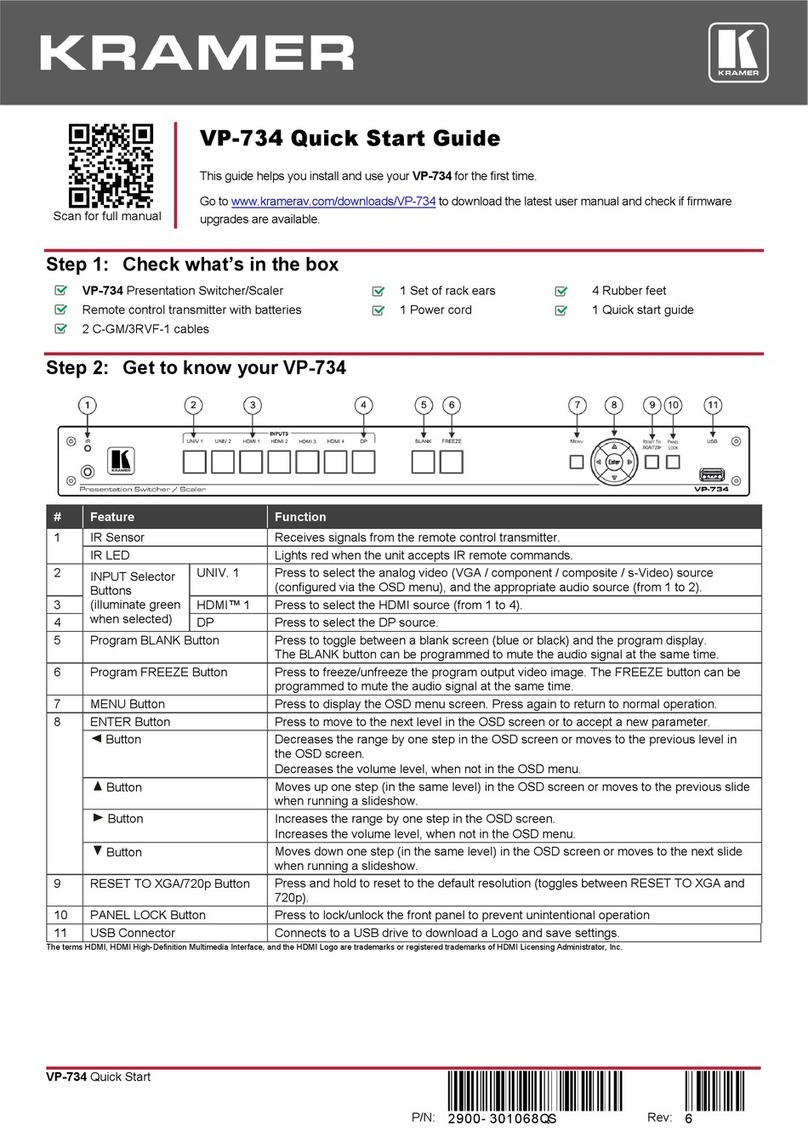
Kramer VP-734 User manual

Kramer
Kramer VS-81H User manual
Kramer
Kramer VP-445 User manual
Kramer
Kramer DIP-31M User manual

Kramer
Kramer VS-622DT User manual

Kramer
Kramer VS-211UHD User manual
Kramer
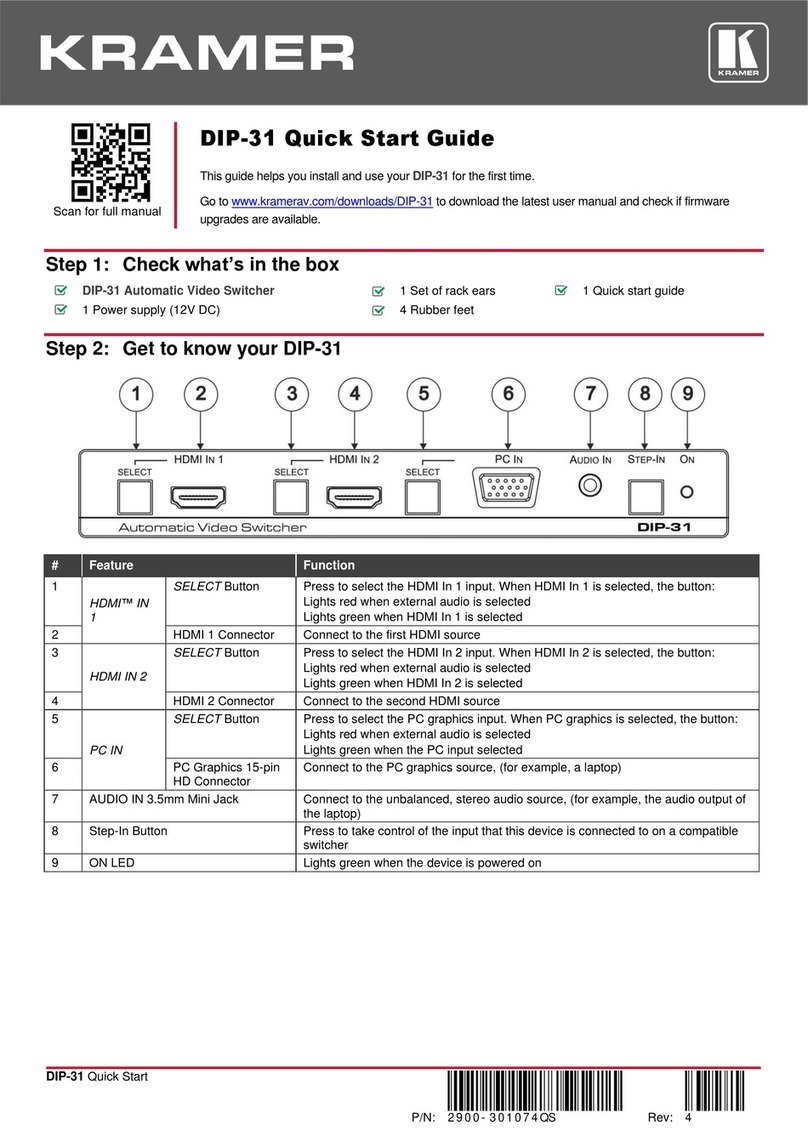
Kramer DIP-31 User manual

Kramer
Kramer VS-41HD User manual

Kramer
Kramer DIP-22 User manual
Kramer
Kramer VS-21DTP User manual
Kramer
Kramer VS-211H2 User manual