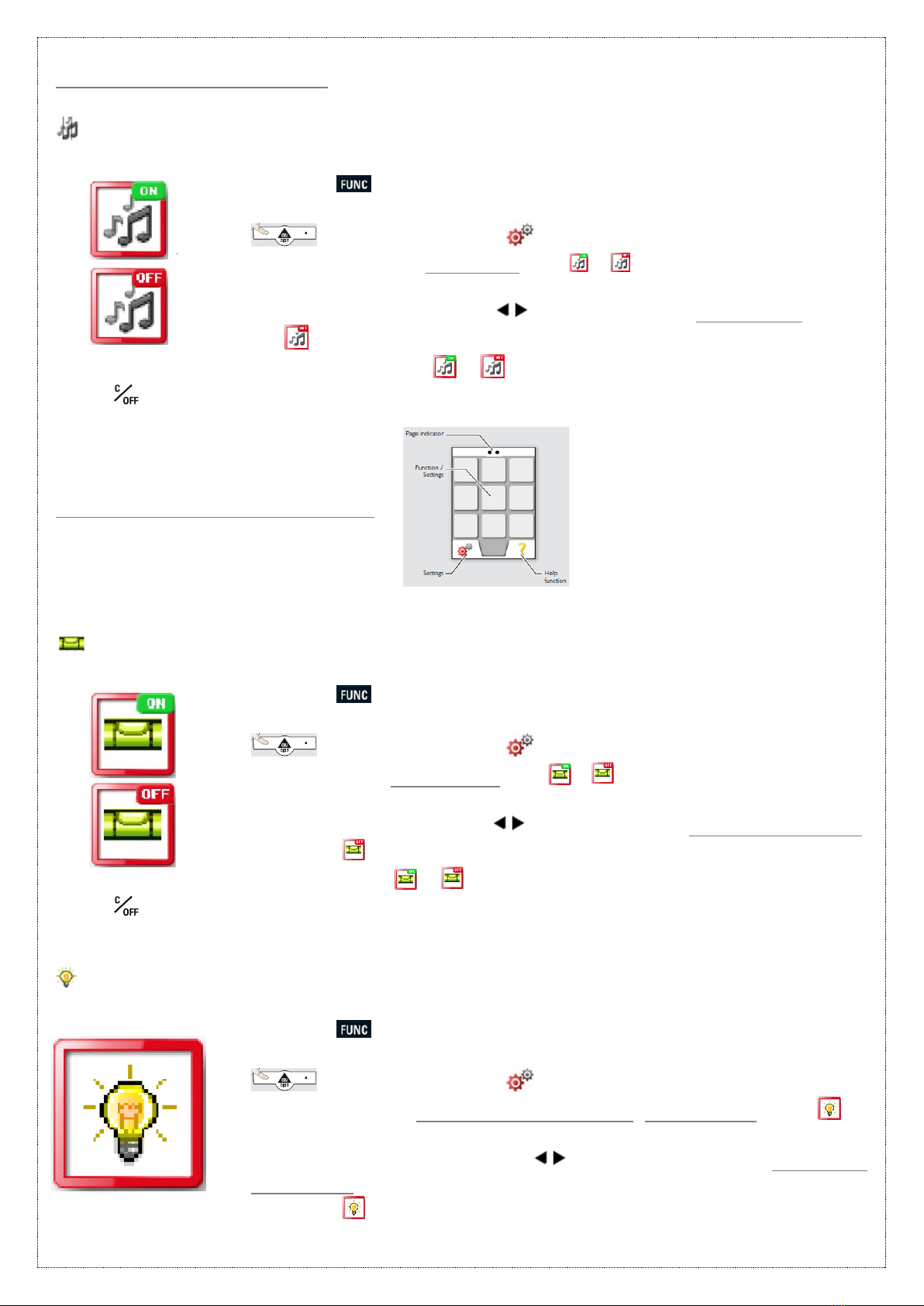
Once selected, use the arrow keys to increase or decrease the
brightness from the provided 6 levels.
* Press to exit settings.
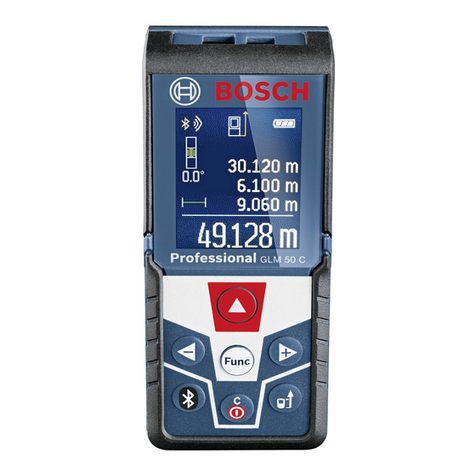
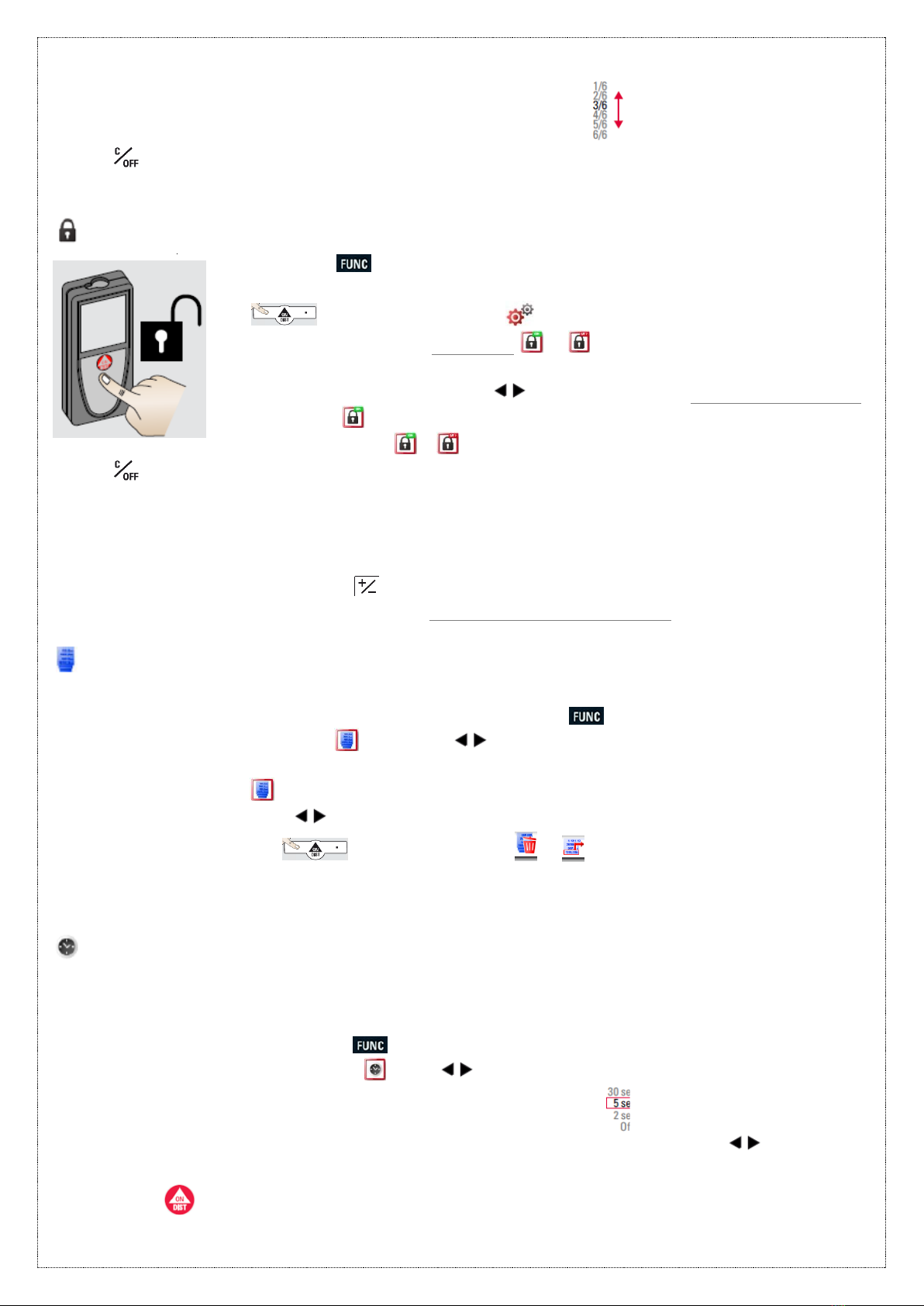
Activate/de-activate keypad lock
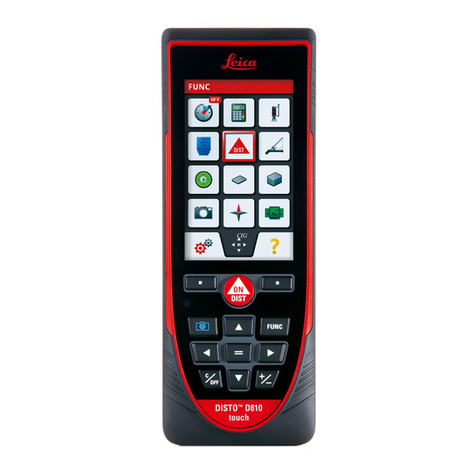
Press the key once to reach the application screen.
Select the settings option from this screen by pressing the soft key
underneath the icon .
On this screen, the lock icon / is located at the centre of the
display.
Navigate to the icon using keys to select for keypad lock on/off.
Select the icon by pressing =key.
Toggle between / with =key.
* Press to exit settings.
How to unlock keypad
Once the keypad lock system is activated, the device when switched on needs to be
unlocked within 2 seconds after switching it on, or it will automatically switch off.
Press the key within 2 seconds of switching on the device to
unlock the key pad (as it will indicate on the display).
Memory
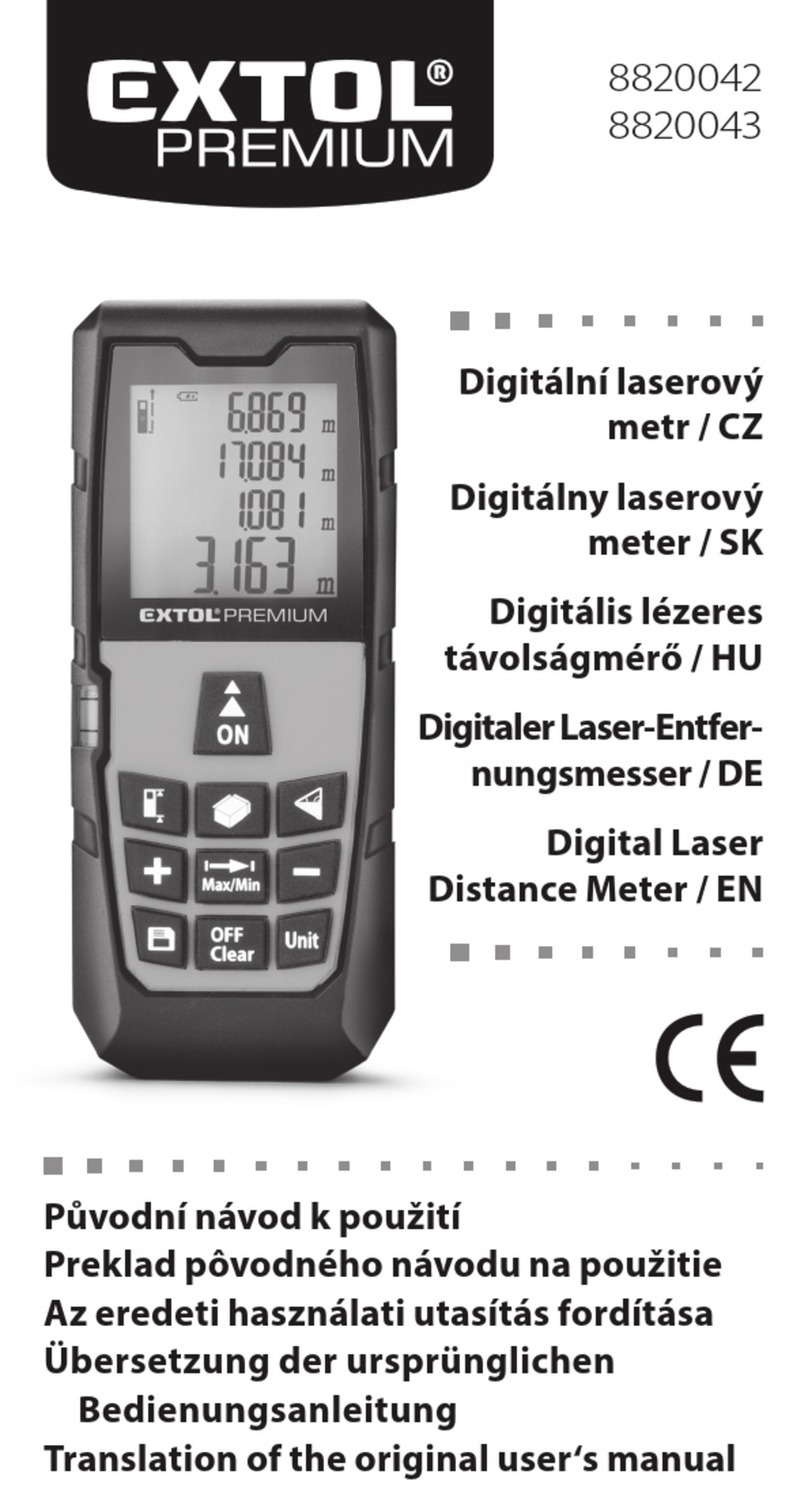
The device stores last 30 results by default.
To view the results stored in the memory, press the key once.
Navigate to the memory icon with keys, which is located on the centre left of
the display.
Select this icon using = key.
Use navigation keys to view multiple stored results.
Press the soft keys underneath icons & for deleting memory and using
the displyed value for further actions respectively.
Timer (Self trigger) or Auto release
Timer is used for self triggering the measuremnt once the laser is activated. The delayed
release is recommended for precise aiming, e.g. for long distances, as it avoids shaking of
the device while pressing the measurement key.
To set the Timer, press the key once.
Navigate to the Timer icon with keys, which is located at the top left of the
display.
On Timer selection, you reach the screen displayed as
Select the time from the provided options with the help of navigation keys.
To confirm setting press = key.
Press key once to aim the laser.