manuals.online logo
Brands
  1. Home
  2. •
  3. Brands
  4. •
  5. LockTech
  6. •
  7. Tools
  8. •
  9. LockTech AccuReader Ford10 User manual

LockTech AccuReader Ford10 User manual

Other LockTech Tools manuals

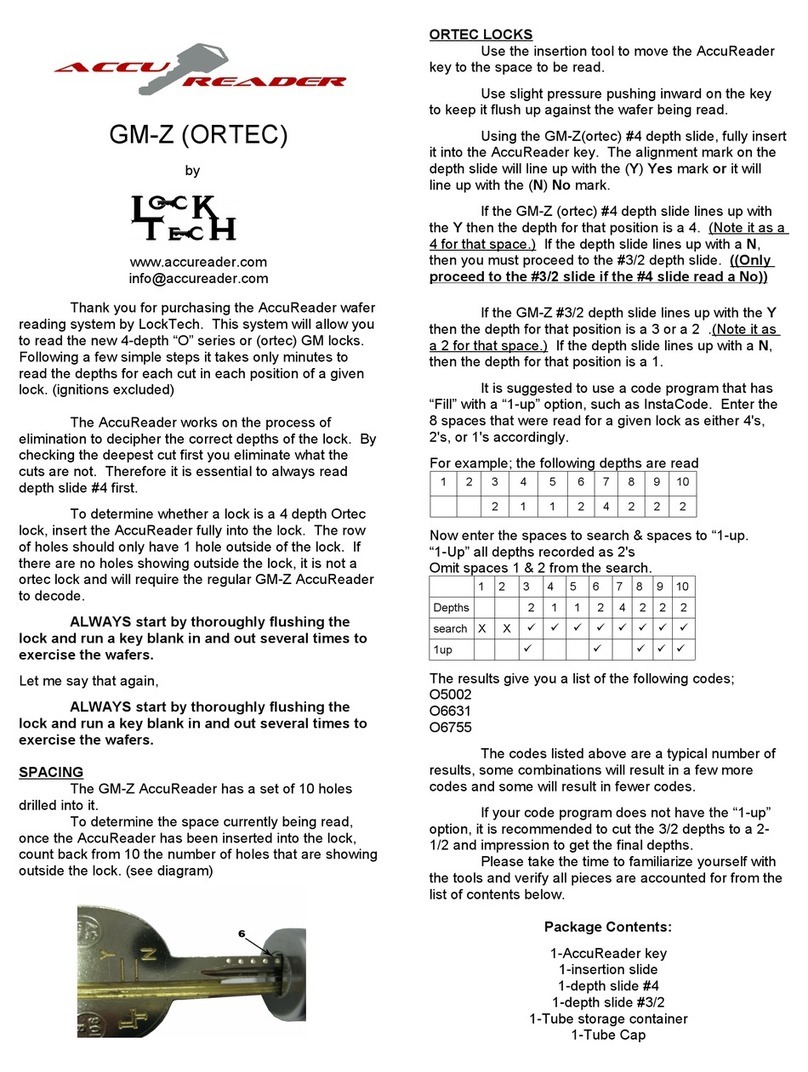
LockTech AccuReader GM-Z ORTEC User manual

LockTech

LockTech AccuReader GM-Z ORTEC User manual

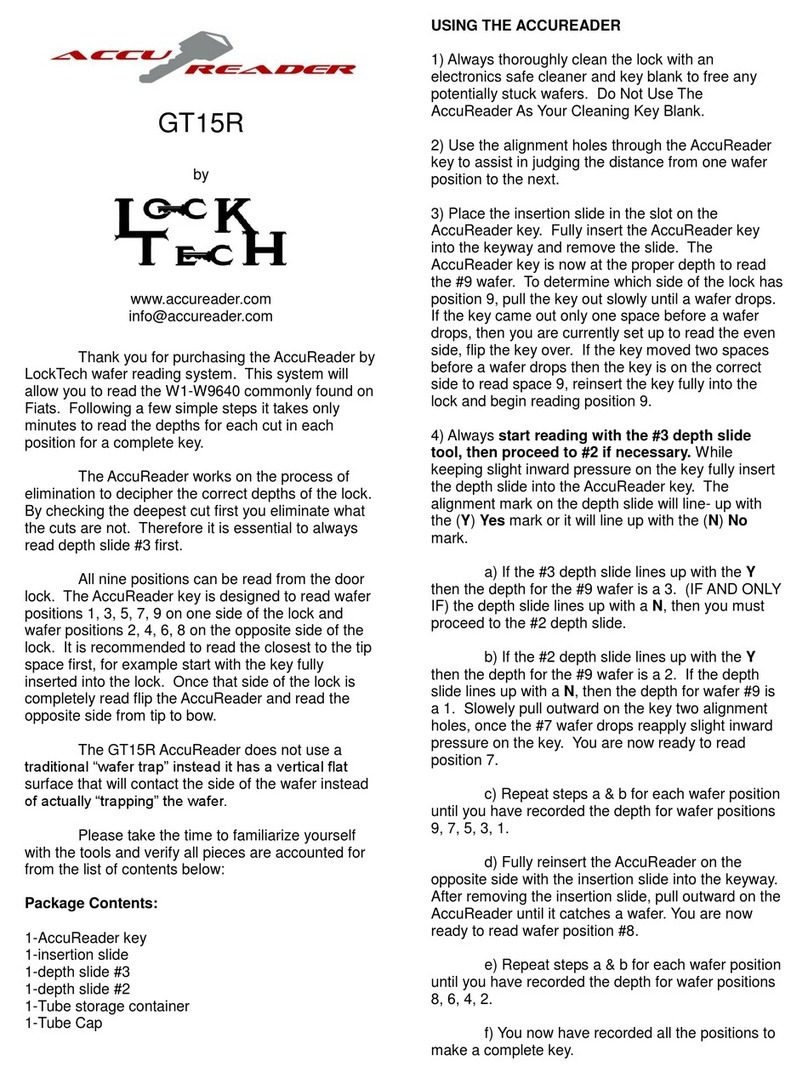
LockTech AccuReader GT15R User manual

LockTech

LockTech AccuReader GT15R User manual

LockTech AccuReader KM12 User manual

LockTech

LockTech AccuReader KM12 User manual

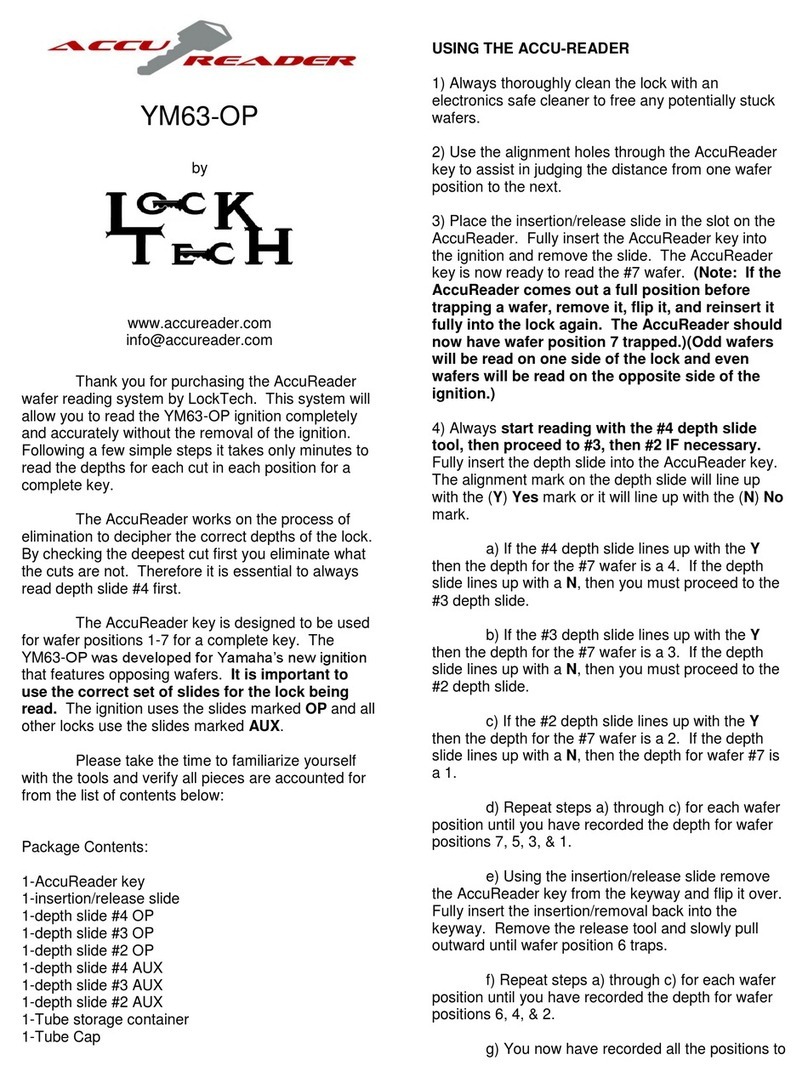
LockTech AccuReader YM63-OP User manual

LockTech

LockTech AccuReader YM63-OP User manual

LockTech AccuReader GM-Z User manual

LockTech

LockTech AccuReader GM-Z User manual

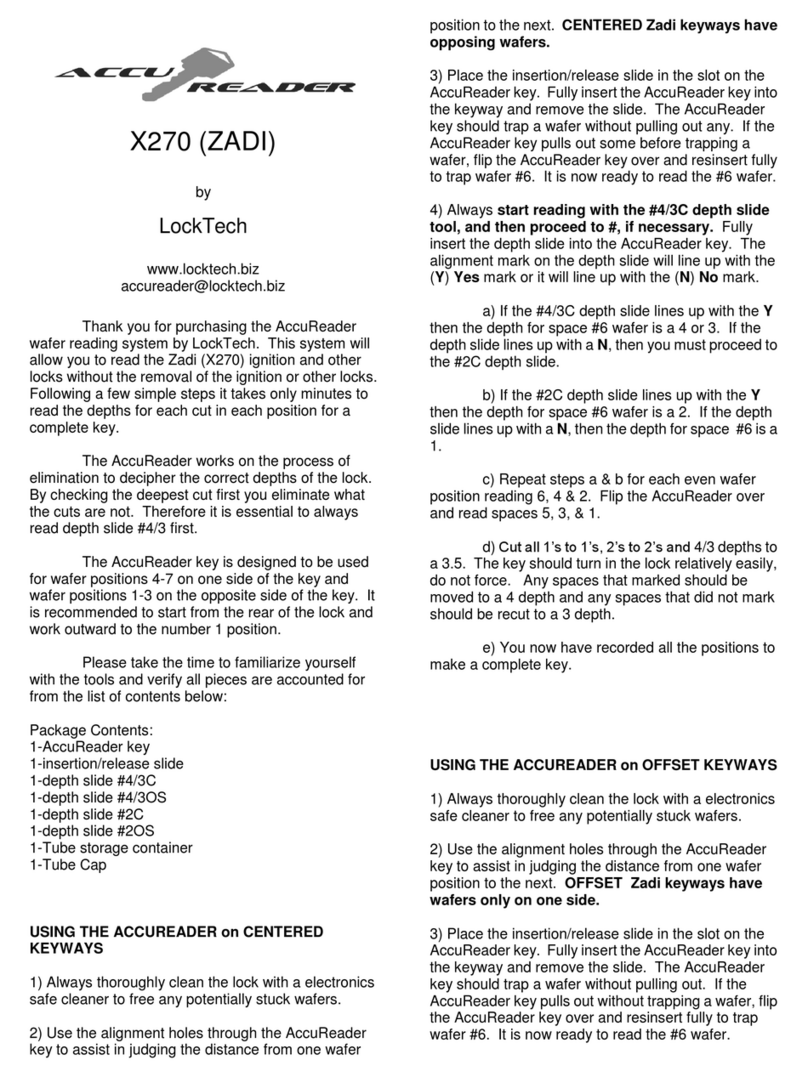
LockTech AccuReader X270 User manual

LockTech

LockTech AccuReader X270 User manual

LockTech AccuReader YM63 User manual

LockTech

LockTech AccuReader YM63 User manual

LockTech AccuReader Ford8 Operator's manual

LockTech

LockTech AccuReader Ford8 Operator's manual

LockTech AccuReader HYD13 User manual

LockTech

LockTech AccuReader HYD13 User manual

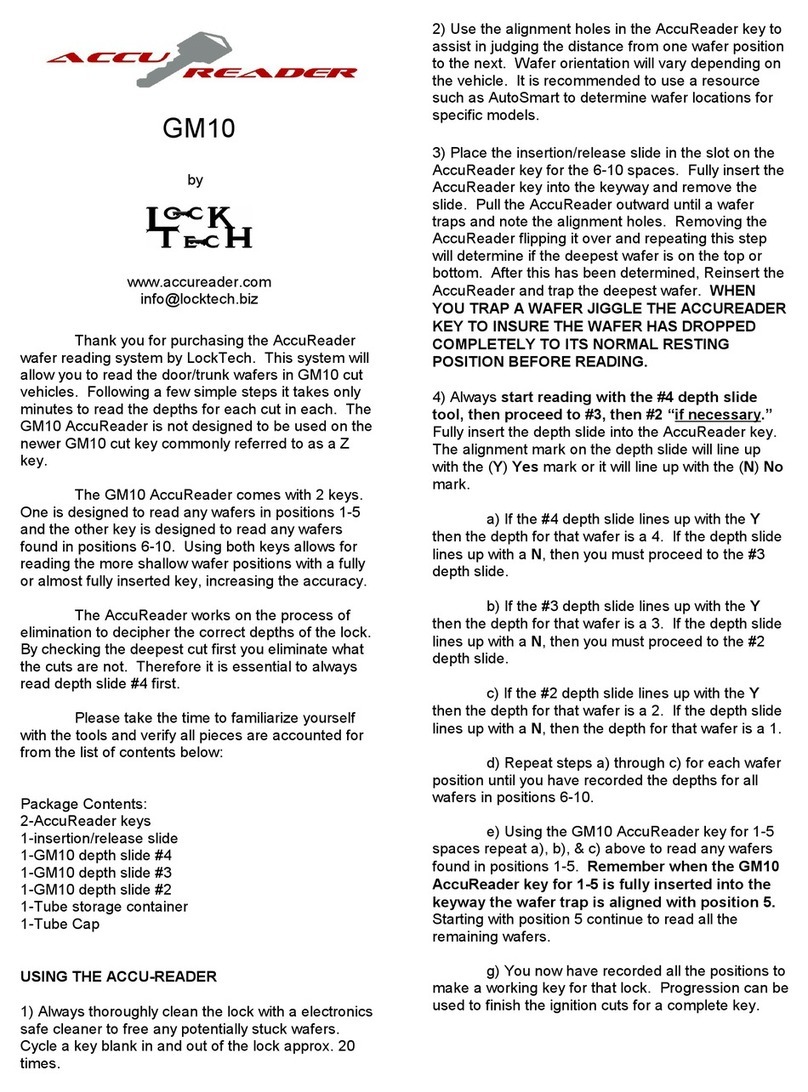
LockTech AccuReader GM10 User manual

LockTech

LockTech AccuReader GM10 User manual

Popular Tools manuals by other brands

AGI Westfield MKX16 Assembly manual

AGI

AGI Westfield MKX16 Assembly manual

GYS HAND-DUCTION 056923 Translation of the original instructions

GYS

GYS HAND-DUCTION 056923 Translation of the original instructions

Grizzly H7583 instruction manual

Grizzly

Grizzly H7583 instruction manual

Sealey VS0462.V2 instructions

Sealey

Sealey VS0462.V2 instructions

Makita HR2650 instruction manual

Makita

Makita HR2650 instruction manual

Forza 1100H Series manual

Forza

Forza 1100H Series manual

Aventics EBS-PI operating instructions

Aventics

Aventics EBS-PI operating instructions

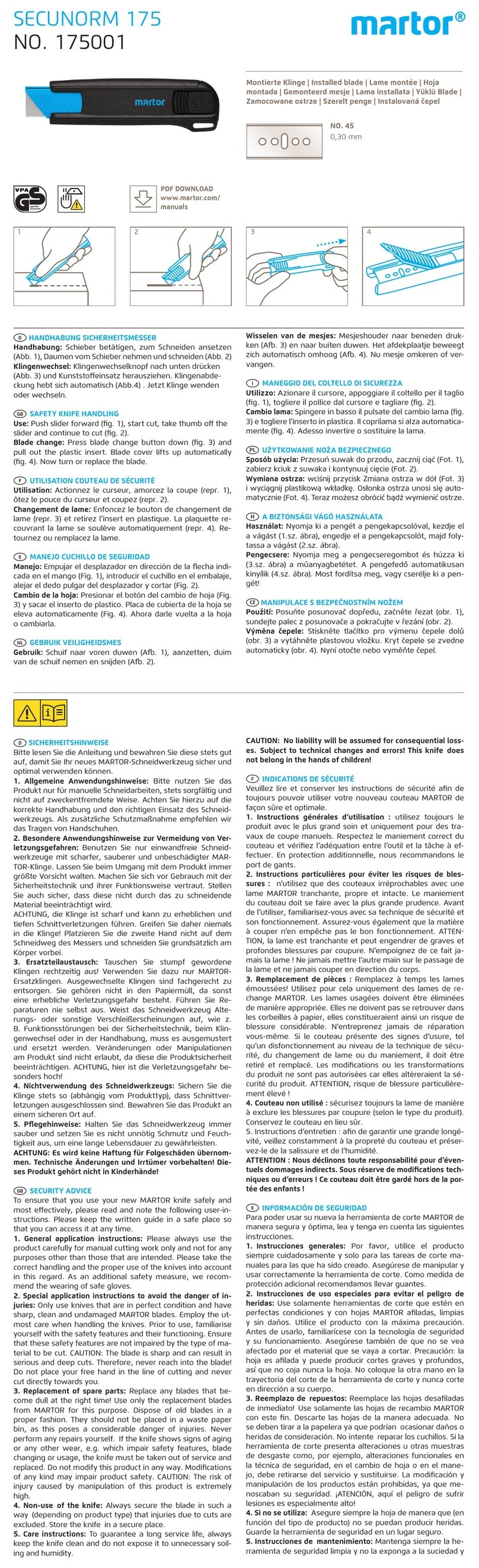
Martor SECUNORM 175 quick start guide

Martor

Martor SECUNORM 175 quick start guide

jbc N4473 instruction manual

jbc

jbc N4473 instruction manual

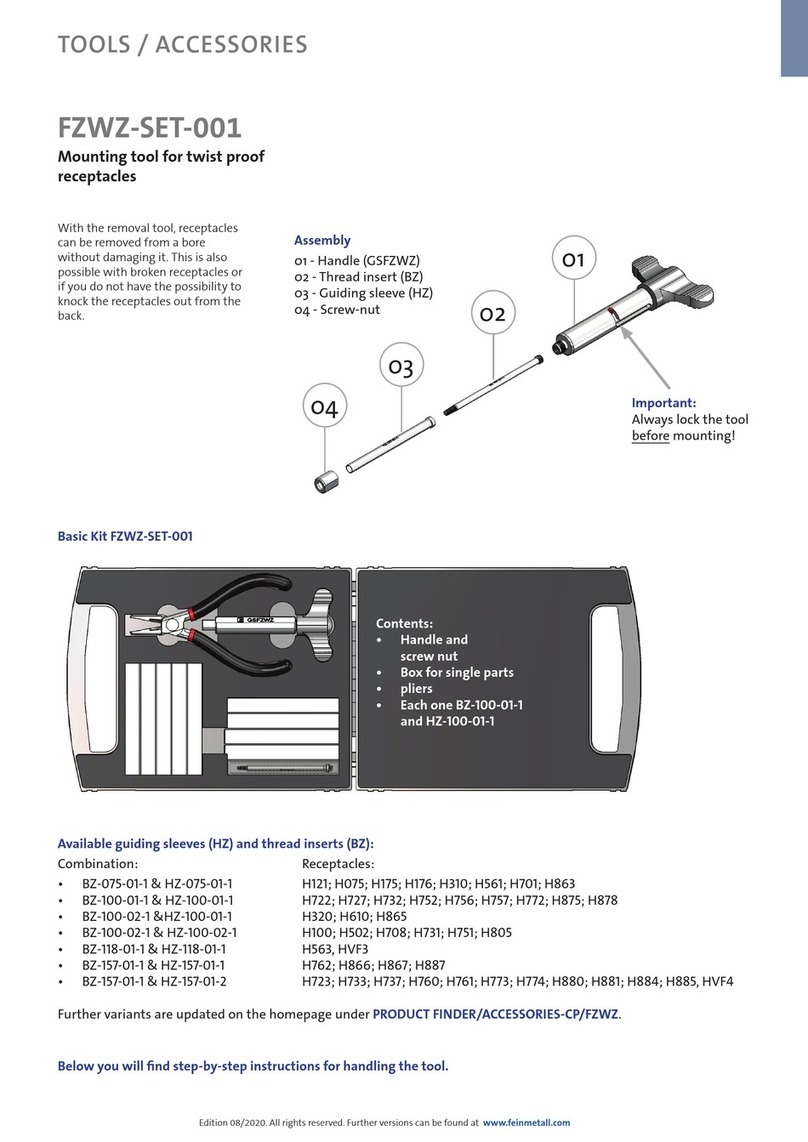
FEINMETALL FZWZ-SET-001 quick start guide

FEINMETALL

FEINMETALL FZWZ-SET-001 quick start guide

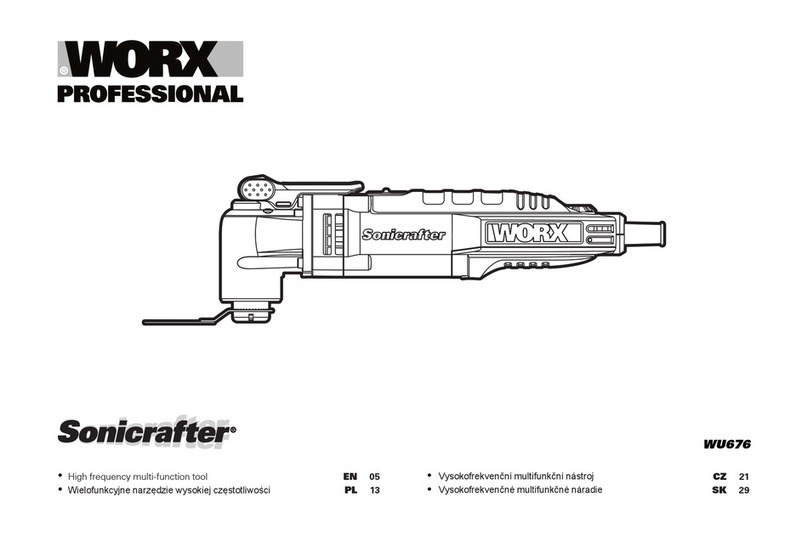
Worx Professional Sonicrafter WU676 Original instructions

Worx Professional

Worx Professional Sonicrafter WU676 Original instructions

Gage Bilt GB713SH Original instructions

Gage Bilt

Gage Bilt GB713SH Original instructions

Hilti DX 9-ENP Original operating instructions

Hilti

Hilti DX 9-ENP Original operating instructions

norbar NORTRONIC 34399 Operator's manual

norbar

norbar NORTRONIC 34399 Operator's manual

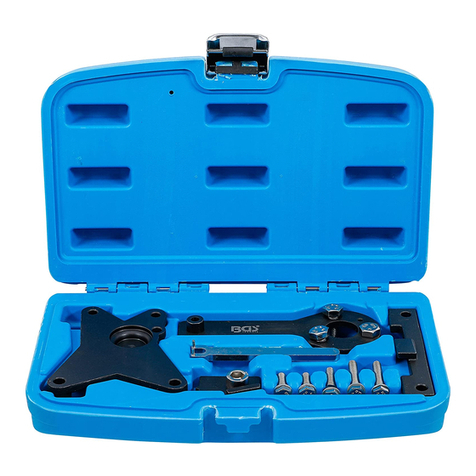
BGS technic 8578 manual

BGS technic

BGS technic 8578 manual

axing BWZ 5-02 Operation instructions

axing

axing BWZ 5-02 Operation instructions

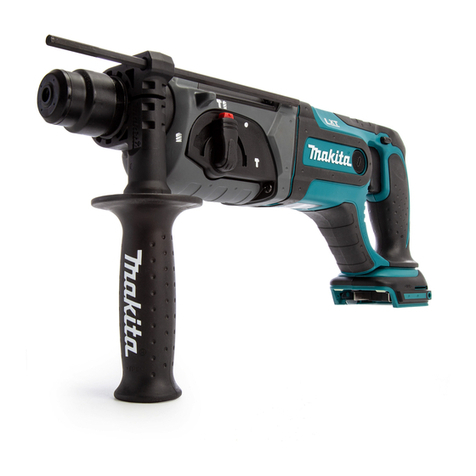
Makita DHR241 instruction manual

Makita

Makita DHR241 instruction manual

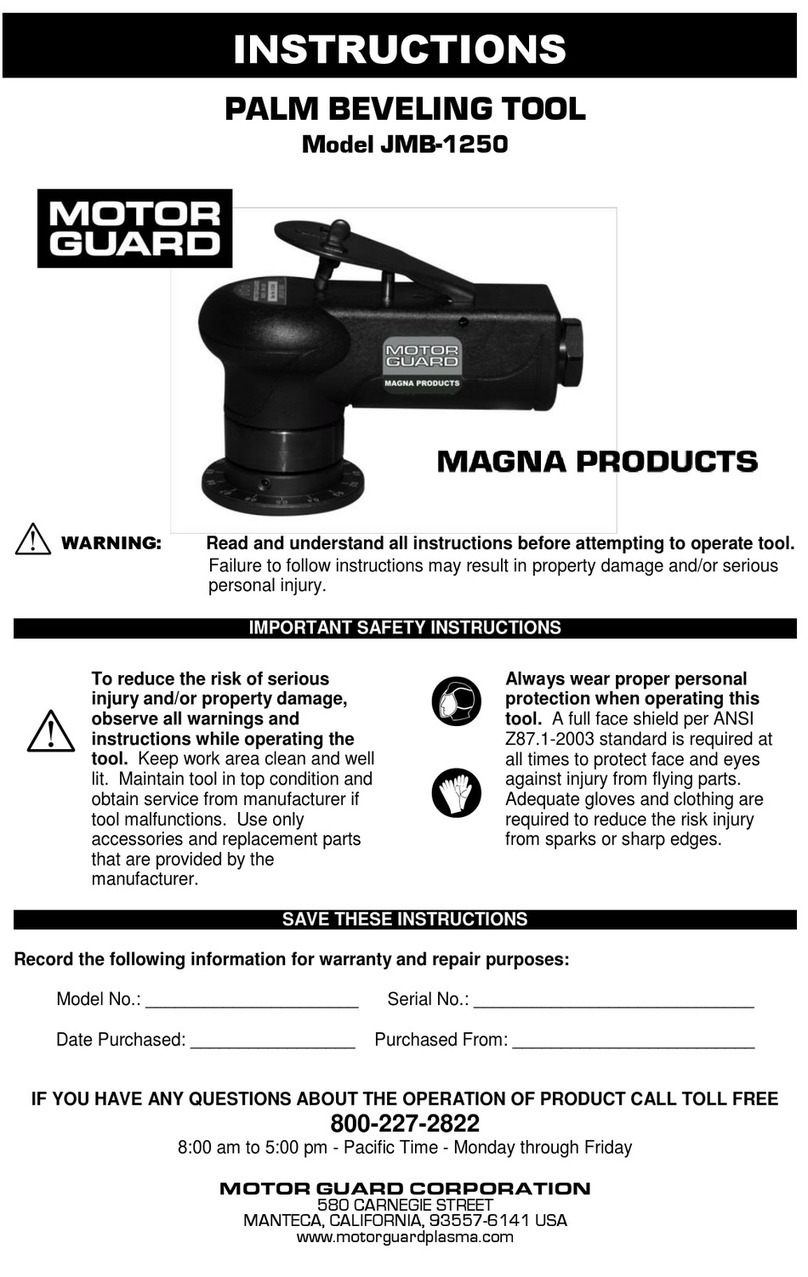
Motor Guard JMB-1250 instructions

Motor Guard

Motor Guard JMB-1250 instructions

manuals.online logo
manuals.online logoBrands
  • About & Mission
  • Contact us
  • Privacy Policy
  • Terms and Conditions

Copyright 2025 Manuals.Online. All Rights Reserved.

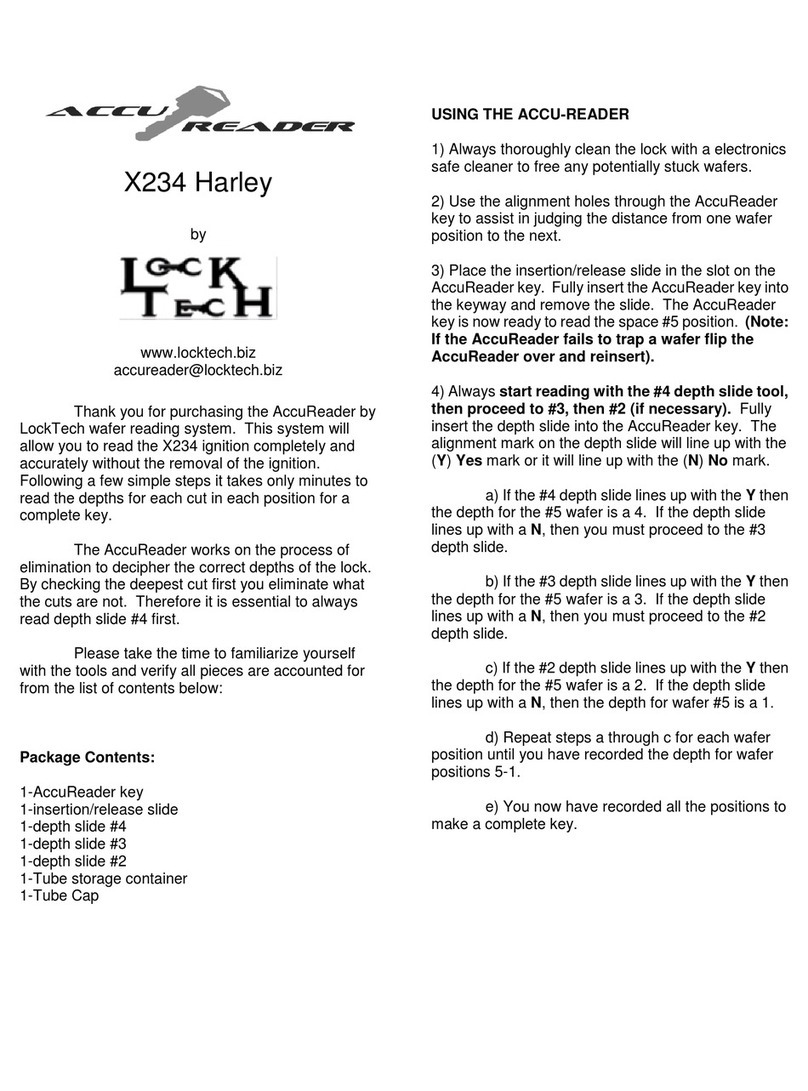
Ford10
by
www.accureader.com
info@accureader.com
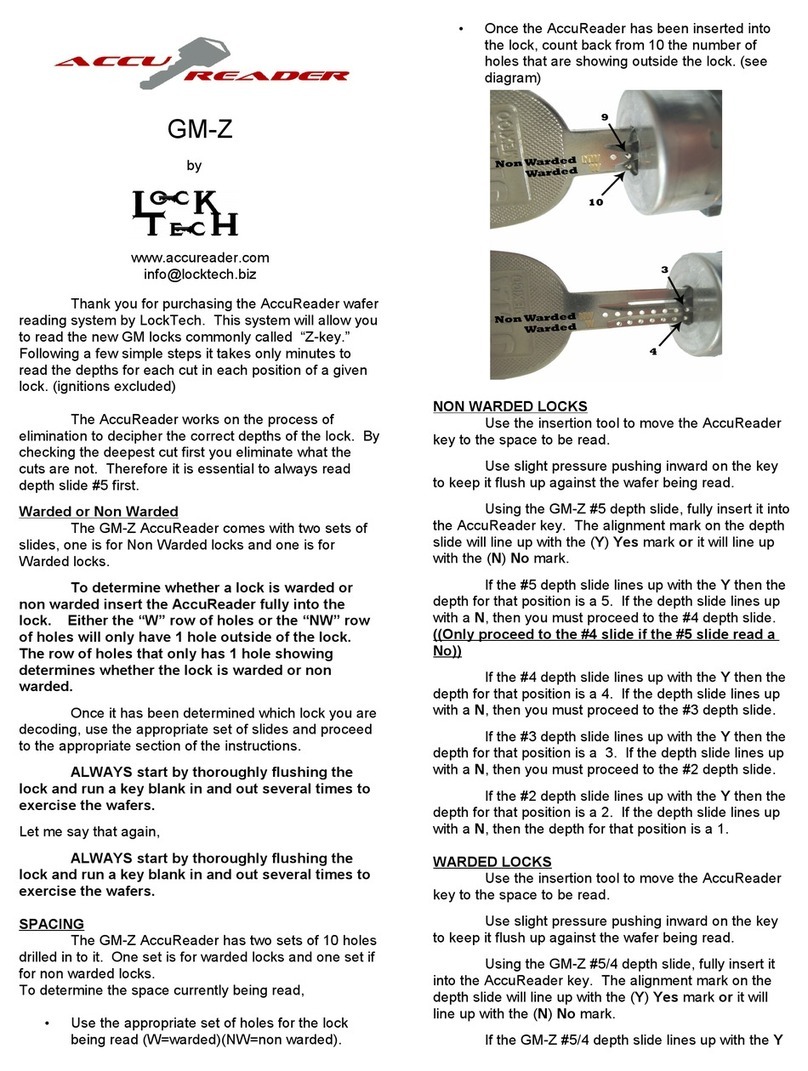
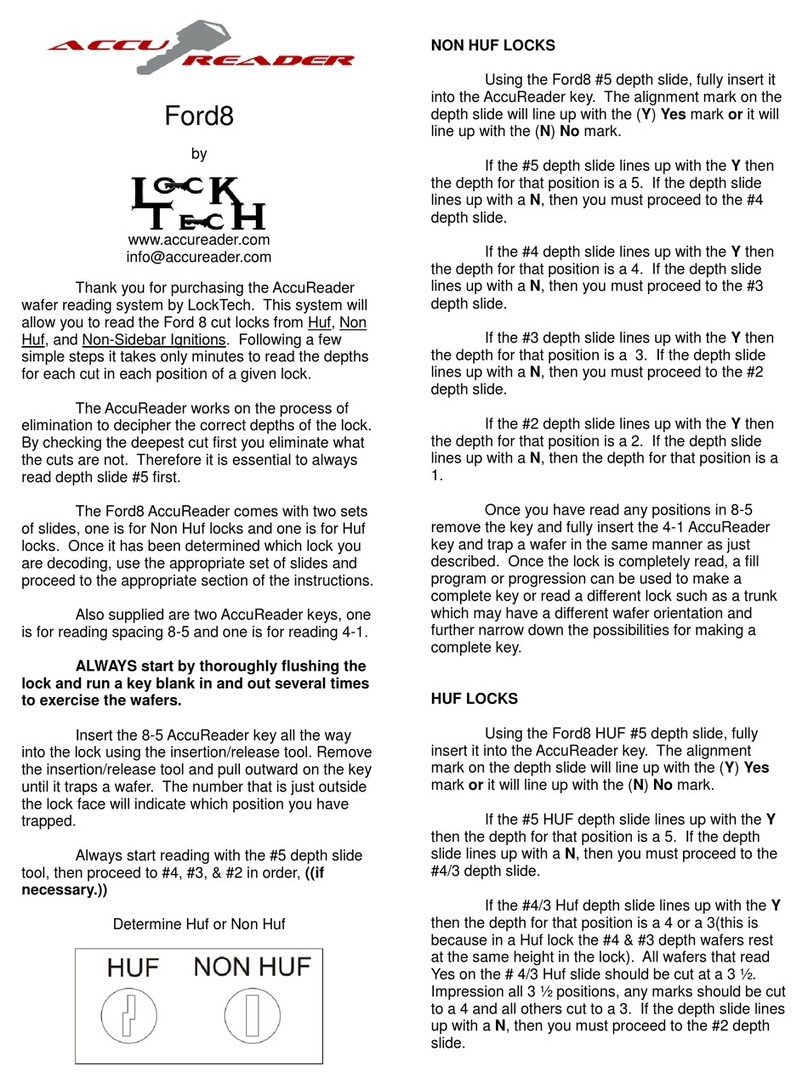
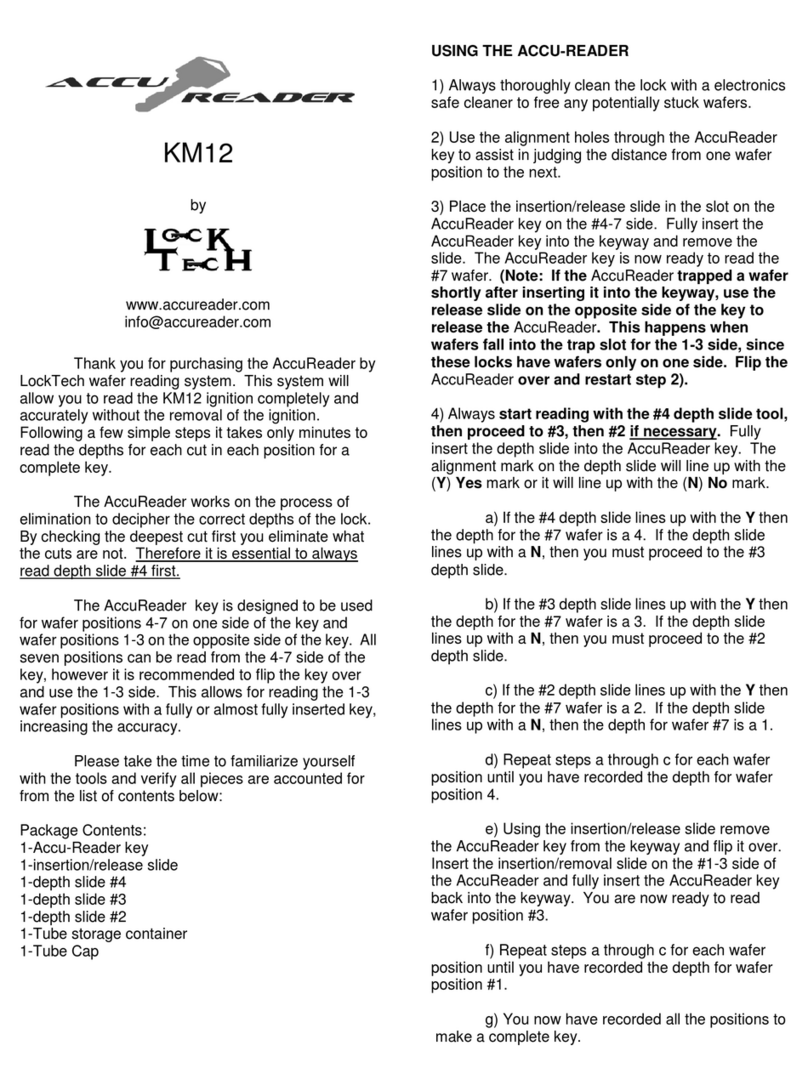
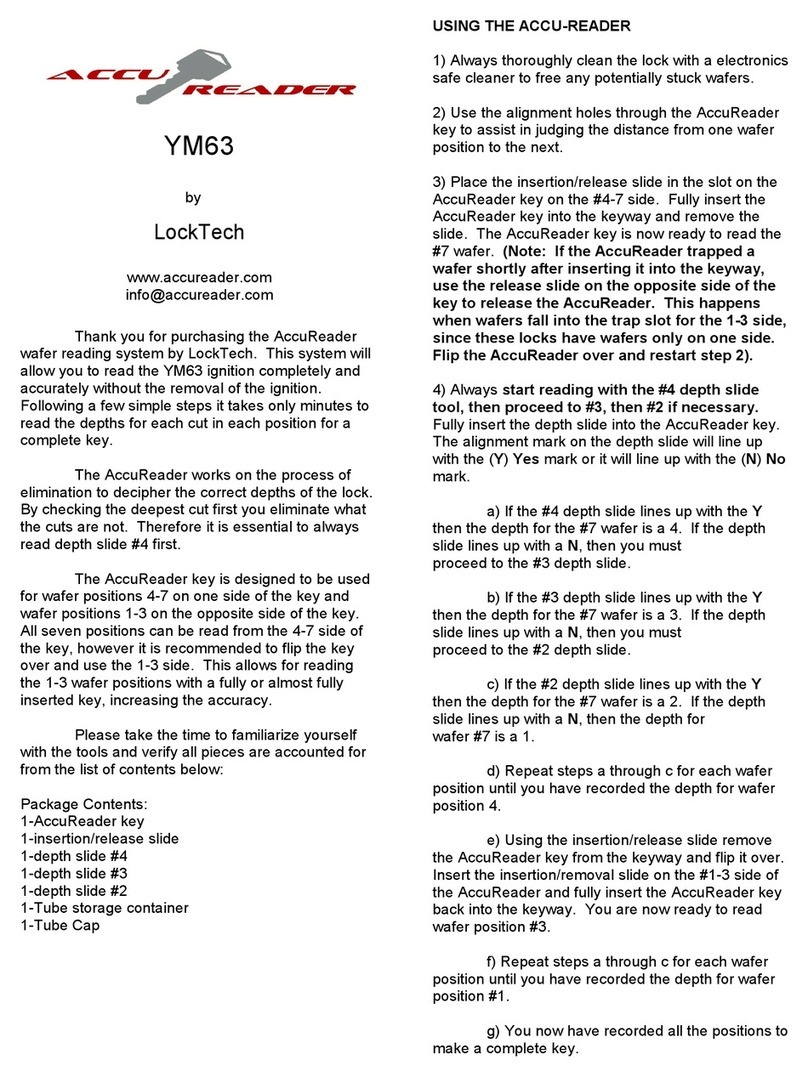
Thank you for purchasing the AccuReader
wafer reading system by LockTech. This system will
allow you to read spaces 1-6 in the Ford 10 cut door
locks. Following a few simple steps it takes only
minutes to read the depths for each cut in each
position of a given lock.
The AccuReader works on the process of
elimination to decipher the correct depths of the lock.
By checking the deepest cut first you eliminate what
the cuts are not. Therefore it is essential to always
read depth slide #5 first.
The Ford10 AccuReader comes with a set of
slides #2-5. Also supplied are two AccuReader keys,
one is for reading spacing 6-4 and one is for reading
3-1. Within the lock there is a warding the key slides
on. Once the key is pulled out a certain distance the
key can shift off of this warding and give improper
readings. Therefore, it is important to use the correct
key for the correct spacing.
ALWAYS start by thoroughly flushing the
lock and run a key blank in and out several times
to exercise the wafers. Ford locks are notorious
for hardened grease. It is important to
thoroughly flush these locks.
USING THE ACCU-READER
Insert the 6-4 AccuReader key all the way
into the lock using the insertion/release tool. Remove
the insertion/release tool and pull outward on the key
until it traps a wafer. The number that is just outside
the lock face will indicate which position you have
trapped.
Always start reading with the #5 depth slide
tool, then proceed to #4, #3, & #2 in order, ((if
necessary.))
Using the Ford10 #5 depth slide, fully insert it
into the AccuReader key. The alignment mark on the
depth slide will line up with the (Y) Yes mark or it will
line up with the (N)No mark.
If the #5 depth slide lines up with the Ythen
the depth for that position is a 5. If the depth slide
lines up with a N, then you must proceed to the #4
depth slide.
If the #4 depth slide lines up with the Ythen
the depth for that position is a 4. If the depth slide
lines up with a N, then you must proceed to the #3
depth slide.
If the #3 depth slide lines up with the Ythen
the depth for that position is a 3. If the depth slide
lines up with a N, then you must proceed to the #2
depth slide.
If the #2 depth slide lines up with the Ythen
the depth for that position is a 2. If the depth slide
lines up with a N, then the depth for that position is a
1.
Once you have read positions in 6-4 remove
the key and fully insert the 3-1 AccuReader key and
trap a wafer in the same manner as just described.
Once the lock is completely read, these cuts can be
used with a Ford 10 Ignition tryout set to decode the
ignition for a complete key.
Please take the time to familiarize yourself
with the tools and verify all pieces are accounted for
from the list of contents below:
Package Contents:
1-AccuReader key (6-4)
1-AccuReader key (3-1)
1-insertion/release slide
1-depth slide #5
1-depth slide #4
1-depth slide #3
1-depth slide #2
1-Tube storage container
1-Tube Cap

TIPS& SUGGESTIONS
Always clean the keyway thoroughly before starting.
While keeping the AccuReader straight in the lock with one hand, use your other hand to insert the depth slide with
a very slight upward pressure on the slide itself. This will ensure the tip of the slide is traveling along the bottom of
the track as intended.
Always start with the deepest possible depth slide and always stop and move to the next position as soon as a
“YES” reading is taken. You only progress to shallower depth slides (in order) when a “NO” reading is taken.
Watch the demonstration videos online at: www.accureader.com
Please email us for any corrections or additions at info@accureader.com rev. 3-1-13