Quick Install Guide
XGS-1008P
a: 14203 Minuteman Drive, Ste 201, Draper, UT 84020-1685 | luxul.com | 801-822-5450
LUX-QIG-XGS-1008P 029151044
4
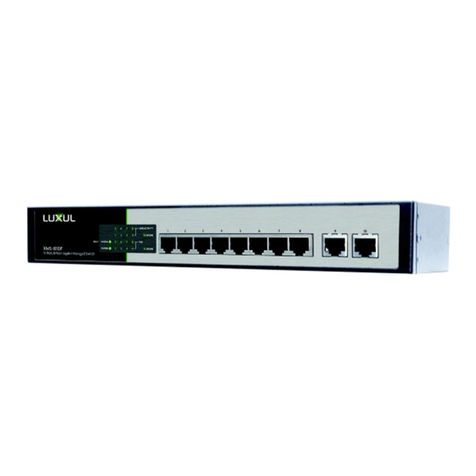
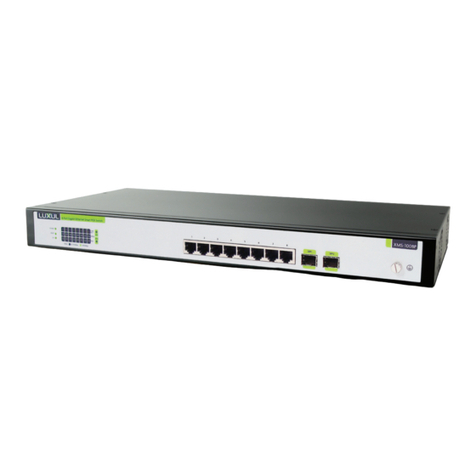
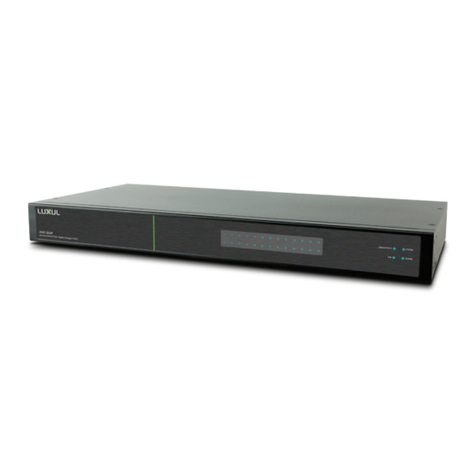
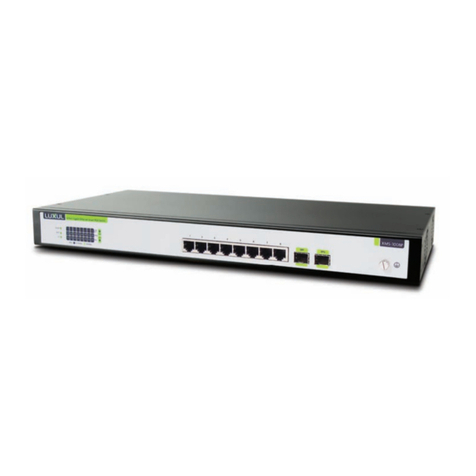
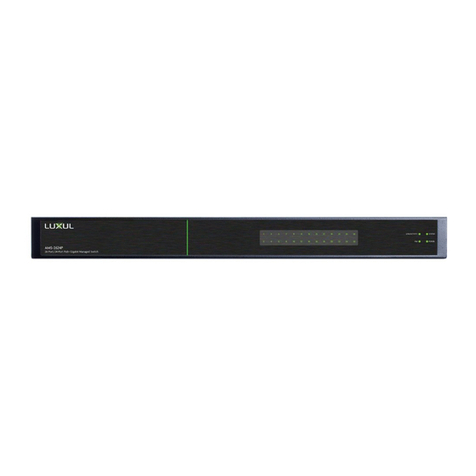
The following chart shows the LED indicators of the XGS-1008P along with an
explanation of the indicator’s properties:
LED Color Status Description
Power Green ON This indicator lights up when the XGS-1008P is
powered
— OFF If this indicator is not lit, please check the power
cable to ensure proper connection to the outlet and
the XGS-1008P.
PoE Max ON (RED) The power of all the connected PoE ports is
between 118W and 125W. No power may be supplied
if additional PDs are connected.
FLASHING
(RED)
The power of all the connected PoE ports is >=125W.
OFF The power of all the connected PoE ports is <118W,
or there is no PD connected to the corresponding
port.
PoE Status Green ON There is a PoE PD connected to the port, which
supply power successfully.
FLASHING The PoE power circuit may be in short or the power
current may be overloaded.
OFF No PD is connected to the corresponding port, or no
power is supplied according to the power limits of
the port.
LINK/ACT Green ON Indicates the port is connected to a device.
Blinking Indicates data activity on the port.
— OFF Indicates the port is not connected to a device.
1000Mbps Green ON There is a 1000 Mbps device connected to the
corresponding port.
—OFF There is a 10/100Mbps device connected to the
corresponding port, or there is no device connected
to the corresponding port.
PREPARING FOR INSTALLATION
System Requirements
Ethernet Cables to connect the XGS-1008P to Ethernet enabled devices
Power should be AC 100-240V~ 2.0A(Max) 50/60Hz.