manuals.online logo
Brands
  1. Home
  2. •
  3. Brands
  4. •
  5. MadgeTech
  6. •
  7. Other
  8. •
  9. MadgeTech PRHTemp101A User manual

MadgeTech PRHTemp101A User manual

Other MadgeTech Other manuals

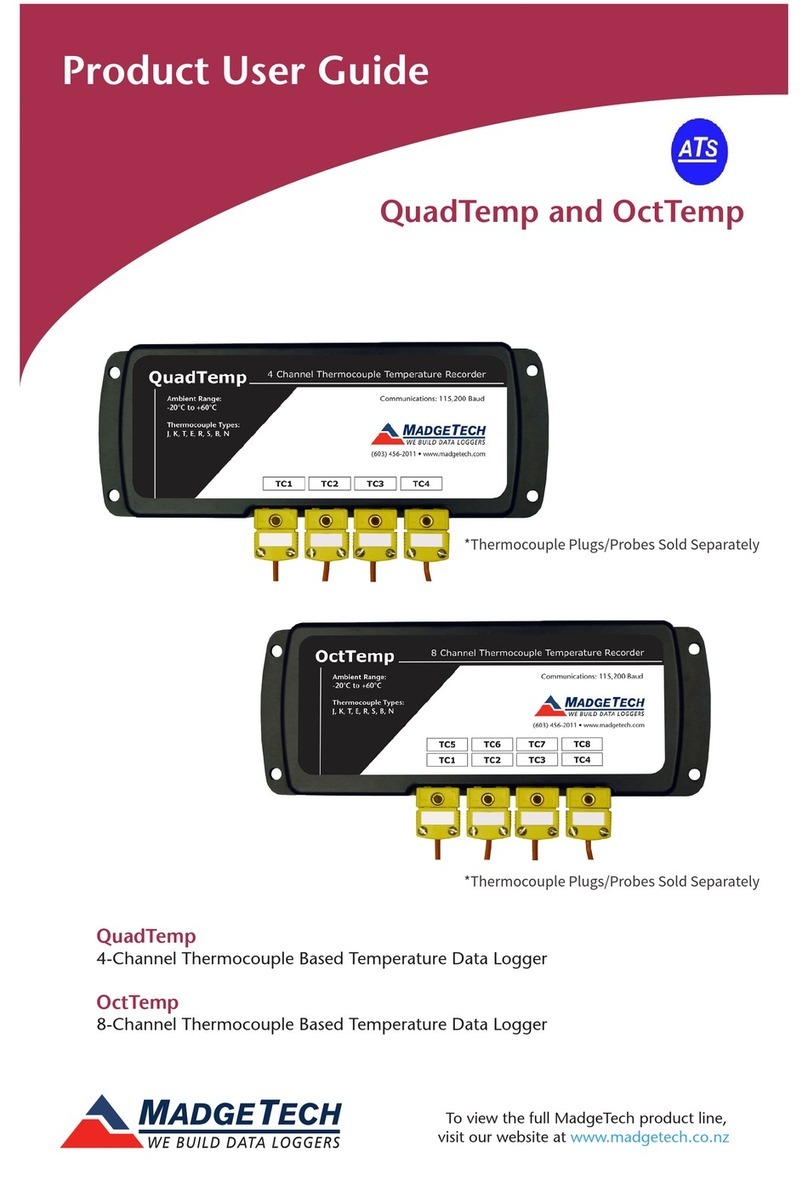
MadgeTech QuadTemp Specification sheet

MadgeTech

MadgeTech QuadTemp Specification sheet

MadgeTech QuadRT User manual

MadgeTech

MadgeTech QuadRT User manual

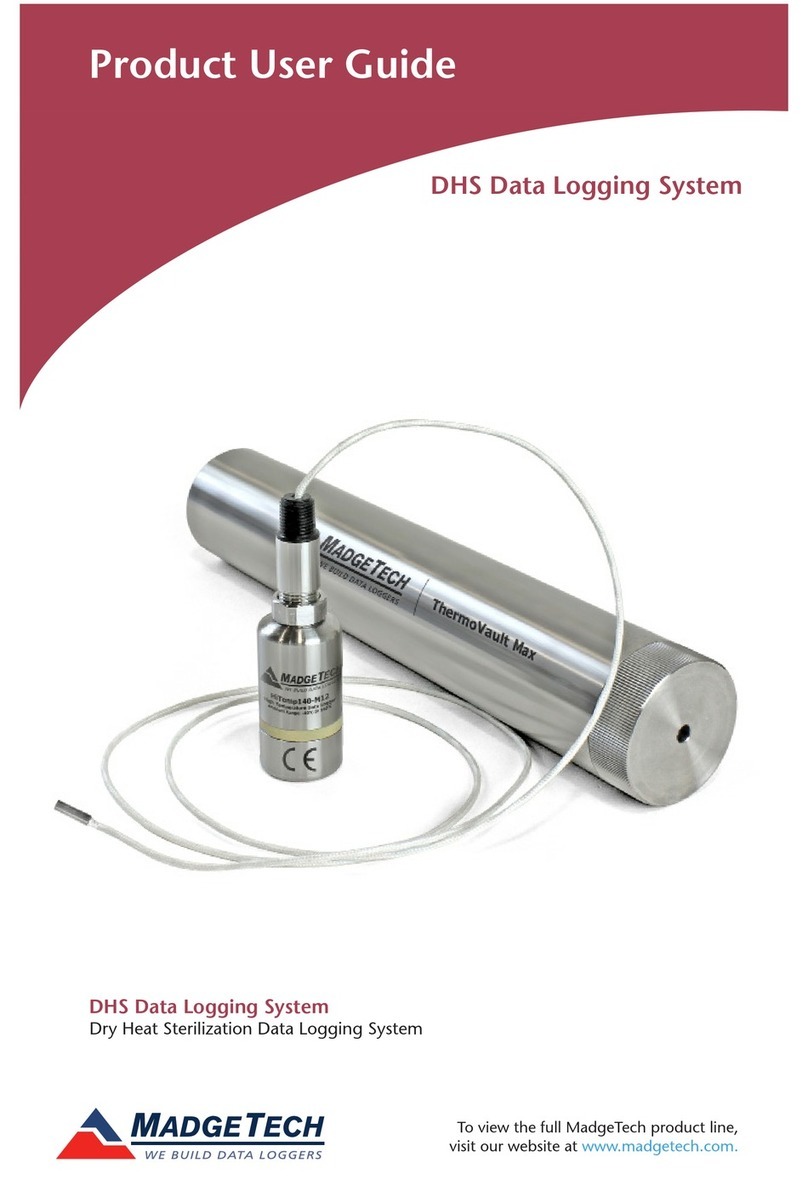
MadgeTech DHS User manual

MadgeTech

MadgeTech DHS User manual

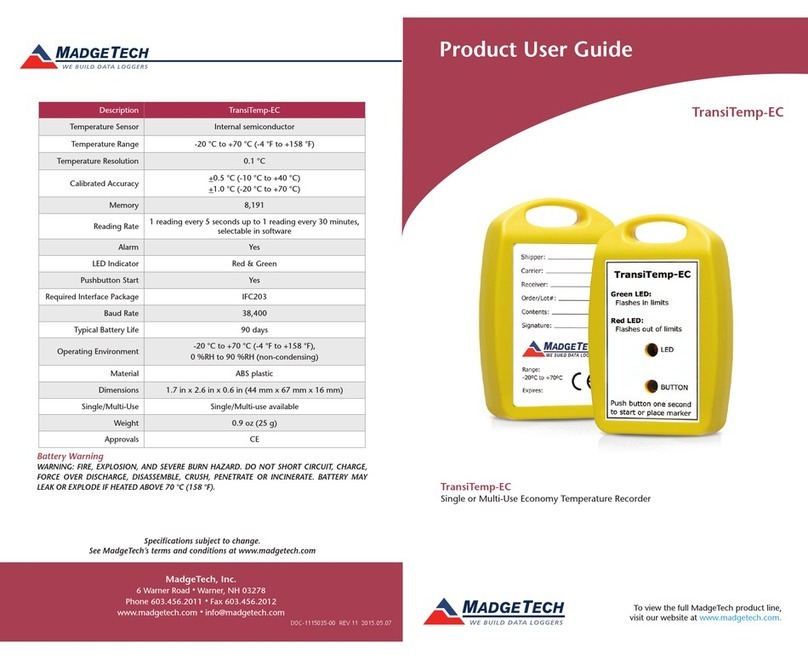
MadgeTech TransiTemp-EC User manual

MadgeTech

MadgeTech TransiTemp-EC User manual

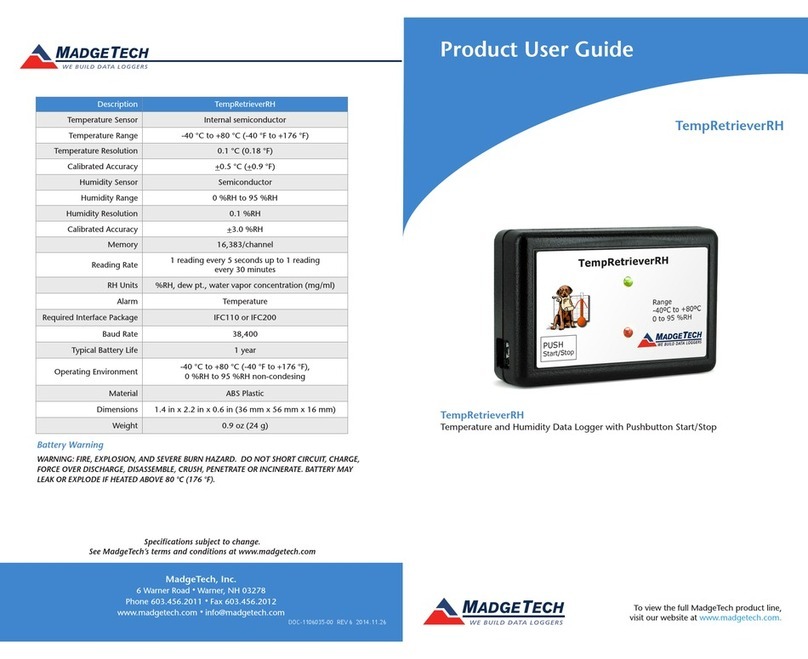
MadgeTech TempRetrieverRH Specification sheet

MadgeTech

MadgeTech TempRetrieverRH Specification sheet

MadgeTech IFC300 User manual

MadgeTech

MadgeTech IFC300 User manual

MadgeTech Temp101A User manual

MadgeTech

MadgeTech Temp101A User manual

MadgeTech RHTemp101A User manual

MadgeTech

MadgeTech RHTemp101A User manual

MadgeTech UltraShock-5 Specification sheet

MadgeTech

MadgeTech UltraShock-5 Specification sheet

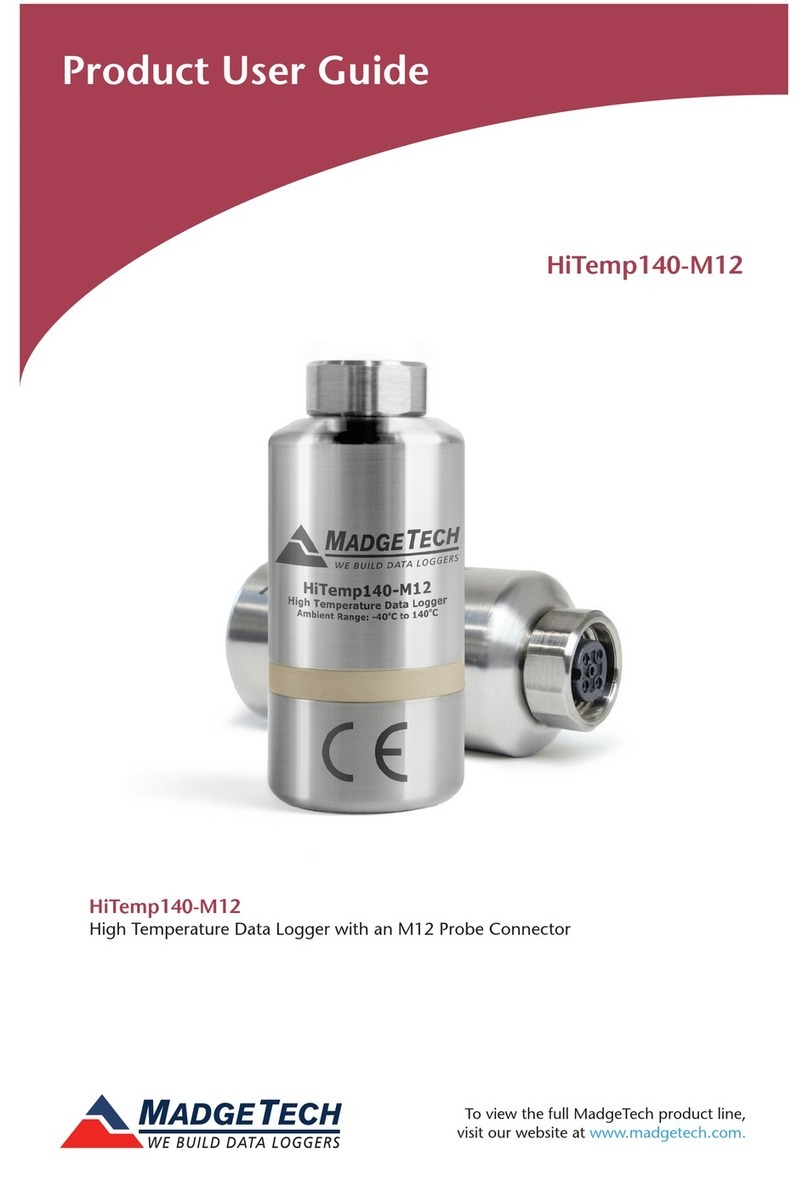
MadgeTech HiTemp140-M12 User manual

MadgeTech

MadgeTech HiTemp140-M12 User manual

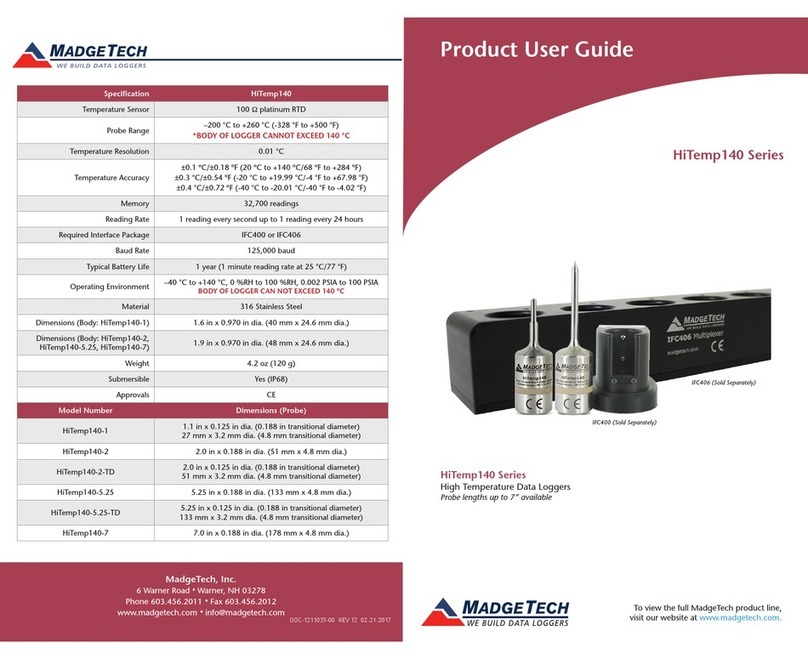
MadgeTech HiTemp140-2 Specification sheet

MadgeTech

MadgeTech HiTemp140-2 Specification sheet

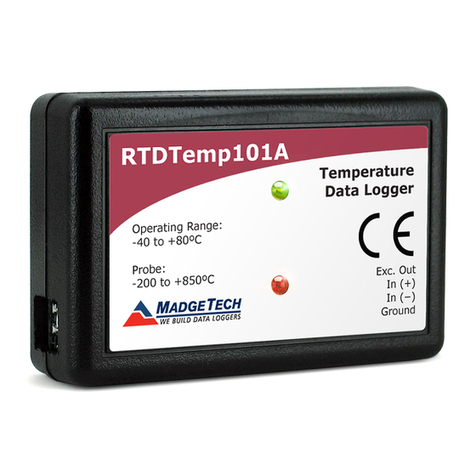
MadgeTech RTDTemp101A User manual

MadgeTech

MadgeTech RTDTemp101A User manual

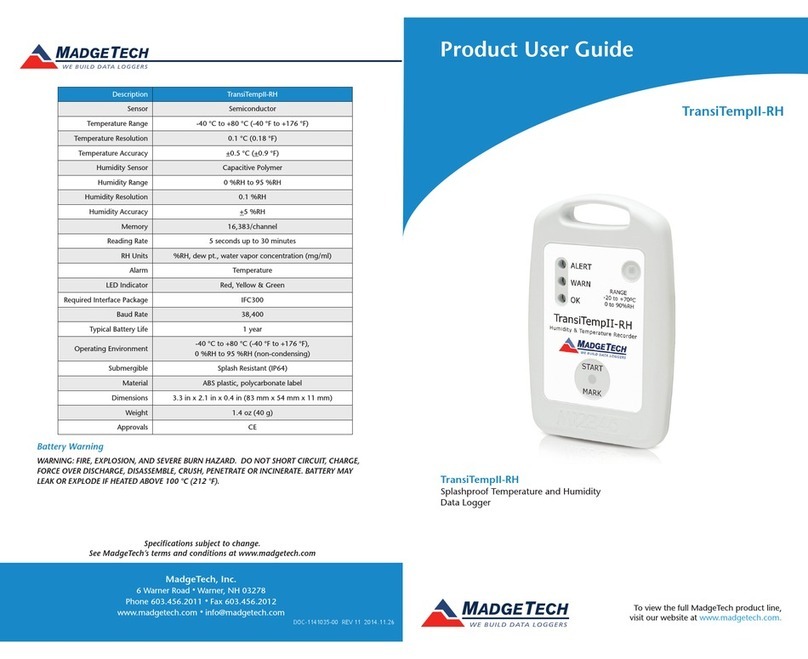
MadgeTech TransiTempII-RH User manual

MadgeTech

MadgeTech TransiTempII-RH User manual

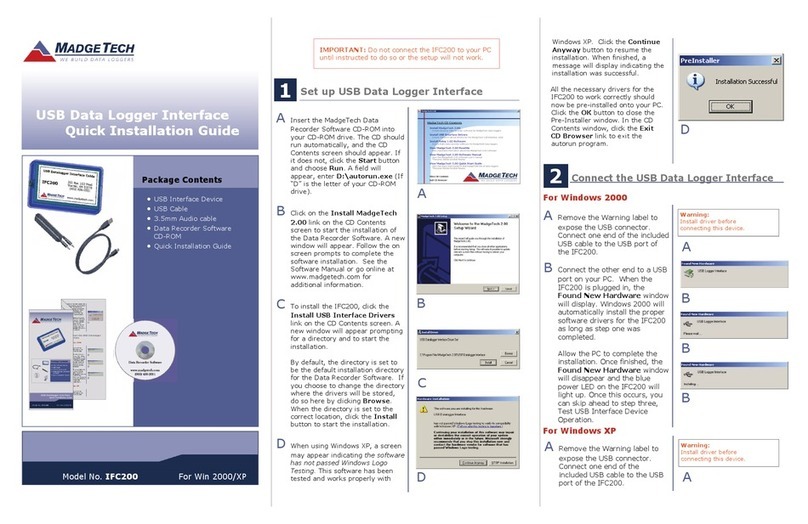
MadgeTech IFC200 User manual

MadgeTech

MadgeTech IFC200 User manual

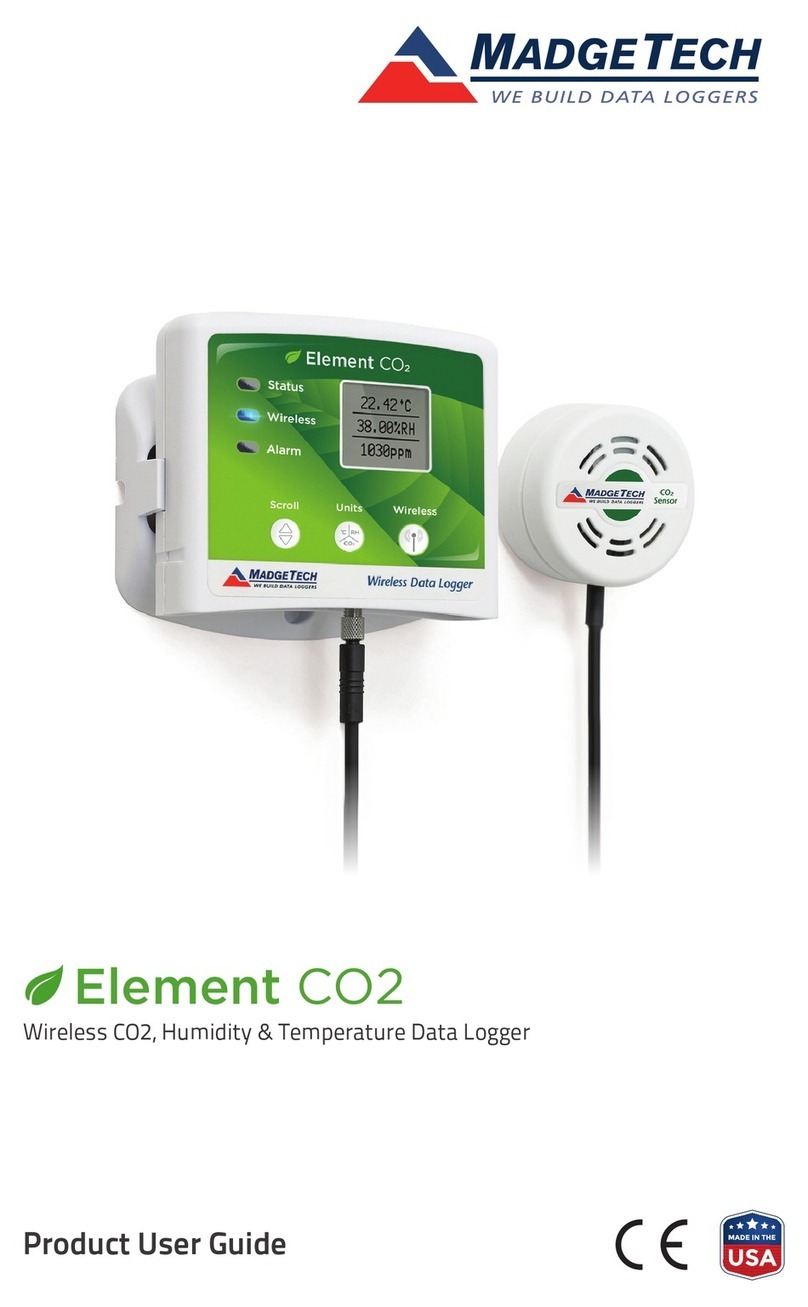
MadgeTech Element CO2 Specification sheet

MadgeTech

MadgeTech Element CO2 Specification sheet

Popular Other manuals by other brands

Opticon EduMic Compatibility guide

Opticon

Opticon EduMic Compatibility guide

Kessil A360W owner's manual

Kessil

Kessil A360W owner's manual

TEFAL ULTRA COMPACT MIXER manual

TEFAL

TEFAL ULTRA COMPACT MIXER manual

Martin Audio WS18X - SCHEMATICS manual

Martin Audio

Martin Audio WS18X - SCHEMATICS manual

Hendrickson AR2 series Service instructions

Hendrickson

Hendrickson AR2 series Service instructions

GO Industries 38017 installation instructions

GO Industries

GO Industries 38017 installation instructions

Cissell 30LBCMAN2 manual

Cissell

Cissell 30LBCMAN2 manual

RIDGID K-60SP manual

RIDGID

RIDGID K-60SP manual

Gage Bilt GB751SH-5 Original instructions

Gage Bilt

Gage Bilt GB751SH-5 Original instructions

OVE SIERRA 60 installation manual

OVE

OVE SIERRA 60 installation manual

ReelCraft 7800 OLB21 operating instructions

ReelCraft

ReelCraft 7800 OLB21 operating instructions

Body Armor 4x4 ECO-SERIES user manual

Body Armor 4x4

Body Armor 4x4 ECO-SERIES user manual

ROBLIN DROP Dimensions

ROBLIN

ROBLIN DROP Dimensions

EMG EMG-ACB BARREL Installation information

EMG

EMG EMG-ACB BARREL Installation information

MiniSolar MT-150 Assembling Guide

MiniSolar

MiniSolar MT-150 Assembling Guide

Parkside PSZ 250 B2 Operation and safety notes

Parkside

Parkside PSZ 250 B2 Operation and safety notes

ABB REM 610 Technical reference manual

ABB

ABB REM 610 Technical reference manual

Tyent ACE-13 user manual

Tyent

Tyent ACE-13 user manual

manuals.online logo
manuals.online logoBrands
  • About & Mission
  • Contact us
  • Privacy Policy
  • Terms and Conditions

Copyright 2025 Manuals.Online. All Rights Reserved.

To view the full MadgeTech product line,
visit our website at www.madgetech.com.
Red 485
Dark Blue Pantone 289
Light Blue 58% of Pantone 289
Battery Warning
WARNING: FIRE, EXPLOSION, AND SEVERE BURN HAZARD. DO NOT RECHARGE, DISASSEMBLE,
HEAT ABOVE 100 °C (212 °F), INCINERATE, CRUSH OR EXPOSE CONTENTS TO WATER.
Specifications subject to change.
See MadgeTech’s terms and conditions at www.madgetech.com
MadgeTech, Inc.
6 Warner Road lWarner, NH 03278
Phone: (603) 456-2011 lFax: (603) 456-2012
www.madgetech.com l[email protected]
DOC-1278035-00 REV 1 2014.05.21
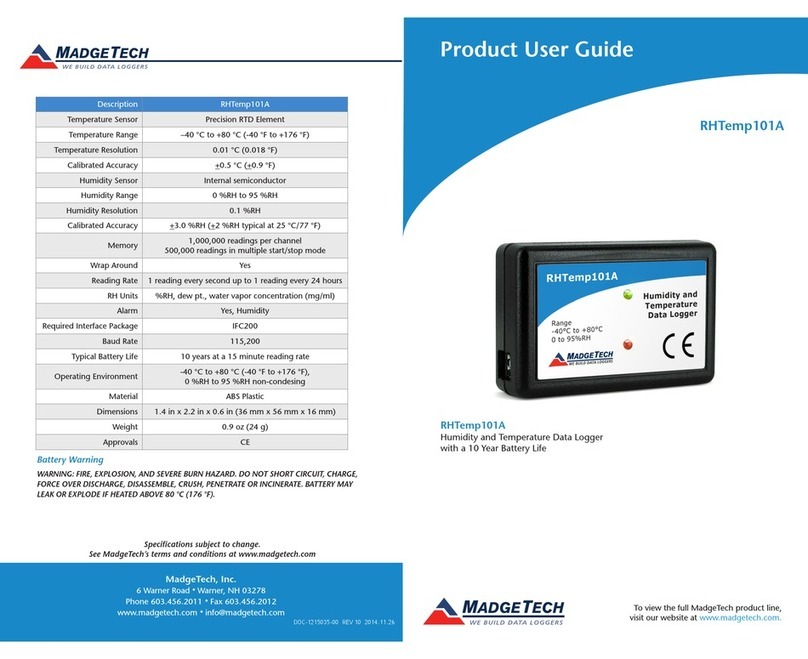
PRHTemp101A
PRHTemp101A
Pressure, Humidity & Temperature Data Logger
with a 10 Year Battery Life
Description PRHTemp101A
Pressure Sensor Piezoresistive
Pressure Range 250 mbar to 1300 mbar
Pressure Resolution 0.02 mbar
Pressure Calibrated
Accuracy 10 mbar
Humidity Sensor Capacitive Polymer
Humidity Range 0 %RH to 95 %RH
Humidity Resolution 0.1 %RH
Humidity Calibrated
Accuracy 3 %RH
Temperature Sensor RTD
Temperature Range -40 °C to +80 °C (-40 °F to +176 °F)
Temperature Resolution 0.01 °C
Temperature Calibrated
Accuracy ±0.5 °C
Memory 688,128 readings; software congurable memory wrap
412,876 readings; (manual or trigger mode)
Reading Rate 1 reading every second to 1 reading every 24 hours
LED Indicator Red and green
Required Interface Package IFC200
Baud Rate 115,200
Typical Battery Life 10 year battery life typical, at a 15 minute reading rate
Operating Environment -40 °C to +80 °C, 0 %RH to 95 %RH non-condensing
0.002 PSIA to 100 PSIA
Material ABS plastic
Dimensions 1.4 in x 2.2 in x 0.6 in
(36 mm x 56 mm x 16 mm)
Weight 0.9 oz (24 g)
Approvals CE
Product User Guide
Product Notes
The PRHTemp101A is a pressure, humidity and temperature data logger, specifically
designed to be compact and portable for use in a variety of applications like museum and
archive preservation, shipping and transportation, warehouse monitoring, HVAC and more.
LEDs
- Green LED blinks: 10 seconds to indicate logging and 15 seconds to indicate delay start
mode/standby (waiting to start)
- Red LED blinks: 10 seconds to indicate low battery and/or memory and 1 second to
indicate an alarm condition met.
Password Protection
An optional password may be programmed into the device to restrict access to
configuration options. Data may be read out without the password
Multiple Start/Stop Mode Activation
- To start device: Press and hold the pushbutton for 5 seconds, the green LED will flash
during this time. The device has started logging.
- To stop the device: Press and hold the pushbutton for 5 seconds, the red LED will flash
during this time. The device has stopped logging.
Alarm Settings
Programmable high and low limits; alarm is activated when the environment reaches or
exceeds set limits. (Pressure channel only)
Installation Guide
Installing the Interface Cable
- IFC200
Insert the device into a USB port. The drivers will install automatically.
Installing the Software
The Software can be downloaded from the MadgeTech website at the following link: www.
madgetech.com/software-download. Follow the instructions provided in the Installation
Wizard.
Device Operation
Connecting and Starting the data logger
- Once the software is installed and running, plug the interface cable into the data logger.
- Connect the USB end of the interface cable into an open USB port on the computer.
- The device will appear in the Connected Devices list, highlight the desired data logger.
- For most applications, select “Custom Start” from the menu bar and choose the desired
start method, reading rate and other parameters appropriate for the data logging
application and click “Start”. (“Quick Start” applies the most recent custom start options,
“Batch Start” is used for managing multiple loggers at once, “Real Time Start” stores the
Product User Guide
PRHTemp101A
dataset as it records while connected to the logger.)
- The status of the device will change to “Running”, “Waiting to Start” or “Waiting to
Manual Start”, depending upon your start method.
- Disconnect the data logger from the interface cable and place it in the environment to
measure.
Note: The device will stop recording data when the end of memory is reached or the device is stopped. At this point the device
cannot be restarted until it has been re-armed by the computer.
Downloading data from a data logger
- Highlight the data logger in the Connected Devices list. Click “Stop” on the menu bar.
- Once the data logger is stopped, with the logger highlighted, click “Download”. You will
be prompted to name your report.
- Downloading will offload and save all the recorded data to the PC.
Device Maintenance
Battery Replacement
Materials: Small Phillips Head Screwdriver & Replacement Battery (LTC-7PN)
- Puncture the center of the back label with the screw driver and unscrew the enclosure.
- Remove the battery by pulling it perpendicular to the circuit board.
- Insert the new battery into the terminals and verify it is secure.
- Screw the enclosure back together securely.
Note: Be sure not to over tighten the screws or strip the threads.
Recalibration
The PRHTemp101A standard calibration is one point for temperature at 25 °C, two
points for humidity at 25 %RH and 75 %RH and two points for pressure at 460 mbar
and 1095 mbar.
Recalibration is recommended annually for any MadgeTech data logger; a reminder is
automatically displayed in the software when the device is due.
Prices and specifications subject to change. See MadgeTech’s terms and conditions at www.madgetech.com
To send the devices back, visit www.madgetech.com, select Services then RMA Process.