manuals.online logo
Brands
  1. Home
  2. •
  3. Brands
  4. •
  5. Measuretek
  6. •
  7. Scale
  8. •
  9. Measuretek EHW-EC Series User manual

Measuretek EHW-EC Series User manual

This manual suits for next models

3

Other Measuretek Scale manuals

Measuretek EHL-2 User manual

Measuretek

Measuretek EHL-2 User manual
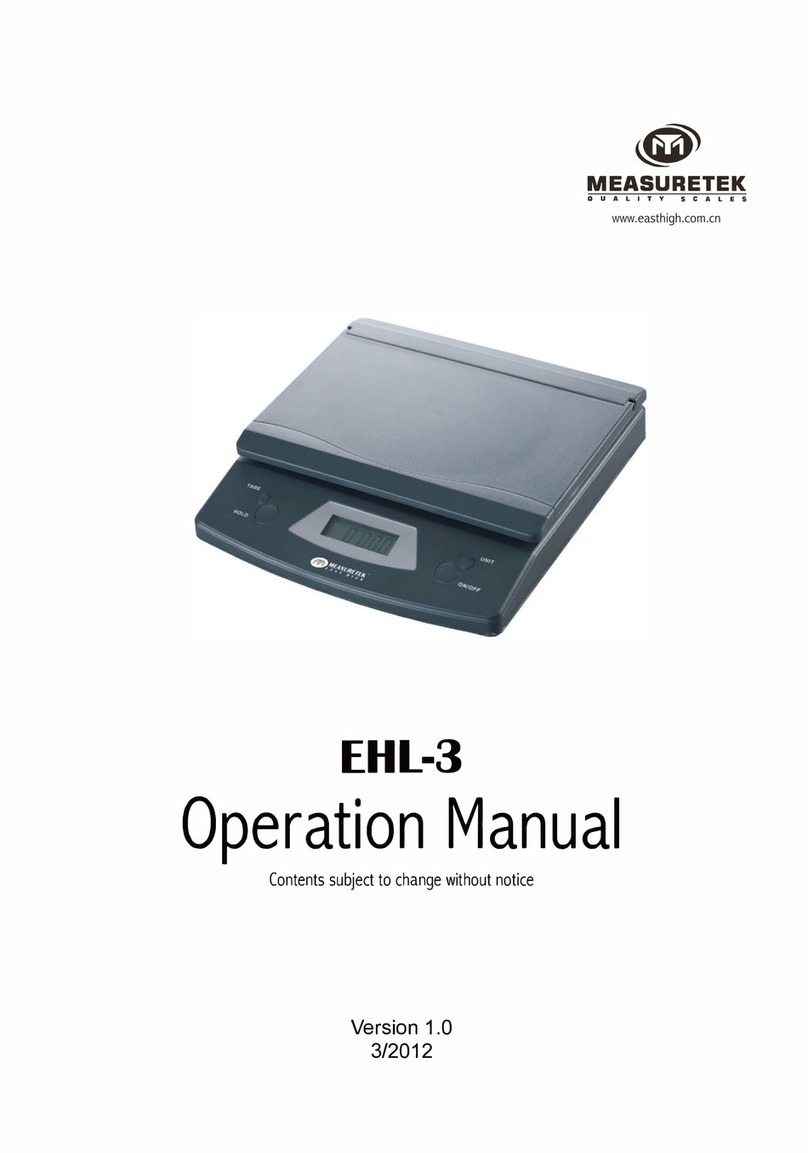
Measuretek EHL-3 User manual

Measuretek

Measuretek EHL-3 User manual
Measuretek PS-102 User manual

Measuretek

Measuretek PS-102 User manual
Measuretek EL502 User manual

Measuretek

Measuretek EL502 User manual
Measuretek EHX Series User manual

Measuretek

Measuretek EHX Series User manual
Measuretek EH-SS User manual

Measuretek

Measuretek EH-SS User manual
Measuretek EHC-W-3 User manual

Measuretek

Measuretek EHC-W-3 User manual
Measuretek ECS-B-25 User manual

Measuretek

Measuretek ECS-B-25 User manual

Measuretek EHL-3 User manual

Measuretek

Measuretek EHL-3 User manual
Measuretek EHC-C-3 User manual

Measuretek

Measuretek EHC-C-3 User manual
Measuretek EHL-2 User manual

Measuretek

Measuretek EHL-2 User manual
Measuretek EHW-EM-03 User manual

Measuretek

Measuretek EHW-EM-03 User manual
Measuretek PS-102 User manual

Measuretek

Measuretek PS-102 User manual
Measuretek SS60 User manual

Measuretek

Measuretek SS60 User manual

Measuretek EEH3 User manual

Measuretek

Measuretek EEH3 User manual
Measuretek PS-102-75 User manual

Measuretek

Measuretek PS-102-75 User manual
Measuretek EHC-PF-6 User manual

Measuretek

Measuretek EHC-PF-6 User manual
Measuretek PSE User manual

Measuretek

Measuretek PSE User manual
Measuretek EHC-PM Series User manual

Measuretek

Measuretek EHC-PM Series User manual
Measuretek 12R993 User manual

Measuretek

Measuretek 12R993 User manual
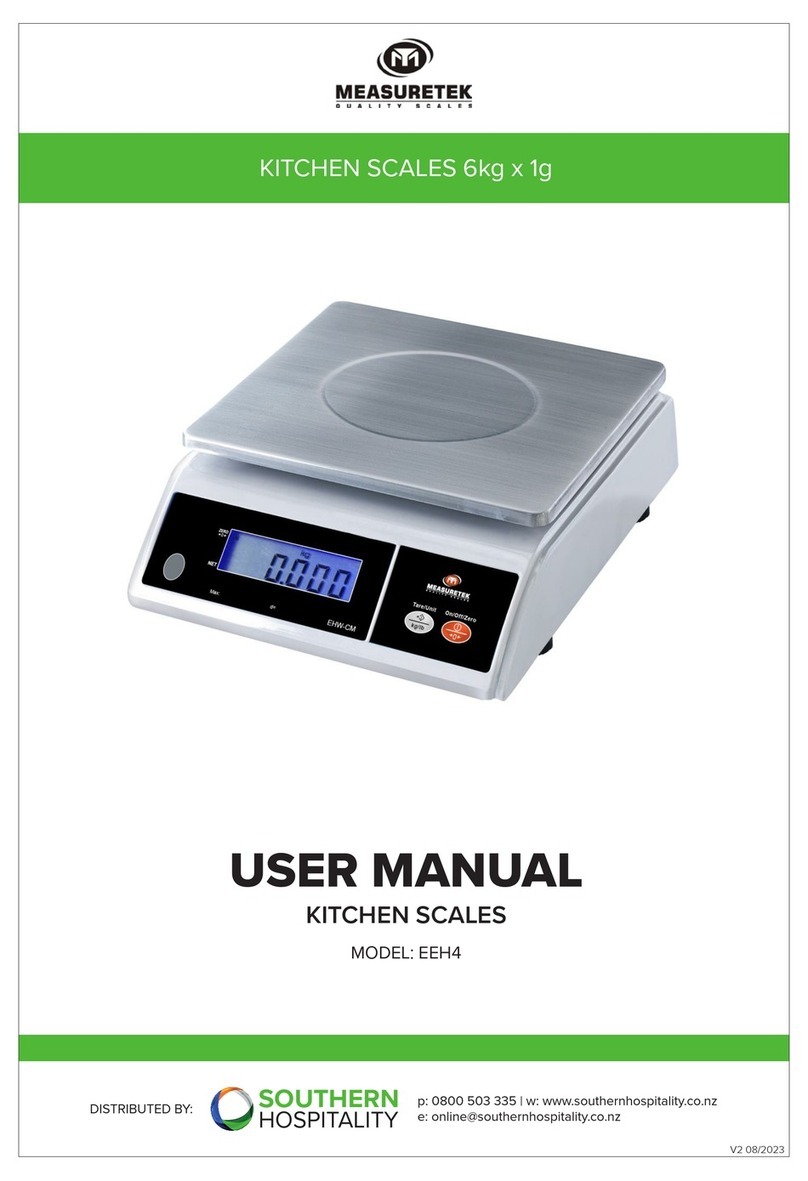
Measuretek EEH4 User manual

Measuretek

Measuretek EEH4 User manual

Measuretek PS-103-35 User manual

Measuretek

Measuretek PS-103-35 User manual

Measuretek EHC-C Series User manual

Measuretek

Measuretek EHC-C Series User manual

Popular Scale manuals by other brands

KERN MCC-M operating instructions

KERN

KERN MCC-M operating instructions

Little Balance SB MECA 8113 user manual

Little Balance

Little Balance SB MECA 8113 user manual

Fitbit Zip Aria Wi-Fi Smart Scale user manual

Fitbit Zip

Fitbit Zip Aria Wi-Fi Smart Scale user manual

KERN MPU 250K100 operating instructions

KERN

KERN MPU 250K100 operating instructions

Steinberg Systems SBS-PF-200 user manual

Steinberg Systems

Steinberg Systems SBS-PF-200 user manual

Total TP2000 user guide

Total

Total TP2000 user guide

A&D HL-200i operating instructions

A&D

A&D HL-200i operating instructions

OHAUS Courier 3000 user guide

OHAUS

OHAUS Courier 3000 user guide

Scarlett SC-KS57P97 instruction manual

Scarlett

Scarlett SC-KS57P97 instruction manual

BASETech LS-40S operating instructions

BASETech

BASETech LS-40S operating instructions

SR Instruments SR Scales SR565i-H Operating and service manual

SR Instruments

SR Instruments SR Scales SR565i-H Operating and service manual

Gallet PEP 301ART instruction manual

Gallet

Gallet PEP 301ART instruction manual

AWS ZEO-50 user manual

AWS

AWS ZEO-50 user manual

Gima Glass Body Fat Analyzer Use and maintenance book

Gima

Gima Glass Body Fat Analyzer Use and maintenance book

Seca 374 user manual

Seca

Seca 374 user manual

EDLUND BBPZ-20 quick start guide

EDLUND

EDLUND BBPZ-20 quick start guide

TEC TEC SL59 SERIES owner's manual

TEC

TEC TEC SL59 SERIES owner's manual

Alecto ACW-40 user manual

Alecto

Alecto ACW-40 user manual

manuals.online logo
manuals.online logoBrands
  • About & Mission
  • Contact us
  • Privacy Policy
  • Terms and Conditions

Copyright 2025 Manuals.Online. All Rights Reserved.

EHW-EC
Quick Reference Guide
Contents subject to change without notice
Version 1.0
07/2017
Thank you for purchasing the scale. Please read all operating instructions carefully before using and
note the following points:
General Information
1. Avoid lengthy exposure to extreme heat or cold, as your scale works best when operated at normal
room temperature.
2. Dust, dirt, moisture, vibration, air currents can cause an adverse effect on the reliability and accuracy
of your scale.
3. Handle with care. Gently apply all items to be weighed onto the tray top.
4. Do not operate near an in-use cell phone, radio, computer or other electronic devices as they emit RF
and may cause unstable scale readings.
5. Clean the scale with soft fabric and clean water or a little mild detergent. Avoid water or other liquid
infiltration in the scale as this could cause short circuit of the scale, danger of injury or death to the user.
Specifications
Model
EHW-EC-2
EHW-EC-5
EHW-EC-10
Max Capacity
2 kg 5 kg 10 kg
Readability
0.5 g 1 g 1 g
Resolution
4000 5000 10000
Weighing Modes
Kg, g, oz, lb:oz
Display
45 mm x 19 mm LCD
Operating Temp.
41° - 104°F (5° - 40°C)
Power
Batteries: 1 x 9V battery (included)
AC Adapter: 6V adapter with central positive (not incl.)
Low Battery Indication
“LO”
Auto-off Time
Selectable 0-30 Minutes. Default setting is 3 minutes
Platform Diameter
170 x 178 mm (L X W)
6.7" x 7.0" (L X W)
Base Dimensions
180 x 255 x 68 mm (L x W x H)
7.1” x 10 x2.68" (L x W x H)
Operation
Place the scale on a level and steady surface, press this key, the scale will show
"O" after self-examination, indicating the scale is ready for weighing.
Place a container on the platter, press this key. When the container is removed,
the scale will display the negative reading equal to the weight of the container. To
re-set to zero, press the key again.
When the scale is ON, press the key to turn off. The scale will automatically turn
off if the "AUTO OFF" function is activated.
Press the button to change measuring unit between kg, g, lb:oz and oz
Calibration
1. When the scale is off, keep pressing MODE key first, then press ON/TARE key to power on the scale,
the scale will display "8888"m then display the inner code (0-15000). Now release MODE key.
2. Press MODE key again, the scale displays "CAL", then display "2000". Now put the 2KG weights on
the platter, and then the scale will display "PASS" after a few seconds and back to normal weighing
mode.
Auto-off Time Setup
Press MODE key until the scale displays "OFF-x" (x-0, 1, 3, 5, 10, 30). Press MODE key again to choose
the time, pre ON/TARE key to confirm.
Note: Default setting: OFF-3