7. High Voltage indicator
When the instrument is generating high voltage the indicator is illuminated. The voltage on the
terminals will be indicated on the voltmeter at all times.
8. High voltage a.c. output receptacle
The HV receptacles used in the instrument are designed to accept a locking plug. To insert the
plug, align the arrows on the plug with the open padlock symbol, push in, and then turn the plug
through 90° to align the arrows with the closed padlock symbol. This will now lock the plug into
the instrument. To remove, turn the plug to align the arrows with the open padlock symbol and
withdraw.
9. High voltage d.c. output receptacle. (MHP2 only)
The H.V. d.c. receptacle locking facility is identical to the a.c. receptacle. The internal H.V.
capacitors are protected by a built-in integral impedance. This effectively causes the d.c.
output voltage to fall, as the test current is drawn. See ‘Specification’.
High Voltage probe
The High Voltage probe is designed to lock into the High voltage receptacle(s) and is fitted with
a hand guard, and a spring loaded electrode cover which retracts as the probe is pressed to the
item being tested. See ‘Accessories’ for replacement probe.
Warning:- The probe must not be used in a damaged or dirty state. Do not touch any
part of the HV probe in front of the guard or the device under test, until
completely discharged.
Warning:- Care must be taken not to touch the probe to any adjacent ungrounded
(unearthed) metalwork such as pipes, window frames etc. as this may
become hazardous live.
10. Low Return terminal
The Low Return lead must be connected to this terminal. The terminal is internally connected to
the instrument ground (earth). The Low Return lead is fitted with a hook connector so that it will
not pull off the terminal. To check this lead, see ‘Before each testing sequence’.Areplacement
low voltage lead is available, see ‘Accessories’.
11. Start button
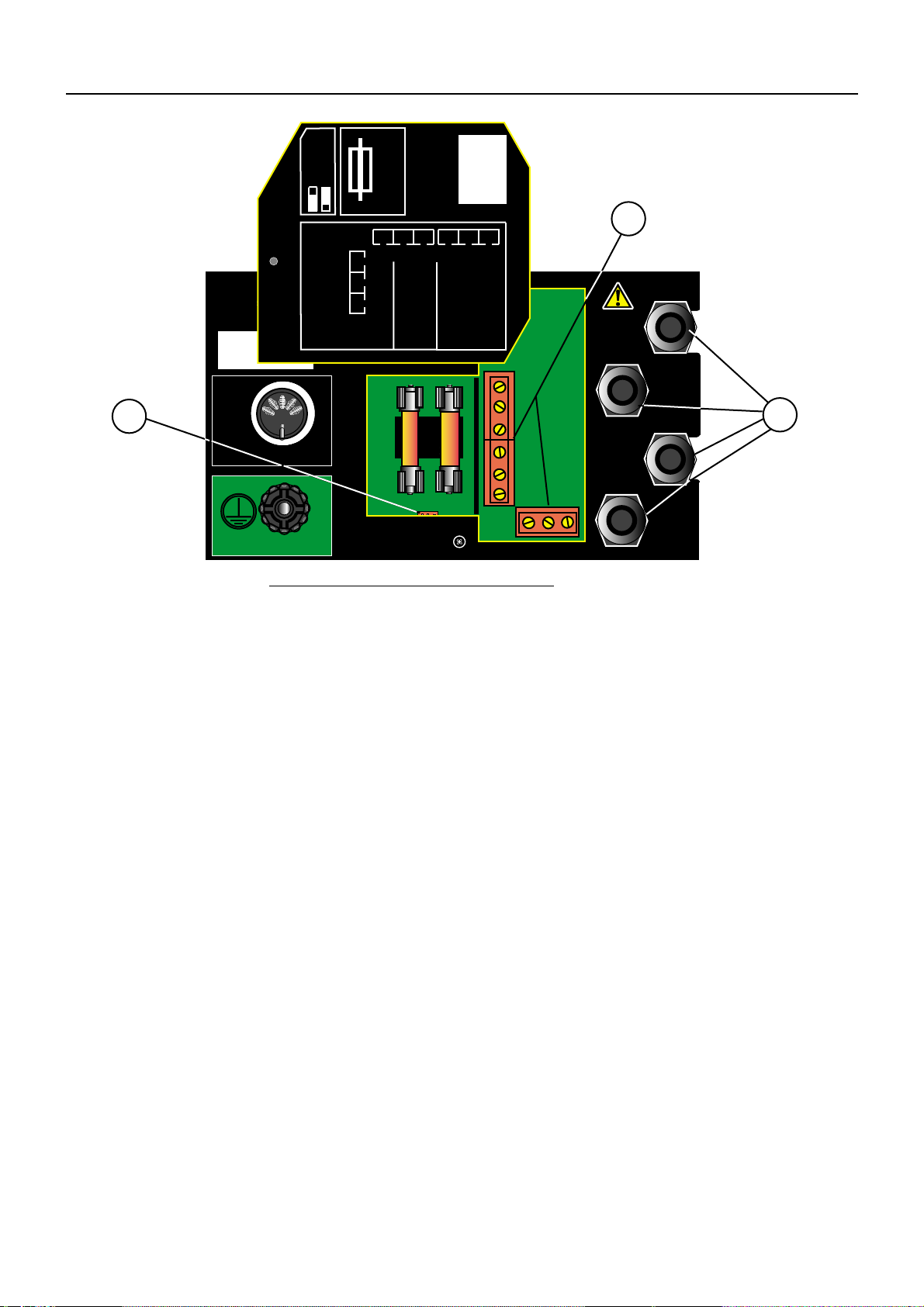
Controls the high voltage output. Either of two modes of operation can be selected and set using
a moveable link situated behind the rear panel cover:-
i) The latched mode (link to the right) allows the user hands free operation. Operation of the
Stop button, quickly followed by the Start button causes HV generation until the test fails,
or the Stop button is pressed.
ii) The unlatched mode (link to the left) requires the Stop button to be pressed, followed
quickly by the Start button, which must be held in for the entire test. The test can be
stopped at any time by releasing the Start button or by pushing the Stop button. The
instrument will halt the test should the test parameters be exceeded.
12. Stop button
When pushed the stop button:-
✱Stops the test
✱Resets a failure indication.
✱Initiates a start sequence. To avoid inadvertent test voltage application, the test
Start sequence requires the Stop button to be pressed first, followed by pressing the Start button
within 1 second.
Features, Controls and Connections
6