EnglishDeutsch
 logo
Brands
  1. Home
  2. •
  3. Brands
  4. •
  5. MG
  6. •
  7. Transmitter
  8. •
  9. MG M6NPA User manual

MG M6NPA User manual

Other MG Transmitter manuals

MG B5MS User manual

MG

MG B5MS User manual

MG 10AC User manual

MG

MG 10AC User manual

MG Mini-M M2EXV User manual

MG

MG Mini-M M2EXV User manual

MG M60EWVS User manual

MG

MG M60EWVS User manual

MG 10MS User manual

MG

MG 10MS User manual

MG 17PE User manual

MG

MG 17PE User manual

MG 18JPA User manual

MG

MG 18JPA User manual

MG KWRS2 User manual

MG

MG KWRS2 User manual

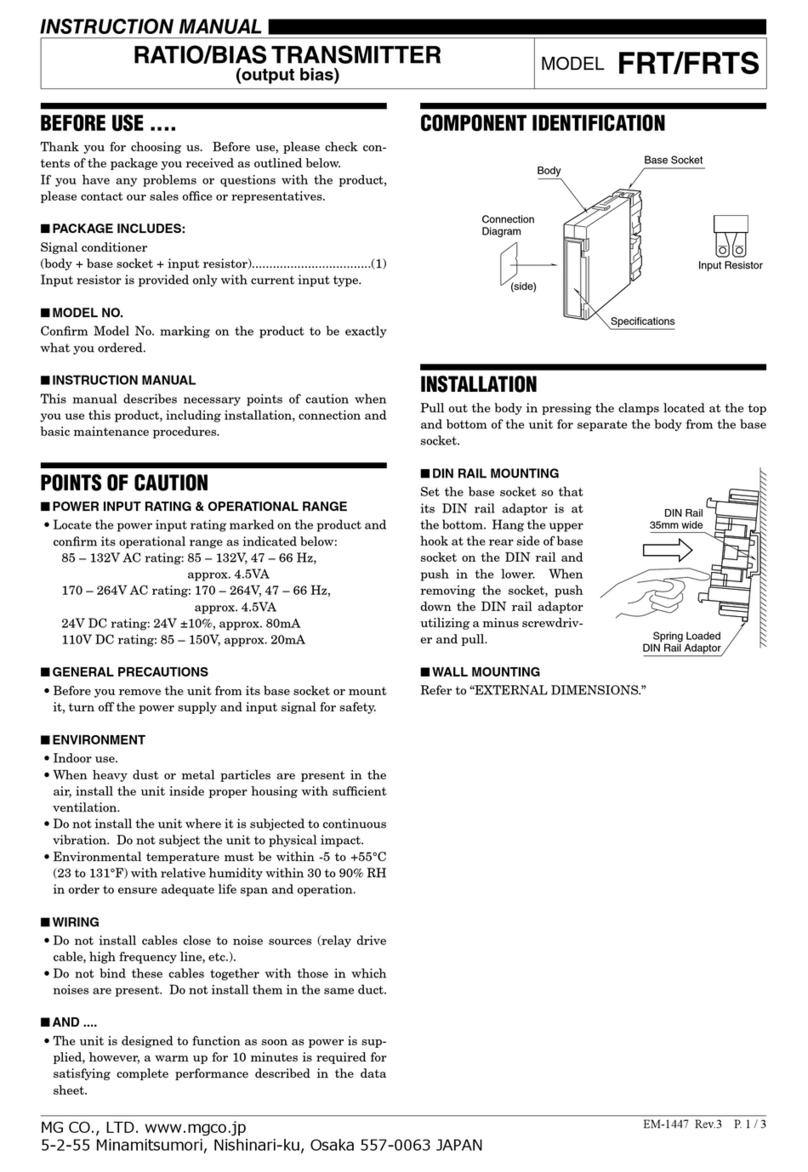
MG FRT User manual

MG

MG FRT User manual

MG W5LCS User manual

MG

MG W5LCS User manual

MG BCT User manual

MG

MG BCT User manual

MG M6SXM User manual

MG

MG M6SXM User manual

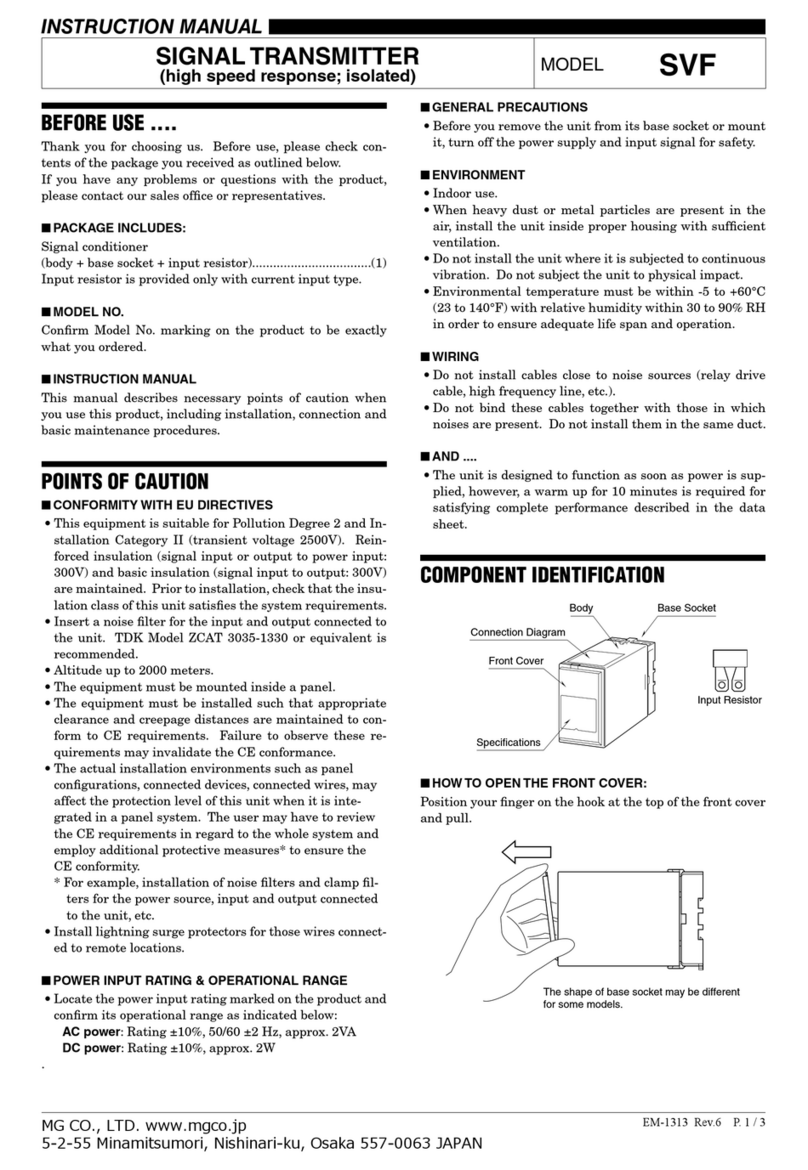
MG SVF User manual

MG

MG SVF User manual

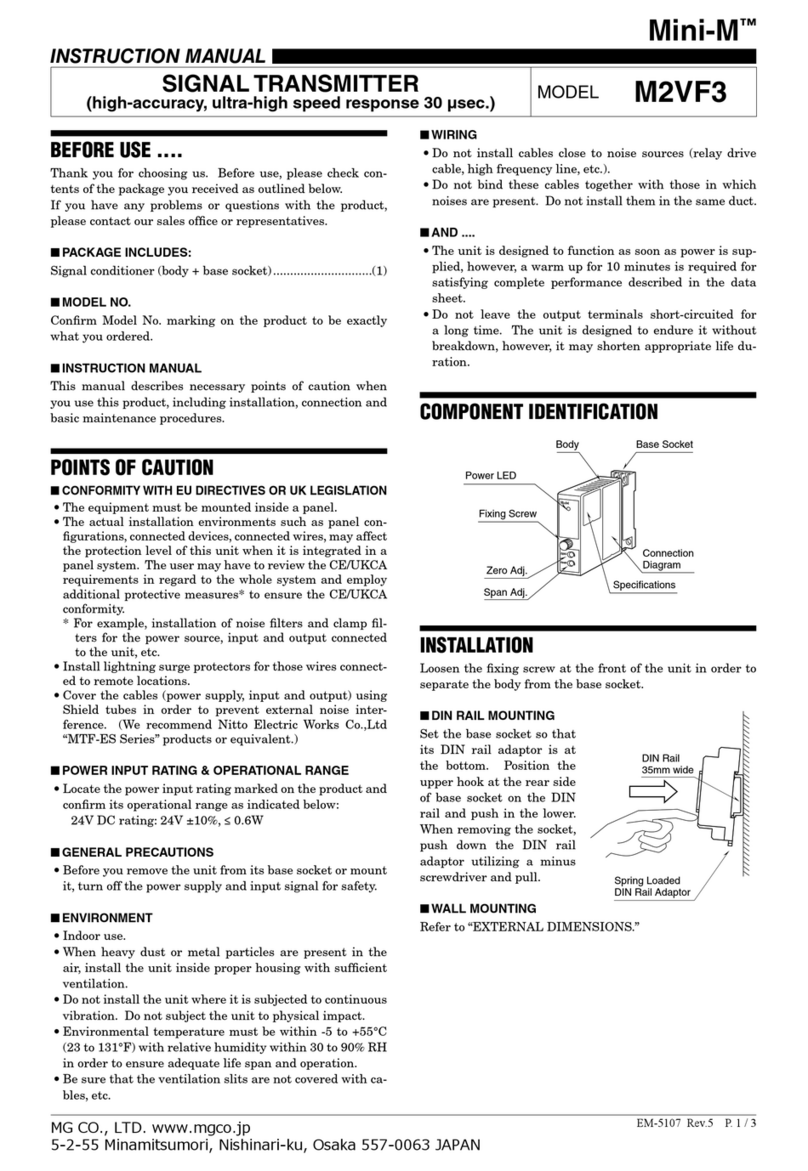
MG Mini-M M2VF3 User manual

MG

MG Mini-M M2VF3 User manual

MG 10RS User manual

MG

MG 10RS User manual

MG Mini-M M2CA User manual

MG

MG Mini-M M2CA User manual

MG HR User manual

MG

MG HR User manual

MG M6NWVS User manual

MG

MG M6NWVS User manual

MG BR User manual

MG

MG BR User manual

MG M3-UNIT Series User manual

MG

MG M3-UNIT Series User manual

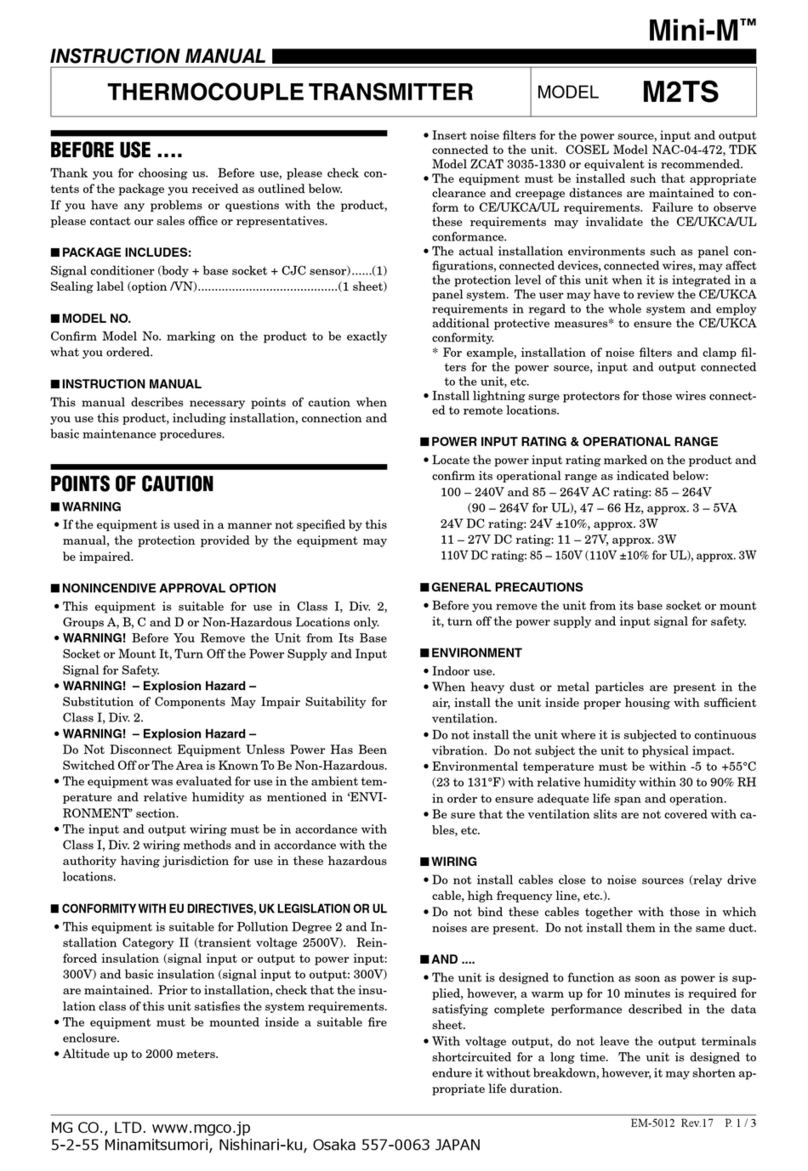
MG Mini-M M2TS User manual

MG

MG Mini-M M2TS User manual

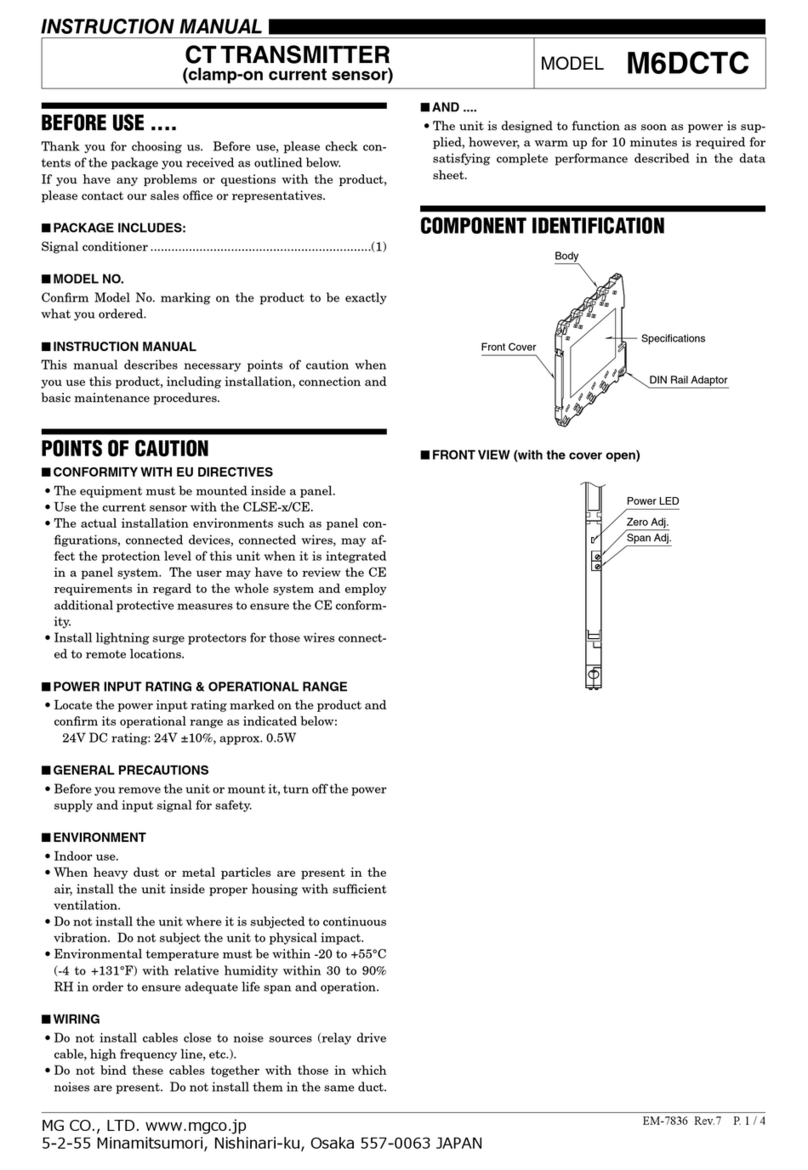
MG M6DCTC User manual

MG

MG M6DCTC User manual

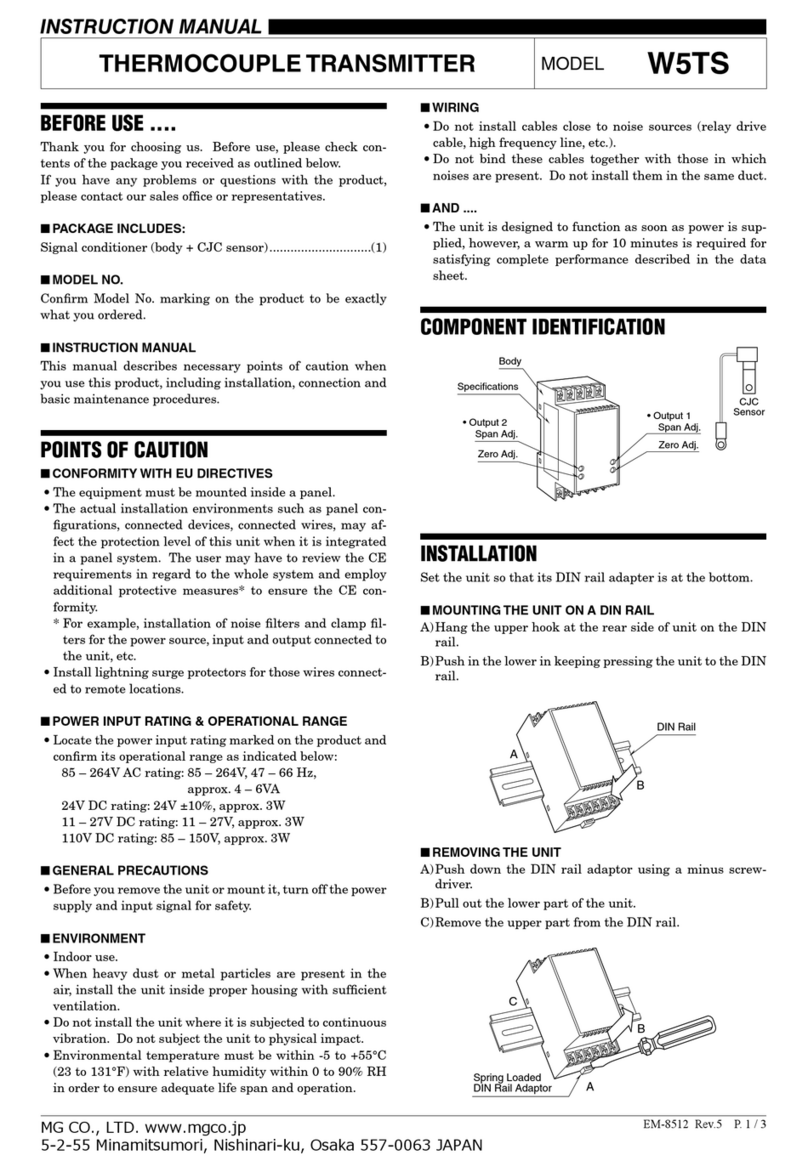
MG W5TS User manual

MG

MG W5TS User manual

MG M6NVF User manual

MG

MG M6NVF User manual

Popular Transmitter manuals by other brands

NIVELCO EasyTREK SCA-300 Series Programming manual

NIVELCO

NIVELCO EasyTREK SCA-300 Series Programming manual

Honeywell 5816WMBR installation instructions

Honeywell

Honeywell 5816WMBR installation instructions

Kamstrup READy MTU Installation and operation guide

Kamstrup

Kamstrup READy MTU Installation and operation guide

Omega ZW Series user guide

Omega

Omega ZW Series user guide

ABB Field 264H Instructions for installation

ABB

ABB Field 264H Instructions for installation

Alinco DJ-V17T Service manual

Alinco

Alinco DJ-V17T Service manual

Dejero EnGo 3x manual

Dejero

Dejero EnGo 3x manual

Rosemount 4600 Reference manual

Rosemount

Rosemount 4600 Reference manual

Speaka Professional 2342740 operating instructions

Speaka Professional

Speaka Professional 2342740 operating instructions

trubomat GAB 1000 instruction manual

trubomat

trubomat GAB 1000 instruction manual

Teledyne Analytical Instruments LXT-380 instructions

Teledyne Analytical Instruments

Teledyne Analytical Instruments LXT-380 instructions

Rondish UT-11 quick start guide

Rondish

Rondish UT-11 quick start guide

Burkert 8177 operating instructions

Burkert

Burkert 8177 operating instructions

Firetide HotPort 3203 Hardware installation guide

Firetide

Firetide HotPort 3203 Hardware installation guide

Tele Radio T9-02 User instructions

Tele Radio

Tele Radio T9-02 User instructions

Rotronic HygroFlex HF3 Series user guide

Rotronic

Rotronic HygroFlex HF3 Series user guide

Jamara FCX6 Pro Tel Instruction

Jamara

Jamara FCX6 Pro Tel Instruction

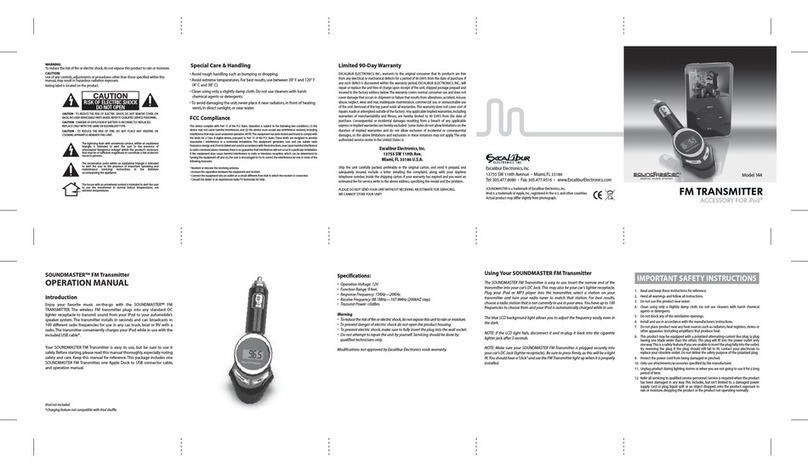
Excalibur SoundMaster FM Transmitter 144 owner's manual

Excalibur

Excalibur SoundMaster FM Transmitter 144 owner's manual

https://manuals.online logo
https://manuals.online logoBrands
  • About & Mission
  • Contact us
  • Privacy Policy
  • Terms and Conditions

Copyright 2026 Manuals.Online. All Rights Reserved.

EM-7904 Rev.6 P. 1 / 3
MG CO., LTD. www.mgco.jp
5-2-55 Minamitsumori, Nishinari-ku, Osaka 557-0063 JAPAN
INSTRUCTION MANUAL
FREQUENCY TRANSMITTER MODEL M6NPA
BEFORE USE ....
Thank you for choosing us. Before use, please check con-
tents of the package you received as outlined below.
If you have any problems or questions with the product,
please contact our sales office or representatives.
■PACKAGE INCLUDES:
Signal conditioner ...............................................................(1)
■MODEL NO.
Confirm Model No. marking on the product to be exactly
what you ordered.
■INSTRUCTION MANUAL
This manual describes necessary points of caution when
you use this product, including installation, connection and
basic maintenance procedures.
POINTS OF CAUTION
■CONFORMITY WITH EU DIRECTIVES OR UL
• The equipment must be mounted inside a panel.
• The actual installation environments such as panel con-
figurations, connected devices, connected wires, may af-
fect the protection level of this unit when it is integrated
in a panel system. The user may have to review the CE
requirements in regard to the whole system and employ
additional protective measures to ensure the CE conform-
ity.
• Install lightning surge protectors for those wires connect-
ed to remote locations.
■POWER INPUT RATING & OPERATIONAL RANGE
• Locate the power input rating marked on the product and
confirm its operational range as indicated below:
24V DC rating: 24V ±10%, approx. 0.5W
■GENERAL PRECAUTIONS
• Before you remove the unit or mount it, turn off the power
supply and input signal for safety.
■ENVIRONMENT
• Indoor use.
• When heavy dust or metal particles are present in the
air, install the unit inside proper housing with sufficient
ventilation.
• Do not install the unit where it is subjected to continuous
vibration. Do not subject the unit to physical impact.
• Environmental temperature must be within -20 to +55°C
(-4 to +131°F) with relative humidity within 30 to 90%
RH in order to ensure adequate life span and operation.
■WIRING
• Do not install cables close to noise sources (relay drive
cable, high frequency line, etc.).
• Do not bind these cables together with those in which
noises are present. Do not install them in the same duct.
■AND ....
• The unit is designed to function as soon as power is sup-
plied, however, a warm up for 10 minutes is required for
satisfying complete performance described in the data
sheet.
COMPONENT IDENTIFICATION
Body
Front Cover
DIN Rail Adaptor
Specifications
■FRONT VIEW (with the cover open)
Zero Adj.
Power LED
Span Adj.

M6NPA
EM-7904 Rev.6 P. 2 / 3

MG CO., LTD. www.mgco.jp
5-2-55 Minamitsumori, Nishinari-ku, Osaka 557-0063 JAPAN
INSTALLATION
Set the unit so that its DIN rail adapter is at the bottom. When the unit is installed to an Installation Base (model M6NBS),
refer to its instruction manual.
■MOUNTING THE UNIT ON A DIN RAIL
A)Hang the upper hook at the rear side of unit on the DIN
rail.
B)Push in the lower in keeping pressing the unit to the DIN
rail.
ADIN Rail
B
■REMOVING THE UNIT
A)Pull down the DIN rail adaptor using a minus screwdriv-
er.
B)Pull out the lower part of the unit.
C)Remove the upper part from the DIN rail.
CB
A
DIN Rail Adaptor
TERMINAL CONNECTIONS
Connect the unit as in the diagram below or refer to the connection diagram on the side of the unit.
■EXTERNAL DIMENSIONS unit: mm (inch)
102 (4.02)
7.5 (.30)
DIN RAIL HOOK
102 (4.02)
[1 (.04)]
8–M3
SCREW TERMINAL
WIRE INSERTION ANGLE
: approx. 35°
SCREWDRIVER
*
INSERTION ANGLE
: approx. 55°
SCREWDRIVER
INSERTION ANGLE
: approx. 40°
DIN RAIL
35mm wide
5678
1234
• When mounting, no extra space is needed between units.*Screwdriver stem diameter: 6 mm (.24”) or less
M6NPA
EM-7904 Rev.6 P. 3 / 3
MG CO., LTD. www.mgco.jp
5-2-55 Minamitsumori, Nishinari-ku, Osaka 557-0063 JAPAN
■CONNECTION DIAGRAM
■ Open Collector or
Mechanical Contact
Input Connection Examples
■ Voltage Pulse
1
2
+
–
+
–
+
–
OUTPUT
5
6
+
–
INPUT
1
2
8
7
POWER
CONNECTOR
POWER
1
2
+
2.4 kΩ
–
2.5 V
WIRING INSTRUCTIONS
■SCREW TERMINAL
Torque: 0.5 N·m
■SOLDERLESS TERMINAL unit: mm (inch)
Refer to the drawing below for recommended ring tongue
terminal size. Spade tongue type is also applicable.
Solderless terminals with insulation sleeve do not fit.
Applicable wire size: 0.2 – 2.5 mm2
3.2 (.13) dia.
4 min.
(.16)
5.8 max.
(.23)
5.5 max.
(.22)
CHECKING
1) Terminal wiring: Check that all cables are correctly con-
nected according to the connection diagram.
2) Power input voltage: Check voltage across the terminal
7 – 8 with a multimeter.
3) Input: Check that the input signal is within 0 – 100% of
the full-scale.
4) Output: Check that the load resistance meets the de-
scribed specifications.
ADJUSTMENT PROCEDURE
This unit is calibrated at the factory to meet the ordered
specifications, therefore you usually do not need any cali-
bration.
For matching the signal to a receiving instrument or in case
of regular calibration, adjust the output as explained in the
following.
■HOW TO CALIBRATE THE OUTPUT SIGNAL
Use a signal source and measuring instruments of sufficient
accuracy level. Turn the power supply on and warm up for
more than 10 minutes.
1) ZERO: Apply 0% input and adjust output to 0%.
For a bidirectional output (e.g. -5 – +5 V DC), apply an
input signal corresponding to 0 V DC output. (Same pro-
cedure in (3))
2) SPAN: Apply 100% input and adjust output to 100%.
3) Check ZERO adjustment again with 0% input.
4) When ZERO value is changed, repeat the above proce-
dure 1) – 3).
MAINTENANCE
Regular calibration procedure is explained below:
■CALIBRATION
Warm up the unit for at least 10 minutes. Apply 0%, 25%,
50%, 75% and 100% input signal. Check that the output
signal for the respective input signal remains within accu-
racy described in the data sheet. When the output is out of
tolerance, recalibrate the unit according to the “ADJUST-
MENT PROCEDURE” explained earlier.
LIGHTNING SURGE PROTECTION
We offer a series of lightning surge protector for protec-
tion against induced lightning surges. Please contact us to
choose appropriate models.