manuals.online logo
Brands
  1. Home
  2. •
  3. Brands
  4. •
  5. Milwaukee
  6. •
  7. Test Equipment
  8. •
  9. Milwaukee pH600 User manual

Milwaukee pH600 User manual

Other Milwaukee Test Equipment manuals

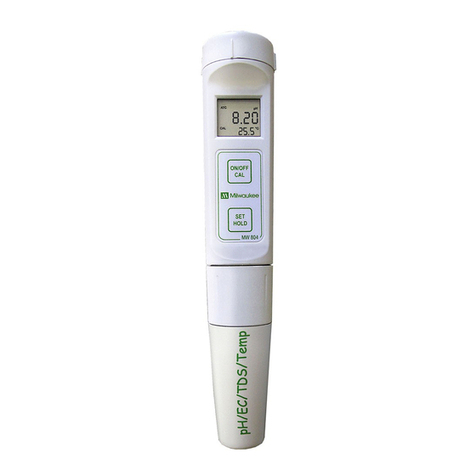
Milwaukee MW804 User manual

Milwaukee

Milwaukee MW804 User manual

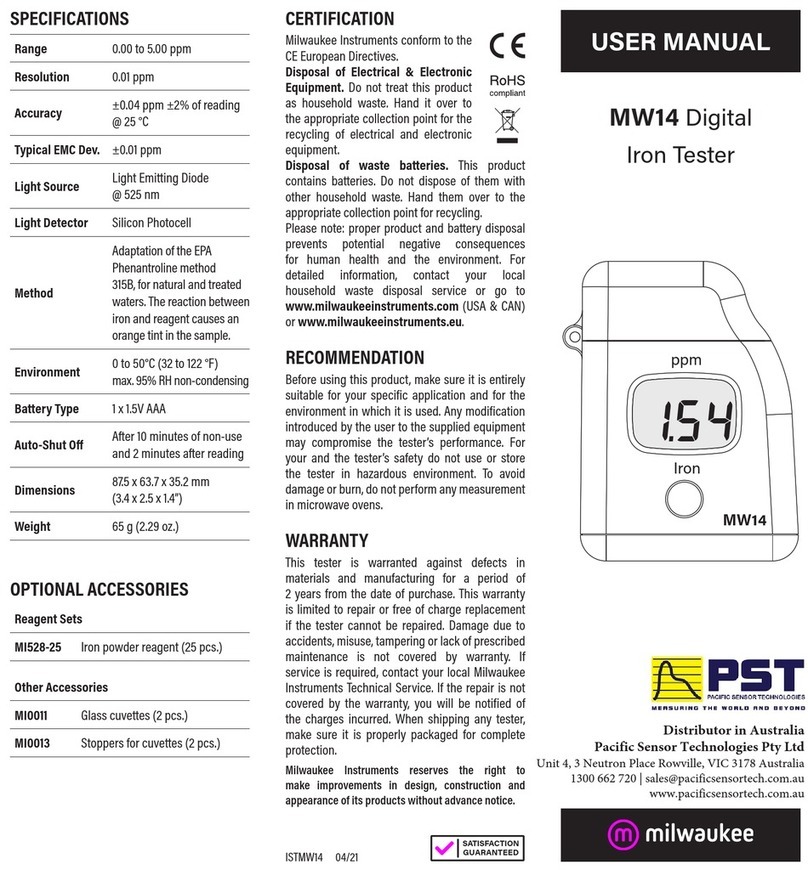
Milwaukee MW14 User manual

Milwaukee

Milwaukee MW14 User manual

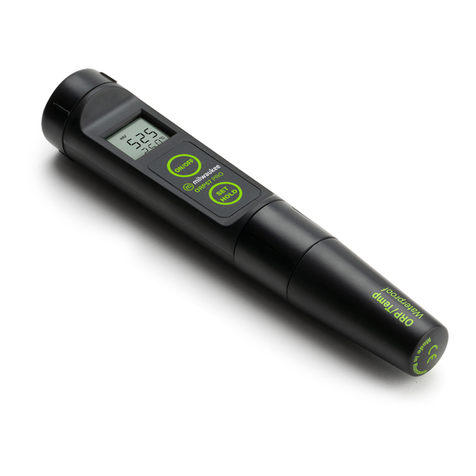
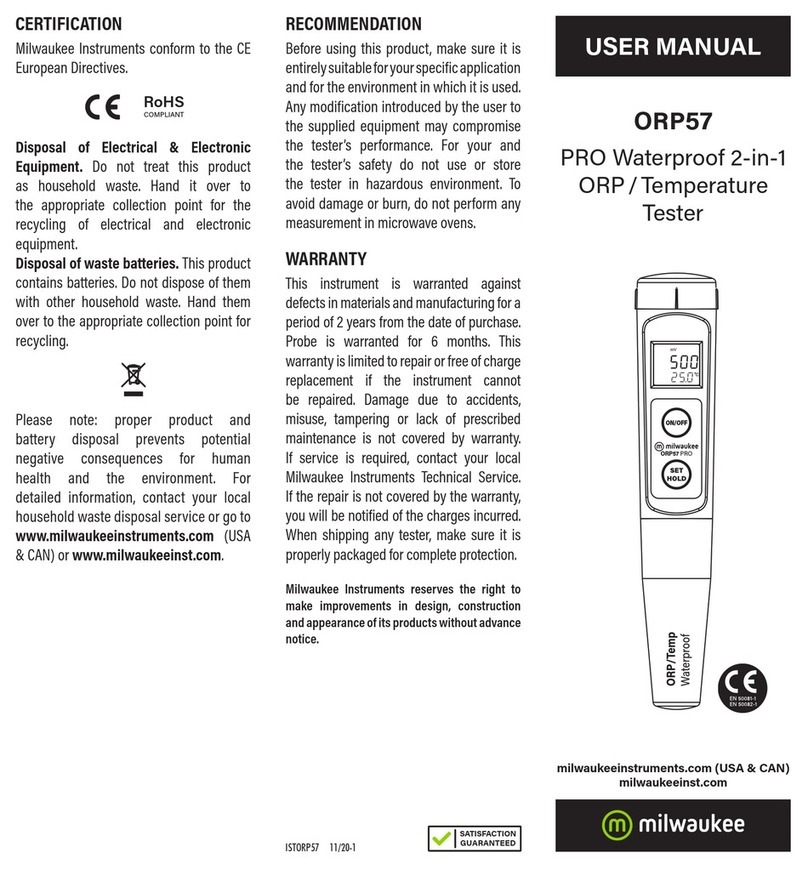
Milwaukee ORP57 User manual

Milwaukee

Milwaukee ORP57 User manual

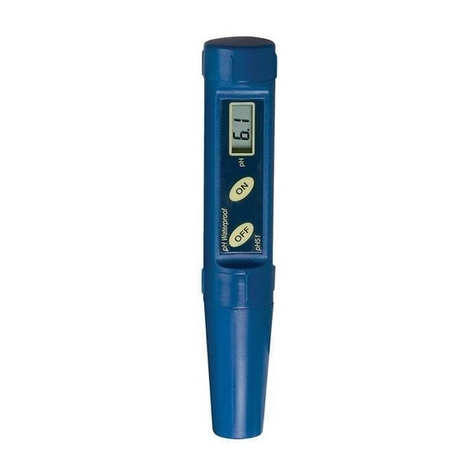
Milwaukee pH51 User manual

Milwaukee

Milwaukee pH51 User manual

Milwaukee pH58 User manual

Milwaukee

Milwaukee pH58 User manual

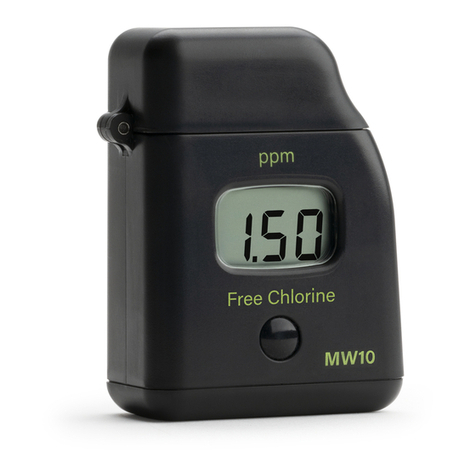
Milwaukee MW10 User manual

Milwaukee

Milwaukee MW10 User manual

Milwaukee pH54 User manual

Milwaukee

Milwaukee pH54 User manual

Milwaukee pH55 PRO User manual

Milwaukee

Milwaukee pH55 PRO User manual

Milwaukee HEAVY DUTY 2216-40 User manual

Milwaukee

Milwaukee HEAVY DUTY 2216-40 User manual

Milwaukee MW14 User manual

Milwaukee

Milwaukee MW14 User manual

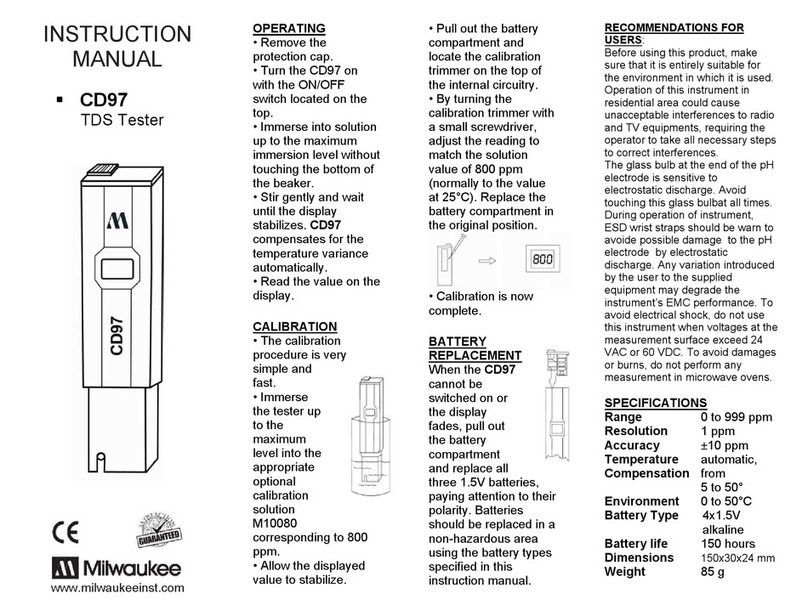
Milwaukee CD97 User manual

Milwaukee

Milwaukee CD97 User manual

Milwaukee 2237-40 User manual

Milwaukee

Milwaukee 2237-40 User manual

Milwaukee MW803 User manual

Milwaukee

Milwaukee MW803 User manual

Milwaukee 2210-20 User manual

Milwaukee

Milwaukee 2210-20 User manual

Milwaukee MW12 User manual

Milwaukee

Milwaukee MW12 User manual

Milwaukee ORP57 User manual

Milwaukee

Milwaukee ORP57 User manual

Milwaukee MW11 User manual

Milwaukee

Milwaukee MW11 User manual

Milwaukee EC59 User manual

Milwaukee

Milwaukee EC59 User manual

Popular Test Equipment manuals by other brands

Ambit P.F. Series instruction manual

Ambit

Ambit P.F. Series instruction manual

Megger BMM500 Series user guide

Megger

Megger BMM500 Series user guide

RJG Lynx Sensor Tester operating instructions

RJG

RJG Lynx Sensor Tester operating instructions

Mark-10 TT02 Series user guide

Mark-10

Mark-10 TT02 Series user guide

Martel 3001 Operator's manual

Martel

Martel 3001 Operator's manual

ElproSys DiagProg4 instruction manual

ElproSys

ElproSys DiagProg4 instruction manual

Redtech TRAILERteck T05 user manual

Redtech

Redtech TRAILERteck T05 user manual

Venmar AVS Constructo 1.0 HRV user guide

Venmar

Venmar AVS Constructo 1.0 HRV user guide

Test Instrument Solutions SafetyPAT operating manual

Test Instrument Solutions

Test Instrument Solutions SafetyPAT operating manual

Hanna Instruments HI 38078 instruction manual

Hanna Instruments

Hanna Instruments HI 38078 instruction manual

Kistler 5495C Series instruction manual

Kistler

Kistler 5495C Series instruction manual

Waygate Technologies DM5E Basic quick start guide

Waygate Technologies

Waygate Technologies DM5E Basic quick start guide

StoneL DeviceNet CK464002A manual

StoneL

StoneL DeviceNet CK464002A manual

Seica RAPID 220 Site preparation guide

Seica

Seica RAPID 220 Site preparation guide

Kingfisher KI7400 Series Training manual

Kingfisher

Kingfisher KI7400 Series Training manual

Kurth Electronic CCTS-03 operating manual

Kurth Electronic

Kurth Electronic CCTS-03 operating manual

SMART KANAAD SBT XTREME 3G Series user manual

SMART

SMART KANAAD SBT XTREME 3G Series user manual

Agilent Technologies BERT Serial Getting started

Agilent Technologies

Agilent Technologies BERT Serial Getting started

manuals.online logo
manuals.online logoBrands
  • About & Mission
  • Contact us
  • Privacy Policy
  • Terms and Conditions

Copyright 2025 Manuals.Online. All Rights Reserved.

Instruction Manual
pH600
pH Tester
www.milwaukeetesters.com
Do not be
alarmed if
white crystal
appear around
the cap. This is
normal with pH
electrodes and they dissolve
when rinsed with water.
OPERATING:
Remove the protective cap
and turn the pH600 on.
Immerse it into solution up to
the maximum immersion
level.
Stir gently and wait until
the display stabilizes.
After use, rinse the electrode
with water to minimize
contamination.
Store the electrode with a
few drops of storage solution
(MA9015) or pH 7.01 buffer
solution in the protective
cap.
Always replace the
protective cap after use.
DO NOT USE DISTILLED
OR DEIONIZED WATER
FOR STORAGE
PURPOSES
Large differences in pH
readings (± 0.5 pH) could be
due to lack of calibration, dry
electrode or rundown
batteries.
The calibration procedure is
very simple and fast.
CALIBRATION:

Immerse the tester
up to the maximum
level in pH 7 buffer
(M10007).

Allow the reading to
stabilize and using a
small screwdriver turn the
pH 7 Calibration Trimmer
placed on the back of the
tester to read 7.0.
Calibration is now complete!
ALWAYS USE FRESH
BUFFERS FOR
CALIBRATION
When the pH600
cannot be switched on
or the display fades,
pull out the battery
compartment and
replace all three 1,5V
batteries, paying attention to
their polarity.
BATTERY
REPLACEMENT:
Batteries should only be
replaced in a non-hazardous
area using the battery types
specified in this instruction
manual.
Before using this product, make sure that it is
entirely suitbale for the environment in which
it is used. Operation of this instrument in
residential area could cause unacceptable
interferences to radio and TV equipments,
requiring the operator to take all necessary
steps to correct interferences.
RECOMMENDATIONS
FOR USERS:
The glass bub at the end of the pH electrode
is sensitive to electrostatic discharge. Avoid
touching this glass bulb at all times. During
operation of instrument, ESD wrist straps
should be worn to avoid possible damage to
the pH by electrostatic discharge. Any
variation introduced by the user to the
supplied equipment may degrade the
istruments EMC performance. To avoid
electrical shock, do not use this instrument
when voltages at the measurement surface
exceed 24 VAC or 60 VDC. To avoid
damages or burns, do not perform any
measurement in microwave ovens.
SPECIFICATIONS:
RANGE 0.0 to 14.0 pH
RESOLUTION 0.1 pH
TYPICAL EMC ±0.2 pH
ACCURACY (@20°C) ±0.1 pH
ENVIRONMENT 0 to 50°C
DEVIATION
BATTERIES LIFE 3 x 1,5V
alkaline
approax. up to
700 hours of
95% RH
use
DIMENSIONS 150x30x24 mm
WEIGHT 85g
Alsókikötö sor 11.
H-6726 Szeged - HUNGARY
Tel: +36 62 428 050
Fax: +36 62 428 051
sales@milwaukeeinst.hu