Page 1 of 2
INSTRUCTION MANUAL
IS-8056JE
ISSUED 1999-08-17
REVISED 2007-03-09
REV. G
工具
工具工具
工具名称
名称名称
名称:
::
:
Mini
Mini Mini
Mini Mi
MiMi
MiⅡ
ⅡⅡ
Ⅱハンドツール
ハンドツールハンドツール
ハンドツール
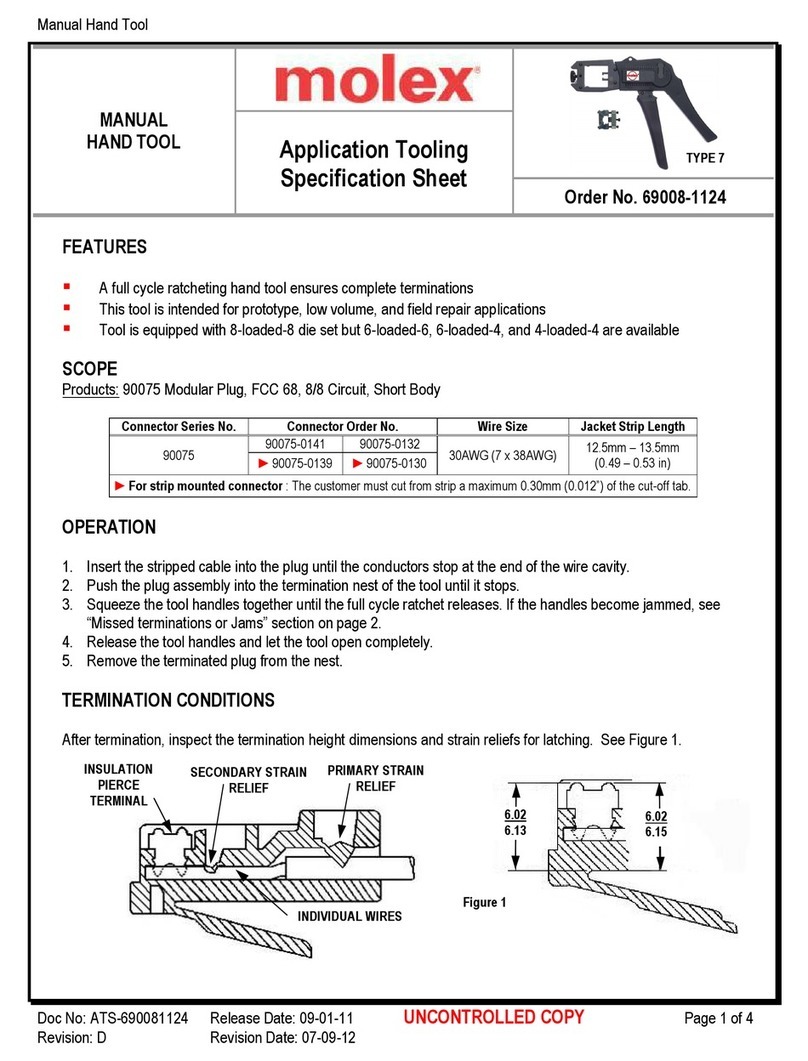
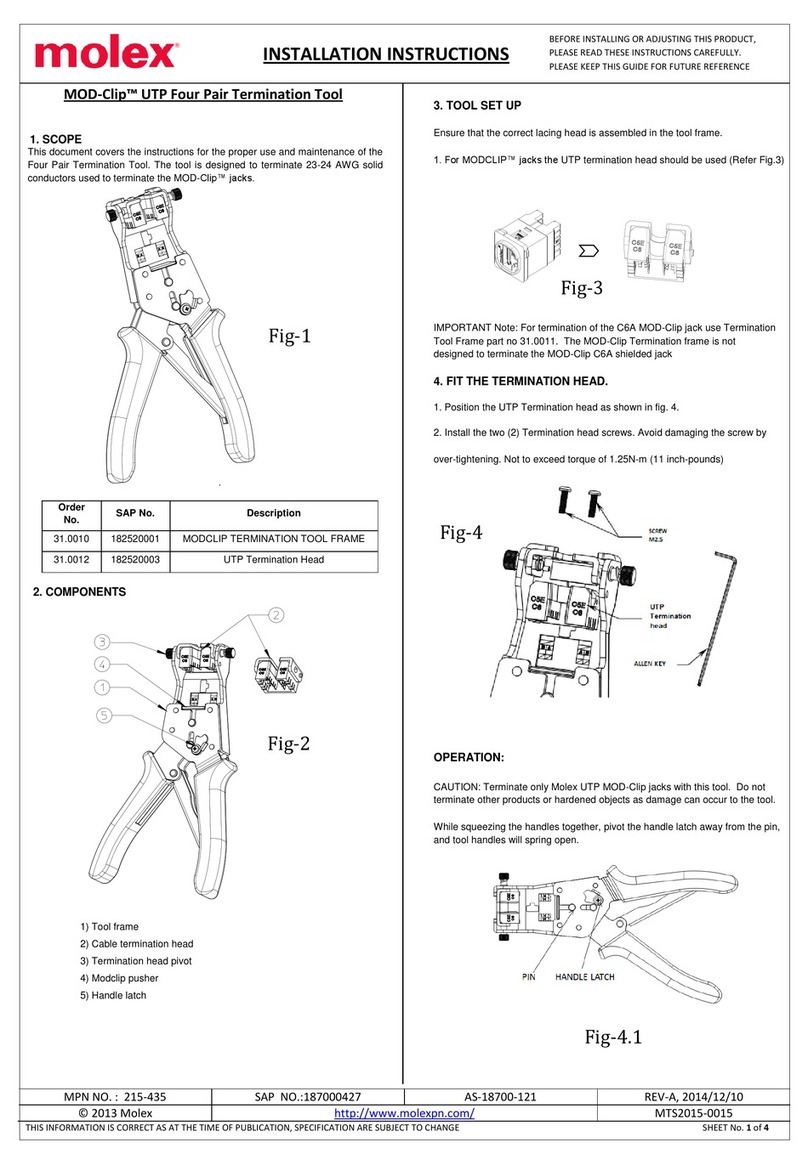
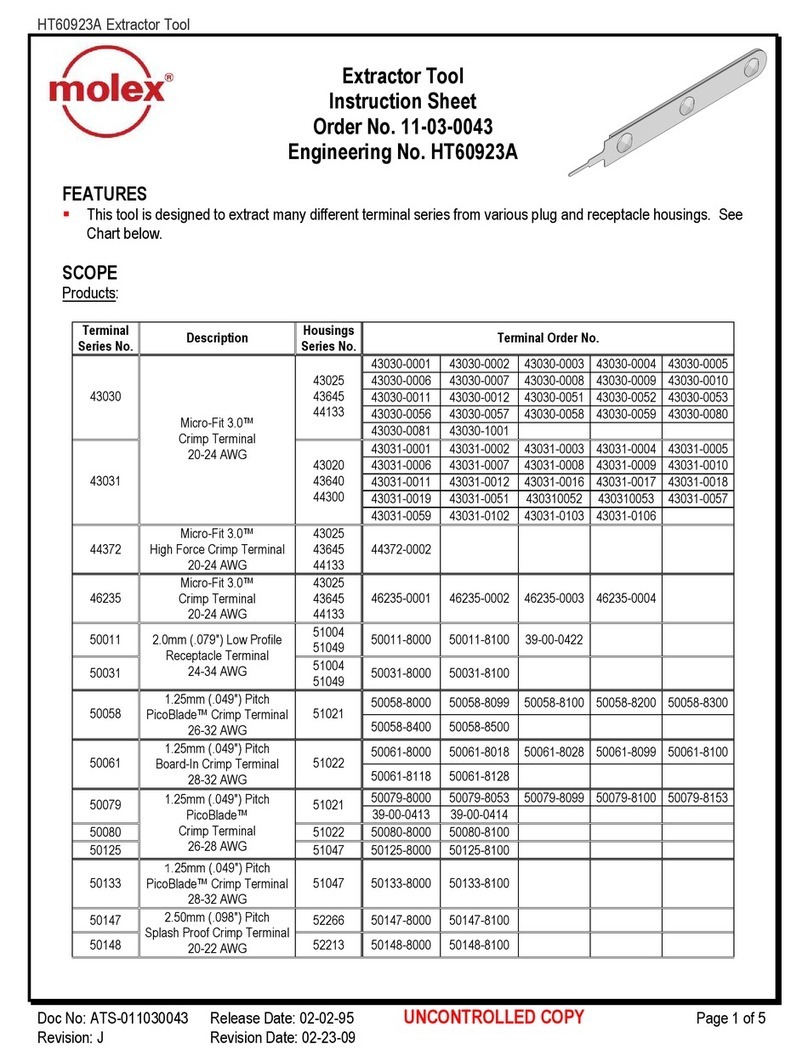
Tool Name: Mini Mi2 HAND TOOL
工具番号
工具番号工具番号
工具番号/
//
/
Tool Number
:
::
:
57834-5000
1
11
1.
..
.仕様
仕様仕様
仕様/
//
/
Specifications
コネクタ名称/
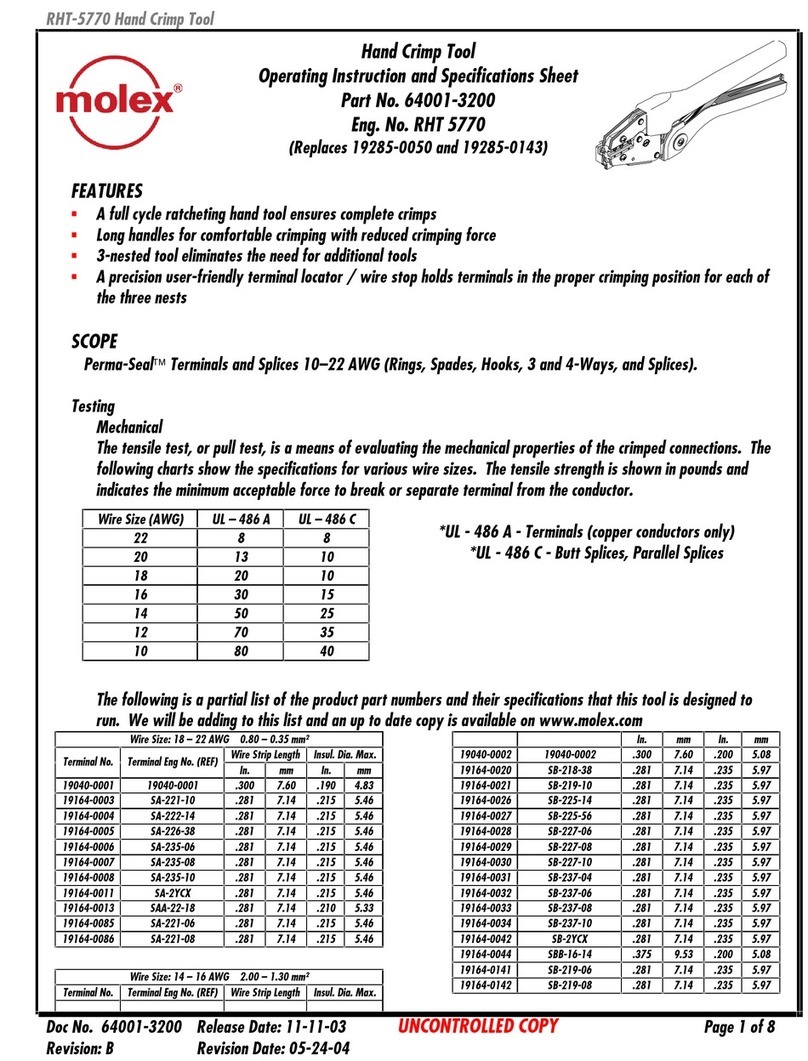
Connector name
製品番号/
Product number
極数/
Circuit number
Mini Mi
Ⅱリセプタクル
Mini Mi2 Receptacle 54596-xxxx
51336-xxxx 2-20
2
22
2.
..
.操作手順
操作手順操作手順
操作手順/
//
/
Operation steps
No
操作手順/
Operating procedure
説明図/
Explanation figure
1
『
『『
『コネクタ
コネクタコネクタ
コネクタの
のの
のセット
セットセット
セット/
//
/
Set of connector
』
』』
』
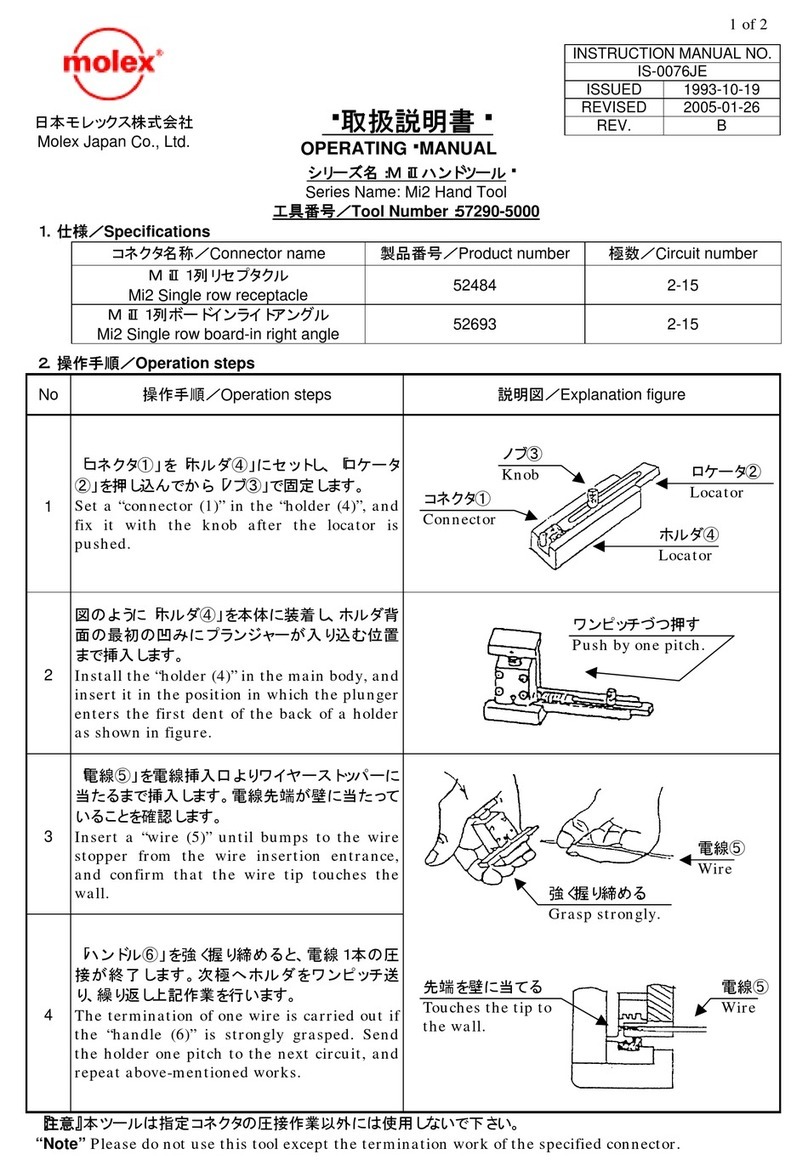
1)
「コネクタ①」を「 ルダ④」にセットします。
Set the “connector (1)” in the “holder (4)”.
2) 「ロケータ②」を押し込んで、「ノブ③」で固定し
ます。
Push the “locator (2)”, and fix
“knob (3)”.
2
『
『『
『ホルダ
ホルダホルダ
ホルダの
のの
のセット
セットセット
セット/
//
/
Set of holder
』
』』
』
1)
「 ルダ④」を本体に装着します。
Install the “holder (4)” in the main body.
2)
ルダ背面の最初の「V溝」にボールプランジ
ャーが入るまで挿入します。
Inserts it until the ball plunger
first “V-ditch” in the back of the holder.
3)
先ず、「ハンドル⑥」を押し下げて、コネクタを
位置決めします。
First of all, the connector is positioned
depressing the “handle (6)”.
3
『
『『
『圧接
圧接圧接
圧接/
//
/
Termination
』
』』
』
1)
「電線⑤」を挿入口より奥に突き当たるまで真
っ直ぐに挿入します。
Insert a “wire (5)”
straight from the loading
slot until bumping to the interior.
2)
電線先端が奥の壁に当たっている事を確認
します。
Confirm
that the wire point touches the wall
in the interior.
3)
その状態で、「ハンドル⑥」を十分に握って圧
接します。
Grip the “handle (6)
and the termination is executed.
4)
「 ルダ④」を1ピッチ移動して、同様に圧接
を順次実行します。
Move the “holder (4)” by one pitch, and
termination
similarly.
『
『『
『注
注注
注意
意意
意』
』』
』
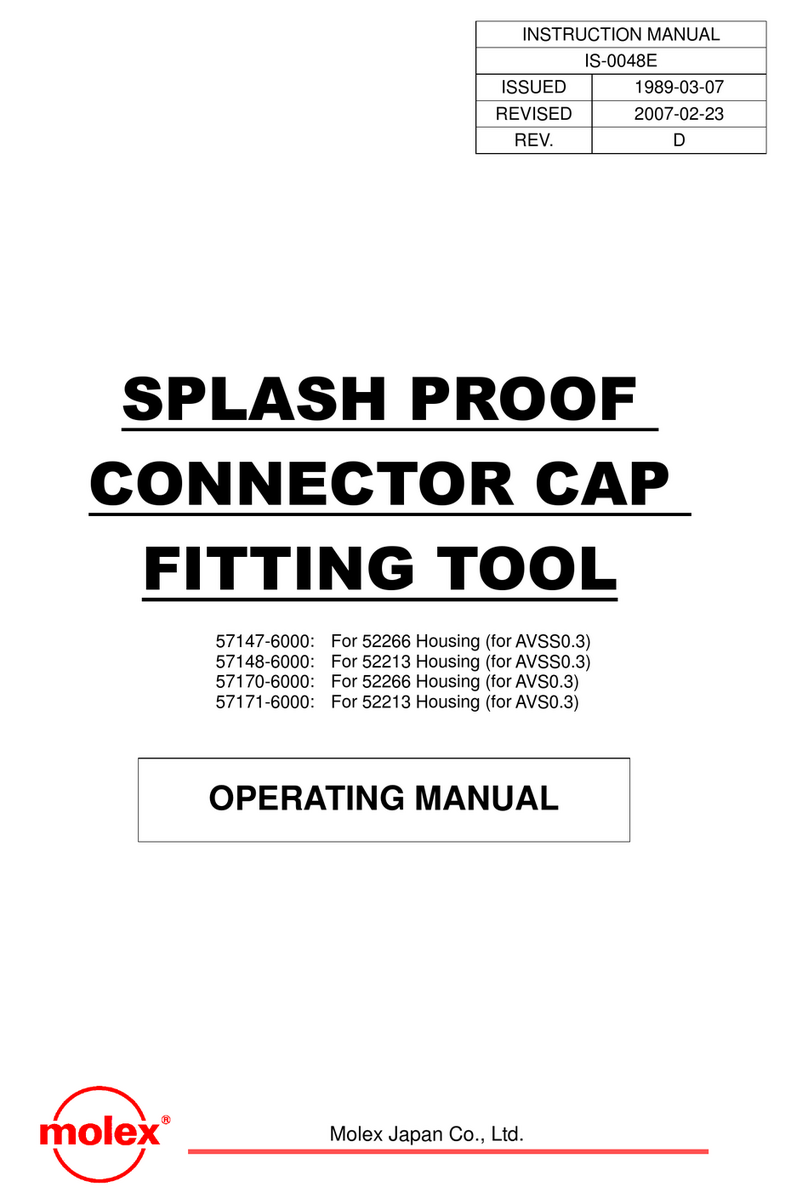
本ツールは指定コネクタの圧接作業以外には使用しないで下さい。
“Note” Please do not use this tool except the termination work of the specified connector.
取扱説明書
取扱説明書取扱説明書
取扱説明書
OPERATING
MANUAL
日本モレックス株式会社
Molex Japan Co., Ltd.
ワンピッチずつ押す
Push by one pitch.
奥に突き当てる
Bumping to the interior
電線⑤
Wire
ハンドル⑥
Handle
ルダ④
Holder
ハンドル⑥
Handle
ルダ④
Holder
ロケータ②
Locator
ルダ④
Holder
コネクタ①
Connector
ノブ③
Knob