manuals.online logo
Brands
  1. Home
  2. •
  3. Brands
  4. •
  5. MULTISPAN
  6. •
  7. Temperature Controllers
  8. •
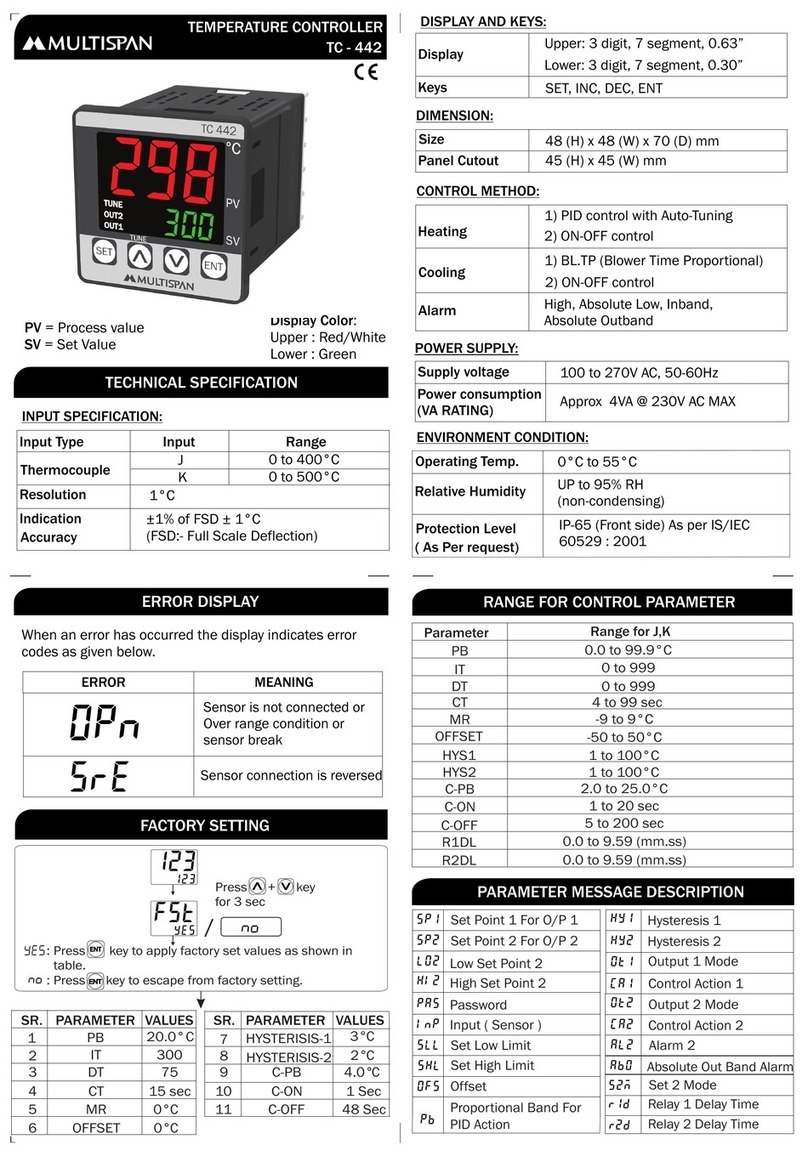
  9. MULTISPAN UTC-421G User manual

MULTISPAN UTC-421G User manual

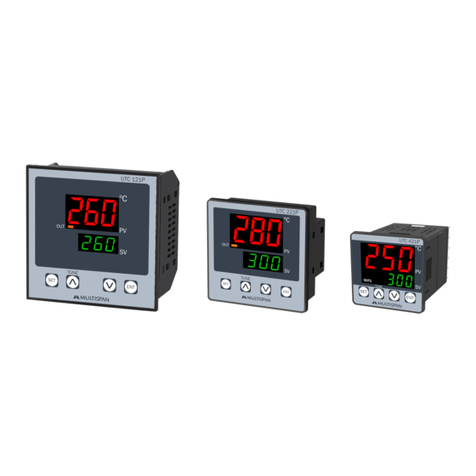
Other MULTISPAN Temperature Controllers manuals

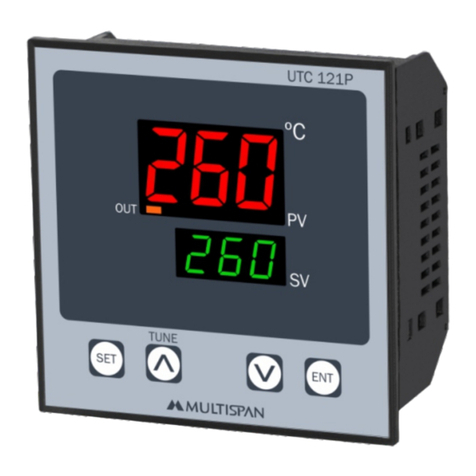
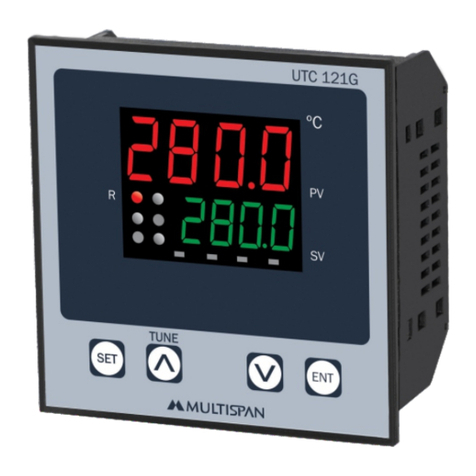
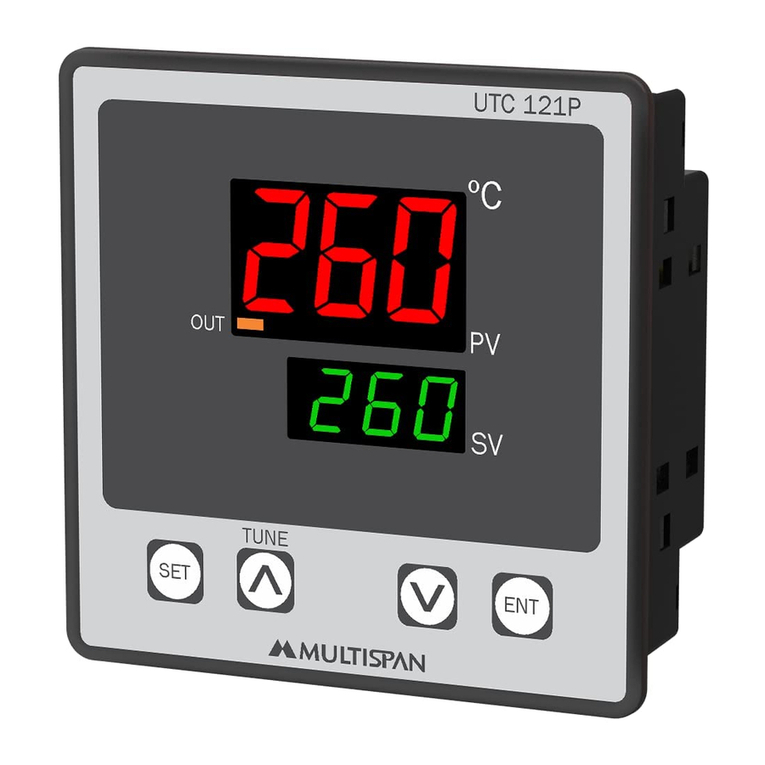
MULTISPAN UTC-121P User manual

MULTISPAN

MULTISPAN UTC-121P User manual

MULTISPAN UTC-111P User manual

MULTISPAN

MULTISPAN UTC-111P User manual

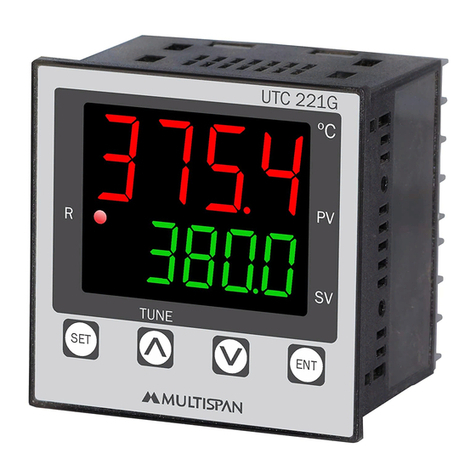
MULTISPAN UTC-221G User manual

MULTISPAN

MULTISPAN UTC-221G User manual

MULTISPAN TC-443 User manual

MULTISPAN

MULTISPAN TC-443 User manual

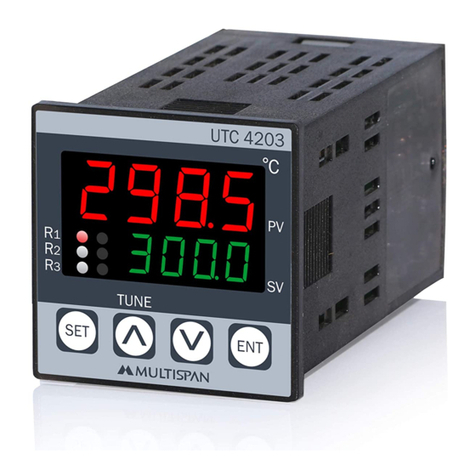
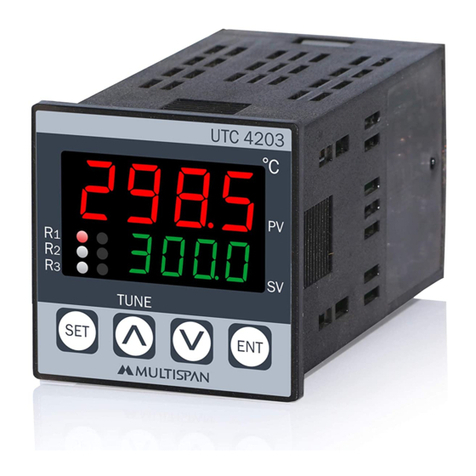
MULTISPAN UTC-4203 User manual

MULTISPAN

MULTISPAN UTC-4203 User manual

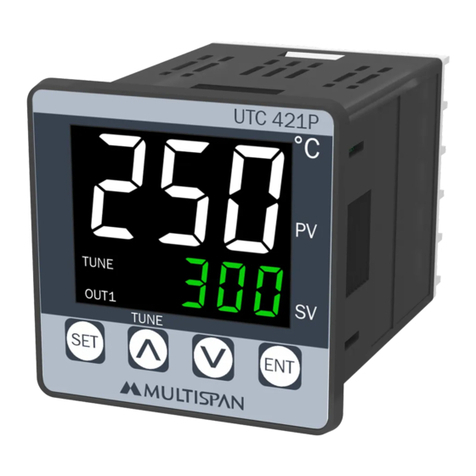
MULTISPAN UTC-421P User manual

MULTISPAN

MULTISPAN UTC-421P User manual

MULTISPAN TC-49P User manual

MULTISPAN

MULTISPAN TC-49P User manual

MULTISPAN TC-19 User manual

MULTISPAN

MULTISPAN TC-19 User manual

MULTISPAN UTC-121P User manual

MULTISPAN

MULTISPAN UTC-121P User manual

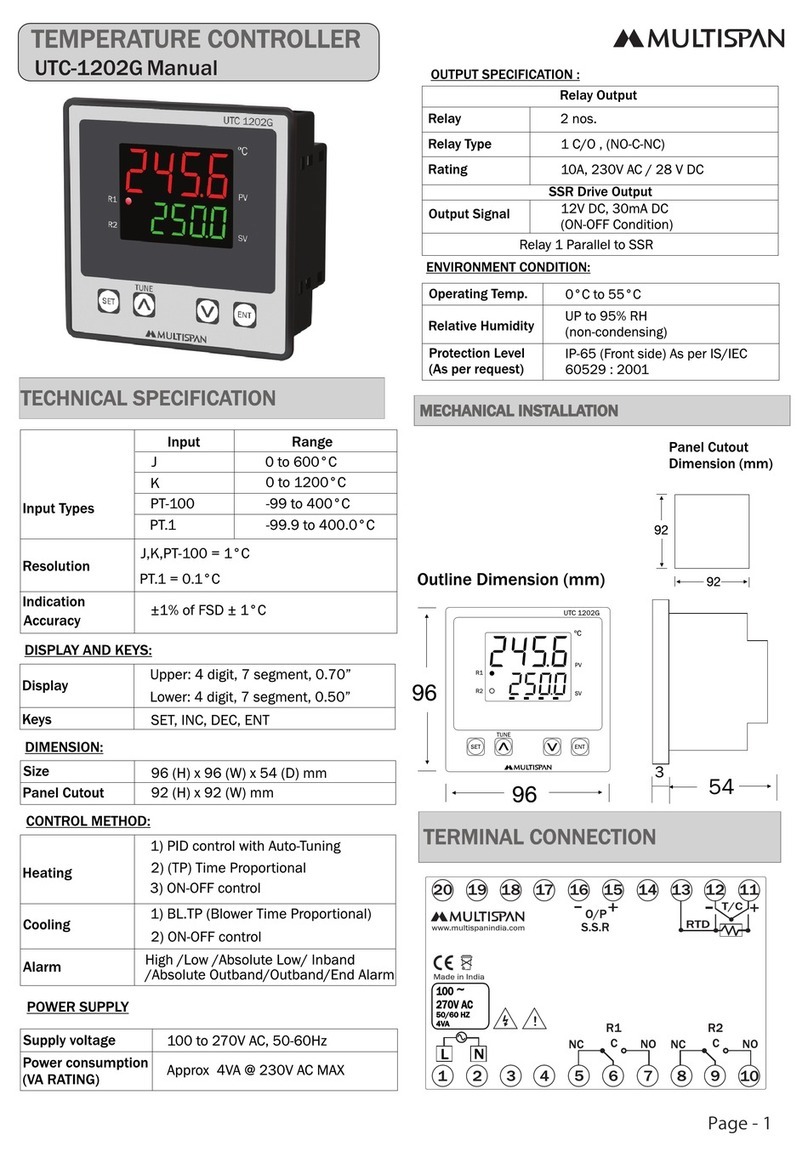
MULTISPAN UTC-1202G User manual

MULTISPAN

MULTISPAN UTC-1202G User manual

MULTISPAN UTC-121P User manual

MULTISPAN

MULTISPAN UTC-121P User manual

MULTISPAN TC-221P User manual

MULTISPAN

MULTISPAN TC-221P User manual

MULTISPAN UTC-2200G User manual

MULTISPAN

MULTISPAN UTC-2200G User manual

MULTISPAN UTC-214 User manual

MULTISPAN

MULTISPAN UTC-214 User manual

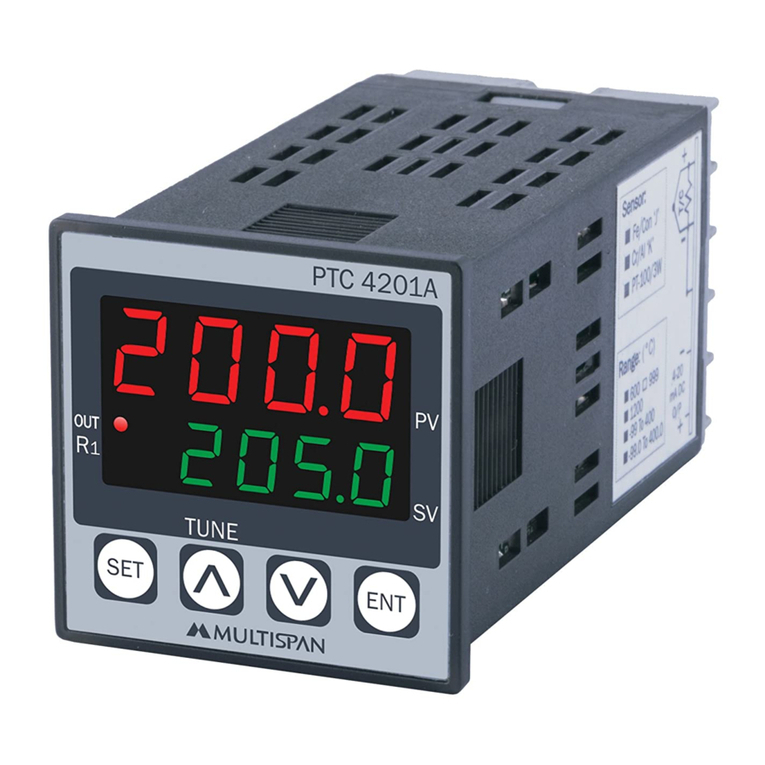
MULTISPAN UTC-4201A User manual

MULTISPAN

MULTISPAN UTC-4201A User manual

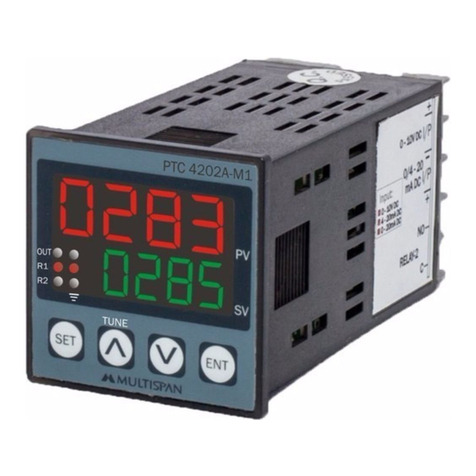
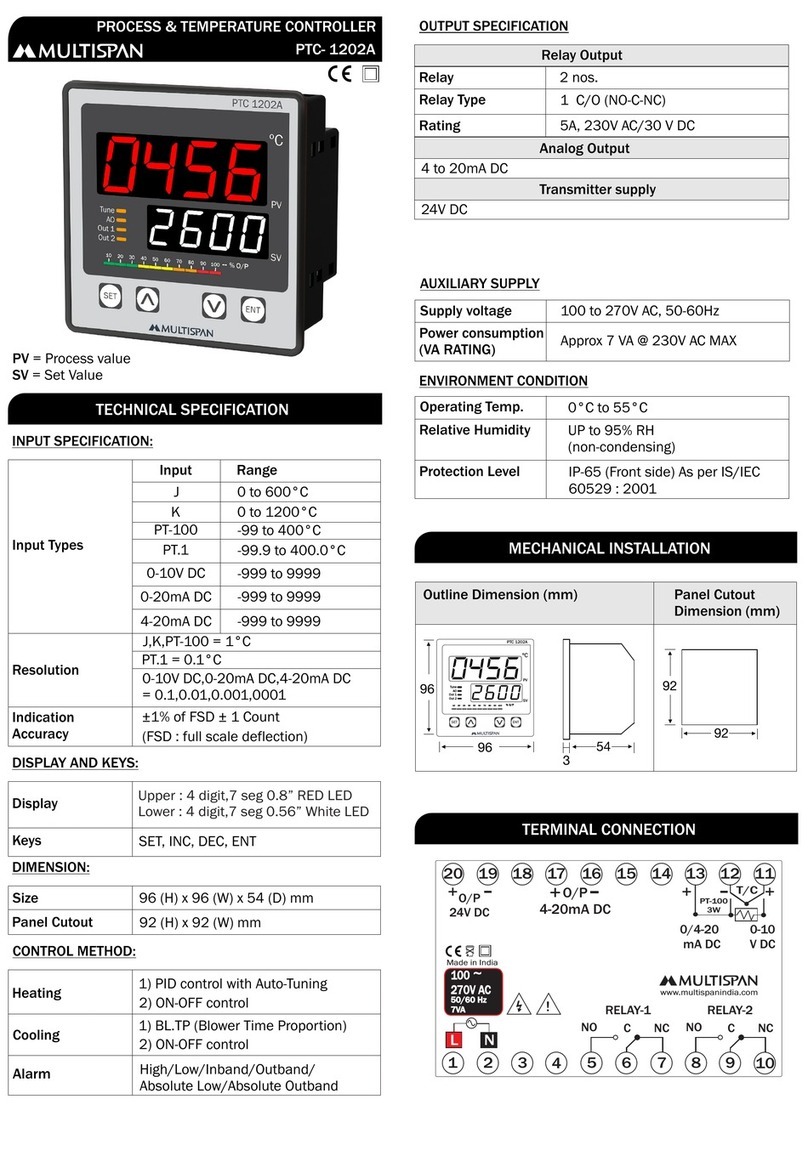
MULTISPAN PTC-1202A User manual

MULTISPAN

MULTISPAN PTC-1202A User manual

MULTISPAN TC-49P User manual

MULTISPAN

MULTISPAN TC-49P User manual

MULTISPAN UTC-113P User manual

MULTISPAN

MULTISPAN UTC-113P User manual

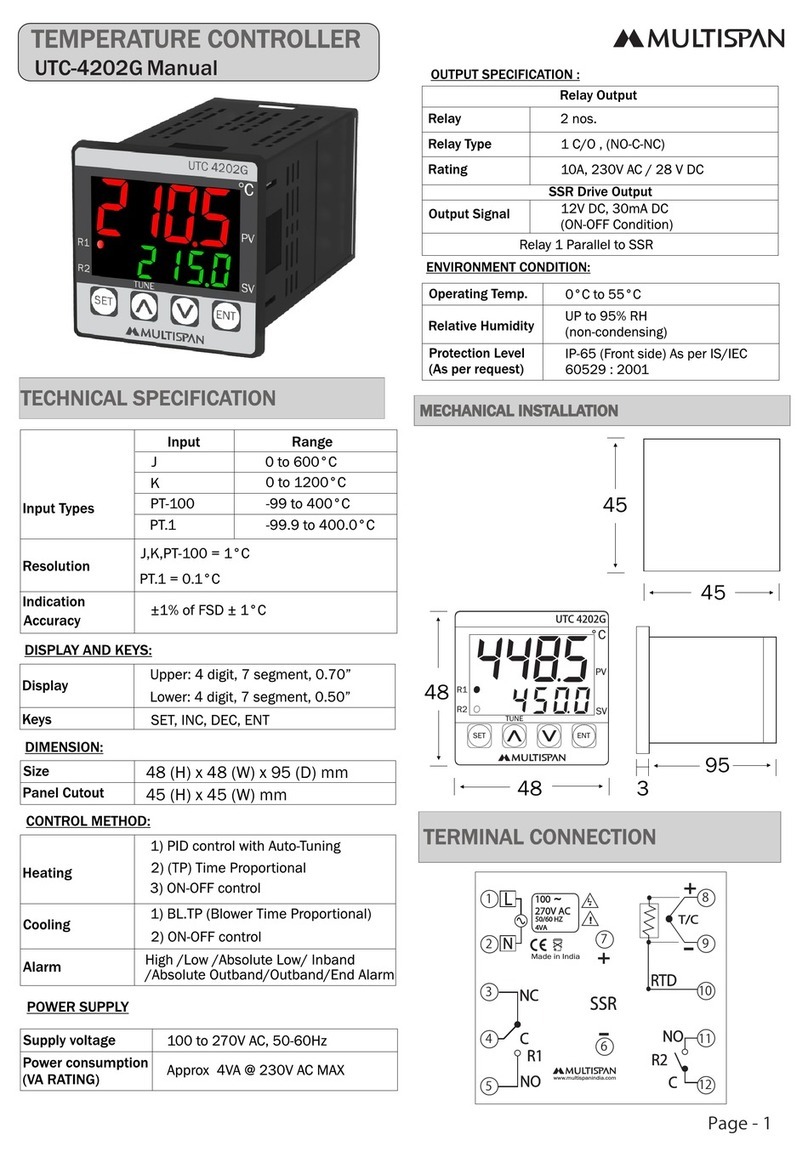
MULTISPAN UTC-4202G User manual

MULTISPAN

MULTISPAN UTC-4202G User manual

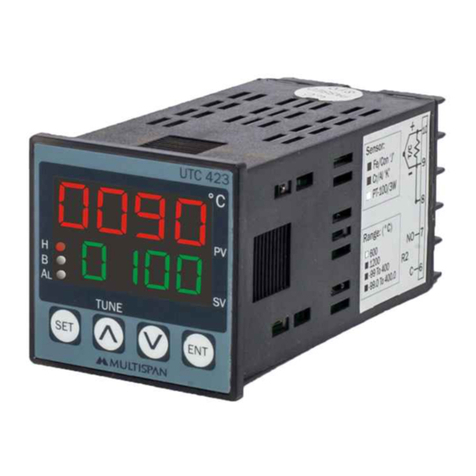
MULTISPAN UTC-423 User manual

MULTISPAN

MULTISPAN UTC-423 User manual

MULTISPAN UTC-121P User manual

MULTISPAN

MULTISPAN UTC-121P User manual

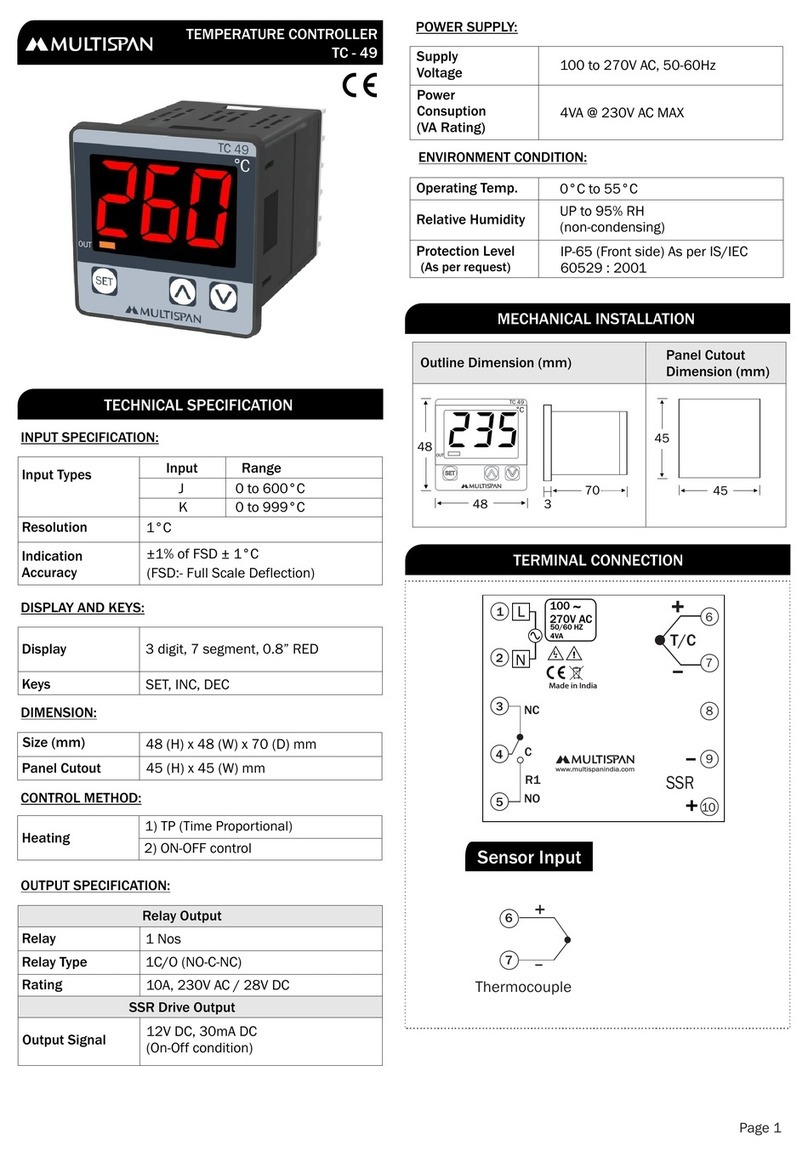
MULTISPAN TC-49 User manual

MULTISPAN

MULTISPAN TC-49 User manual

MULTISPAN TC-49 User manual

MULTISPAN

MULTISPAN TC-49 User manual

MULTISPAN TC-49 User manual

MULTISPAN

MULTISPAN TC-49 User manual

Popular Temperature Controllers manuals by other brands

Brookfield TC Series Operator's manual

Brookfield

Brookfield TC Series Operator's manual

Nibe HPAC 45 Installer manual

Nibe

Nibe HPAC 45 Installer manual

Auber TD100 instruction manual

Auber

Auber TD100 instruction manual

IntelliSense INTELLITEMP T-1000 installation instructions

IntelliSense

IntelliSense INTELLITEMP T-1000 installation instructions

Swegon LUNAd MB Instructions for use

Swegon

Swegon LUNAd MB Instructions for use

Lucky Reptile Thermo Control II Operation instructions

Lucky Reptile

Lucky Reptile Thermo Control II Operation instructions

SMC Networks Thermo-con INR-244-639 Operation manual

SMC Networks

SMC Networks Thermo-con INR-244-639 Operation manual

SENSORMETRIX Argon 100 manual

SENSORMETRIX

SENSORMETRIX Argon 100 manual

Fuji Electric PXE4 instruction manual

Fuji Electric

Fuji Electric PXE4 instruction manual

Yuyao gongyi XMT-808 series Operation manual

Yuyao gongyi

Yuyao gongyi XMT-808 series Operation manual

eltherm Ex-TC It Series operating instructions

eltherm

eltherm Ex-TC It Series operating instructions

Selec TC544C user guide

Selec

Selec TC544C user guide

P.W. KEY rt-208gt operating manual

P.W. KEY

P.W. KEY rt-208gt operating manual

Omron C200H-TV Series Operation manual

Omron

Omron C200H-TV Series Operation manual

BH Thermal BriskONE owner's manual

BH Thermal

BH Thermal BriskONE owner's manual

West Control Solutions KS 45 Operation Notes

West Control Solutions

West Control Solutions KS 45 Operation Notes

Opt Lasers TEC-8A-24V-PID-HC operating manual

Opt Lasers

Opt Lasers TEC-8A-24V-PID-HC operating manual

Vaillant VR 92/3 Operating and installation instructions

Vaillant

Vaillant VR 92/3 Operating and installation instructions

manuals.online logo
manuals.online logoBrands
  • About & Mission
  • Contact us
  • Privacy Policy
  • Terms and Conditions

Copyright 2025 Manuals.Online. All Rights Reserved.

Page 1
UTC-421G
PV = Process Value
SV = Set Value
TEMPERATURE CONTROLLER
DISPLAY AND KEYS:
CONTROL METHOD:
DIMENSION:
OUTPUT SPECIFICATION:
POWER SUPPLY:
ENVIRONMENT CONDITION:
Display
Heating
Size
Keys
Cooling
Panel Cutout
Power Consuption
(VA Rating)
Relative Humidity
Protection Level
Relay
Output Signal
Supply Voltage
Operating Temp.
Relay Type
Rating
Upper: 4 digit, 7 segment, 0.56”
1) PID control with Auto-Tuning
Lower: 4 digit, 7 segment, 0.33”
2) ON-OFF control
48 (H) x 48 (W) x 95 (D) mm
100 to 270V AC, 50-60Hz
0°C to 55°C
UP to 95% RH
(non-condensing)
IP-65 (Front side) As per IS/IEC
60529 : 2001
1 Nos
12V DC, 30mA DC
(On-Off condition)
Relay parallel to SSR
1C/O (NO-C-NC)
10A, 230V AC / 28V DC
SET, INC, DEC, ENT
ON-OFF control
45 (H) x 45 (W) mm
4VA @ 230V AC MAX
Relay Output
SSR Drive Output
TECHNICAL SPECIFICATION
48
95
45
45
3
MECHANICAL INSTALLATION
TERMINAL CONNECTION
48
Outline Dimension (mm) Panel Cutout
Dimension (mm)
66
6
88
77
7
3-Wire RTD 2-Wire RTD
Thermocouple
Install jumper
when using
2 Wire RTD
Sensor input
+
www.multispanindia.com
T/C
+
+
RTD
-
-
NC
C
Relay
NO
O/P
SSR
100
270V AC
1
2
3
4
5
L
N
6
7
8
9
10
~
50/60 HZ
4VA
Sensor Input
Input Types
Resolution
Indication
Input Range
0 to 600°C
0.0 to 400.0°C
0 to 1200°C
-50 to 400°C
0.0 to 500.0°C
-50.0 to 400.0°C
J
J.1
K
PT-100
K.1
PT.1
J,K,PT-100 = 1°C
±1% of FSD ± 1°C
J.1,K.1,PT.1 = 0.1°C
INPUT SPECIFICATION:
Accuracy
UTC 421G
!
Made in India
Display Color:
Upper : White Or Red
Lower : Green
Page 2
Read complete instructions prior to installation
and operation of the unit.
WARNING : Risk of electric shock.
SAFETY PRECAUTION
!
All safety related codifications, symbols and instructions that
appear in this operating manual or on the equipment must be
strictly followed to ensure the safety of the operating personnel
as well as the instrument.
If all the equipment is not handled in a manner specified by
the manufacturer, it might impair the protection provided by the
equipment.
A
A - Control output indication
B - Auto tuning “ON” indication
C - Blinking DP Will Indicate Delay time Count
B
C
STATUS LED DESCRIPTION
KEY OPERATION
To enter in parameter setting
For start/stop PID auto tuning Press
6 sec
Press 3 sec
+
To go in factory setting mode
PRESS KEY
FUNCTION
OPERATOR MODE
PARAMETER SETTING MODE
To set parameter value
To increment parameter value.
To decrement parameter value.
Set parameter to be save & exit.
WARNING GUIDELINES
WARNING : Risk of electric shock.
1. To prevent the risk of electric shock, power supply to the
equipment must be kept OFF while doing the wiring
arrangement. Do not touch the terminals while power is
being supplied.
2. To reduce electro magnetic interference, use wire with
adequate rating and twists of the same of equal size shall
be made with shortest connection.
3. Cable used for connection to power source, must have a
cross section of 1mm or greater. These wires should have
insulations capacity made of at least 1.5kV.
4. When extending the thermocouple lead wires, always use
thermocouple compensation wires for wiring for the RTD
type, use a wiring material with a small lead resistance
(5 max per line) and no resistance differentials among
three wires should be present.
5. A better anti-noise effect can be expected by using
standard power supply cable for the instrument.
Ω
INSTALLATION GUIDELINES
1. This equipment, being built-in-type, normally becomes a
part of main control panel and in such case the terminals
do not remain accessible to the end user after installation
and internal wiring.
2. Do not allow pieces of metal, wire clippings, or fine metallic
fillings from installation to enter the product or else it may
lead to a safety hazard that may in turn endanger life or
cause electrical shock to the operator.
3. Circuit breaker or mains switch must be installed between
power source and supply terminal to facilitate power ‘ON’
or ‘OFF’ function. However this mains switch or circuit
breaker must be installed at convenient place normally
accessible to the operator.
4. Use and store the instrument within the specified ambient
temperature and humidity ranges as mentioned in this
manual.
MECHANICAL INSTALLATION GUIDELINES
1. Prepare the panel cutout with proper dimensions as shown
above.
2. Fit the unit into the panel with the help of clamp given.
3. The equipment in its installed state must not come in close
proximity to any heating source, caustic vapors, oil steam,
or other unwanted process Byproducts.
4. Use the specified size of crimp terminal (M3.5 screws) to
wire the terminal block. Tightening the screws on the
terminal block using the tightening torque of the range of
1.2 N.m.
5. Do not connect anything to unused terminals.
MAINTENANCE
1. The equipment should be cleaned regularly to avoid blockage
of ventilating parts.
2. Clean the equipment with a clean soft cloth. Do not use
isopropyl alcohol or any other cleaning agent.
3. Fusible resistor must not be replaced by operator.

Page 3
SRE
Check the sensor and the input wiring. If problem still exists,
replace the sensor. And still if problem is not solved yet by the

user, then please contact company person
Sensor connection is reversed
FACTORY SETTING
PARAMETER RANGE
FACTORY SETTING
PARAMETER
IT
CT
Offset
PB
DT
MR
Hysteresis
Delay time
VALUES
300
15 Sec
20.0°C
75
0°C
0°C
3°C
6 sec
SR.
2
4
6
1
3
5
7
8
ENT
SET
Press key for 3 sec to
enter password
Set Point
Press key
Password Message
PB
IT
DT
CT
MR
OffSet
Hysteresis
Delay Time
Sr.

1
2
3
4
5
6
7
8
0.0 to 999.9 0 to 999.9
0 to 9999 0 to 9999
0 to 9999 0 to 9999
For Relay/Both:4 to 99 Sec For Relay/Both:4 to 99 Sec
For SSR:1 to 99 Sec For SSR:1 to 99 Sec
1 to 999 Sec 1 to 999 Sec
-9°C to +9°C -9.0°C to +9.0°C
-20°C to +20°C -20.0°C to +20.0°C
1°C to 100°C 0.1°C to 100.0°C
Parameter Range for J, K, PT100 Range for J.1,K.1,PT.1
SET
ENT
Basic Configuration
Press key
To ENTER BASIC
CONFIGURATION
SETTING, ENTER “73”
Message
Password
Input
Relay Mode
Output Type
(Both/Relay/SSR)
Control Action Hysterisis
Delay Time
Set Low Limit
Set High Limit
Offset
Press key to save & exit
CORRECTIVE ACTION:
34
fCst
234
YES
Press + key
for 3 sec
yes
: Press key to apply factory set
values as shown in table.

: Press key to escape
from factory setting.
ENT
ENT
no
no
ERROR
OPEN
MEANING
When an error has occurred the display indicates error codes
as given below.
Sensor is not connected or
ERROR DISPLAY
Set Point Setting
Process Value
Set Value
PARAMETER SETTING
Over range condition or
sensor break
.
Page 4
PID AUTO-TUNING
Press key for 6 sec to start/stop
PID auto-tuning
°C
PV
R
Tuning
LED Indication
SV
SET
ENT
Press key
Integral
time
Derivative
time
Cycle time
Manual Reset
Press key to save & exit
Proportional
Band
CONTROL FUNCTION
RLY-OFF
RLY-ON
delay delay delay
Time Time Time
RLY-ON
RLY-ON
RLY-ON
RLY-OFF
RLY-OFF
RLY-OFF
Temp.
Temp.
S.V
HYST
HYST
S.V
Time
Time
OFF
OFF OFF OFF
OFF
ON - OFF control (Heating)
ON - OFF control (Cooling)
ON
ON ON ON
ON
Specifications are subject to change, since development is a continuous process,
So for more updated operating information and Support,
Please contact our Helpline: 9978991482/9978991474/9978991476 or
Email at Ver:011220[email protected]
Auto Tuning:-
The Auto-tuning function automatically computes
and sets the Proportional band (Pb) , Integral time (It),
Derivative time (dt), and cycle time as per process
characteristics.
Tuning LED will turn “ON” during Auto-Tuning
If the power goes off before auto-tuning is completed,
auto-tuning will be restarted at next power ON.
SET
Control Parameter
Password
Message
PID
Parameters
IF PID SELECTED
To ENTER CONTROL
PARAMETER
SETTING, ENTER “37”