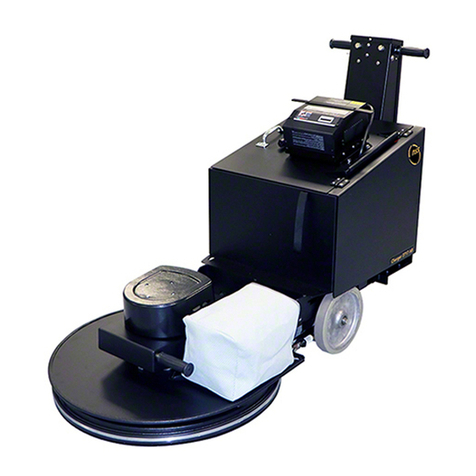
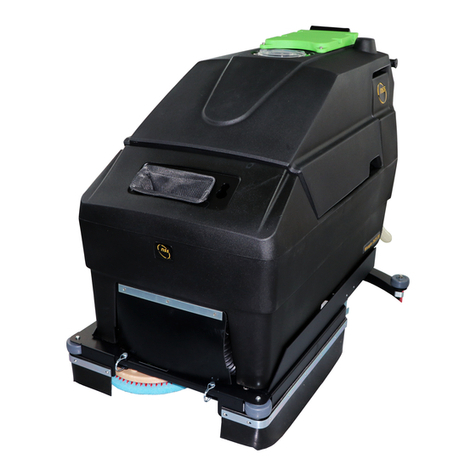
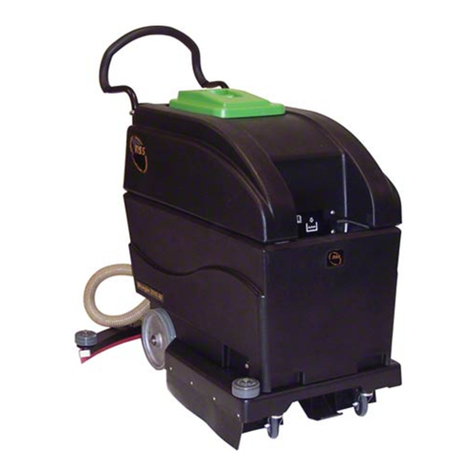
What Floor System Works Best With The Ultra Maxx 27BP
.
Dry polishing or burnishing works best with the Ultra Maxx 27BP. Use mop on restorers rather
than spray buff systems to restore the shine. Spray buffing is time consuming, uses more pads
because they become loaded with floor finish, and can cause overloading of the machine’s
circuit breaker.
HOW THE Ultra Maxx 27BP WORKS
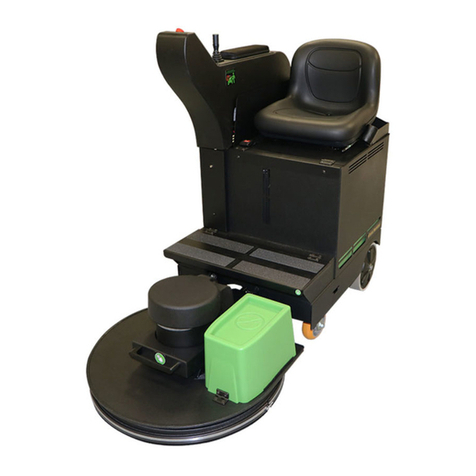
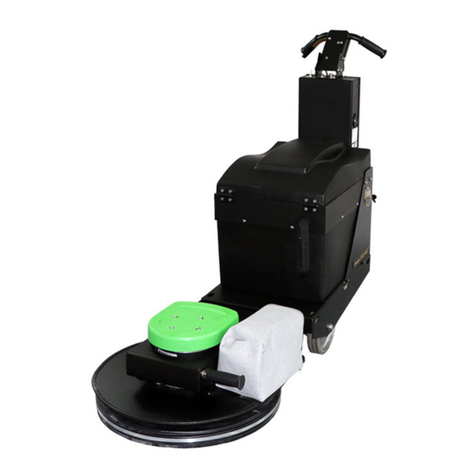
The Ultra Maxx 27BP utilizes a 3 HP permanent magnet motor to drive the 27" pad. The pad
pressure is adjustable by turning a knob on the top of the machine, which will either increase or
decrease the pad pressure. The level of pad pressure is indicated on the dial on the right-hand
side of the control panel. The pad is adjusted properly when the arrow on average stays in or on
the green arrow indicating proper amps. Due to imperfections in the floor, the amps will change
slightly. Periodic adjustment may be necessary to keep the dial running in the green. Too much
pad pressure (meter pointing in the red) may cause the circuit breaker to disconnect the circuit to
the motor. If this happens, reduce the pad pressure, push the black button that says “70” and
continue running the machine.
To Begin Operation
Make sure that the correct pad (7/8" to 1") x 27" has been properly installed on the pad driver
with pad grabber and ring in place. You are now ready to run the machine.
WARNING: MACHINE MUST BE MOVING AT ALL TIMES WHEN PAD IS
ROTATING OR FLOOR MAY BE DAMAGED.
Turn the master switch to “I”, check the level of battery work range (put machine on “charge” if not
in the high range). Push the machine forward slightly and squeeze the deadman switch lever to
activate pad driving motor. With the machine moving forward, watch the amp meter for the
average needle position on the meter. Adjust the black knob in the center of the control panel
counter clockwise to increase the pad pressure. It will move the amp indicator needle more
toward the right, or the red area. Adjust the knob clockwise to decrease the pad pressure,
decreasing the amps which moves the needle to the left. Adjust until the amp meter needle
averages in the area of the green arrow, indicating proper amps.
WARNING: NEVER OPERATE MACHINE WITH THE NEEDLE IN THE RED AREA OF
THE METER, OR DAMAGE TO THE MACHINE FROM OVERLOAD MAY RESULT.
Floors that have high or low spots will cause the amp meter to enter into the red area
occasionally. This is to be expected and will cause no harm to the machine. If you operate the
machine continuously in the red area, the circuit breaker, in the rear panel, can and will blow,
indicating too much pad pressure or load. Push the button to reset, decrease pad pressure by
2 or 3 turns or more on the adjustment knob, change or turn the pad; otherwise, damage to the
machine will result. Operating the machine with higher than recommended pad pressure in the
red area will shorten the operating time per battery charge. Maximum operating time can be
achieved by adjusting pad pressure throughout the buffing cycle.
Battery Meter Gauge
Turn the switch to the “I” position. Check to see that light near switch is lit. With master switch on,
check battery meter for charge indication. If needle is in the red area on the left side, marked
“recharge”, the batteries are too low to operate and should be recharged. The middle, green
area, indicates whether or not the batteries are in the high or low range. The right side of the
gauge indicates (when the battery charger is connected and charging and switch is on) the level
of the charge in the batteries, whether high, low or in between. When needle is in the far right,
red area, shown as high, charging of the batteries is complete.
OPERATION
https://harrissupplyind.com-ToOrderPartsCall608-268-8080