TROUBLESHOOTING
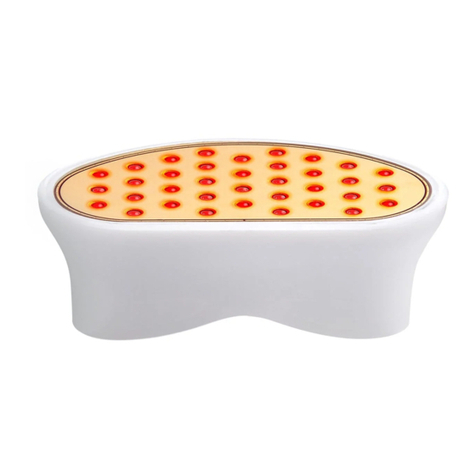
If your Wrinkle Reducer is not turning on, please make
sure all the below are true:
• The Wrinkle Reducer is completely attached to the
device and fits snugly. Make sure to firmly press the
release button when attaching and detaching the
Wrinkle Reducer.
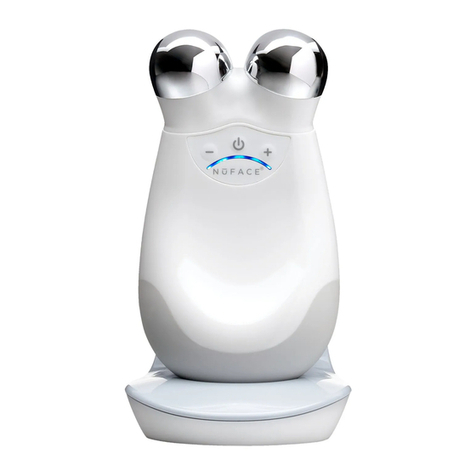
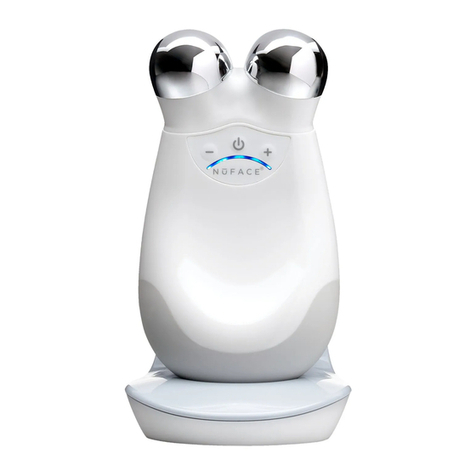
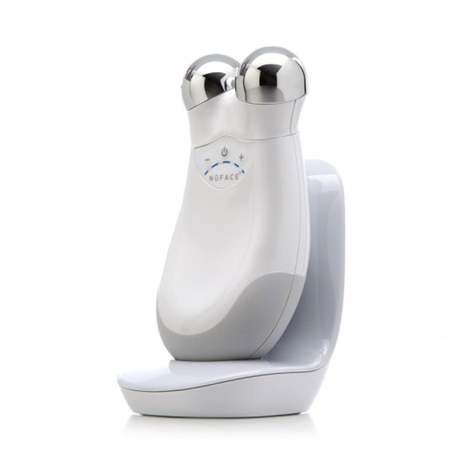
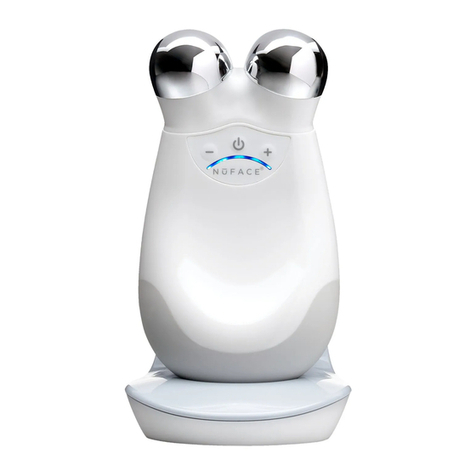
• The NuFACE Trinity device battery is fully charged. If
not, please charge your device for a full 12 hours. The
NuFACE Trinity device battery needs to be fully charged
as the Wrinkle Reducer takes more power than the
Facial Trainer Attachment (microcurrent).
• The Wrinkle Reducer is pressed completely to the skin,
activating (or turning on) the LEDs. Remember, the
Wrinkle Reducer has a skin sensor making the red LEDs
turn on only when in complete contact with your skin.
• The Wrinkle Reducer has been allowed to self-calibrate.
The attachment will automatically calibrate within
the first few seconds of turning on the device. This is
indicated by three rapid flashes of the red LEDs. Make
sure you do not touch the Wrinkle Reducer while the
device is calibrating.
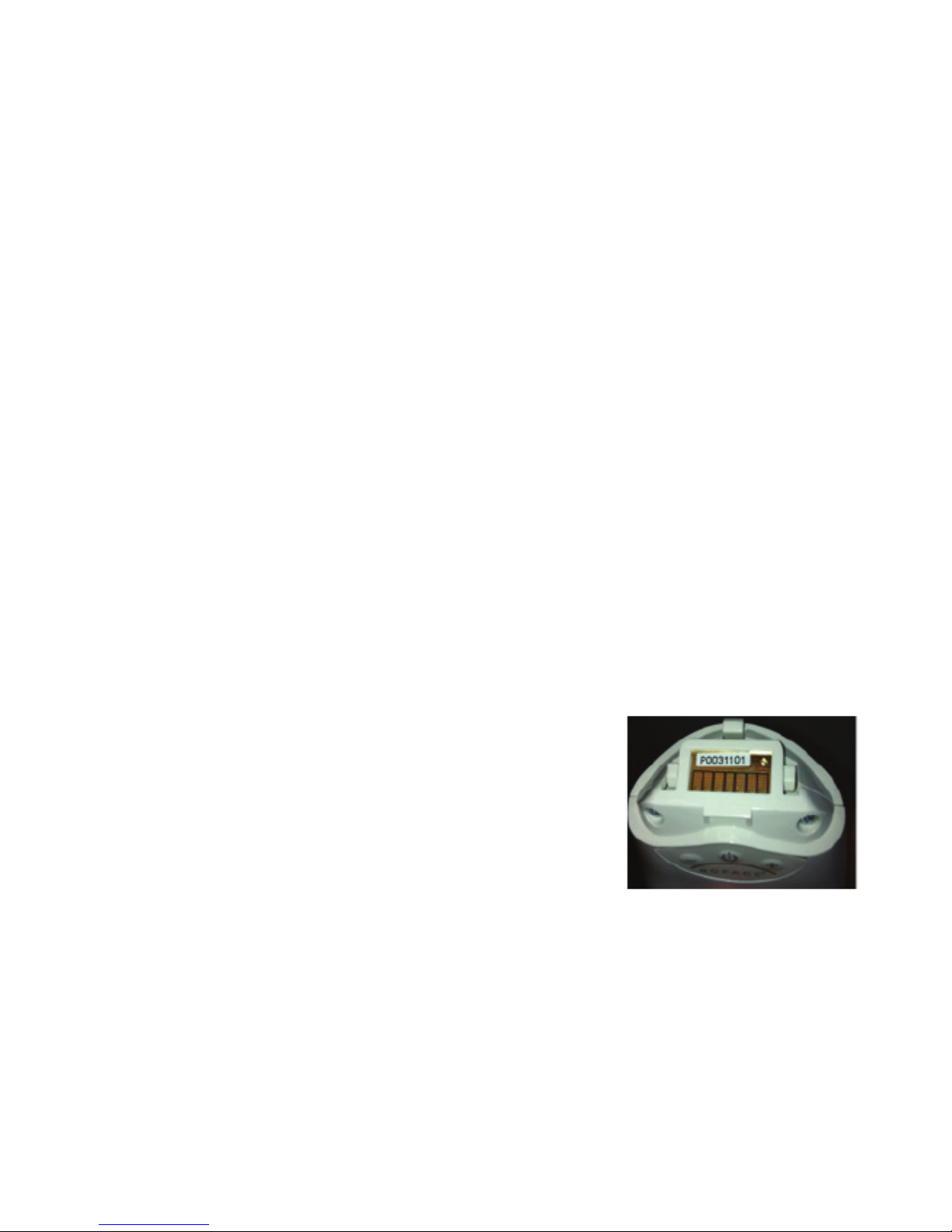
• The gold connector board (as
pictured) is clean. Avoid getting
any gel, skin care products or dirt
on the connector board. Should
the connector board get dirty, we
recommend wetting a cotton swab
(not a cotton ball) with isopropyl
alcohol to clean the face of the
connector board, wipe dry, and
then air dry for one hour before use.
If all the above are true and your Wrinkle Reducer is
still not working please call NuFACE customer service
at 888-360-9171. We’re here to help!
7