manuals.online logo
Brands
  1. Home
  2. •
  3. Brands
  4. •
  5. Optex
  6. •
  7. Security Sensor
  8. •
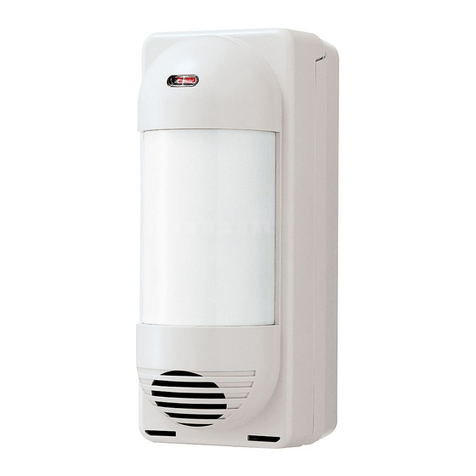
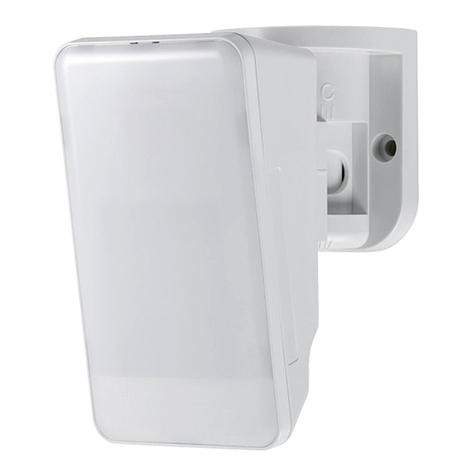
  9. Optex MX-40QZ User manual

Optex MX-40QZ User manual

This manual suits for next models

4

Other Optex Security Sensor manuals

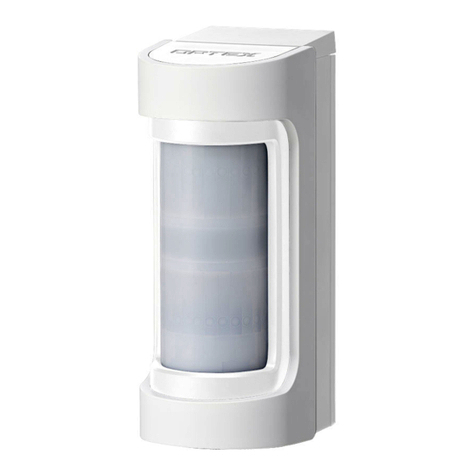
Optex VX Shield series User manual

Optex

Optex VX Shield series User manual

Optex DX-40 User manual

Optex

Optex DX-40 User manual

Optex URX-P01WH Operation and maintenance manual

Optex

Optex URX-P01WH Operation and maintenance manual

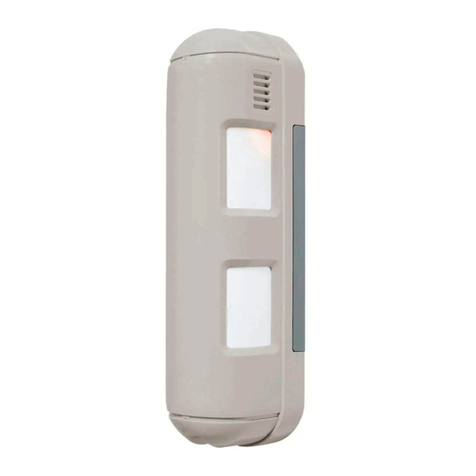
Optex Smart Line Series User manual

Optex

Optex Smart Line Series User manual

Optex WNX-40HW User manual

Optex

Optex WNX-40HW User manual

Optex AX-350DH MK III User manual

Optex

Optex AX-350DH MK III User manual

Optex Boundary Gard BX-80NR User manual

Optex

Optex Boundary Gard BX-80NR User manual

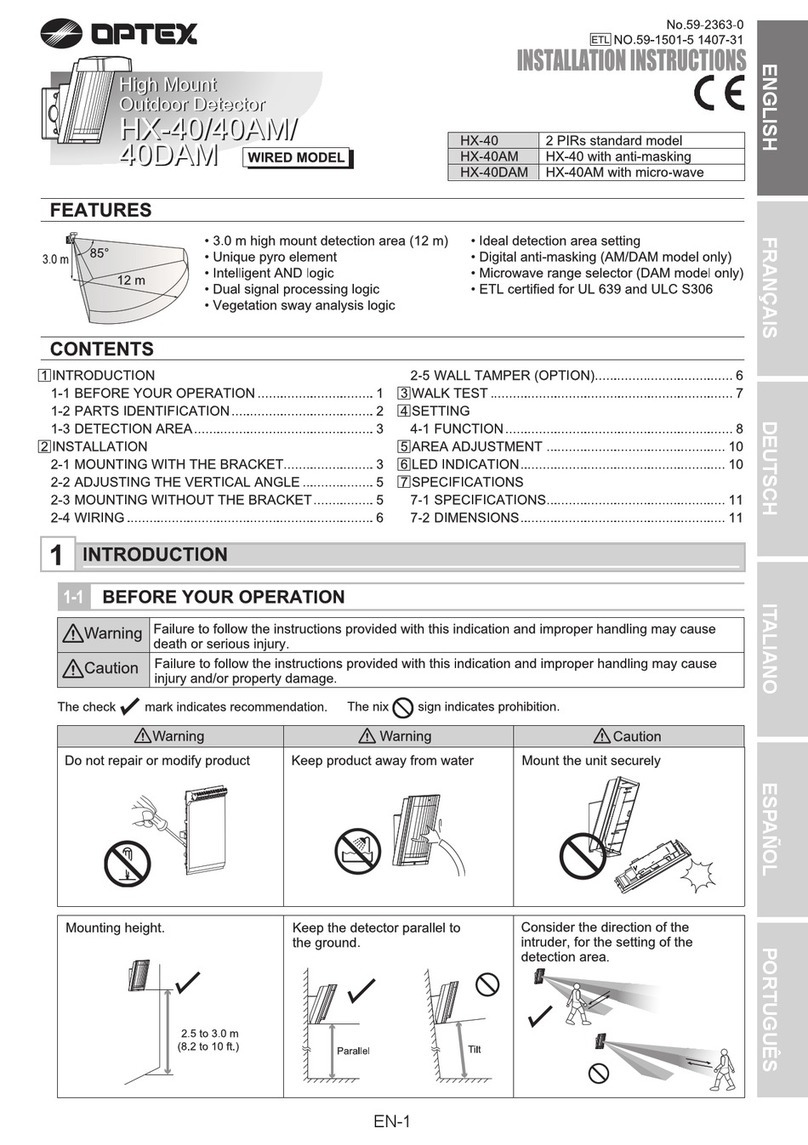
Optex HX-40 User manual

Optex

Optex HX-40 User manual

Optex PRO SWING OA-EDGE1 T User manual

Optex

Optex PRO SWING OA-EDGE1 T User manual

Optex ELITE T User manual

Optex

Optex ELITE T User manual

Optex OVS-6000 User manual

Optex

Optex OVS-6000 User manual

Optex AX100 User manual

Optex

Optex AX100 User manual

Optex fit Series User manual

Optex

Optex fit Series User manual

Optex AP-20NB(C) User manual

Optex

Optex AP-20NB(C) User manual

Optex AP-360BR User manual

Optex

Optex AP-360BR User manual

Optex VX Infinity Series User manual

Optex

Optex VX Infinity Series User manual

Optex AP-360B User manual

Optex

Optex AP-360B User manual

Optex OML-ST User manual

Optex

Optex OML-ST User manual

Optex CX-702S User manual

Optex

Optex CX-702S User manual

Optex FlipX Series User manual

Optex

Optex FlipX Series User manual

Optex CDX Series User manual

Optex

Optex CDX Series User manual

Optex BX SHIELD Series User manual

Optex

Optex BX SHIELD Series User manual

Optex CX-502 User manual

Optex

Optex CX-502 User manual

Optex MX-40QZ Quick start guide

Optex

Optex MX-40QZ Quick start guide

Popular Security Sensor manuals by other brands

Honeywell Home PROSiXCOCN Installation and setup guide

Honeywell Home

Honeywell Home PROSiXCOCN Installation and setup guide

Duevi SIRPZ-RB-868 Operation

Duevi

Duevi SIRPZ-RB-868 Operation

RKI 65-2483RK Operator's manual

RKI

RKI 65-2483RK Operator's manual

Nortech PD160 Enhanced Series user manual

Nortech

Nortech PD160 Enhanced Series user manual

Omron K8AC-H2 manual

Omron

Omron K8AC-H2 manual

Agilent Technologies G8610 Series Quick reference card

Agilent Technologies

Agilent Technologies G8610 Series Quick reference card

Shinko SE2EA-1-0-0 instruction manual

Shinko

Shinko SE2EA-1-0-0 instruction manual

Det-Tronics X Series instructions

Det-Tronics

Det-Tronics X Series instructions

ACR Electronics COBHAM RCL-300A Product support manual

ACR Electronics

ACR Electronics COBHAM RCL-300A Product support manual

TOOLCRAFT 1712612 operating instructions

TOOLCRAFT

TOOLCRAFT 1712612 operating instructions

Elkron IM600 Installation, programming and functions manual

Elkron

Elkron IM600 Installation, programming and functions manual

Bosch WEU PDO 6 Original instructions

Bosch

Bosch WEU PDO 6 Original instructions

THORLABS PDA10JT user guide

THORLABS

THORLABS PDA10JT user guide

Waeco UV-DETECT operating manual

Waeco

Waeco UV-DETECT operating manual

Intermatic IOS-DSIMF manual

Intermatic

Intermatic IOS-DSIMF manual

Siemens AZL66 Series manual

Siemens

Siemens AZL66 Series manual

BTI Profiline Multi Finder operating instructions

BTI

BTI Profiline Multi Finder operating instructions

Challenger SL01 instruction manual

Challenger

Challenger SL01 instruction manual

manuals.online logo
manuals.online logoBrands
  • About & Mission
  • Contact us
  • Privacy Policy
  • Terms and Conditions

Copyright 2025 Manuals.Online. All Rights Reserved.

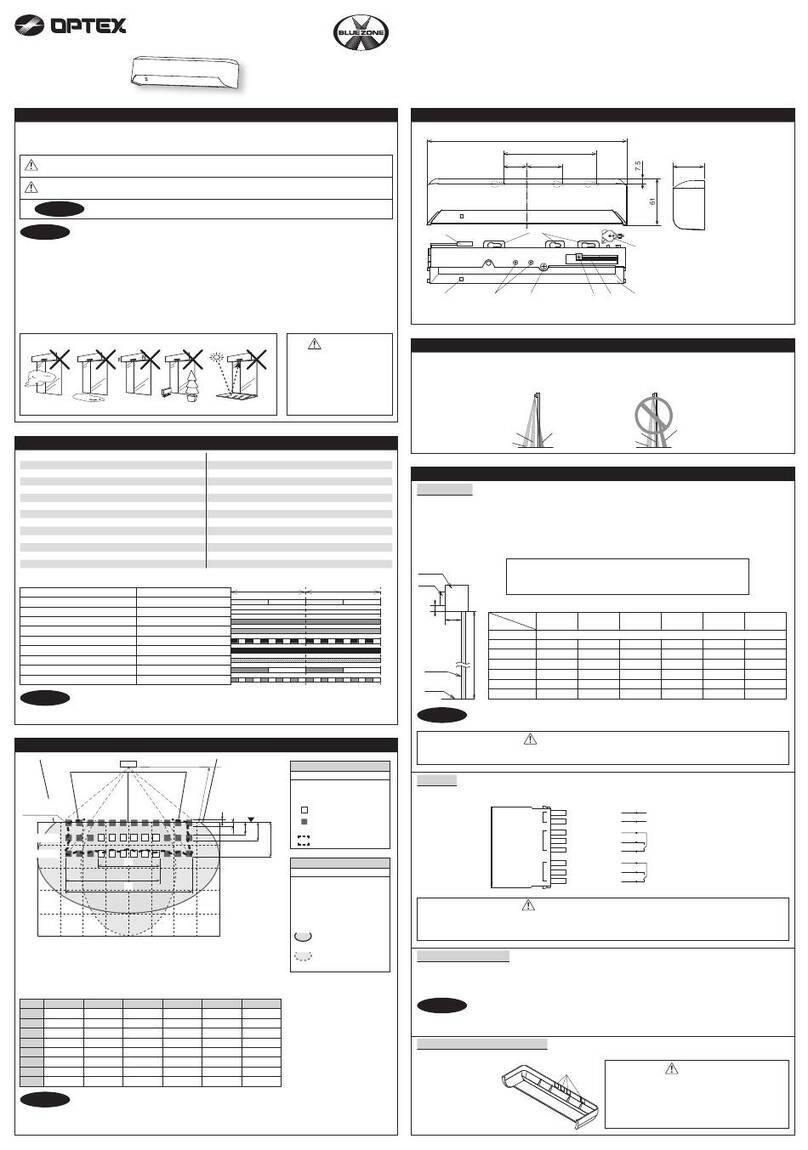
EASY INSTALLATION
-Easy Wiring Knockout
-Wiring Guide
-Spare Terminal [MX-40QZ/50QZ/50T/40PT Only]
-Tamper Terminal [MX-40QZ/50QZ/50T/40PT Only]
-D.L. Terminal [MX-40QZ(BE)/50QZ(BE) Only]
-Wide Wiring Space
FEATURES
-40ft.×40ft.(12m×12m)Wide Angle [MX-40 Series]
-50ft.×50ft.(15m×15m)Wide Angle [MX-50 Series]
-QUAD Zone Logic
-Patented Multi-focus Lens
-Improved Sealed Optics
-Temperature Compensation Logic
-Pet Immunity [MX-40•PI/PT Only]
(See Section 5 for Pet Immunity)
-Model MX-40PI/50T are UL Listed models.
FUNCTION
-Selectable Pulse Count(2 or 4)
-LED ON/OFF
-Tamper Switch [MX-40QZ/50QZ/50T/40PT Only]
-Microwave Range Selector(LONG or SHORT)
OPTION
-FA-3 Wall & Ceiling Mount Bracket
(Horizontally ±45°&Vertically 0°to-15°)
2.DESCRIPTION,OPERATION and DIMENSIONS
TAMPERSPDLALARM
Corner mount
knockout
Wiring knockout
P.C.B. unit
Tamper switch
Terminals
2.44(62)
Cover
LED Indicator
Lens
Base
Wiring guide
Mounting knockout
(Pitch=3.29"/83.5mm)
(Pitch=3.58"/91.0mm)
Fastening screw
inch(mm)
3. DETECTION AREA
WIDE ANGLE
TOP VIEW
SIDE VIEW
1. INSTALLATION HINTS
Use the pin switch
for Pulse Count
Selection ( 2 or 4 ).
Use the pin switch
for LED ON/OFF .
LED ON/OFF PULSE COUNT
With PET IMMUNITY&TAMPER
MX-40PT
With PET IMMUNITY
MX-40PIMX-40QZ MX-50QZ MX-50T
PASSIVE INFRARED and MICROWAVE
COMBINATION DETECTOR
P.C.B. hook
: MX-40 AREA
: MX-50 AREA
30
35
25
50 ft
35
30
0
10
9 12
8 ft
15m
50 ft
25
9
4
6
2
0
2
5
10
20
15
20
6
2.2m
0
1510
5
0
3
3
4
615m
40
45
12
40
45
5
15
20
6
5
10
15
20
25 ft
8m
25 ft
8m
1.5m
3.0m
2.4m
5 ft
7.5 ft
10 ft
No.59-0967-2 0403-31
N219
4
2
OFF
ON
D.L. TERMINAL
(MX-40QZ(BE),MX-50QZ(BE) Only)
LED can be enabled or disabled remotely from control panel by D.L. terminal.
Place jumper pin switch in OFF position.
MICROWAVE RANGE
LONG
SHORT
EASY WIRING KNOCKOUTS
Press firmly with a screwdriver to
open.Enlarge the hole according
to size of wire.
LED Enabled Connect D.L. terminal to common ground(with detector).
LED Disabled No ground to D.L. terminal (open circuit).
Avoid
Curtain,Screen,etc.
blocking detection area.
Avoid vapor or high
humidity that can cause
condensation.
Avoid direct sunlight. Do not install outdoors.
Do not aim towards outside areas where there is
frequent movement.
Do not mount in unstable location
where vibration or shock may
affect the detector.
Do not install unit near
fluorescent lights.
Avoid mounting detector where
movement of Fans or Air
Conditioning can be detected.
Do not aim detection area
towards equipment which
continually moves in the
detection area (i.e.curtain,
blinds).
P.I.R. Sensor
Do not touch!
Do not touch!
Microwave Sensor
Select RANGE SELECTOR
according to the room size.
(SHORT or LONG)
MX-40 Series
Select RANGE SELECTOR
"SHORT" when it's used with 24ft
(7m)square and Smaller room.
MX-50 Series
Select RANGE SELECTOR
"SHORT" when it's used with 34ft
(10m)square and Smaller room.
18mA (max.) at 12VDC 20mA (max.) at 12VDC
1. Pet Immunity is most effective on the following sized
animals:Rodents = 0 to 4 inches high
Cats and small to medium sized dogs = 0 to 16 inches
high at normal room temperature.
2. Installation Instructions
a.Mount between 7 and 8 ft. (For better immunity,
especially for medium sized dogs, mount as close
to8ft. as possible.)
b.Do not angle detector towards the ground or use the
angle bracket. Mount flat on the wall or in the corner.
c.For best pet immunity, limit the detectors field of
view to30 ft. maximum in any direction.
d.For rodents
If any shelves within 15 ft.of the detector have a
height that comes wihtin 2.5 ft.below the mounting
height of the detector and rodents can access these
areas, pet immunity will be reduced. Please select
mounting location of detectors carefully to avoid this
situation.
e.For cats and dogs (16 inches in height or less at
normalroom temperature) When a dog jumps up on
desks, the detector may detect it. Adjust detection
area to avoid such places.
f.For cats
If there are cats, any shelves in the detection area will
reduce pet immunity.
g.Pulse Count 4 is not required for Pet Immunity
applications.Use 4 pulse only in harsh environment.
Power wires should not exceed
the following lengths.
When using two or more units on one wire, the
maximum length is obtained by dividing the maximum
wire length listed above by the number of units used.
PROBLEM REMEDYPROBABLE CAUSE
Correct the voltage supply to 9.5•-16VDC .
LED does not light. See Section 3.
Turn on the Switch. (See Section 2 )
Incorrect power supply voltage.(disconnection, low voltage)
Incorrect detection area.
LED switch is OFF.
Moving object within area. (curtain,wall hanging, etc.)
LED lights even though no
person is within area. Remove the source from area, or change location of detector.
Remove object from detection area, or change location of detector.
Rapid temperature changes within area.(heater,air-conditioner, etc.)
7. TROUBLE SHOOTING AND MAINTENANCE
8. SPECIFICATIONS
Faulty wiring. Wire correctly.
Check load of output.
The unit needs repair or replacement.
LED lights but signal is not sent. Relay contact is stuck or damaged due to overloading.
6. WIRING
*UL requires MX-40PI, 50T to be connected to a UL
listed power supply capable of providing a nominal
input of 12VDC , 20mA(max.) (at 12VDC )and
battery standby time of 4 hours.
*The equipment shall be installed in accordance with
the National Electrical Code, NFPA 70.
*The Pet Immunity Function has not been evaluated by UL since there are
not established UL requirements for pet immunity.
5. PET IMMUNITY (MX-40PI/40PT Only)
*Specifications and design are subject to change without prior notice.
2140' (650m)
3400' (1020m)
5300' (1600m)
WIRE GAUGE 12VDC
1070' (320m)
1700' (510m)
2700' (820m)
14VDC
AWG 22( 0.33mm )
2
2
AWG 20( 0.52mm )
2
AWG 18( 0.83mm )
4.INSTALLATION
a.Loosen fastening screw and remove cover.
b.Release hook at bottom of P.C.B.unit. Remove
P.C.B. unit from base.
c.Route wires through knockouts along the wiring
guide on the rear side of base. Mount base with
supplied screws. When small animal immunity is
required, refer to Section 5.When using a
bracket,check matching knockout positionbefore
opening mounting hole.
d.Wire according to Section 6.
e.Fix P.C.B.unit into base. Supply power. Allow 1
min. to warm up.
f.Conduct walktest and make adjustments.
(Section 2) Fit cover using fastening screw.
FCC Notice : MX-40PI and MX-50T have been tested and found to comply with the
limits for a field disturbance sensor, pursuant to Part 15 of the FCC Rules. The
user is cautioned that changes or modifications not expressly approved by OPTEX
could void the user's authority to operate this equipment.
TAMPERSPDLALARM
DL TERMINAL
[MX-40QZ(BE)/
50QZ(BE) Only]
TAMPER( N.C. )
[MX-40QZ/50QZ/
50T/40PT Only]
SPARE
[MX-40QZ/50QZ/
50T/40PT Only]
ALARM OUTPUT
( N.C. )
POWER INPUT
(9.5-16VDC )
Pulse Count
Warm up period
Power input
Current draw
Weight
Operating temperature
Environmental humidity
Microwave Frequency
RF interference
D.L. Terminal
Approx. 20 sec 2 or 4
Approx. 1 min
9.5-16VDC
3.9 oz (110g)
-14°F - +131°F (-10°C - +55°C)
95% max.
2.45GHz
No Alarm 20V/m
See Section 2
MODEL
Detection method
Coverage
Detection zones
Mounting Height
Sensitivity
Detection speed
LED Alarm Indicater
Alarm period
Alarm output
Tamper switch
Passive Infrared and Microwave
40 × 40ft. (12 x 12m) 85° wide 50 × 50ft. (15 × 15m) 85° wide
78 zones(PIR)
5-8ft (1.5-2.4m) 7.5-10ft (2.2-3.0m)
3.6°F ( 2°C) at 2ft/sec (0.6m/sec)
1 - 5ft/sec (0.3 - 1.5m/sec)
Switch-able ON/OFF
Approx. 2.5 sec
N.C. , 28VDC 0.2A max.
N.C. , Open when cover is removed. (N.C. , 28VDC 0.1A max.)
MX-50QZ/50TMX-40QZ/PI/PT
This unit is designed to detect movement of an intruder and activate an alarm
control panel. Being only a part of a conplete system,we cannot accept
responsibility for any damages or other consequences resulting from an
intrusion.The following statement will be provided with the equipment as
required by Article 6.3 of the R&TTE Directive, 1999/5/EC.
The Optex MX Series (except MX-40PI and MX-50T) are in conformity with all
essential requirements of the R&TTE Directive (1999/5/EC). This equipment
has been assessed to the following
standards:
I-ETS 300 440: December 1995
ETS 300 683: June 1997
EN 60950: 1992, Incl Amdt 1-4, 11
This product is marked with
which signifies conformity with Class II
product requirements specified in the
R&TTE Directive.
The following table indicates the areas
of intended use of the equipment and
any known restrictions. For countries
not included in this list, please consult
the responsible Spectrum Management
Agency.
NOTE

Country of intended use Restrictions
Austria
Belgium
Denmark
Finland
France
Germany
Greece
reland
taly
Luxembourg
The Netherlands
Spain
Sweden
United Kingdom
Other non EU: celand
Norway
Switzerland
2.450GHz