© 2014 EarthLink, LLC. Trademarks are property of their respective owners. All rights reserved. 1071-07310
TRANSFERRING A CALL
Calls can be transferred to another phone
number or another unit paired with your base.
Transferring to another Phone Number
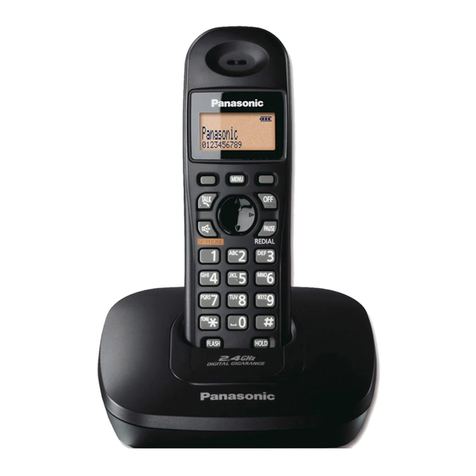
1. During an outside call, press [MENU]
2. Scroll with the joystick until [TRANSFER] is
highlighted and press [SELECT]
a. To perform a blind transfer, select
[BLIND TRANSFER] Dial the phone number
3. Dial the phone number
4. Press [TRANS] when ready to transfer the call
Transferring calls to another unit
1. During an outside call, press [MENU]
2. Scroll with the joystick until Intercom is highlighted
and press [SELECT]
3. Select the desired unit and press [CALL]
4. Wait for the paged party to answer.
a. If the paged party does not answer, press
TALK [ ] to return to the outside call
5. Press [CONF] to join the calls
6. Press [OFF] on the rst phone to complete
the transfer
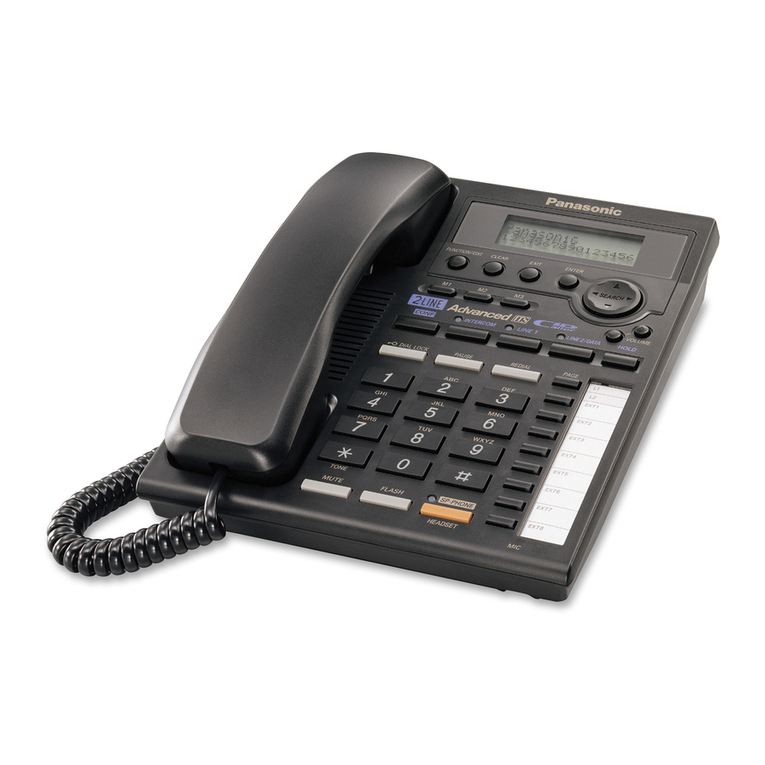
INTERCOM
Intercom allows you to call a phone paired to the base
directlyandautomaticallyanswerthecall(ifcongured).
Making an intercom call
1. Press [MENU] and select [INTERCOM]
2. Using the joystick select the desired unit and
press [CALL]
3. When you nish talking, press [OFF]
1. Press ( [ ]- [ ])
a. To intercom all cordless handsets paired with the
base, press ALL. The rst phone to answer will stop
the ringing on the others
2. Lift the corded handset if needed
3. To stop the intercom, press the same button
4. When you nish talking, press [SP-PHONE] or place
the corded handset on the cradle
9If you receive an outside call while on an intercom press
[OFF] and then TALK [ ]
9If you attempt to intercom a phone that is on a call, the
screen will display BUSY
Auto Intercom
OFF (DEFAULT): Turns the feature off
ON (RINGER ON):When an intercom call is received,
the handset rings 2 times, then the speakerphone is
automatically turned on.
On (RINGER OFF):When an intercom call is received,
the handset does not ring and the speakerphone is
automatically turned on.
1. Press [MENU] and select Initial Settings [ ]
2. Select [AUTO INTERCOM] and highlight
desired setting
3. Press [SAVE]
6