5
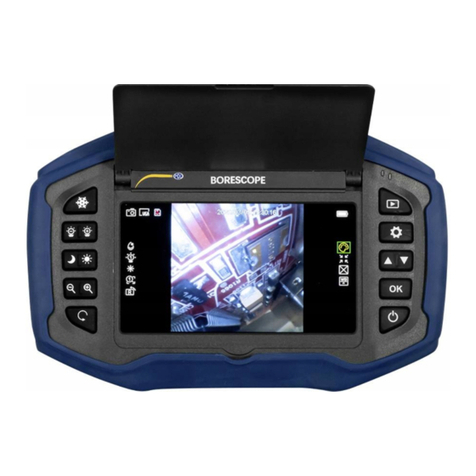
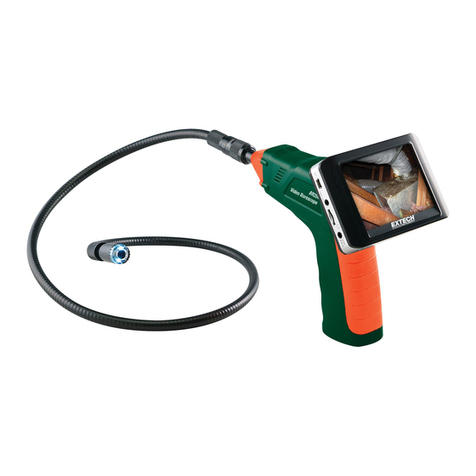
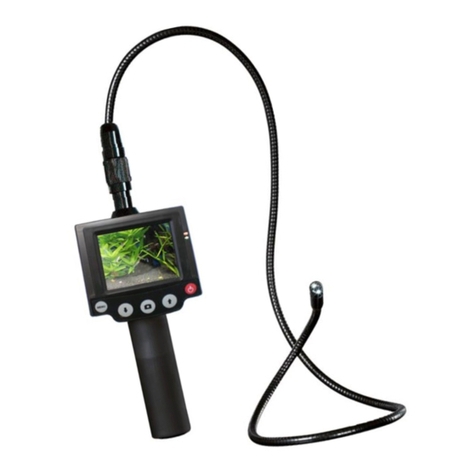
Feature Instructions - Numbers refer to diagrams on pages 3 and 4.
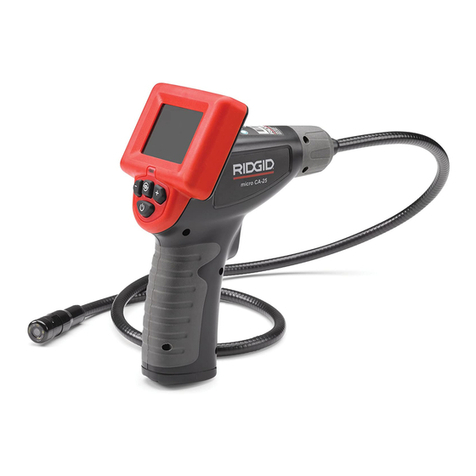
1. Shock Resistant Body. Formed for durability and easy gripping.
2. Power Button. Push in to turn on and off.
3. Mini USB Port. For downloading image les to your computer via USB cable.
4. Image Files. Press to revisit images taken. Shows image number, date, & time.
Rotate. Menu button to turn image in 90 degree increments.
Note orange arrow
on side of screen denoting original top of image.
Zoom+. Each time it’s pressed, it enlarges to 2x’s, then 4x’s, then back to
original 1x size. With the image enlarged, use the Directional Controller buttons
(6) to navigate around the image.
Delete. Deletes the image on screen.
More. To secondary menu:
Transfer. With USB cable connected, it will send images to your computer.
See Page 6 for Transfer details.
Delete All. This will delete the entire catalog of images in the camera.
Press the Home button (14) to return to a live image.
5.
Image Capture. Press when the image you want is on the live screen.
6.
Directional Controller. Press the Image Files button (4) to show captured
images. Use the left and right arrows of the Directional Controller (6) to move
from image to image. Left to go backward, right to move forward.
When in the Zoom mode, it moves the images left, right, up, or down.
7. Settings. To create and change settings.
Secondary Menu. Set Date. Use Directional Controller (6) to move left and right
between day, date, and time. Use the Up and Down controls to change numbers.
When complete, press Set to nalize. Unit will automatically go back to main
screen.
Brightness. Use controller to adjust up or down. Brightness will
revert to Default on restart. Press SET.
Cancel will void changes and take you
back to the main screen.
8. Rubberized Grip. Easy to hold, helps protect the frame from dents or
scratches.
9. 6-pin Data Cord Connection. Be careful when connecting not to damage pins.
10. Low Battery Indicator. Green bars turn red when battery is low.
11. 3.5” LCD Screen. Clean only with dry, soft cloth. May use alcohol, if necessary.
12. SD Card Slot. Push card in all the way to insert. Push again to release/remove.
13. Menu Buttons (LIVE Picture Mode).
Rotate. Button turns image 90 degrees counterclockwise each time it is pushed.
Note: Orange arrow at edge of image identies original top position of image.
Zoom+. Zooms from 1x to 2x to 4x and then back to 1x each
touch cycle.
Zoom-. In LIVE Camera mode only, will change from 4x to 2x to 1x.
Rotate. Turns image clockwise.