manuals.online logo
Brands
  1. Home
  2. •
  3. Brands
  4. •
  5. Philips
  6. •
  7. Lantern
  8. •
  9. Philips series User manual

Philips series User manual

Other manuals for series

1

This manual suits for next models

1

Other Philips Lantern manuals

Philips Stylid Evo Compact ST770B User manual

Philips

Philips Stylid Evo Compact ST770B User manual

Philips SFRA LUMINAIRE TO RND/SQ POLE User manual

Philips

Philips SFRA LUMINAIRE TO RND/SQ POLE User manual

Philips BDS 100 User guide

Philips

Philips BDS 100 User guide

Philips Luma gen 2 Series User manual

Philips

Philips Luma gen 2 Series User manual

Philips LifeLight User manual

Philips

Philips LifeLight User manual

Philips eColor Graze Powercore User manual

Philips

Philips eColor Graze Powercore User manual

Philips Vari-lite VL3500 Wash FX Luminaries User manual

Philips

Philips Vari-lite VL3500 Wash FX Luminaries User manual

Philips PrimeSet LDM524 User manual

Philips

Philips PrimeSet LDM524 User manual

Philips Coreline XL User manual

Philips

Philips Coreline XL User manual

Philips GentleSpace Gen3 User manual

Philips

Philips GentleSpace Gen3 User manual

Philips GSA ST321T User manual

Philips

Philips GSA ST321T User manual

Philips VARI-Lite VL4000 User manual

Philips

Philips VARI-Lite VL4000 User manual

Philips StyleState Accent GD916B User guide

Philips

Philips StyleState Accent GD916B User guide

Philips SmartBright BY240P User guide

Philips

Philips SmartBright BY240P User guide

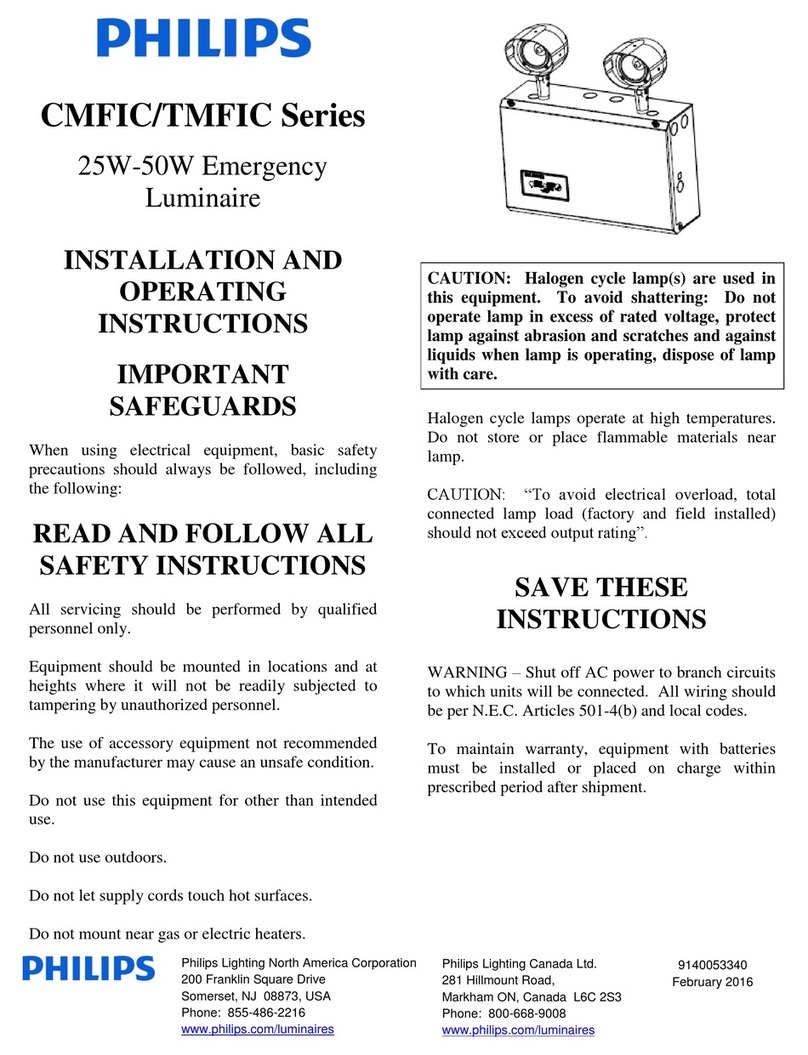
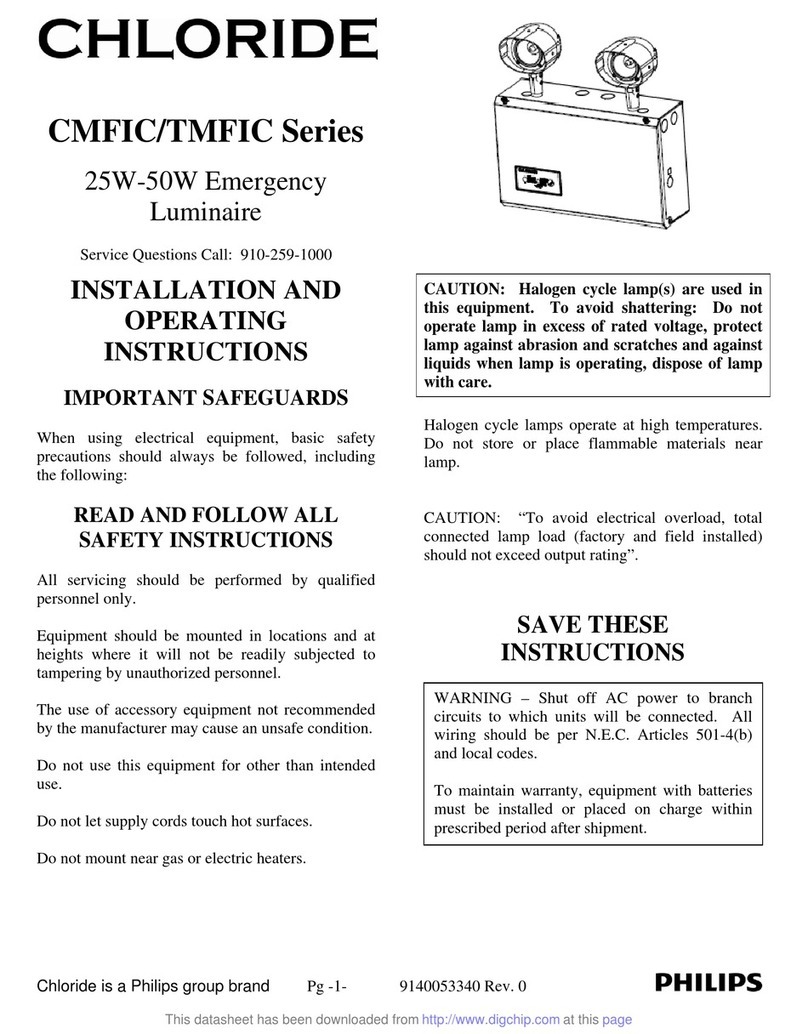
Philips CMFIC Series User manual

Philips

Philips CMFIC Series User manual

Philips InteGrade User manual

Philips

Philips InteGrade User manual

Philips CoreLine Waterproof WT120C G2 EL MDU User manual

Philips

Philips CoreLine Waterproof WT120C G2 EL MDU User manual

Philips LifeLight Series User manual

Philips

Philips LifeLight Series User manual

Philips UrbanSpark BDP301 Use and care manual

Philips

Philips UrbanSpark BDP301 Use and care manual

Philips Selecon PLFR1MKII-03 Instruction Manual

Philips

Philips Selecon PLFR1MKII-03 Instruction Manual

Philips HADCO IS_BL9 User manual

Philips

Philips HADCO IS_BL9 User manual

Philips BGP300 User manual

Philips

Philips BGP300 User manual

Philips BY480P User manual

Philips

Philips BY480P User manual

Philips Innergize HB945 User manual

Philips

Philips Innergize HB945 User manual

Popular Lantern manuals by other brands

DS Produkte TRF18P0752-1 instructions

DS Produkte

DS Produkte TRF18P0752-1 instructions

Stahl ECOLUX 6610 Series operating instructions

Stahl

Stahl ECOLUX 6610 Series operating instructions

SNOWJOE SUNJOE 24V-LGT500-CT Operator's manual

SNOWJOE

SNOWJOE SUNJOE 24V-LGT500-CT Operator's manual

PRG VARI LITE VL5 Service manual

PRG

PRG VARI LITE VL5 Service manual

Raytec VARIO2 series installation guide

Raytec

Raytec VARIO2 series installation guide

ENSA LEDBT18WS2 installation instructions

ENSA

ENSA LEDBT18WS2 installation instructions

LUG OFFICE LB LED N/T Installation instruction

LUG

LUG OFFICE LB LED N/T Installation instruction

Draper RLEDL19/B instructions

Draper

Draper RLEDL19/B instructions

Green Lighting TRI-SENSOR GL4612LU Assembly & fitting instructions

Green Lighting

Green Lighting TRI-SENSOR GL4612LU Assembly & fitting instructions

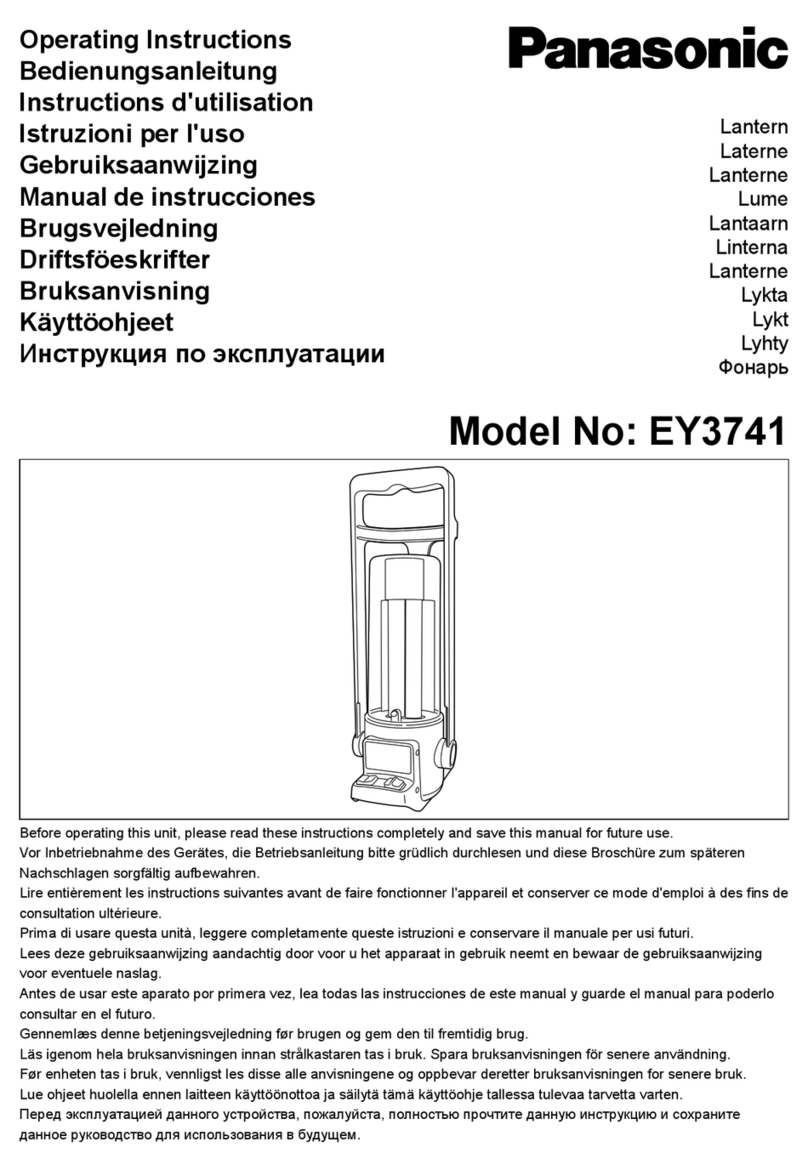
Panasonic EY3741B57 operating instructions

Panasonic

Panasonic EY3741B57 operating instructions

Clas Ohlson LCC8T instruction manual

Clas Ohlson

Clas Ohlson LCC8T instruction manual

Coolon WDN-140 manual

Coolon

Coolon WDN-140 manual

shada 1000436 instruction manual

shada

shada 1000436 instruction manual

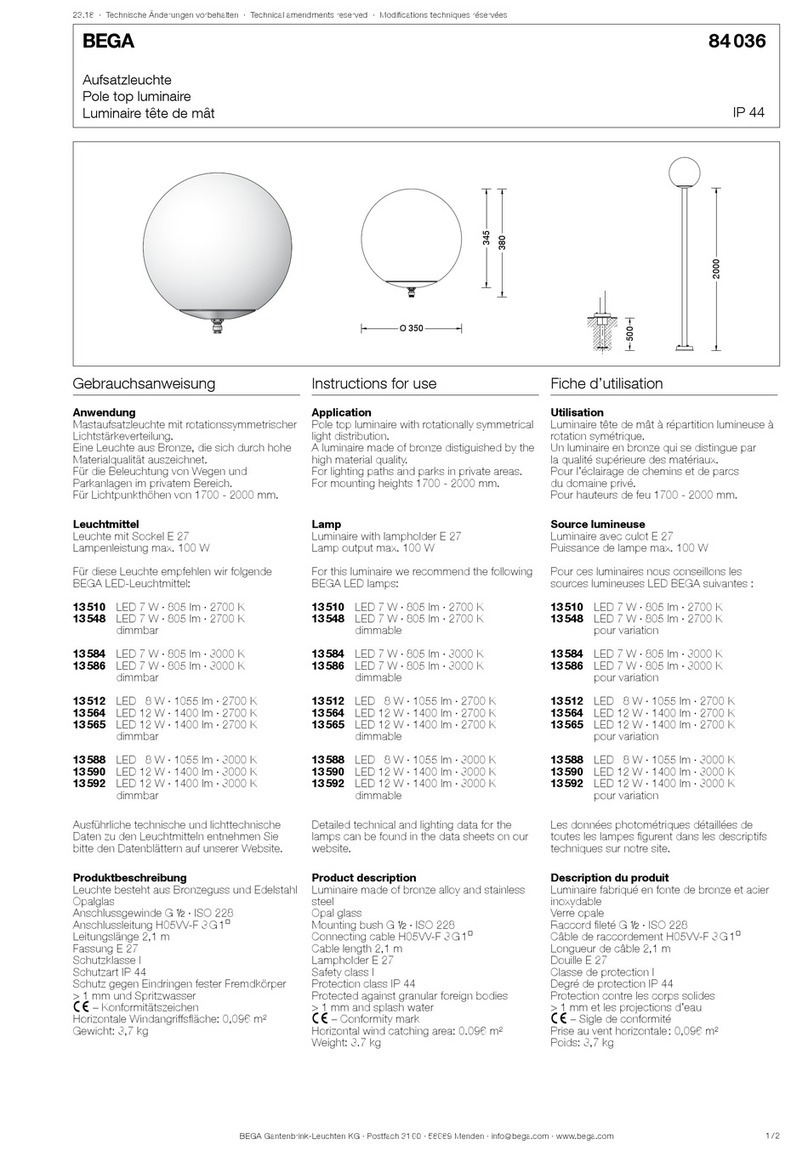
BEGA 84 036 Instructions for use

BEGA

BEGA 84 036 Instructions for use

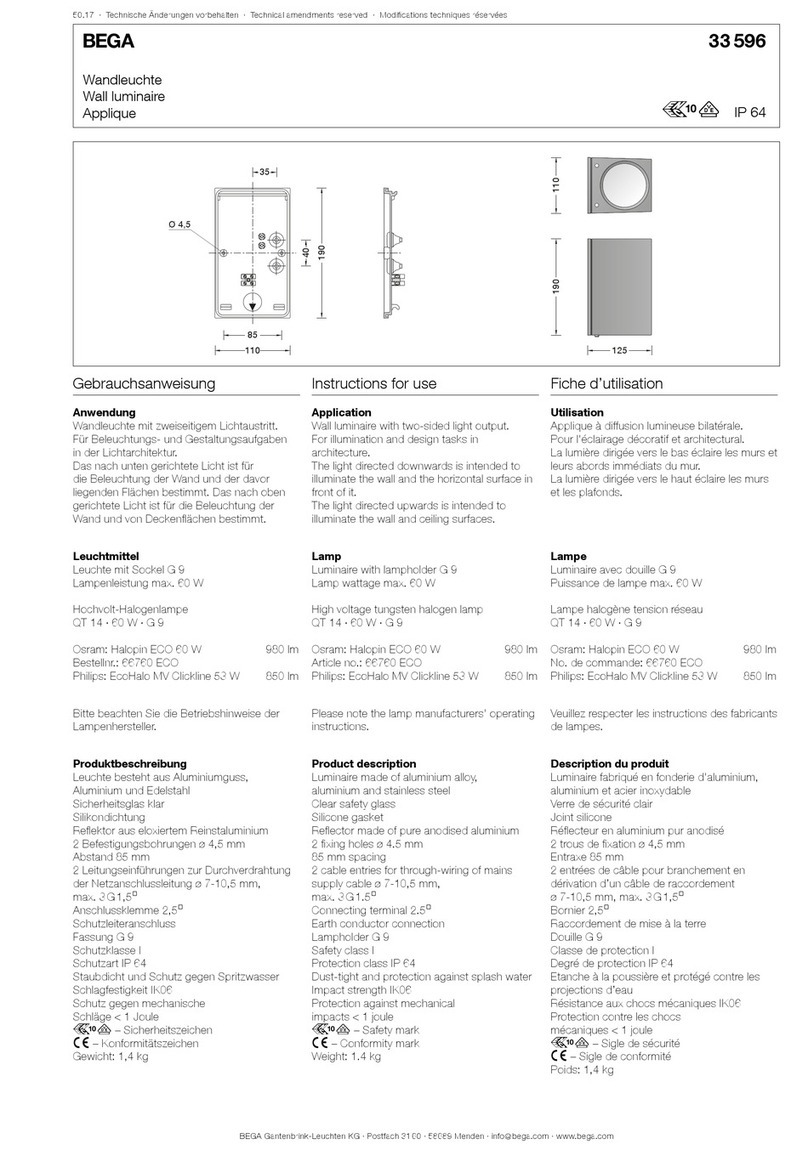
BEGA 33 596 Instructions for use

BEGA

BEGA 33 596 Instructions for use

Dale Tiffany GT701162 Assembly instructions

Dale Tiffany

Dale Tiffany GT701162 Assembly instructions

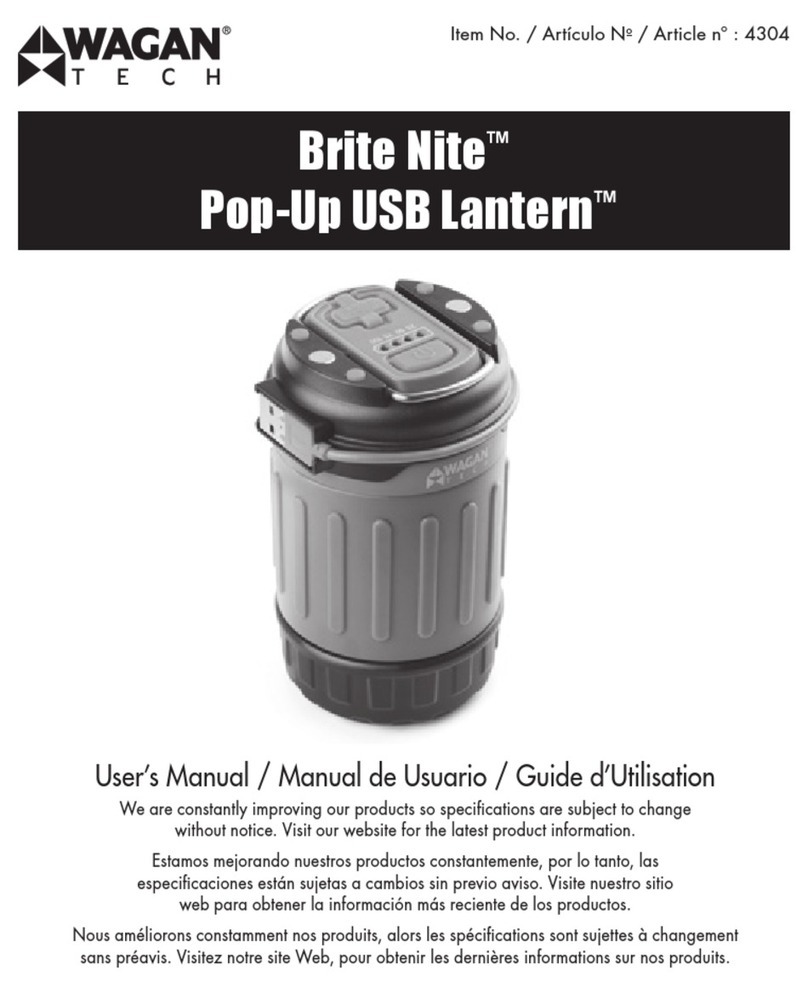
Wagan Brite Nite Pop-Up USB Lantern user manual

Wagan

Wagan Brite Nite Pop-Up USB Lantern user manual

Eaton Crouse-Hinds Pauluhn DLLA M2 Series Installation & maintenance information

Eaton

Eaton Crouse-Hinds Pauluhn DLLA M2 Series Installation & maintenance information

manuals.online logo
manuals.online logoBrands
  • About & Mission
  • Contact us
  • Privacy Policy
  • Terms and Conditions

Copyright 2025 Manuals.Online. All Rights Reserved.

Philips Lighting North
America Corporation
200 Franklin Square Drive
Somerset, NJ 08873, USA
Phone: 855-486-2216
www.philips.com/luminaires
Philips Lighting Canada Ltd.
281 Hillmount Road,
Markham ON, Canada L6C 2S3
Phone: 800-668-9008
www.philips.com/luminaires
9140053482 February 2016
6M/2M Series
25W-50W Emergency
Luminaire
INSTALLATION AND
OPERATING
INSTRUCTIONS
IMPORTANT
SAFEGUARDS
When using electrical equipment, basic safety
precautions should always be followed, including
the following:
READ AND FOLLOW ALL
SAFETY INSTRUCTIONS
All servicing should be performed by qualified
personnel only.
Equipment should be mounted in locations and at
heights where it will not be readily subjected to
tampering by unauthorized personnel.
The use of accessory equipment not recommended
by the manufacturer may cause an unsafe condition.
Do not use this equipment for other than intended
use.
Do not use outdoors.
Do not let supply cords touch hot surfaces.
Do not mount near gas or electric heaters.
CAUTION: Halogen cycle lamp(s) are used in
this equipment. To avoid shattering: Do not
operate lamp in excess of rated voltage, protect
lamp against abrasion and scratches and against
liquids when lamp is operating, dispose of lamp
with care.
Halogen cycle lamps operate at high temperatures.
Do not store or place flammable materials near
lamp.
CAUTION: “To avoid electrical overload, total
connected lamp load (factory and field installed)
should not exceed output rating”.
SAVE THESE
INSTRUCTIONS
Philips Lighting North
America Corporation
200 Franklin Square Drive
Somerset, NJ 08873, USA
Phone: 855-486-2216
www.philips.com/luminaires
Philips Lighting Canada Ltd.
281 Hillmount Road,
Markham ON, Canada L6C 2S3
Phone: 800-668-9008
www.philips.com/luminaires
9140053482 February 2016
GENERAL INSTRUCTIONS
1) Begin the installation process by
determining mounting options.
2) The slotted, circular keyways can be used to
secure the housing to a standard junction
box. The junction box must be secured
sufficiently to handle the weight of the unit.
3) Additionally, two slotted vertical keyway
slots (Figure 1) may be used to attach the
housing to independent anchor supports.
Use three #8 toggle bolts (supplied by
others) for securing to wallboard or hollow
concrete walls. If the wiring is wall
recessed, run wires through center hole of
housing in preparation for unit wiring.
Figure 1
HOOKUP INSTRUCTIONS
Standard Units:
Connect A.C. service to unit charger leads:
Blue = 277 VAC
Black = 120 VAC
White = Common
Green = Ground
1. Connect remote lamps, if applicable.
Connect orange lead to RL+ and yellow lead
connected to RL-. Ensure total unit load
(including internal lamps) does not exceed
unit rating.
2. Install battery(ies). Refer to next section and
illustrations.
3. Adjust head(s) to illuminate desired area(s).
4. Close cover. Ensure electrical wires and
membrane switch cable remain inside unit
and do not interfere with cover closure.
INSTALLING BATTERIES
1. Units may ship without batteries installed
depending on the wattage of the unit. For
lead units, battery wiring harnesses are
already connected to PCB assembly and
connection to the batteries is required. In
the case of Nicad units, connection of
battery harness to the PCB is required.
2. Install and wire batteries as appropriate.
(See Page 3-4 for battery configurations)
3. Tighten straps to secure batteries inside unit.
OPERATING INSTRUCTIONS
1. Normal Power-Up Sequence
At power-up, the green LED indicators will
illuminate if the unit is properly connected.
2. Press and hold the ‘TEST’ button. The
lamps should illuminate and the green
indicator lamp should extinguish while the
lamps are on.
3. Release ‘TEST’ button. Lamps should
extinguish and the green indicator lamp
should be steady green.
WARNING –Shut off AC power to branch
circuits to which units will be connected. All
wiring should be per N.E.C. Articles 501-4(b)
and local codes.
To maintain warranty, equipment with batteries
must be installed or placed on charge within
prescribed period after shipment.

Philips Lighting North
America Corporation
200 Franklin Square Drive
Somerset, NJ 08873, USA
Phone: 855-486-2216
www.philips.com/luminaires
Philips Lighting Canada Ltd.
281 Hillmount Road,
Markham ON, Canada L6C 2S3
Phone: 800-668-9008
www.philips.com/luminaires
9140053482 February 2016
BATTERY HOOKUP DIAGRAMS
LEAD BATTERY HOOKUP
6V 12W/25W/36W LEAD
6V 50W LEAD
12V 25W/50W LEAD
Philips Lighting North
America Corporation
200 Franklin Square Drive
Somerset, NJ 08873, USA
Phone: 855-486-2216
www.philips.com/luminaires
Philips Lighting Canada Ltd.
281 Hillmount Road,
Markham ON, Canada L6C 2S3
Phone: 800-668-9008
www.philips.com/luminaires
9140053482 February 2016
NICAD BATTERY HOOKUP
6V 25W
NICAD
6V 50W
NICAD
12V 25W
NICAD
12V 50W
NICAD