Model 535 Operating Instructions
841 Holt Road #1 •Webster, NY 14580 Tel: 585-872-9350 •Fax: 585-872-2638 sales@piecal.com •http://www.piecal.com/
Practical Instrument Electronics, Inc. Copyright 2003. All rights reserved. 535-9002 11/30/04 2-8
Model 535 Configuration
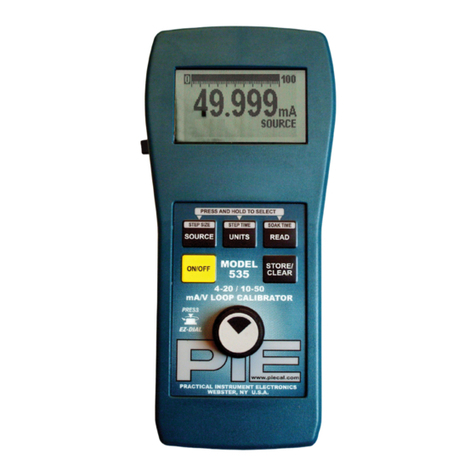
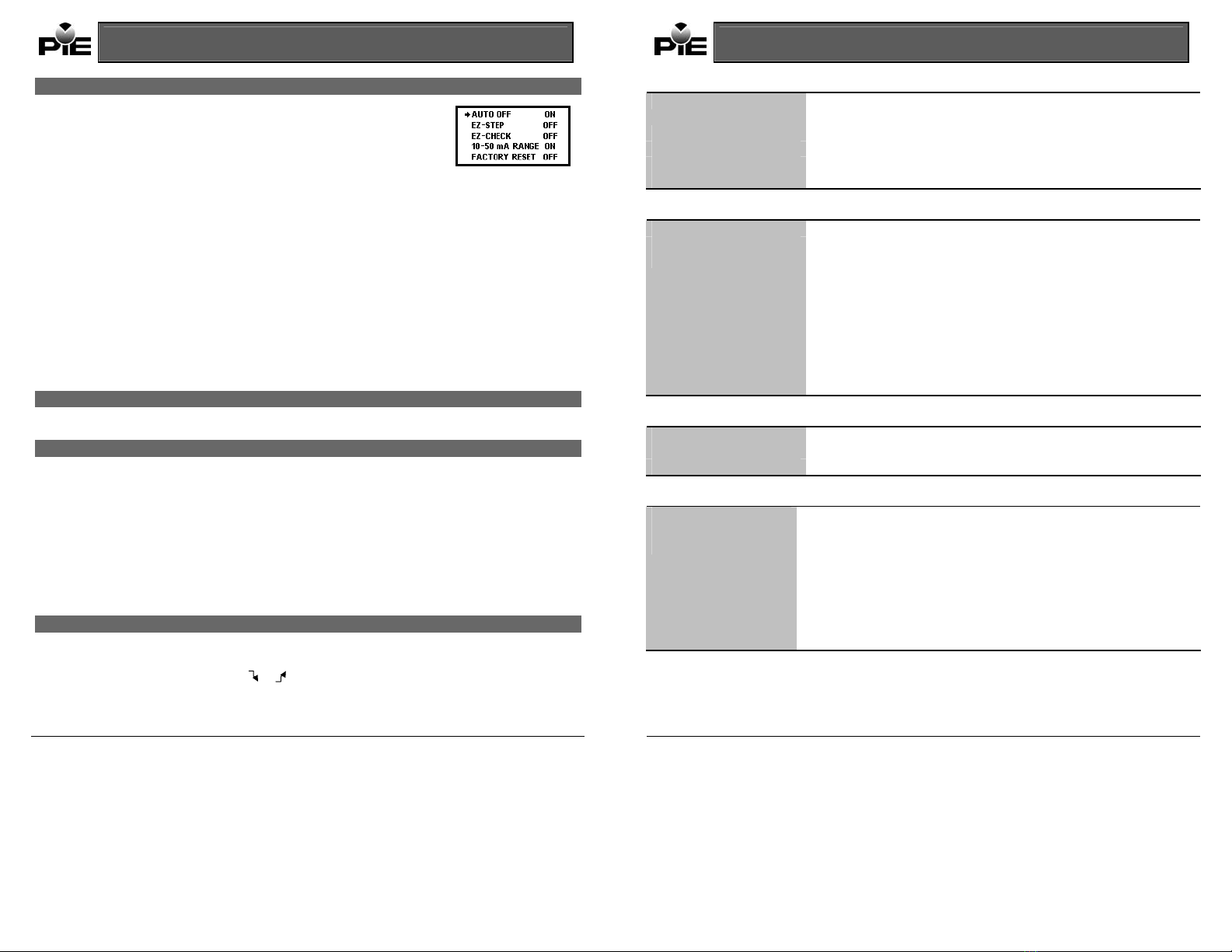
Press the EZ-DialKnob while turning the Model 535 on to access the configuration mode. Turn
the EZ-DialKnob to select configuration items. Press the EZ-DialKnob to change configuration
items. Turn the unit off or just wait approximately 8 seconds to exit the configuration mode.
Auto Off - ON (default)/OFF
Auto Off is ON, by default, to save battery life by turning the unit off after 30 minutes of inactivity. Turn Auto Off to OFF to prevent
automatic shutdown. This is typically useful for manual loading or continuous use.
EZ-Step- ON/OFF (default)
If EZ-Stepis ON manual and automatic stepping/ramping is available. If EZ-Stepis OFF the EZ-Steppushbutton will be disabled
and the step direction indicator will not be displayed.
EZ-CheckHI/LO Readings ON/OFF (default)
If the EZ-CheckHI/LO Readings option is ON, the highest and lowest readings will automatically be saved in the HI and LO EZ-
Check™ positions.
If this option is OFF the HI and LO positions will show the current reading.
4-20/10-50 Range (default) ON
Select either 4-20 or 10-50 milliamp range. The Model 535 scales % mode display and the bar graph accordingly.
Factory Reset ON/OFF (default)
If Factory Reset is ON, the unit will restore all factory defaults when the Model 535 is turned OFF and back ON. This will reset any
changes made in the Model 535 Configuration options, returning the unit to its simplest factory configuration.
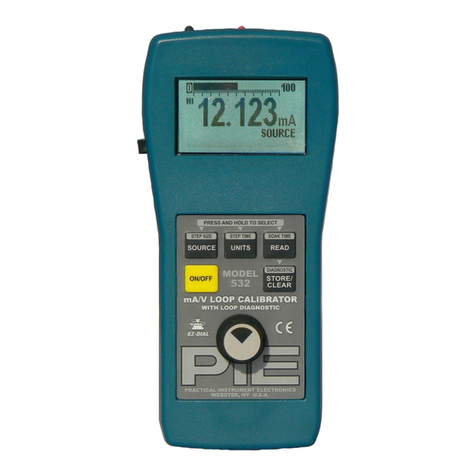
EZ-DialKnob
Adjust the output up and down with the EZ-Dialknob. The increment is 0.001 mA (or 0.01 % if display units are % of 4-20/10-50
mA.) Press while turning to adjust 100X faster – 0.100 mA (or 1.00 %.)
EZ-CheckSwitch
The EZ-Check™ switch has three positions -- high, set, and low. Its position is shown at the left edge of the display with “HI” and
“LO” indicators. Use of the EZ-Checkswitch depends on mode:
Source Modes:
Slide the EZ-Checkswitch to the HI and LO positions to recall the settings stored in those positions. While in the HI and LO
positions, dial the EZ-Dialknob to change the display. Press STORE/CLEAR to save new settings in the HI and LO positions. The
display will flash “STORED” to confirm.
Hint: For faster calibrations, the position of the switch can be felt. This feature allows continuous monitoring of the device being
calibrated without looking back at the Model 535 display. This is also useful in poor lighting or under difficult operating conditions.
Read Modes:
In read modes, the Model 535 calibrator records the maximum and minimum readings observed in each mode. Slide the EZ-Check
switch to the HI and LO positions to display the readings. Press STORE/CLEAR to clear the readings. The display will flash
“CLEARED” to confirm. By default, the Model 535 has EZ-CheckHI/LO Readings OFF.
EZ-StepPushbutton/ Manual Step
The EZ-Steppushbutton is a feature only in source modes.
Press and hold the EZ-Steppushbutton for less than one second to cause the output to step up or down by the EZ-Stepsize.
The EZ-Stepdirection is indicated on the display ( or ). Press the EZ-Dialknob to change the step direction.
Stepping and auto step/ramp limits are defined by the EZ-CheckHI and LO settings. The step direction changes when a limit is
reached.
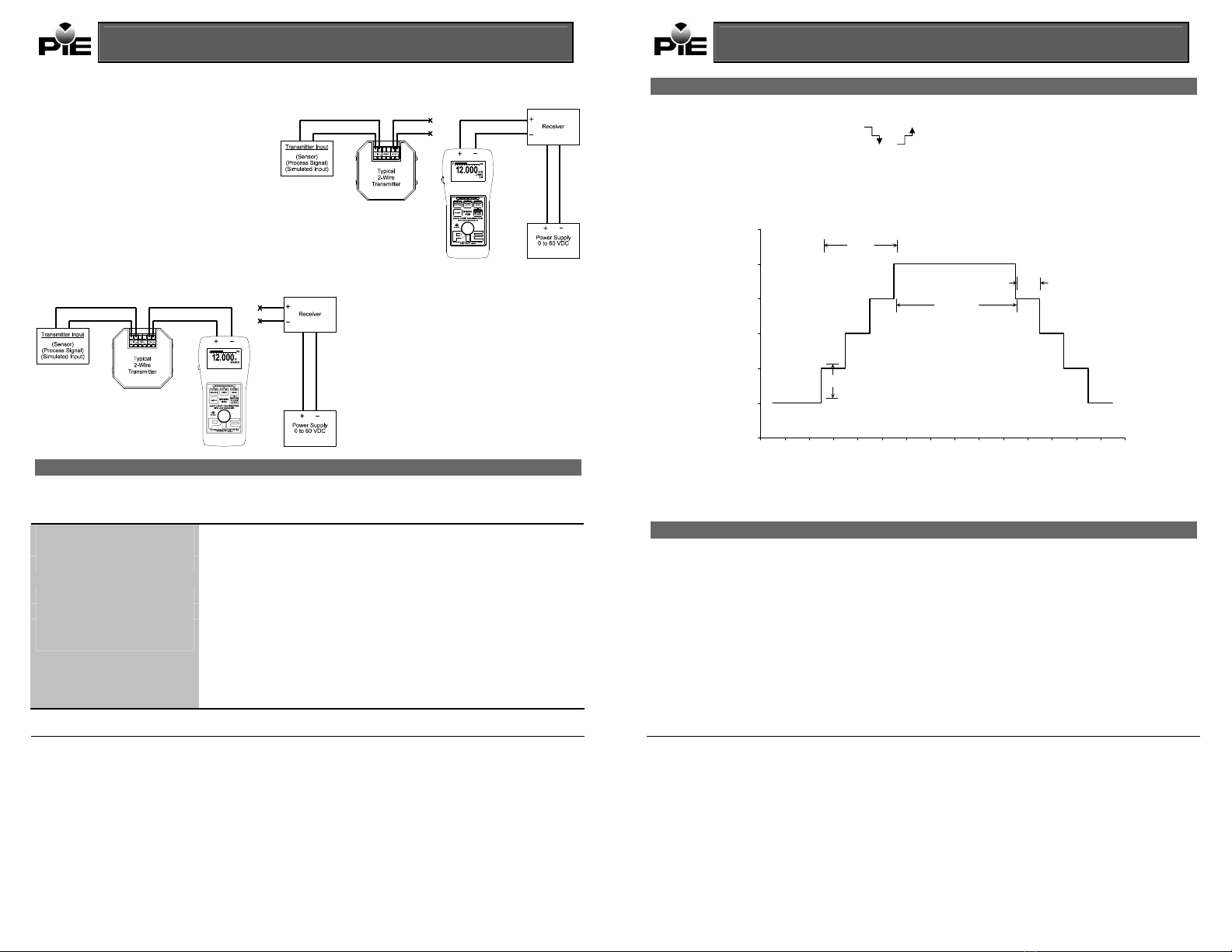
The step size is computed as the difference between the EZ-CheckHI and the EZ-CheckLO divided by the number of steps. See
figure 1. By default, the Model 535 has EZ-StepOFF.
Model 535 Operating Instructions
841 Holt Road #1 •Webster, NY 14580 Tel: 585-872-9350 •Fax: 585-872-2638 sales@piecal.com •http://www.piecal.com/
Practical Instrument Electronics, Inc. Copyright 2003. All rights reserved. 535-9002 11/30/04 7-8
Common Specifications for all Current Modes:
Ranges 0.000 to 24.000 mA, -25.00 to 125.00% of 4-20 mA
0.000 to 52.000 mA, -25.00 to 105.00% of 10-50 mA
Accuracy ± (0.025 % of reading + 0.004 mA)
Temperature Effect ± 50 ppm/°C of range
Resolution 0.001 mA and 0.01 %
Step/Ramp Timebase Accuracy 0.01% of 4.9152 MHz
Source/Power and Measure 2-Wire Transmitter Specifications:
Loop Compliance Voltage 43 Volts
Loop Drive Capability 1200 at 20 mA/800 at 50 mA for entire battery life
Miscellaneous Open loop or out of compliance conditions are indicated by appropriate error display
Battery life in:
Source mode 18 hrs at 12 mA/9 hrs at 30 mA typical
Power measure 10 hrs at 12 mA/5 hrs at 30 mA typical
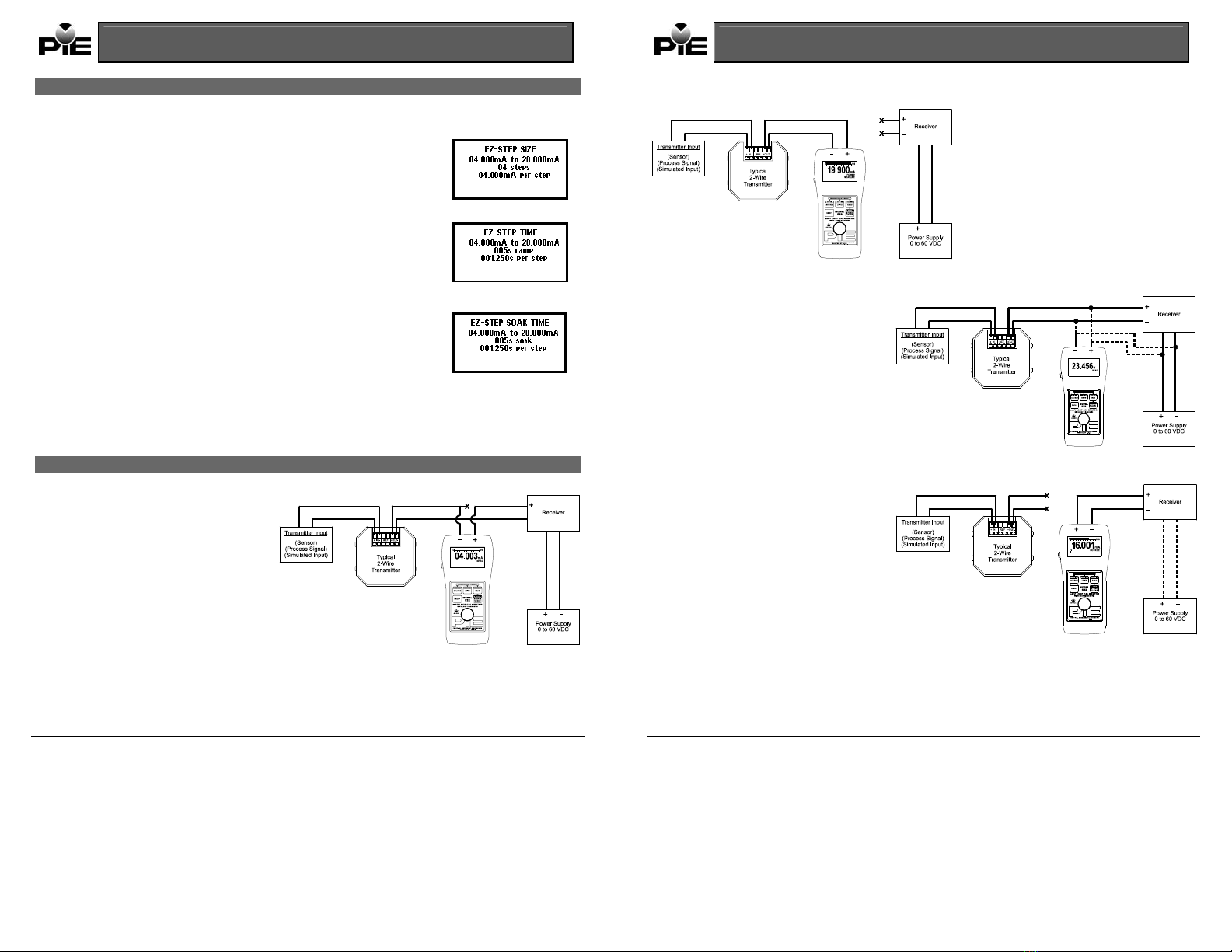
Selectable EZ-Step(s) for Source Mode/2-Wire Transmitter Simulation:
2 to 16 selectable step settings
Step size is determined by the selected high & low ranges
Selectable time settings for stepping and soak:
STEP: 5 to 900 seconds SOAK: 0 to 900 seconds
Read mA Specifications:
Voltage Burden 2V
Overload/Current Limit Protection 24 mA (4-20 range)/ 52.5 mA (10-50 range) nominal
Battery Life 40 hours typical
2-Wire Transmitter Simulation Specifications:
Overload/Current Limit Protection 24 mA (4-20 range)/ 52.5 mA (10-50 range) nominal
Loop Voltage Limits 2-90 VDC
Miscellaneous Open loop or out of compliance conditions are indicated by appropriate error display
Battery life 40 hour typical
Selectable EZ-Step(s) for Source Mode/2-Wire Transmitter Simulation:
2 to 16 selectable step settings
Step size is determined by the selected high & low ranges
Selectable time settings for stepping and soak:
STEP: 5 to 900 seconds SOAK: 0 to 900 seconds