Contents
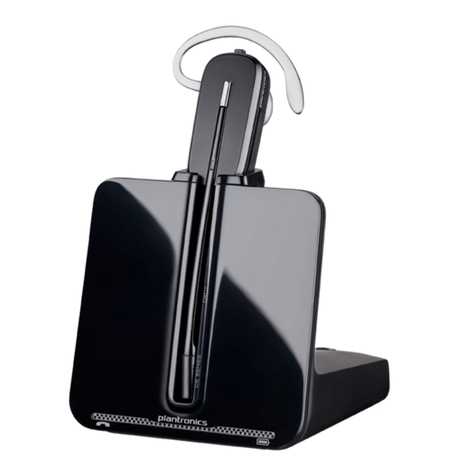
Plantronics Savi User Guide
1 Package Contents and Features ...........................4
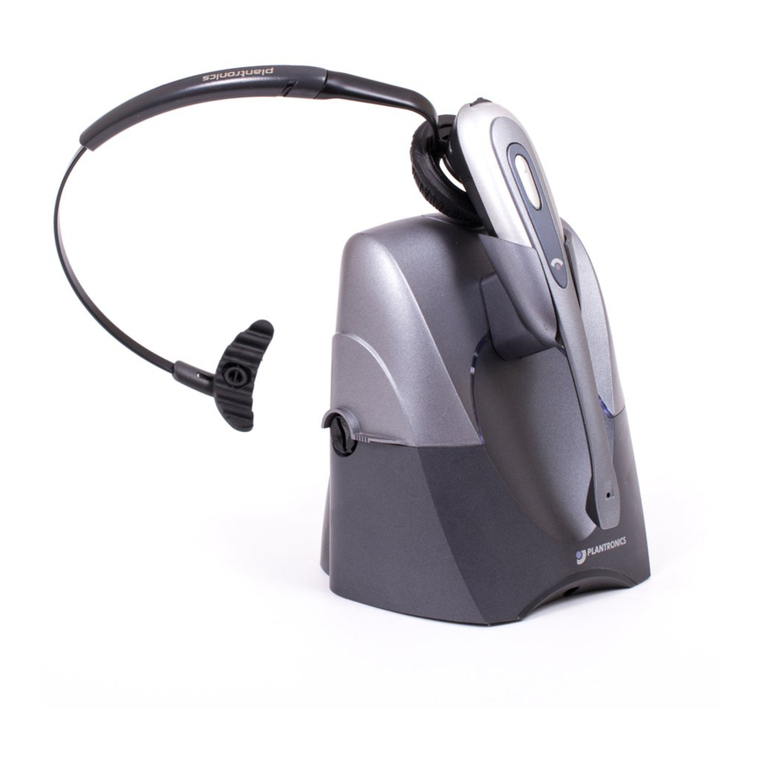
1.1 Savi Base................................................................ 4
1.2 Savi Headset........................................................... 5
1.3 HL10 Lifter (Optional)............................................... 6
2 Base Set Up...........................................................7
2.1 Attaching Charge Cradle to Base ............................ 7
2.2 Connecting Base to Desk Phone............................. 7
2.3 Connecting Power Supply to Base.......................... 7
2.4 Positioning Base ...................................................... 7
3 Headset Set Up ....................................................8
3.1 Fitting Headset ........................................................ 8
3.2 Docking and Charging the Headset......................... 8
4 Configure and Test Call .........................................9
4.1 Checking Configuration ........................................... 9
4.2 Making a Test Call with Desk Phone ....................... 9
5 Lifter Set Up (Optional) .......................................10
5.1 Installing Lifter........................................................ 10
5.2 If You Do Not Hear a Dial Tone .............................. 10
5.3 Additional Parts (if required)................................... 11
6 PC Set Up ...........................................................12
6.1 Installing USB Cable..........................................12
6.2 Making a test call with Microsoft Office
Communicator .......................................................12
6.3 Installing Plantronics software (optional ...............12
7 Using your Savi Office wireless headset system 13
Powering up Headset .................................................. 13
Placing, Answering and Ending Calls with
Desk Phone ................................................................. 13
Placing, Answering and Ending Calls with Microsoft
Office Communicator................................................... 13
Placing, Answering and Ending Calls with
Other Softphones ........................................................ 14
Switching Between Desk Phone and PC Audio ......... 14
Mixing Desk Phone and PC Audio .............................. 14
Muting the Headset ..................................................... 15
Subscribing a master headset..................................... 15
Conferencing in up to three additional headsets......... 15
Setting default line to desk phone or PC..................... 16
Toggling on/off over-the-air subscription..................... 16
Setting the range ......................................................... 16
Ending subscription ..................................................... 16
Subscription button indicator light .............................. 16
Desk phone and PC talk buttons indicator lights ........ 16
Desk phone and PC talk buttons “Rules to live by” .... 16
Talk time....................................................................... 17
Checking headset battery level ................................... 17
Headset call control button functions.......................... 17
Placing the headset in sleep mode.............................. 17
Headset indicator light................................................. 17
Headset tones.............................................................. 17
8 Plantronics Software............................................18
Softphone Support .................................................18
Plantronics Update Manager....................................... 18
Plantronics Control Panel ........................................19
Battery Life ............................................................19
Devices Tab ................................................................. 19
Applications Tab .....................................................20
Preferences Tab......................................................21
About Tab ..............................................................21
Help for Device Settings - USB Adapter ..................... 22
Help for Device Settings - Advanced .......................... 22
9 Troubleshooting and Common Questions ...........23