EnglishDeutsch
 logo
Brands
  1. Home
  2. •
  3. Brands
  4. •
  5. Pro-Form
  6. •
  7. Elliptical Trainer
  8. •
  9. Pro-Form 1150 Rxw User manual

Pro-Form 1150 Rxw User manual

Other manuals for 1150 Rxw

5

This manual suits for next models

1

Other Pro-Form Elliptical Trainer manuals

Pro-Form 595E PFEL04900 User manual

Pro-Form

Pro-Form 595E PFEL04900 User manual

Pro-Form 675 Cardio CrossTrainer User manual

Pro-Form

Pro-Form 675 Cardio CrossTrainer User manual

Pro-Form 831.23743.1 User manual

Pro-Form

Pro-Form 831.23743.1 User manual

Pro-Form 105 CSE User manual

Pro-Form

Pro-Form 105 CSE User manual

Pro-Form PFEL85607.0 User manual

Pro-Form

Pro-Form PFEL85607.0 User manual

Pro-Form XP 130 831.28544.2 User manual

Pro-Form

Pro-Form XP 130 831.28544.2 User manual

Pro-Form Performance 350i User manual

Pro-Form

Pro-Form Performance 350i User manual

Pro-Form 820 Pr Elliptical User guide

Pro-Form

Pro-Form 820 Pr Elliptical User guide

Pro-Form 6.0 ZE User manual

Pro-Form

Pro-Form 6.0 ZE User manual

Pro-Form PFEL07807.1 User manual

Pro-Form

Pro-Form PFEL07807.1 User manual

Pro-Form 831.23935.0 User manual

Pro-Form

Pro-Form 831.23935.0 User manual

Pro-Form 400 Zle Elliptical Setup guide

Pro-Form

Pro-Form 400 Zle Elliptical Setup guide

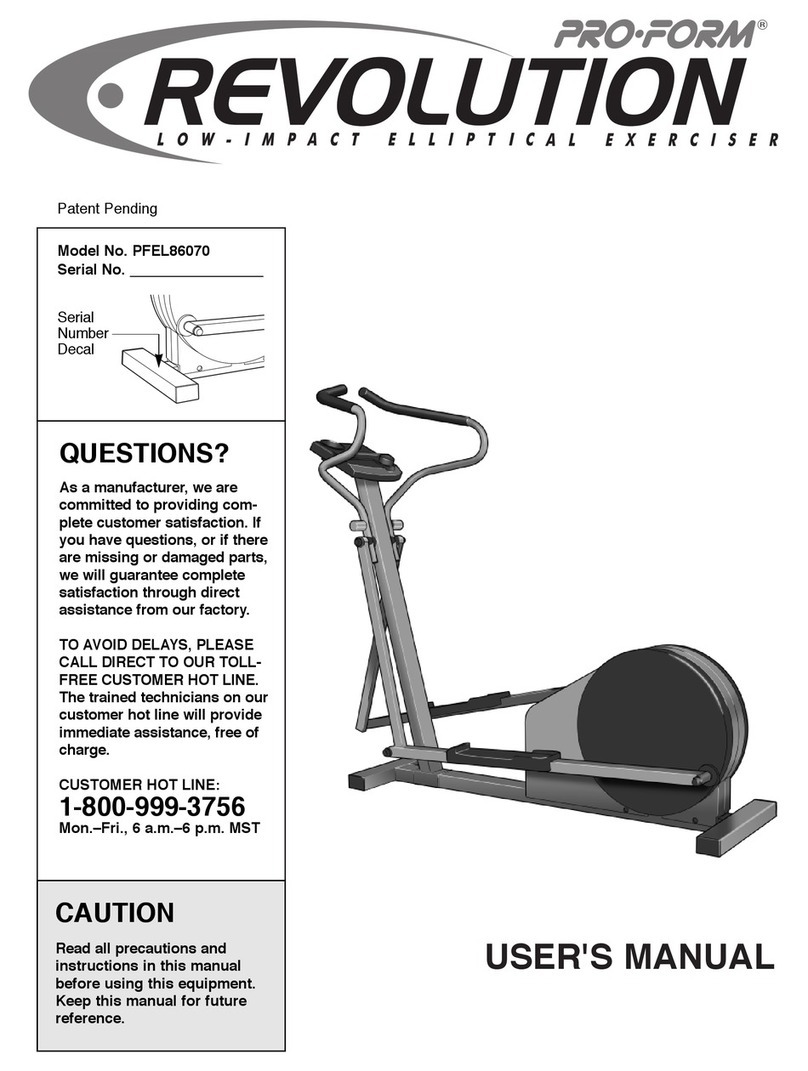
Pro-Form Revolution User manual

Pro-Form

Pro-Form Revolution User manual

Pro-Form 10.0 Ce Elliptical User manual

Pro-Form

Pro-Form 10.0 Ce Elliptical User manual

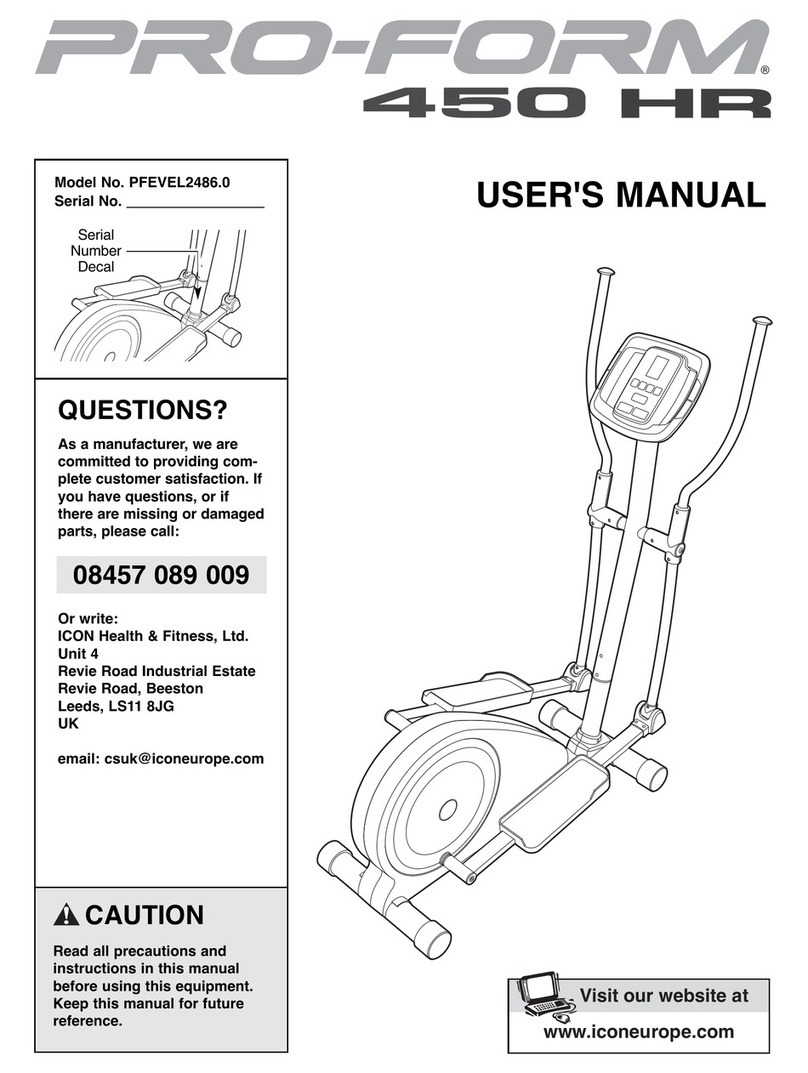
Pro-Form PFEVEL2486.0 User manual

Pro-Form

Pro-Form PFEVEL2486.0 User manual

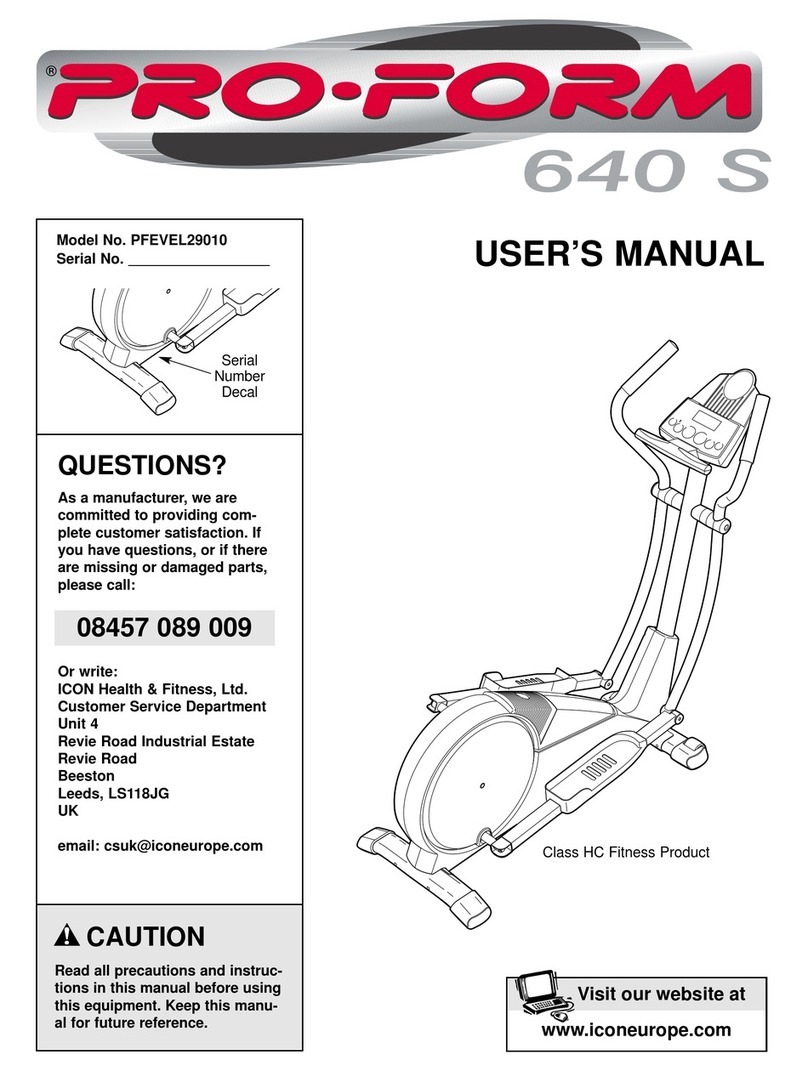
Pro-Form PFEVEL29010 User manual

Pro-Form

Pro-Form PFEVEL29010 User manual

Pro-Form 395 E User manual

Pro-Form

Pro-Form 395 E User manual

Pro-Form 790e Elliptical User manual

Pro-Form

Pro-Form 790e Elliptical User manual

Pro-Form 800 Hr Heart Rate Control Elliptical Operating and maintenance manual

Pro-Form

Pro-Form 800 Hr Heart Rate Control Elliptical Operating and maintenance manual

Pro-Form PFEL6905.1 User manual

Pro-Form

Pro-Form PFEL6905.1 User manual

Pro-Form 900 CardioCrossTrainer User manual

Pro-Form

Pro-Form 900 CardioCrossTrainer User manual

Pro-Form PFEL55907.0 User manual

Pro-Form

Pro-Form PFEL55907.0 User manual

Pro-Form 762 Ekg Bike Quick start guide

Pro-Form

Pro-Form 762 Ekg Bike Quick start guide

Pro-Form 220 Zle Elliptical User manual

Pro-Form

Pro-Form 220 Zle Elliptical User manual

Popular Elliptical Trainer manuals by other brands

NordicTrack E4.1 Elliptical null

NordicTrack

NordicTrack E4.1 Elliptical null

NordicTrack E4.1 Elliptical null

NordicTrack

NordicTrack E4.1 Elliptical null

Weslo Momentum 4.0 Elliptical Manuale d'istruzioni

Weslo

Weslo Momentum 4.0 Elliptical Manuale d'istruzioni

Progear Fitness Air elliptical pro 1307 owner's manual

Progear Fitness

Progear Fitness Air elliptical pro 1307 owner's manual

Torque Fitness XPLLP owner's manual

Torque Fitness

Torque Fitness XPLLP owner's manual

Octane Fitness PRO3700C Operation manual

Octane Fitness

Octane Fitness PRO3700C Operation manual

Xterra FS5.8e owner's manual

Xterra

Xterra FS5.8e owner's manual

Bodyguard E-40 user manual

Bodyguard

Bodyguard E-40 user manual

NordicTrack E 7.2 Elliptical null

NordicTrack

NordicTrack E 7.2 Elliptical null

Bonn Germany Concept 2.2 user manual

Bonn Germany

Bonn Germany Concept 2.2 user manual

Precor Resolute RSL 620 Assembly guide

Precor

Precor Resolute RSL 620 Assembly guide

NordicTrack E 9.2 Elliptical HASZNALATI UTASITAS

NordicTrack

NordicTrack E 9.2 Elliptical HASZNALATI UTASITAS

Vision Fitness X6600iNetTV Assembly guide

Vision Fitness

Vision Fitness X6600iNetTV Assembly guide

Matrix MX-A5x owner's manual

Matrix

Matrix MX-A5x owner's manual

SportsArt Fitness ECO-NATURAL Elite E874 owner's manual

SportsArt Fitness

SportsArt Fitness ECO-NATURAL Elite E874 owner's manual

Sears FREE SPIRIT C249 30737 0 owner's manual

Sears

Sears FREE SPIRIT C249 30737 0 owner's manual

True FS-64 Assembly manual

True

True FS-64 Assembly manual

Sport-thieme ST 310 manual

Sport-thieme

Sport-thieme ST 310 manual

https://manuals.online logo
https://manuals.online logoBrands
  • About & Mission
  • Contact us
  • Privacy Policy
  • Terms and Conditions

Copyright 2026 Manuals.Online. All Rights Reserved.

CAUTION
Read all precautions and instruc-
tions in this manual before using
this equipment. Keep this manu-
al for future reference.
odel No. PFEVEL36021
Serial No.
Serial
Number
Decal
www.iconeurope.com
Visit our website at
USER’S ANUAL
QUESTIONS?
As a manufacturer, we are com-
mitted to providing complete
customer satisfaction. If you have
questions, or if there are missing
or damaged parts, please call:
Or write:
ICON Health & Fitness, Ltd.
Customer Service Department
Unit 4
Revie Road Industrial Estate
Revie Road
Beeston
Leeds, LS118JG
UK
email: [email protected]
08457 089 009
TABLE OF CONTENTS
IMPORTANT PRECAUTIONS . . . . . . . . . . . . . . . . . . . . . . . . . . . . . . . . . . . . . . . . . . . . . . . . . . . . . . . . . . . . . .2
BEFORE YOU BEGIN . . . . . . . . . . . . . . . . . . . . . . . . . . . . . . . . . . . . . . . . . . . . . . . . . . . . . . . . . . . . . . . . . . .3
ASSEMBLY . . . . . . . . . . . . . . . . . . . . . . . . . . . . . . . . . . . . . . . . . . . . . . . . . . . . . . . . . . . . . . . . . . . . . . . . . . .
HOW TO USE THE CHEST PULSE SENSOR . . . . . . . . . . . . . . . . . . . . . . . . . . . . . . . . . . . . . . . . . . . . . . . . .8
HOW TO OPERATE THE ELLIPTICAL CROSSTRAINER . . . . . . . . . . . . . . . . . . . . . . . . . . . . . . . . . . . . . . . .10
MAINTENANCE AND TROUBLESHOOTING . . . . . . . . . . . . . . . . . . . . . . . . . . . . . . . . . . . . . . . . . . . . . . . . .23
CONDITIONING GUIDELINES . . . . . . . . . . . . . . . . . . . . . . . . . . . . . . . . . . . . . . . . . . . . . . . . . . . . . . . . . . . .2
PART LIST . . . . . . . . . . . . . . . . . . . . . . . . . . . . . . . . . . . . . . . . . . . . . . . . . . . . . . . . . . . . . . . . . . . . . . . . . . .26
EXPLODED DRAWING . . . . . . . . . . . . . . . . . . . . . . . . . . . . . . . . . . . . . . . . . . . . . . . . . . . . . . . . . . . . . . . . . .27
ORDERING REPLACEMENT PARTS . . . . . . . . . . . . . . . . . . . . . . . . . . . . . . . . . . . . . . . . . . . . . . . .Back Cover
2
I PORTANT PRECAUTIONS
WARNING:To reduce the risk of serious injury, read the following important precau-
tions before using the elliptical crosstrainer.
1. Read all instructions in this manual before
using the elliptical crosstrainer.
2. It is the responsibility of the owner to ensure
that all users of the elliptical crosstrainer
are adequately informed of all precautions.
3. Place the elliptical crosstrainer on a level
surface, with a mat beneath it to protect the
floor or carpet. Keep the elliptical crosstrain-
er indoors, away from moisture and dust.
4. Inspect and properly tighten all parts regu-
larly. Replace any worn parts immediately.
5. Keep children under 12 and pets away from
the elliptical crosstrainer at all times.
6. The elliptical crosstrainer should not be used
by persons weighing more than 115 kg (250
lbs).
7. Wear appropriate exercise clothes when
using the elliptical crosstrainer. Always wear
athletic shoes for foot protection.
8. Always hold the handgrip pulse sensor or the
handlebars when mounting, dismounting, or
using the elliptical crosstrainer.
9. The pulse sensors are not medical devices.
Various factors may affect the accuracy of
heart rate readings. The pulse sensors are
intended only as exercise aids in determin-
ing heart rate trends in general.
10. Keep your back straight when using the ellip-
tical crosstrainer; do not arch your back.
11. If you feel pain or dizziness at any time
whilst exercising, stop immediately and
begin cooling down.
12. When you stop exercising, allow the pedals
to slowly come to a stop.
13. The elliptical crosstrainer is intended for
home use only. Do not use the elliptical
crosstrainer in a commercial, rental, or insti-
tutional setting.
WARNING:Before beginning this or any exercise program, consult your physician.
This is especially important for persons over the age of 35 or persons with pre-existing health prob-
lems. Read all instructions before using. ICON assumes no responsibility for personal injury or
property damage sustained by or through the use of this product.

3
BEFORE YOU BEGIN
Congratulations for selecting the new PROFORM®
1150 RXW. The PROFORM®1150 RXW is an incredi-
bly smooth exerciser that moves your feet in a natural
elliptical path, minimising the impact on your knees
and ankles. And the unique PROFORM®1150 RXW
features adjustable resistance and a state-of-the-art
console to help you get the most from your exercise.
Welcome to a whole new world of natural, elliptical-
motion exercise from PROFORM.
For your benefit, read this manual carefully before
you use the elliptical crosstrainer. If you have ques-
tions after reading this manual, please call our
Customer Service Department at 08457 089 009. To
help us assist you, please note the product model
number and serial number before calling. The model
number is PFEVEL36021. The serial number can be
found on a decal attached to the elliptical crosstrainer
(see the front cover of this manual for the location of
the decal).
Before reading further, please familiarise yourself with
the parts that are labelled in the drawing below.
Handgrip Pulse Sensor
Handlebar
FRONT
BACK
LEFT SIDE
Pedal Spring
Pedal Disk
*No water bottle
is included
Wheel
Pedal
Console Bookrack
Water Bottle Holder*
Levelling Foot
4
ASSE BLY
Assembly requires two persons. Place all parts of the elliptical crosstrainer in a cleared area and remove the
packing materials. Do not dispose of the packing materials until assembly is completed. In addition to the
included allen wrenches, assembly requires a phillips screwdriver , an adjustable
spanner , and a rubber mallet .
As you assemble the elliptical crosstrainer, use the drawings below to identify the small parts used in assembly.
The number in parenthesis below each drawing refers to the key number of the part, from the PART LIST on
page 26. The second number refers to the quantity used in assembly. Note: Some small parts may have been
pre-assembled for shipping. If a part is not in the parts bag, check to see if it has been pre-assembled.
M10 x 112mm Carriage Bolt (3 )–
Adjustment Bolt (20)–2
M10 x 88mm Button Bolt (63)–1
M10 x 78mm Button Bolt (27)–2
M10.3 Black
Washer (53)–2
M8 x 19mm Button
Screw (22)–2
M x 16mm
Screw (66)–2
M10 x 27mm
Screw (71)–3
M10
Washer (38)–6
M10 Split
Washer (70)–
M10 Nylon
Locknut (29)–6
Frame Spacer (83)–1
M8 x 5mm Button Bolt (50)–
M8 Nylon
Locknut ( 6)–
5
1. Identify the Front Stabiliser (3), which has Wheels (32)
attached to it. While another person lifts the front of
the Frame (1), attach the Front Stabiliser to the Frame
with two M10 x 112mm Carriage Bolts (3 ) and two
M10 Nylon Locknuts (29). ake sure that the Front
Stabiliser is turned so the Wheels are not touching
the floor.
3
29
32
32
3
1
1
2. While another person lifts the back of the Frame (1),
attach the Rear Stabiliser ( ) to the Frame with two
M10 x 112mm Carriage Bolts (3 ) and two M10 Nylon
Locknuts (29).
3
1
3
2
86
871
63 83
70
3. While another person holds the Upright (2) in the posi-
tion shown, connect the Upper Wire Harness (86) to
the Lower Wire Harness (87). Carefully pull the
upper end of the Upper Wire Harness to remove
any slack. While holding the upper end of the
Upper Wire Harness, insert the Upright into the
Frame (1). Do not pinch the Wire Harnesses.
Slide an M10 Split Washer (70) and a Frame Spacer
(83) onto the M10 x 88mm Button Bolt (63), and insert
the Button Bolt into the Frame and the Upright. ake
sure that the concave end of the Frame Spacer is
turned toward the Frame. Do not tighten the
Button Bolt at this time.
. Connect the wire harness on the Handgrip Pulse
Sensor (81) to the indicated wire harness on the
Console (5). Insert both wire harnesses into the open-
ing in the bottom of the Console.
Refer to the inset drawing. Insert the metal tube on the
Handgrip Pulse Sensor (81) into the metal bracket
inside the Console (5) as shown. Be careful not to
pinch the wire harnesses. Align the holes in the
metal tube with the holes in the metal bracket, and
tighten two M x 16mm Screws (66) into the indicated
holes. 81
5
Wire Harnesses
66
5
Bracket
81
2
29
29
Tube 66
ake sure the
Wire Harnesses
(86, 87) do not
get pinched and
damaged during
this step.
6
7. Hold the lower end of the left Handlebar Leg (79) inside
of the left Front Spring Bracket (17). Apply a generous
amount of grease to an M10 x 78mm Button Bolt (27).
Attach the left Handlebar Leg to the left Front Spring
Bracket (17) with the Button Bolt, two M10 Washers
(38), and an M10 Nylon Locknut (29). Do not over-
tighten the Nylon Locknut; the left Handlebar Leg
must be able to pivot freely.
Attach the right Handlebar Leg (79) to the right Front
Spring Bracket (17) in the same way.
Refer to step 6. Tighten the M8 x 5mm Button Bolts
(50) in the Handlebar Legs (79). Refer to step 3.
Tighten the M10 x 88mm Button Bolt (63).
17
17
27 38 38
29
Grease
5. The Console (5) requires four 1.5V “D” batteries; alka-
line batteries are recommended. Refer to the inset
drawing. Press the tab on the battery cover, and lift off
the battery cover. Insert four batteries into the battery
compartment. ake sure that the batteries are
turned as shown by the diagram in the battery
compartment. Reattach the battery cover.
While another person holds the Console (5) in the
position shown, connect the wire harness on the
Console to the Upper Wire Harness (86). Insert the
excess wire harness into the Upright (2). Next, attach
the Console to the Upright with three M10 x 27mm
Screws (71) and three M10 Split Washers (70). Be
careful to avoid pinching the wire harnesses.
Snap the bookrack onto the Console (5) in the indicated
location.
5
Bookrack
86 71
71
6. Identify the Left Handlebar (9), which is marked with a
sticker. Insert the Left Handlebar into one of the
Handlebar Legs (79); make sure that the Handlebar
Leg is turned so the hexagonal holes are on the
indicated side. Attach the Left Handlebar to the
Handlebar Leg with two M8 x 5mm Button Bolts (50)
and two M8 Nylon Locknuts ( 6). ake sure that the
Nylon Locknuts are inside of the hexagonal holes.
Do not fully tighten the Button Bolts yet.
Apply a generous amount of the included grease to the
left axle on the Upright (2) and inside of the two
Handlebar Bushings (2 ) in the Left Handlebar (9).
Carefully slide an Upright Spacer (26), a Handlebar
Spacer (25), the Left Handlebar (9), and a Handlebar
Cap (23) onto the left axle on the Upright (2) as shown.
Slide an M10.3 Black Washer (53) onto an M8 x 19mm
Button Screw (22), and tighten the Button Screw into the
axle.
Attach the Right Handlebar and the other Handlebar Leg
(not shown) in the same way.
6
7
2
Wire
Harness
70
70
71
26
25
92
23
22 53
50
6
Hexagonal
Holes
79
79
79
5
Tab
Batteries
Battery
Cover
5
Grease
7
9. ake sure that all parts of the elliptical crosstrainer are properly tightened. Note: Some hardware may
be left over after assembly is completed. To protect the floor or carpet from damage, place a mat under the
elliptical crosstrainer.
820
15
38
1
13
8. Identify the Left Pedal (13). Attach the Left Pedal to the
left Pedal Spring (1 ) with an Adjustment Bolt (20), an
M10 Washer (38), and an Adjustment Knob (15) as
shown. Note: The Left Pedal can be attached in several
positions using the five positions in the Left Pedal and
the three holes in the Pedal Spring (see HOW TO
ADJUST THE PEDALS on page 10).
Attach the Right Pedal (not shown) in the same way.
Make sure that both Pedals are in the same hole and in
the same pedal position.
8
HOW TO USE THE CHEST PULSE SENSOR
HOW TO PUT ON THE CHEST PULSE SENSOR
The chest pulse sensor consists of two components:
the chest strap and the sensor unit. Follow the steps
below to put on the chest pulse sensor.
See the inset drawing above. Insert the tab on
one end of the chest strap through one end of the
sensor unit. Press the end of the sensor unit
under the buckle on the chest strap.
Wrap the
chest pulse
sensor
around
your chest.
Attach the
free end of
the chest
strap to the
sensor unit as described above. Adjust the length
of the chest strap, if necessary. The chest pulse
sensor should be under your clothes, against
your skin, and as high under the pectoral mus-
cles or breasts as is comfortable. Make sure that
the logo is right-side-up and facing forward.
Pull the
sensor unit
away from
your body
a few inch-
es and
locate the
two elec-
trode areas on the inner side. Using a saline
solution such as saliva or contact lens solution,
wet both electrode areas. Return the sensor unit
to a position against your chest.
CHEST PULSE SENSOR TROUBLESHOOTING
If the chest pulse sensor does not function proper-
ly, or if the displayed heart rate is excessively high
or low, try the troubleshooting steps below.
• Make sure that you are wearing the chest pulse sen-
sor as described at the left. If the chest pulse sensor
does not function when positioned as described,
move it slightly lower or higher on your chest.
• Each time you use the chest pulse sensor, use
saline solution such as saliva or contact lens solu-
tion to wet the two electrode areas on the sensor
unit (see the drawing below). If heart rate readings
do not appear until you begin perspiring, re-wet the
electrode areas.
• Make sure that you are within arm’s length of the
console. For the console to display heart rate
readings, the user must be within arm’s length of
the console.
• The chest pulse sensor is designed to work with
people who have normal heart rhythms. Heart rate
reading problems may be caused by medical condi-
tions such as premature ventricular contractions
(pvcs), tachycardia bursts, and arrhythmia.
• The operation of the chest pulse sensor can be
affected by magnetic interference caused by high
power lines or other sources. If it is suspected that
magnetic interference may be causing a problem,
try relocating your exercise equipment.
• If the chest pulse sensor still does not function prop-
erly, test the chest pulse sensor in the following way:
Hold the chest
pulse sensor
and place your
thumbs over
the electrode
areas as
shown. Next,
hold the chest
pulse sensor near the console. Whilst holding one
thumb stationary, begin tapping the other thumb
against the electrode area at a rate of about one tap
per second. Check the heart rate reading on the
console.
3
2
1
Chest Strap
Sensor Unit
Tab
Buckle
Electrode Areas
Sensor
Unit
Electrode Areas
Logo
9
•If the chest pulse sensor does not function properly
after you have followed all of the above instructions,
the battery should be replaced in the following way:
Locate the battery
cover on the back of
the sensor unit.
Insert a coin into the
slot in the cover,
turn the cover coun-
terclockwise, and
remove the cover.
Remove the old
battery and insert a
new CR 2032 bat-
tery. ake sure
that the battery is
turned so the writ-
ing is on top.
Replace the battery
cover and turn it
clockwise to close
it.
CHEST PULSE SENSOR CARE
• Thoroughly dry the chest pulse sensor after each
use. The chest pulse sensor is activated when the
electrode areas are wetted and the chest pulse sen-
sor is put on; the chest pulse sensor shuts off when
it is removed and the electrode areas are dried. If
the chest pulse sensor is not dried after each use, it
may remain activated longer than necessary, drain-
ing the battery prematurely.
• Store the chest pulse sensor in a warm, dry place.
Do not store the chest pulse sensor in a plastic bag
or other container that may trap moisture.
• Do not expose the chest pulse sensor to direct
sunlight for extended periods of time. Do not expose
the chest pulse sensor to temperatures above 50° C
(122° F) or below -10° C (1 ° F).
• Do not excessively bend or stretch the sensor unit
when using or storing the chest pulse sensor.
• Clean the sensor unit using a damp cloth—never
use alcohol, abrasives, or chemicals. The chest
strap may be hand washed and air dried.
CR 2032
Battery
10
HOW TO OPERATE THE ELLIPTICAL CROSSTRAINER
HOW TO ADJUST THE PEDALS
The motion of the
pedals is deter-
mined by their
position on the
pedal springs. To
adjust the pedals,
first remove the
pedal knob
beneath each
pedal. Slide each
pedal forward or
backward and
reattach it using one of the five positions in the pedal
and one of the three holes in the pedal spring. Make
sure that both pedals are in the same position.
HOW TO EXERCISE ON THE ELLIPTICAL
CROSSTRAINER
To mount the elliptical crosstrainer, hold the handgrip
pulse sensor and step onto the pedal that is in the low-
est position. Then, step onto the other pedal. Push the
pedals until they begin to move with a continuous
motion. Note: The pedal disks can turn in either
direction. It is recommended that you move the
pedal disks in the direction shown by the arrow
below; however, for variety, you may turn the pedal
disks in the opposite direction.
To dismount the elliptical crosstrainer, wait until the
pedals come to a complete stop. Note: The elliptical
crosstrainer does not have a free wheel; the ped-
als will continue to move until the flywheel stops.
When the pedals are stationary, step off the highest
pedal first. Then, step off the lowest pedal.
HOW TO USE THE HANDLEBARS
The handlebars are
designed to add
upper-body exer-
cise to your work-
outs. Push and pull
the handlebars as
you exercise to
work your arms,
shoulders, and
back.
To exercise only
your lower body,
hold the handgrip
pulse sensor as
you exercise.
CAUTION:Before using the ellipti-
cal crosstrainer, read the following precau-
tions.
• Always hold the handgrip pulse sensor or the
handlebars when mounting, dismounting, or
using the elliptical crosstrainer.
• When you stop exercising, allow the pedals to
slowly come to a stop.
• The pulse sensor is not a medical device.
Various factors may affect the accuracy of
heart rate readings. The pulse sensor is
intended only as an exercise aid in determin-
ing heart rate trends in general.
Pedals
Pedal Disk
Handgrip
Pulse Sensor
Handlebars
Handgrip
Pulse
Sensor
Knob Pedal
Spring
Pedal