3
3. Hardware Requirements and Precautions
4. Hardware Installation Procedure
1. Computers or servers with SATA I & SATA II & SATA III.
2. Hard drive with SATA I & SATA II & SATA III
3. You are strongly advised to set the storage mode (the default is the Independent mode) before
using the SR2611+.
4. The product allows the user to simultaneously utilize two hard drives manufactured by different
companies. However, if the user expects better efciency, we strongly recommend the users to
use hard drives manufactured by the same manufacturer.
5. Please make sure that the two hard drives are free from bad blocks or defects prior to installation
in order to avoid system crashes or data loss.
6. The actual storage capacity of SR2611+ recognized by the system may differ from the total
capacity stated on the hard drives combined once the drives have been formatted.
7. It is highly recommended for users to back up important data contained within the SR2611+
unit on a regular basis or whenever the user feels necessary to a remote or a separate storage
device. Raidon will not be responsible for any lost of data caused during the use of the unit or the
recovery of the data lost.
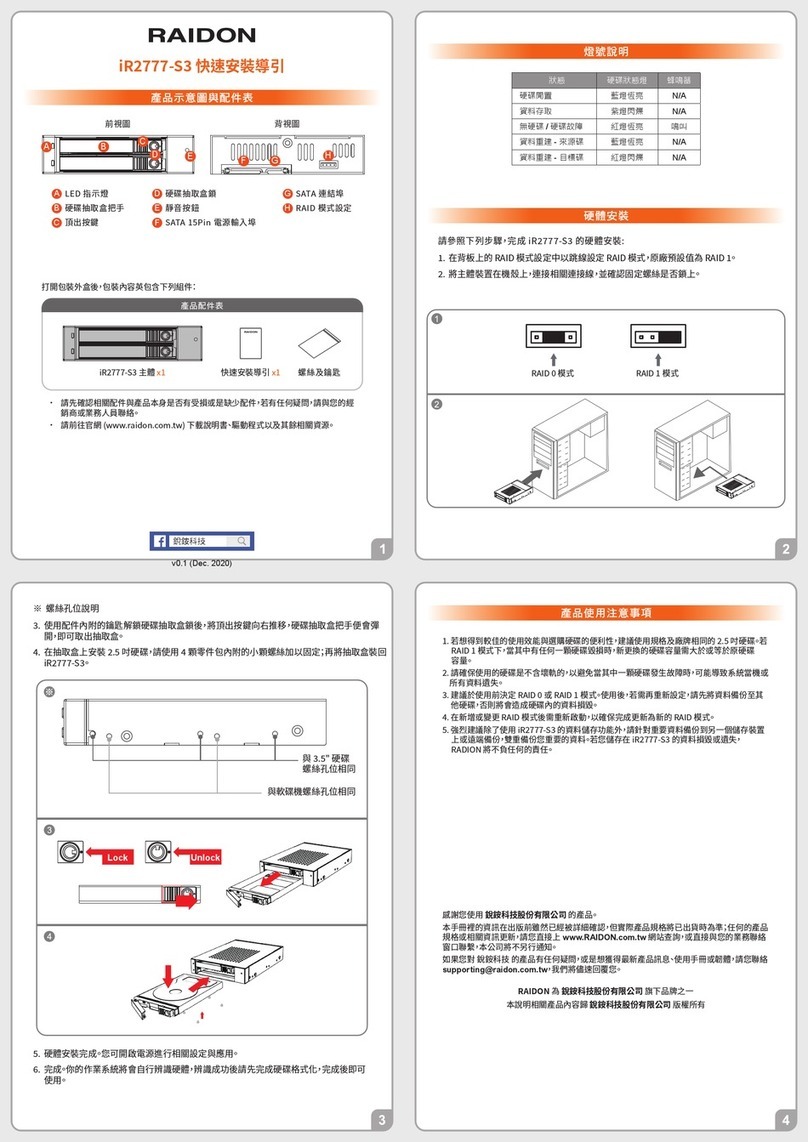
Please follow the instructions below to complete the hardware installation.
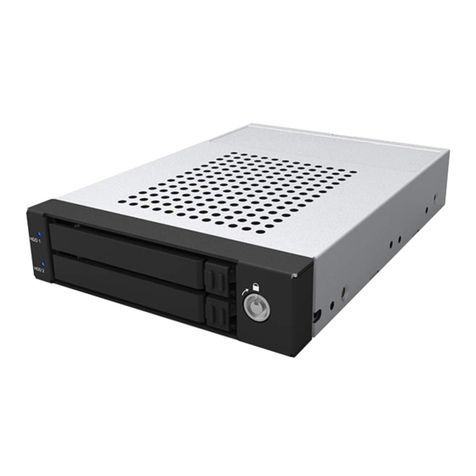
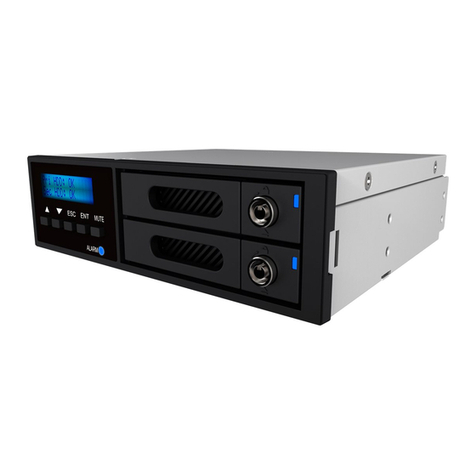
Install your hard disks into the removable trays and secure them with the screws from
accessory kit. This will protect your hard disk from any unnecessary movement.
Step 1
Note :
Once the drive mode conguration has been completed, re-conguration using the same hard
drives to set the drive mode will result in complete data loss. If you must change the drive
mode, make sure to backup all data prior to the mode change.
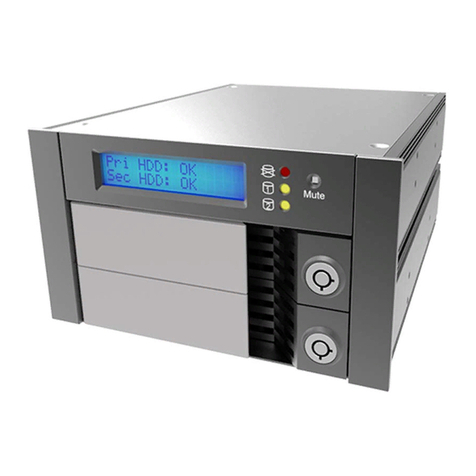
Once the hard disks have been installed, insert the removable trays into device and close
the handles.
Install device into one of the CD-ROM bays with screws from the accessory kit. Then
properly connect SATA cable and DC cable from your system to the device.
Power on your system after hardware installation is completed, and your operating system
will automatically detect the hard drives from booting. Then follow the steps from your
operating system to partition and format the drives when necessary, device will be ready to
use once the format is completed.
Step 2
Step 3
Step 4