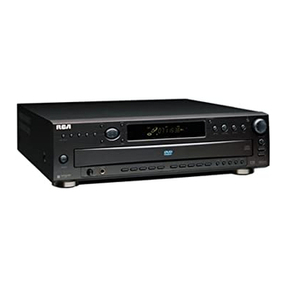
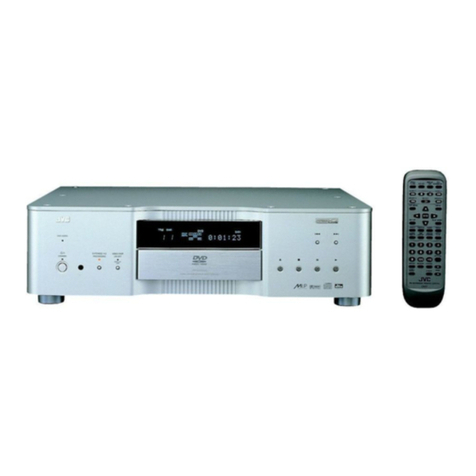
RCA DRC300i Quick start guide


First identify if your model requires a firmware upgrade by following the procedure below.
STEP 1 – Identify:
Open the DVD door by pushing the open/close button and then (using your remote control) press
STOP and then NEXT to view the current firmware version.
If the TV screen DOES NOT display “300I.S76.NA.N3.001”, then a Firmware upgrade is
recommended for your machine
STEP 2 - Download:
Download the zip file from the website. The file contains 5 items in total (4 jpeg images and 1
DVDROM file). You must burn all 5 items onto a CD-R for the upgrade to work correctly. Once
you have burned the CD-R please then insert it into the DVD player.
STEP 3 - Upgrade:
Insert the CD-R disk into the DVD tray and then follow the Firmware Upgrade instructions also
available on the website.
Table of contents
Other RCA DVD Player manuals
RCA
RCA DRC69705E22 User manual
RCA
RCA DRC500L User manual
RCA
RCA DRC015 User manual
RCA
RCA DRC240N User manual
RCA
RCA DRC300iH User manual
RCA
RCA DRC247 User manual
RCA
RCA DRC279BK Instruction Manual
RCA
RCA DRC69705 - Dual Screen Portable DVD Player User manual
RCA
RCA DRC300N User manual
RCA
RCA Scenium DRS700N User manual