983001 8370 EWC8370 8318 Issue 0 Page 5
1) Installation:
Locate a clear work area 24” wide X 30” deep. The work area must be a solid
and firm cabinet or a heavy duty table with a flat level surface.
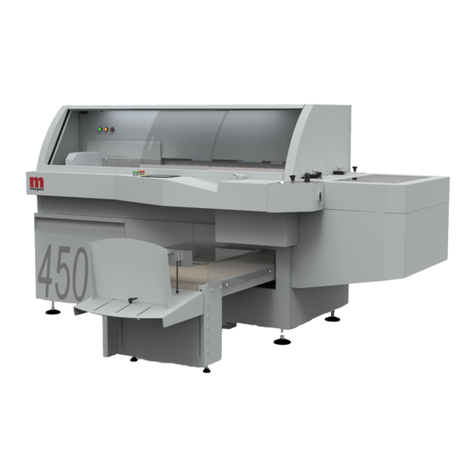
EWC-8370:
The EWC-8370 requires an outlet within 5 feet that provides a 15-amp
service (16-amp European) which is protected at the customer’s circuit box.
Never attempt to move the EWC-8370 with one person! Always move your
EWC-8370 with two people, one on each end. To mount your EWC-8370 to a
OD or HD vertical punch will require an optional mounting kit. Contact your
dealer for the kit that fits your punch model and follow the instructions inside the
kit. The EWC-8370 came as a stand-alone machine and is ready to operate after
setup. Continue to chapter 2.
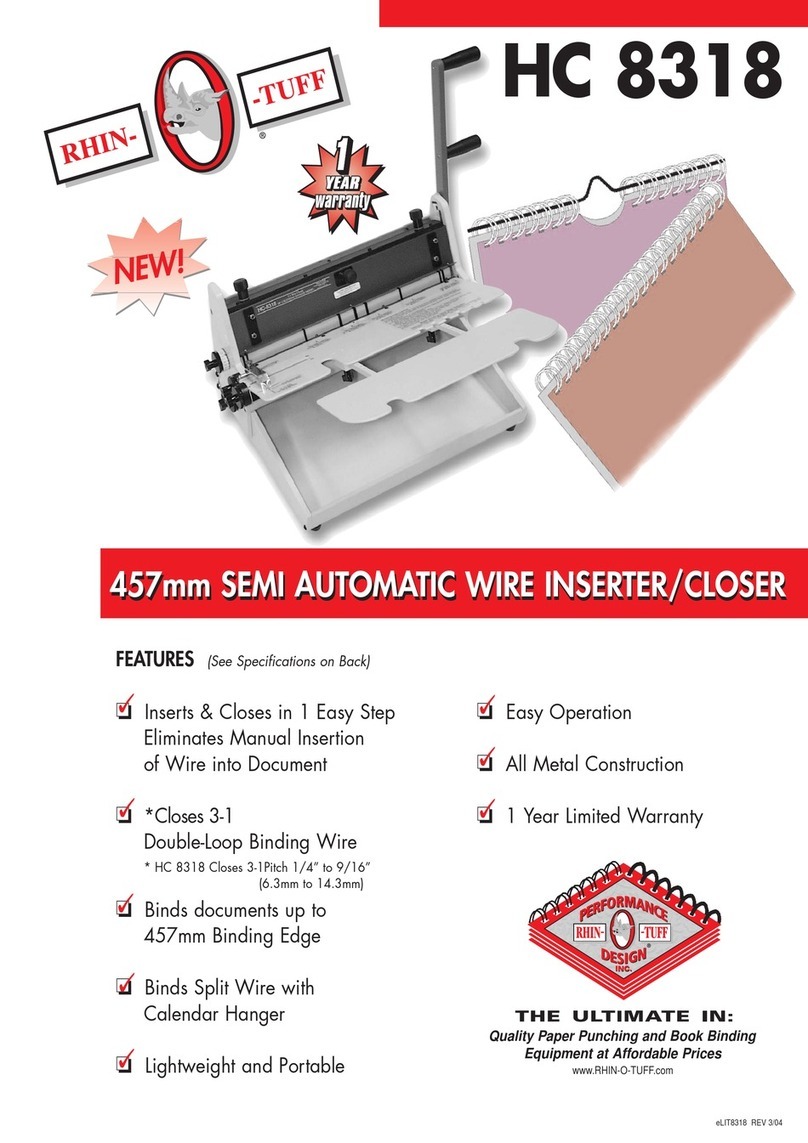
HC-8318:
Attach the closing handle with the brass colored screw, washer, and nut
(with the two wrenches provided) with the nut on the back side of the handle
Figure 1 item 2. The HC-8318 is ready to operate after setup. Continue to
chapter 2.
HD-8370 Stand-Alone:
The HD-8370 can be operated in the stand-alone or mounted to an OD or
HD vertical punch as a module. Continue to the next section if mounting the HD-
8370 to a punch is required.
Stand-alone configuration: See figure 1. Attach the feet provided with two
3-winged knobs on both sides of the machine (1) (use the button head screws if
the 3-winged knobs interfere with the operation of the HD-8370). Attach the
closing handle with the brass colored screw, washer, and nut (with the two
wrenches provided) with the nut on the back side of the handle (2). Continue to
chapter 2.
Fig. 1
HD-8370 Mounting To a Vertical Punch.
¾HD-6500, HD-7000, and HD-7700:
Locate the Interface Blocks, screws, Allen wrenches, these will be
required in the next step. See Figure 2 & 3.