Installation Guide Universal Series
Rosen Entertainment Systems Copyright 2010 All Rights Reserved
Installation Guide DP-UN1014 Rev B
Page 9
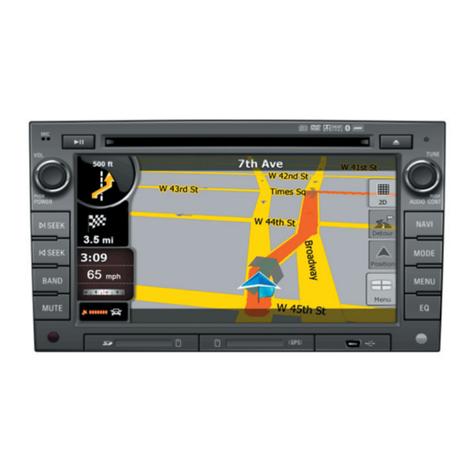
Select NAV as the Source
Confirm the Navigation loads and signal strength is OK
Troubleshooting
1) Confirm the antenna has an unobstructed view of the sky
2) Confirm the antenna is located on the outside of the vehicle
3) Confirm the antenna connection is properly tightened
4) Confirm GPS antenna cable clamp on back of unit is being
used
Select Reverse Camera
Confirm the backup camera screen shows in reverse
Troubleshooting
1) Confirm the Camera is set to ON in the Installer Settings
2) Confirm the Reverse Trigger wire is attached properly
3) Confirm the Camera is receiving 12VDC as required
Steering Wheel Control Programming
(If vehicle is equipped)
Your system is equipped with a capability to interface with most
factory Steering Wheel Controls.
To program your vehicles Steering Wheel Controls, follow the
steps below.
Note: Some vehicles use a data bus system, which is not
compatible. If you do not see the “Choose Function” response,
it‘s because the system is not compatible.
Setup Instructions
1) EnsurethevehicleisRUNNING,notonACC
2) PresstheMENUbutton,thentheCONTROLSButton
3) PresstheTRAINButton,thesystemwillrespondwith“PressAnySWButton”
4) PressANYbuttonontheSteeringWheeltoreadthevehiclevoltagelevel
5) Then,followtheonscreendirectionstoprogramthebuttons
a. SelectaFunctionontheTouchScreen
b. PresstheSAMEButtonontheSteeringWheel
6) Repeatstep5forallbuttonsyouwishtoprogram
7) PressDonewhenyouarefinished