4
※ In the playing interface, tap , the playing music will be
added into the playlist 1.
※ Add the playing music to the playlist 1, playlist 2 or playlist 3
In the music playing interface, tap ---->‘Add to playlist’,
then choose the Playlist 1, Playlist 2 or Playlist 3
● Equalizer
In the music playing interface, tap ----> ‘Sound settings’
---->‘Equalizer’, then select the equalizer (Rock/ Funk/ Hip hop/
Jazz/ Classical/ Techno), turn off or custom it by yourself.
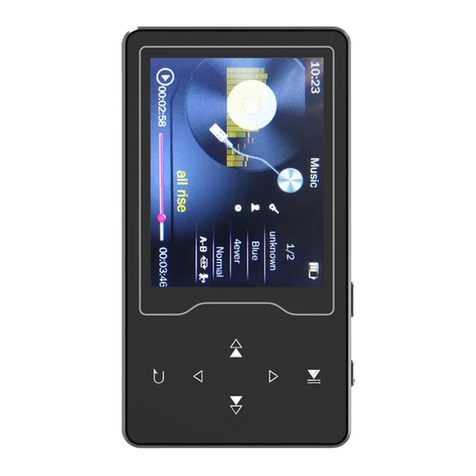
● A-B Repeat
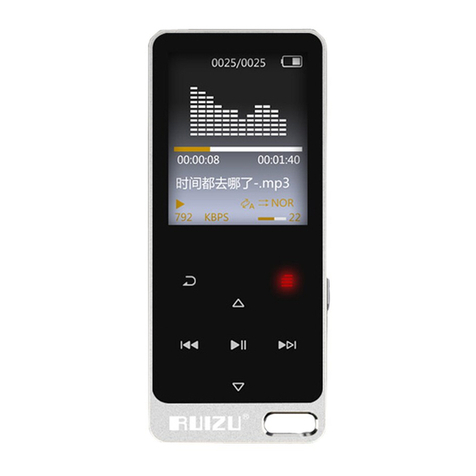
In the music playing interface, tap ‘AB’(The ‘A’ will be in red
color) to set the starting point, tap ‘AB’ again(The ‘B’ will be in
red color) to set the end point. Then, if tap ‘AB’ once again, A-B
repeat will be canceled.
How to Set Replay Times?
In the music playing interface, tap ---->‘Repeat settings’
---->‘Replay Times’/ ‘Replay Interval’