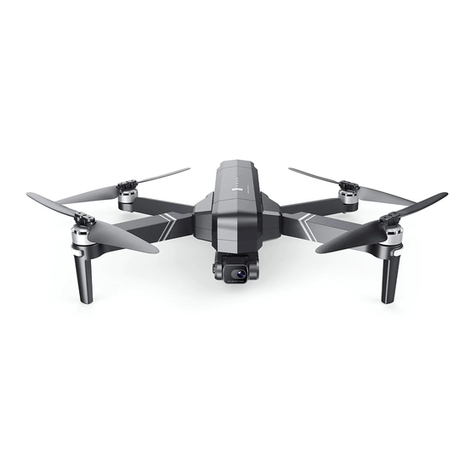
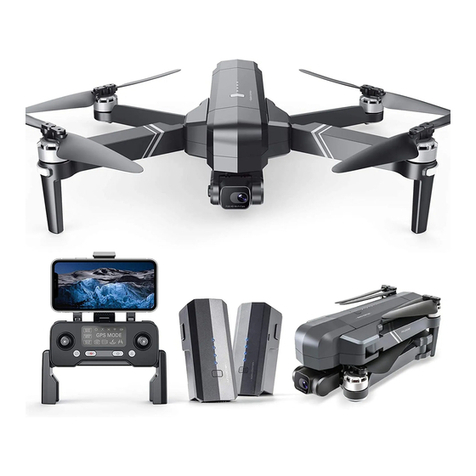
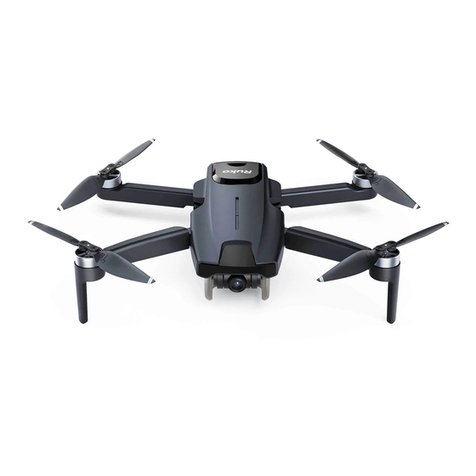
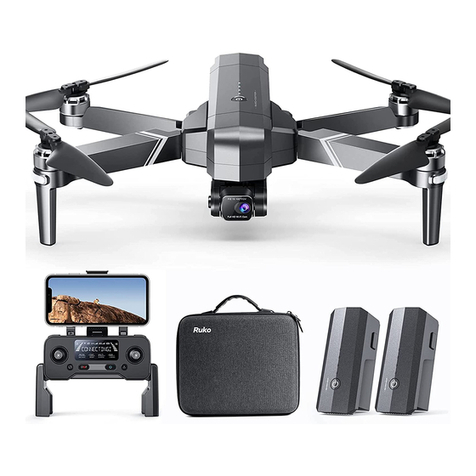
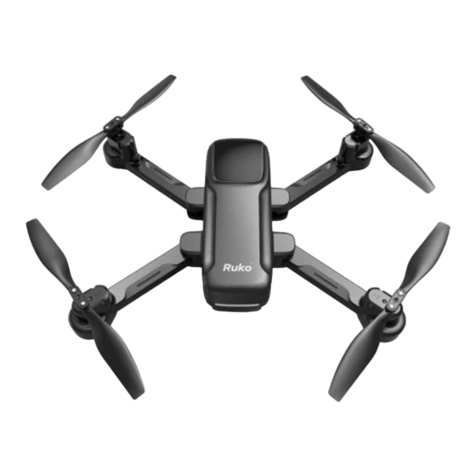
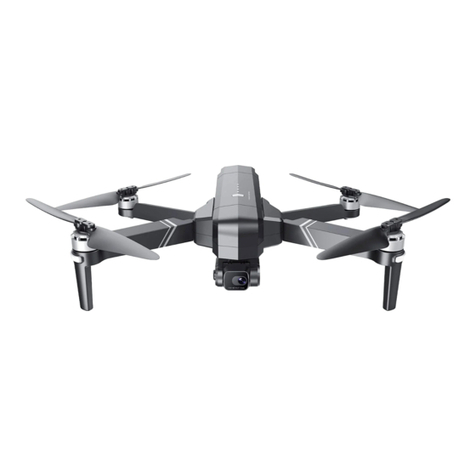
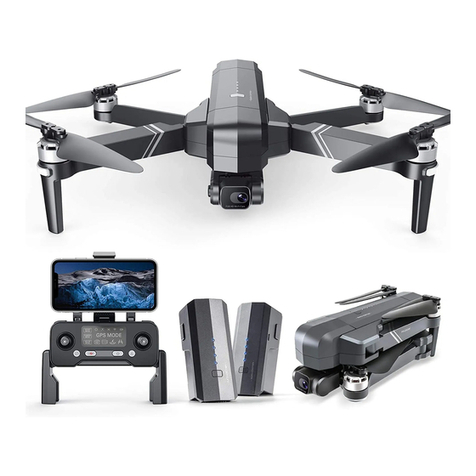
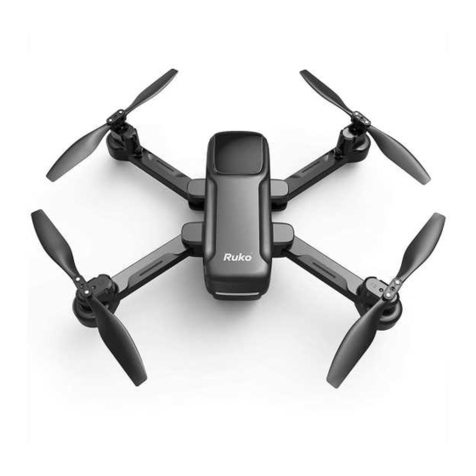
RUKO F11MINI User manual

v2.0
14+
for age
CONTACT US FOR MORE TECH SUPPORT
+ 1 949-394-4635 Mon-Sun 6PM-4AM(PST)
Quick Guide &
Safety Disclaimer

CONTACT US FOR MORE TECH SUPPORT
+86 19129317359
+ 1 949-394-4635 Mon-Sun 6PM-4AM(PST)

Safety Disclaimer
Quick Guide 1-12
13-20

(Not included in the package)
1.Download App
Charge the Batteries
15W
Ruko Mini
Ruko Mini
Download in
App Store
Download for
Android
1Copyright ©2022 Ruko All Rights Reserved.

12
3
4
2.Unfold the 4 Arms of the Aircraft
2
Copyright ©2022 Ruko All Rights Reserved.

2Unfold the handle
Unfold the antenna
3.Unfold the Remote Controller
1
3
4
3Copyright ©2022 Ruko All Rights Reserved.

4.Select an Open Flying Area
Height≥65ft
Suggest to fly higher than the surrounding objects.
4
Copyright ©2022 Ruko All Rights Reserved.

5.Pair the Remote Controller with the Aircraft
21
3 4
Once successfully paired, the remote controller's indicator light will
stay on.
Short press and then long press
the button until the aircraft plays
start-up sound.
Push up the left joystick and the
remote controller makes a "beep"
sound.
Push down the left joystick and
the remote controller makes a
"beep" sound again.
Press to power on the remote
controller, the indicator light will
flash.
5Copyright ©2022 Ruko All Rights Reserved.

7.Calibrate the Compass
6.Connect to Wi-Fi
Connect the mobile phone
to the aircraft's Wi-Fi.
Enter the app operation interface,
and tap the "Control" icon.
Rotate the aircraft vertically 360°
until you hear a “beep” sound.
No fixed direction of rotation required
( About 3 turns )
Rotate the aircraft horizontally 360°
until you hear a “beep” sound.
No fixed direction of rotation required
( About 3 turns )
Please keep the aircraft flat when rotating horizontally, otherwise
it will take more turns to complete the calibration.
Please refer to user manual (page 43) for more details.
Ruko_F11_Mini_5G-******
6Copyright ©2022 Ruko All Rights Reserved.

8.Calibrate the Gyroscope
Click in the app..
Put on a level ground
9.Start the Motors
Push up the left joystick.
7Copyright ©2022 Ruko All Rights Reserved.
CALIBRATE
Other manuals for F11MINI
3
Table of contents
Other RUKO Drone manuals