manuals.online logo
Brands
  1. Home
  2. •
  3. Brands
  4. •
  5. Saso
  6. •
  7. Security Sensor
  8. •
  9. Saso PA-0112 User manual

Saso PA-0112 User manual

Other Saso Security Sensor manuals

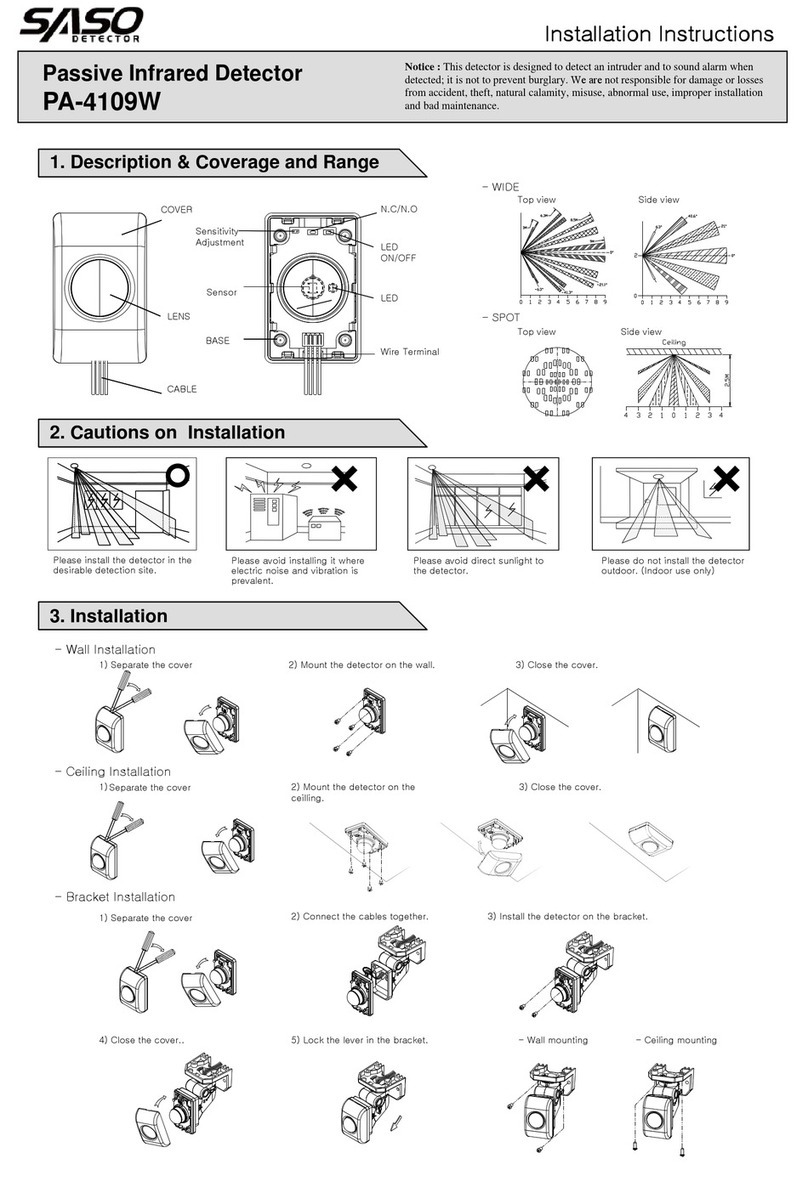
Saso PA-4109W User manual

Saso

Saso PA-4109W User manual

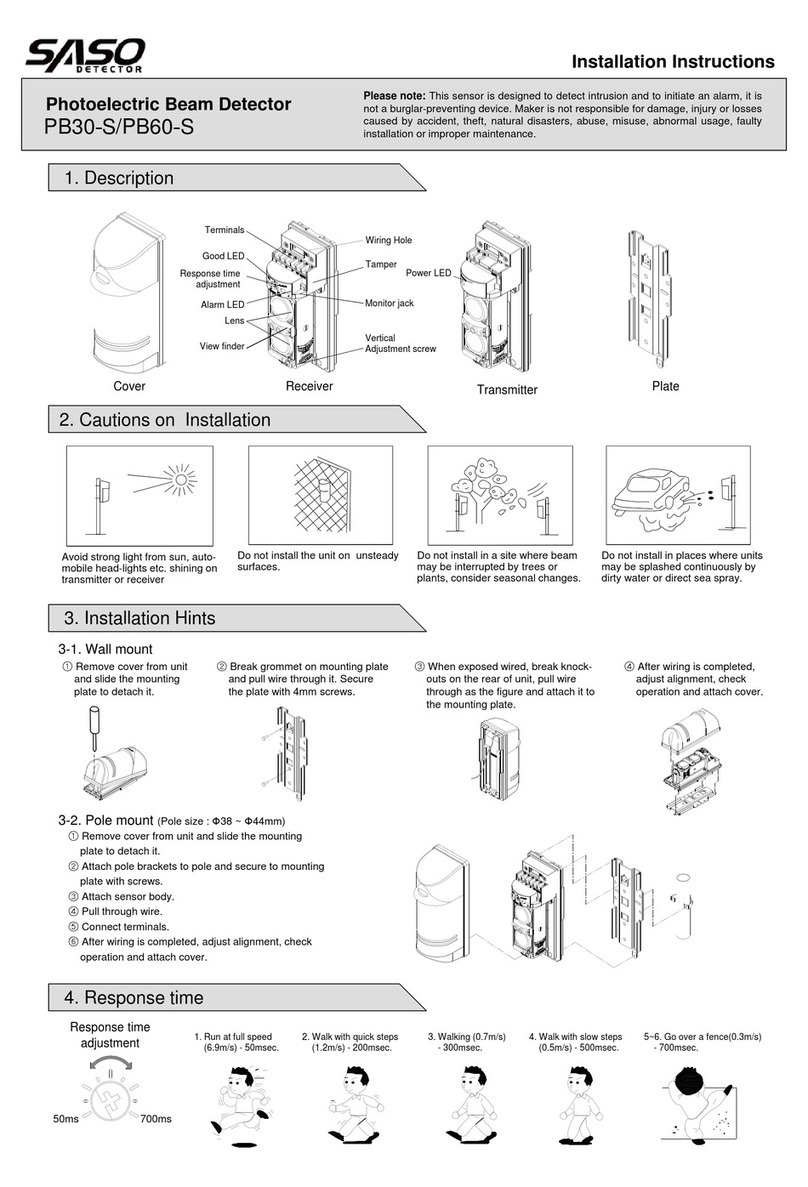
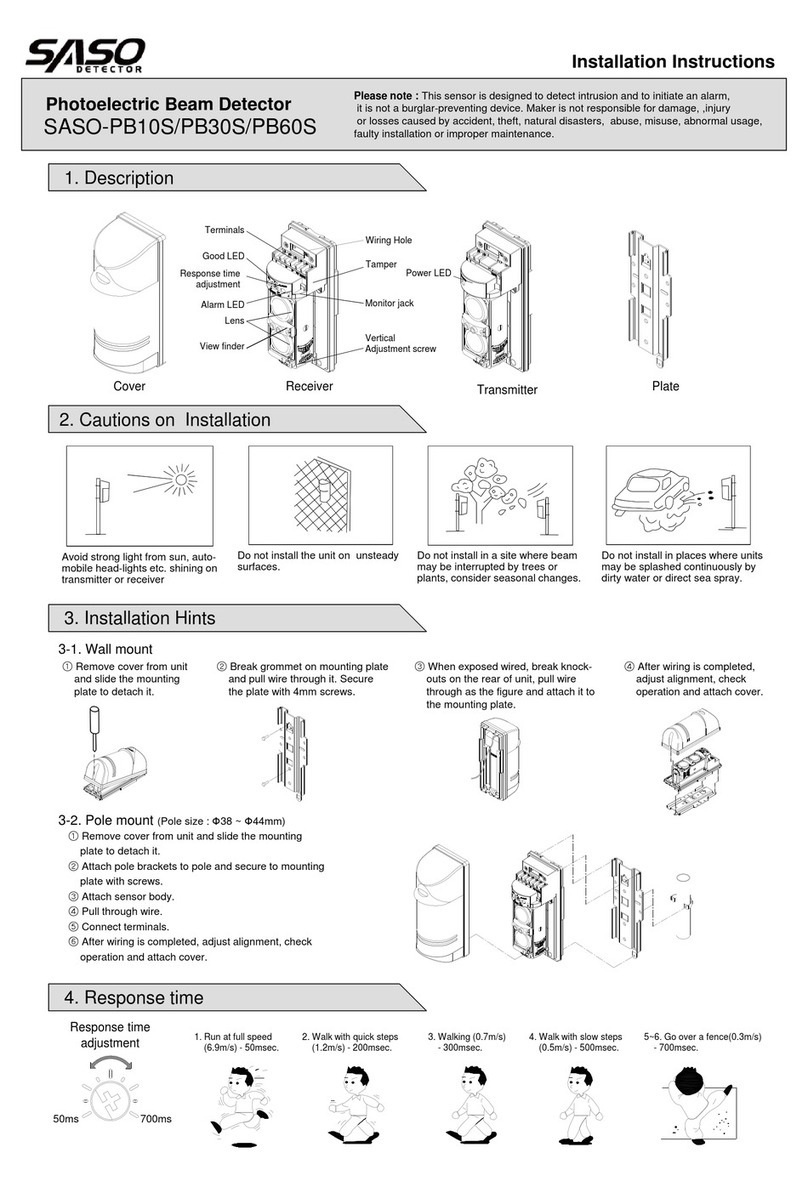
Saso PB60-S User manual

Saso

Saso PB60-S User manual

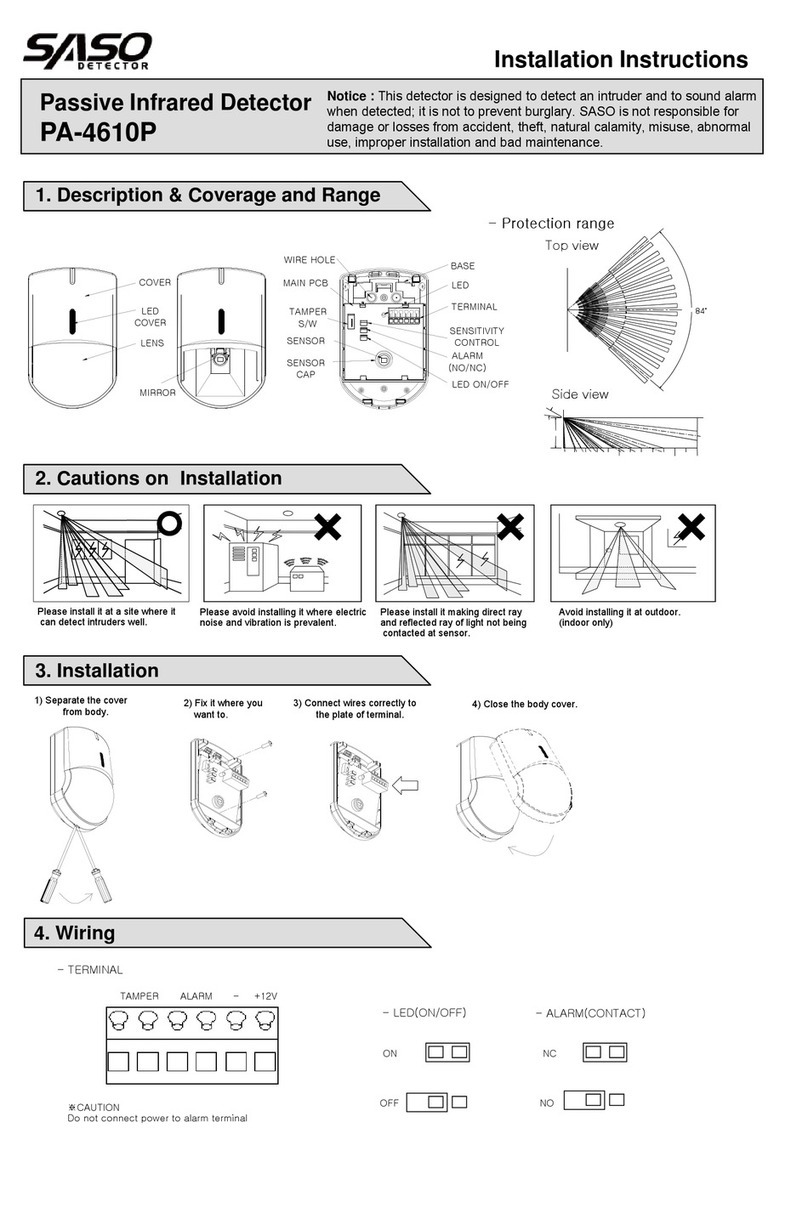
Saso PA-4610P User manual

Saso

Saso PA-4610P User manual

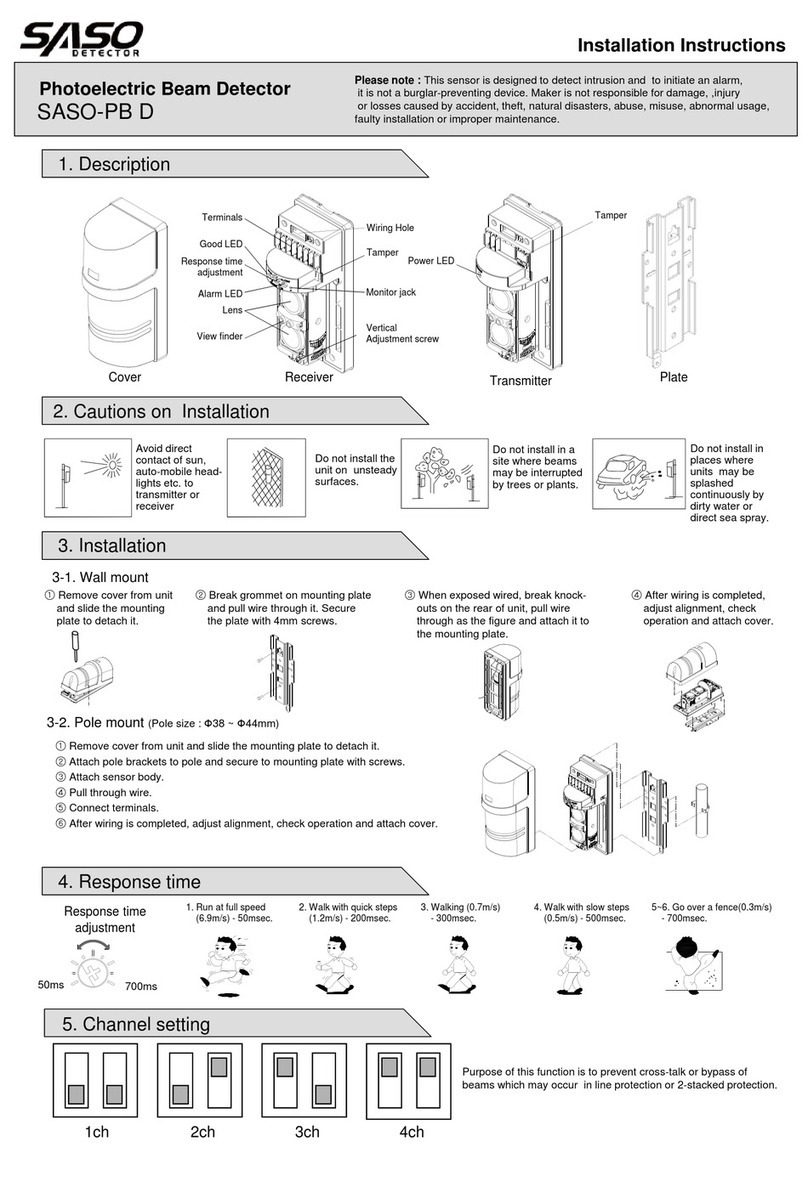
Saso SASO-PB D User manual

Saso

Saso SASO-PB D User manual

Saso SASO-PB10S User manual

Saso

Saso SASO-PB10S User manual

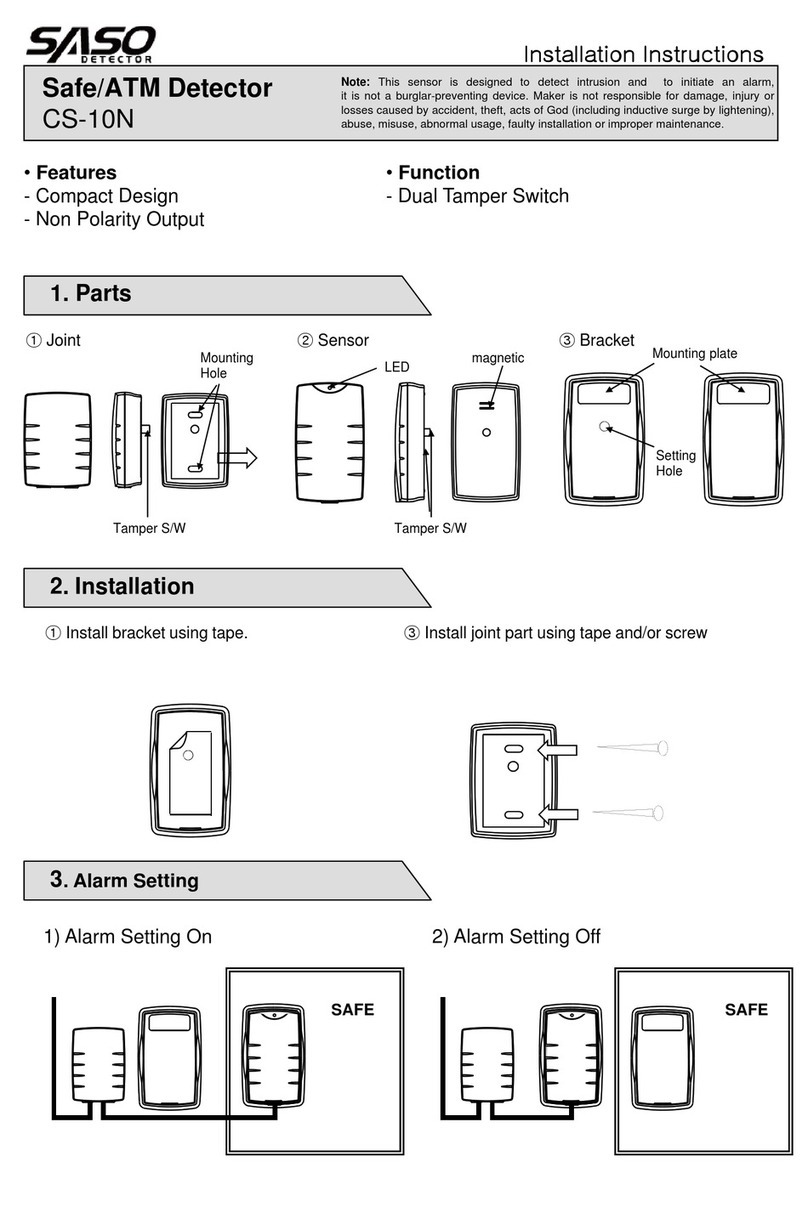
Saso CS-10N User manual

Saso

Saso CS-10N User manual

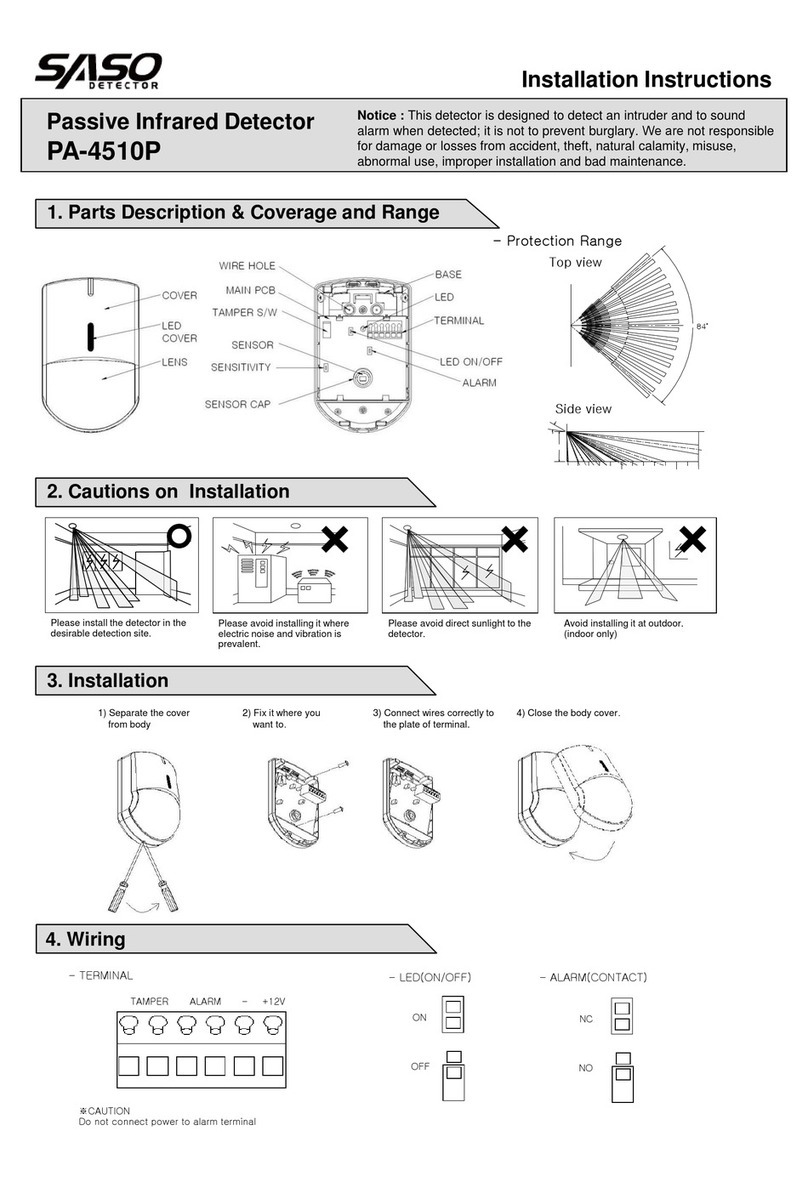
Saso PA-4510P User manual

Saso

Saso PA-4510P User manual

Saso PA-4010PQ User manual

Saso

Saso PA-4010PQ User manual

Saso SASO-PB200L User manual

Saso

Saso SASO-PB200L User manual

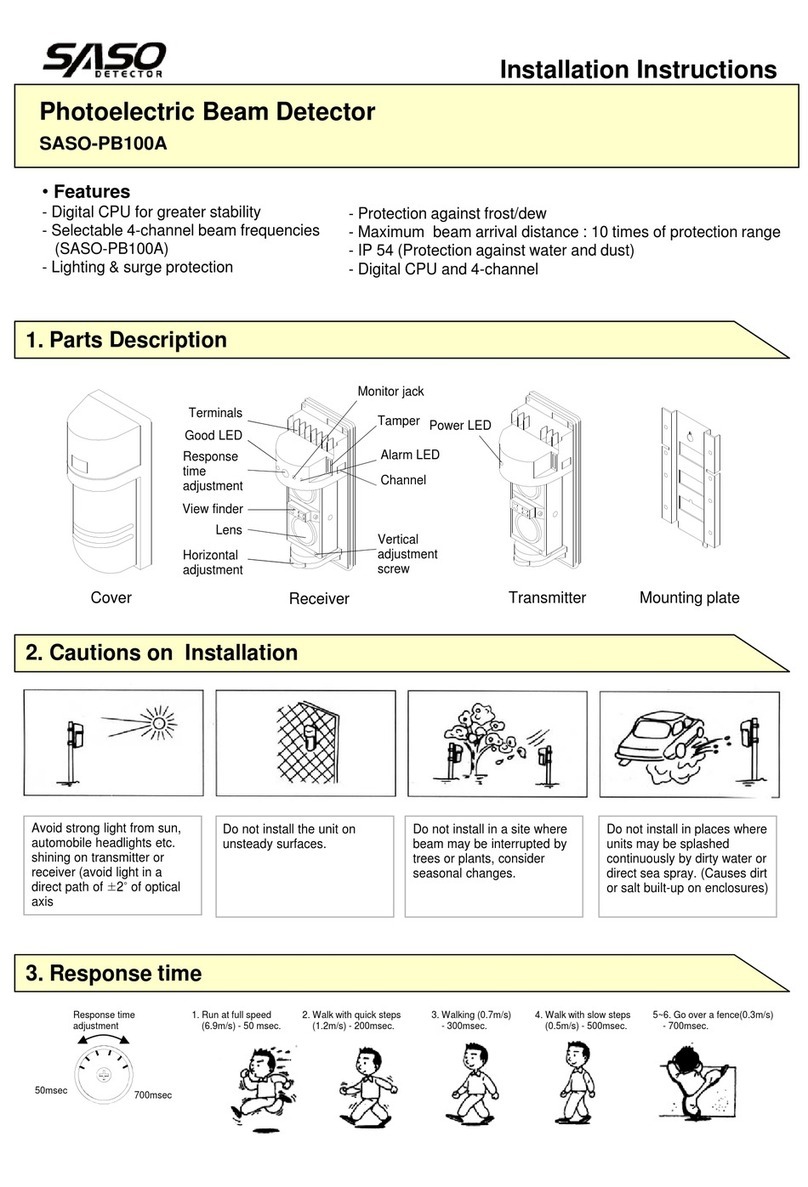
Saso SASO PB100A User manual

Saso

Saso SASO PB100A User manual

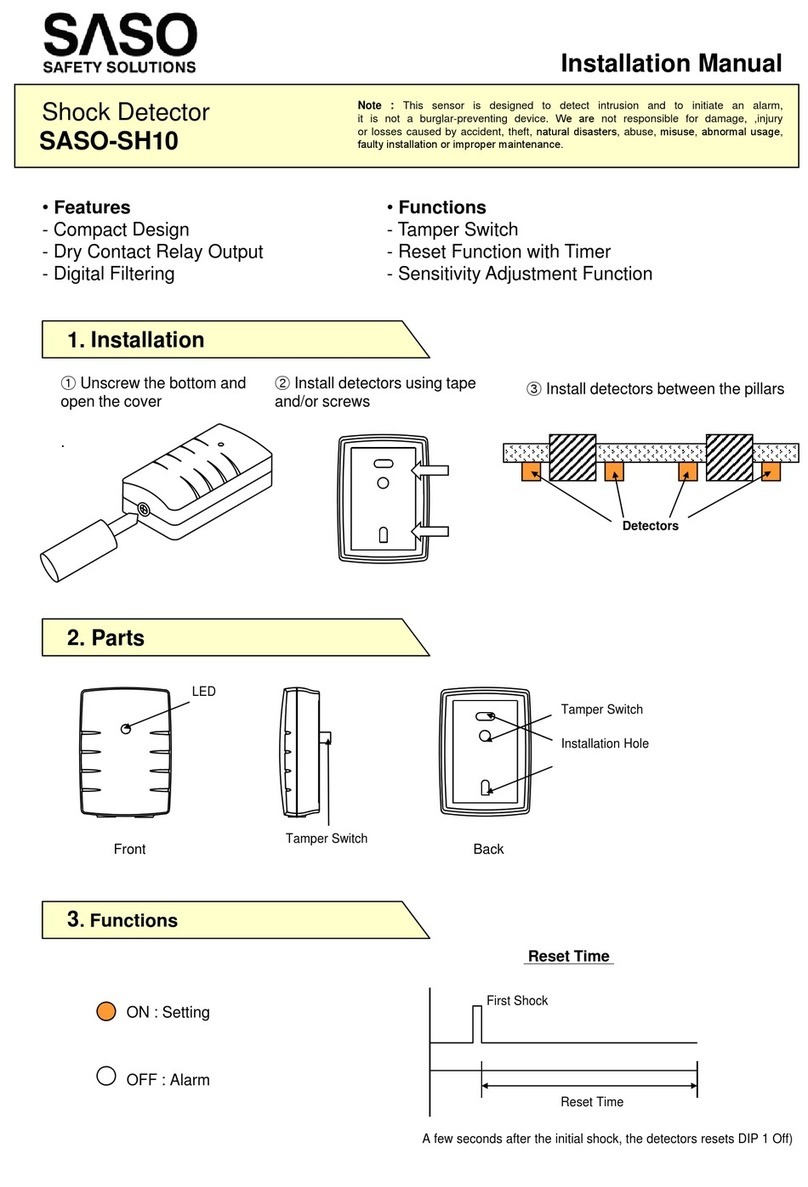
Saso SASO-SH10 User manual

Saso

Saso SASO-SH10 User manual

Popular Security Sensor manuals by other brands

Honeywell Home PROSiXCOCN Installation and setup guide

Honeywell Home

Honeywell Home PROSiXCOCN Installation and setup guide

Duevi SIRPZ-RB-868 Operation

Duevi

Duevi SIRPZ-RB-868 Operation

RKI 65-2483RK Operator's manual

RKI

RKI 65-2483RK Operator's manual

Nortech PD160 Enhanced Series user manual

Nortech

Nortech PD160 Enhanced Series user manual

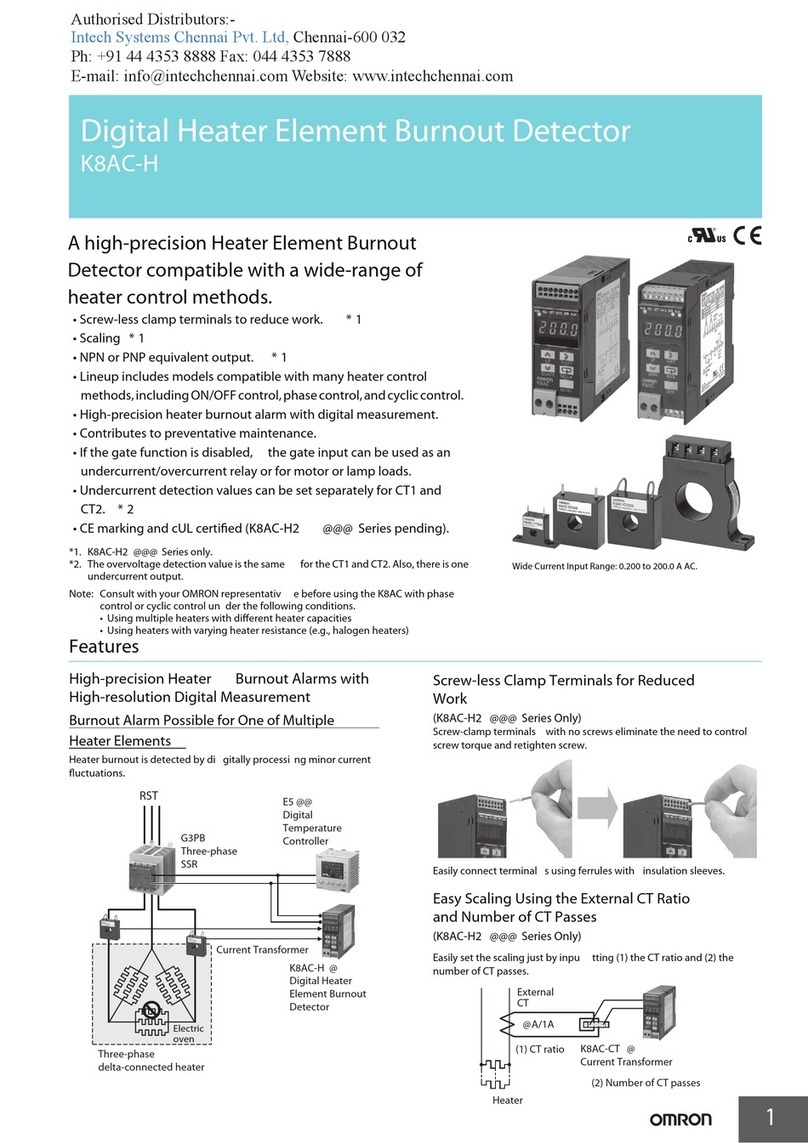
Omron K8AC-H2 manual

Omron

Omron K8AC-H2 manual

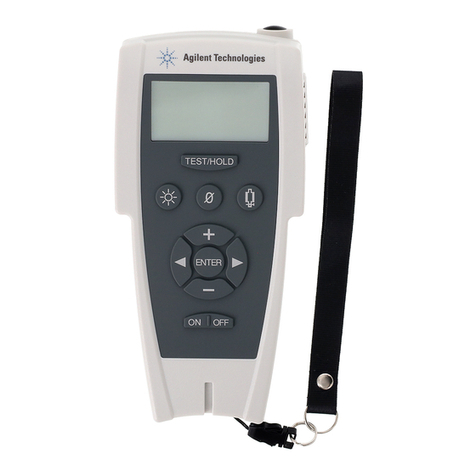
Agilent Technologies G8610 Series Quick reference card

Agilent Technologies

Agilent Technologies G8610 Series Quick reference card

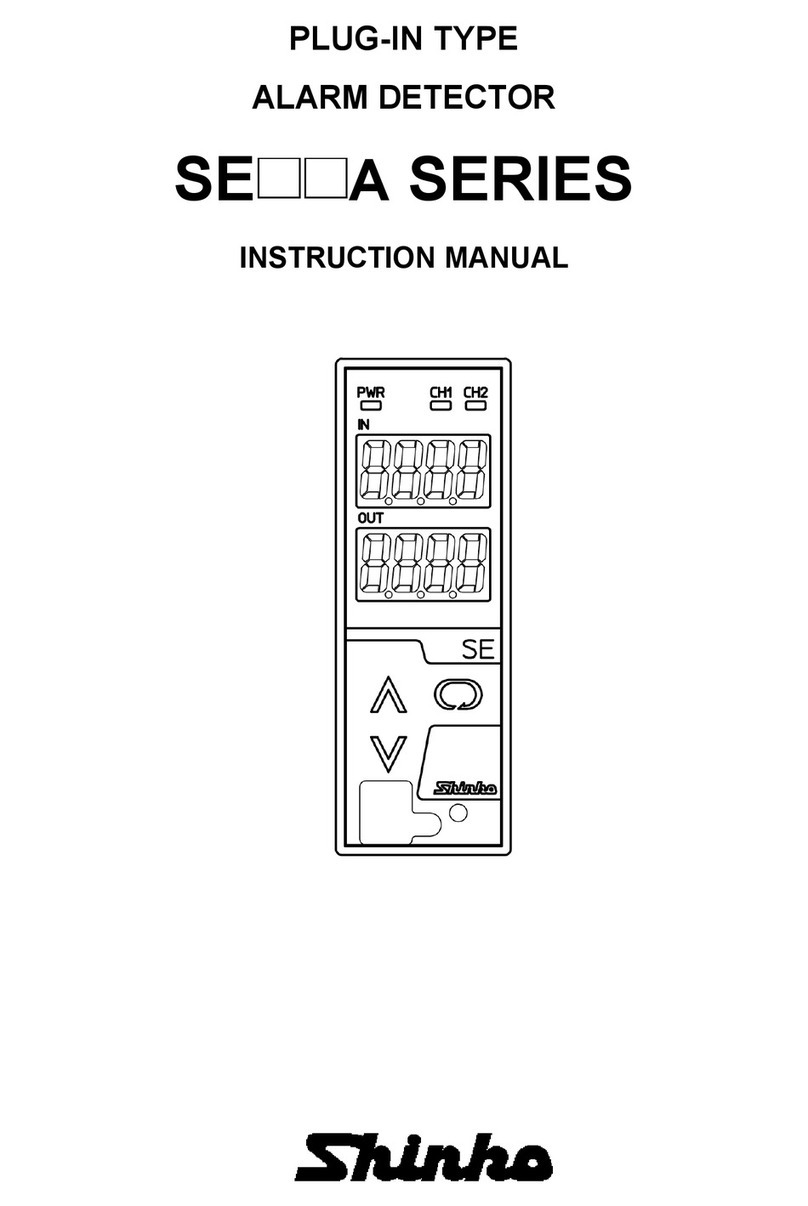
Shinko SE2EA-1-0-0 instruction manual

Shinko

Shinko SE2EA-1-0-0 instruction manual

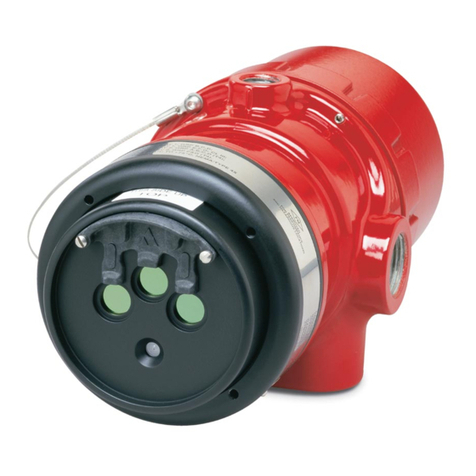
Det-Tronics X Series instructions

Det-Tronics

Det-Tronics X Series instructions

ACR Electronics COBHAM RCL-300A Product support manual

ACR Electronics

ACR Electronics COBHAM RCL-300A Product support manual

TOOLCRAFT 1712612 operating instructions

TOOLCRAFT

TOOLCRAFT 1712612 operating instructions

Elkron IM600 Installation, programming and functions manual

Elkron

Elkron IM600 Installation, programming and functions manual

Bosch WEU PDO 6 Original instructions

Bosch

Bosch WEU PDO 6 Original instructions

THORLABS PDA10JT user guide

THORLABS

THORLABS PDA10JT user guide

Waeco UV-DETECT operating manual

Waeco

Waeco UV-DETECT operating manual

Intermatic IOS-DSIMF manual

Intermatic

Intermatic IOS-DSIMF manual

Siemens AZL66 Series manual

Siemens

Siemens AZL66 Series manual

BTI Profiline Multi Finder operating instructions

BTI

BTI Profiline Multi Finder operating instructions

Challenger SL01 instruction manual

Challenger

Challenger SL01 instruction manual

manuals.online logo
manuals.online logoBrands
  • About & Mission
  • Contact us
  • Privacy Policy
  • Terms and Conditions

Copyright 2025 Manuals.Online. All Rights Reserved.

1. Description & Coverage and Range
Passive Infrared Detector
PA-0112
Installation Instructions
2. Cautions on Installation
3. Installation (Ceiling)
Notice : This detector is designed to detect an intruder and to sound
alarm when detected; it is not to prevent burglary. We are not
responsible for damage or losses from accident, theft, natural calamity,
misuse, abnormal use, improper installation and bad maintenance.
4. Wiring & Jumper setting
ALARM
- SENSITIVITY
-+
- TERMINAL
Side view
Top view
Protection range
- ALARM - LED ON/OFF
NC ON
BASE
COVER (Lens)
SENSITIVITY
1 2 3
LED
ALARM
ON
OFF
NC
NO
Terminal
LEDPCB SENSOR
LED ON/OFF
jumper
Sensitivity jumper
MIRROR PART
Alarm NC/NO
jumper
Wire entrance
NO OFF
7°
51°
0
(8.2’)
2.5m
(20’)
6m
(40’)
12m
30°
84°
Avoid installing it at outdoor.
(indoor only)
Please avoid direct sunlight to
the detector.
Please install the detector in the
desirable detection site.
Please avoid installing it where
electric noise and vibration is
prevalent.
1) Separate the cover
from body. 2) Fix it where to install. 3) Connect wires correctly to
the plate of terminal. 4) Check sensor direction and then
close the body cover.
※Note: PA-0112 is designed for indoor use only. It cannot be used for outdoor.
SENSITIVITY
12 3
LED
ALARM
ON
OFF
NC
NO
SENSITIVITY
12 3
LED
ALARM
ON
OFF
NC
NO
High Sensitivity
Low Sensitivity
6. Troubleshooting
7. Specification & Dimension
5. Pattern Setting
Adjust the scope of alertWhen detection was not normal
Install at a different place or block the lightWhen it is exposed to direct ray of light or
Remove dirt with soft clothDirt on the cover
The unit is improperly working
Check if the source is DC 8 ~ 18V.Electricity source is not correct.
Check wiring connectionBroken wire or inner circuit is brokenNo contact point when detected
Check wiring connectionBroken wire, LED or inner circuit is brokenLED is not working when detected
Check wiring connectionBroken wire or inner circuit is brokenNo contact point although it is set
Check the wiringLines of electricity source are cut.
LED is not turned on
SolutionCauseSymptoms
※Pattern Setting Adjustment
Section STEP
A (0°)B (12°)C (20°) D (36°)
Installation Height
(2.5m) 12m 7m 3m Lower than 2m
(back side 0.3m)
Model PA-0112
Detection System Passive Infrared motion detecting
Alert Range 3D Detection Alert Range: 12m / 84˚
Zone 17 Pairs (34 Zone)
Voltage DC 8 ~18V
(Polarity)
Current 20mA (MAX)
Alarm output
Non-voltage contact point output (Select N.C / N.O)
Time of contact point : 2 sec ±0.5 sec
Current : AC/DC 30V 0.2A Max
(Protection Resistance : 18Ω)
Alarm LED(RED) Blink when warming up / LED off when setting
/ LED on when detecting
Temperature -20℃~ +60℃
Installation Indoor
Material COVER, BASE: ABS Resin, LENS: PE Resin
Dimension Φ131 x 48 mm
Weight 110g
Features 360˚ Rotation, Sensitivity Inhibition Control,
Temperature Indemnity, Back Side Detection
Φ131mm
48mm
AA
D
※Caution : This specification may be changed without prior notice for development