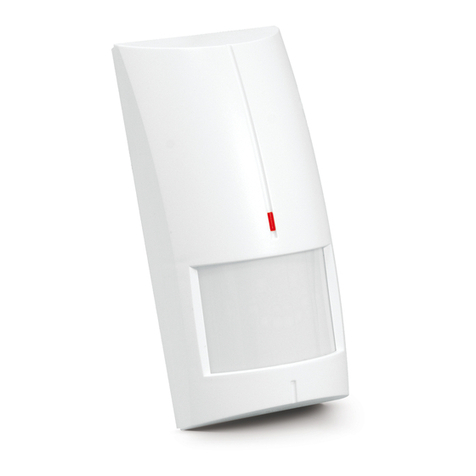
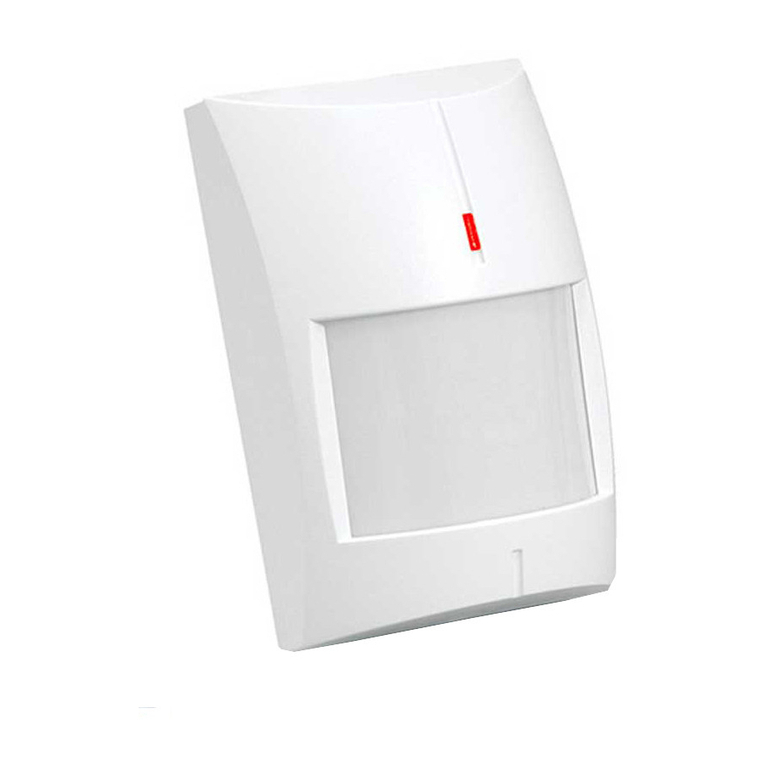
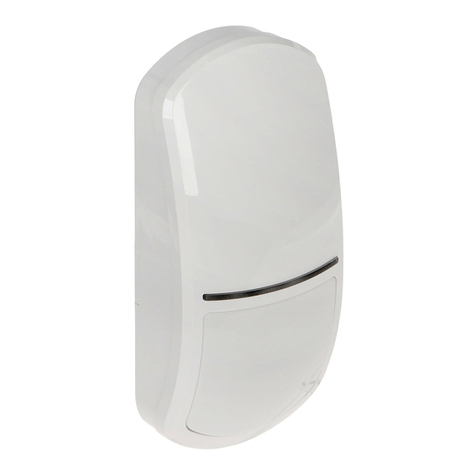
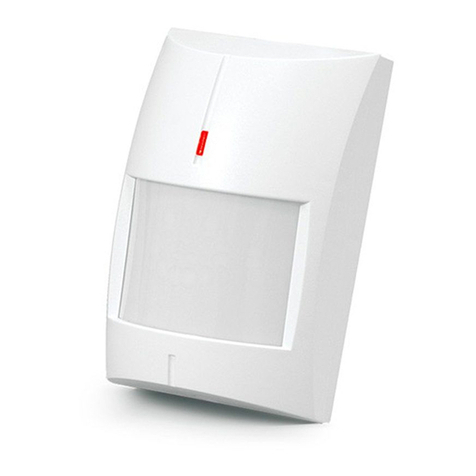
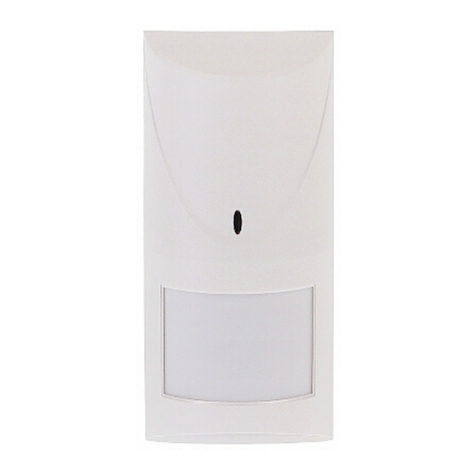
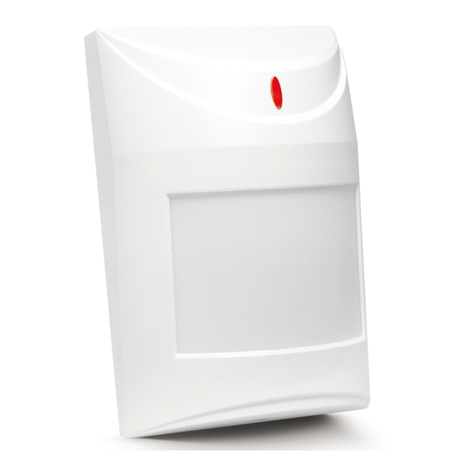
SATEL SLIM-DUAL 7
8. Configure the detector settings.
First, configure the LED indicator settings (“Configuring LED indicator settings”). If you
want to change these settings after you have configured the sensitivity of sensors, you
must repeat the sensitivity configuration process.
9. Replace the cover.
6. Configuring LED indicator settings
1. Power off the detector (if it is powered on).
2. Put a jumper across the LED pins.
3. Power on the detector. The LED will start flashing blue to indicate the detector warm-up.
4. Within 10 seconds from power on, remove the jumper from the LED pins to start the LED
configuration mode. The LED will start flashing in the color currently selected with the PIR
potentiometer (the color does not have to be the same as that used so far for
alarm/trouble indication by the LED).
5. Use the PIR potentiometer to select a new color for alarm/trouble indication.
6. Use the MW potentiometer to define whether the LED is to indicate motion detection by
the microwave and PIR sensors:
– minimum position – indication disabled,
– maximum position – indication enabled.
7. Put a jumper across the LED pins. The settings will be saved. The LED configuration
mode will be terminated.
If you do not put a jumper across the LED pins, the LED configuration mode will end
automatically 20 minutes after the last operation. The changes will not be saved.
7. Start-up and walk test
The LED should be enabled during the walk test (see “LED indicator”).
1. Power on the detector. The LED will be flashing blue for 30 seconds to indicate the
detector warm-up.
2. When the LED stops flashing, check that moving within the detector coverage area will
make the LED to turn on. Figure 10 shows the maximum coverage area of a detector
installed at a height of 2.4 m.
Figure 10 shows the coverage area of the SLIM-DUAL detector with a wide-angle lens
(WD), which is installed in the detector by default. You can use the enclosure cover
with another lens. The SATEL product range includes covers with a curtain lens (CT)
and a long-range lens (LR).