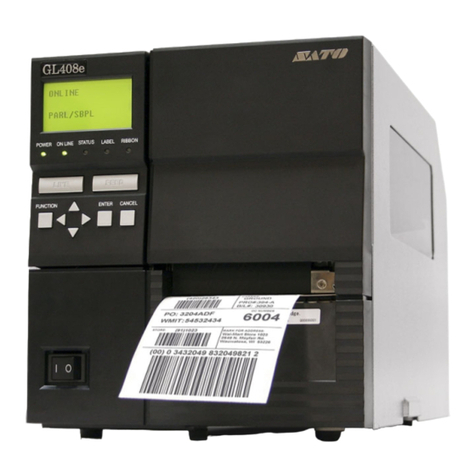
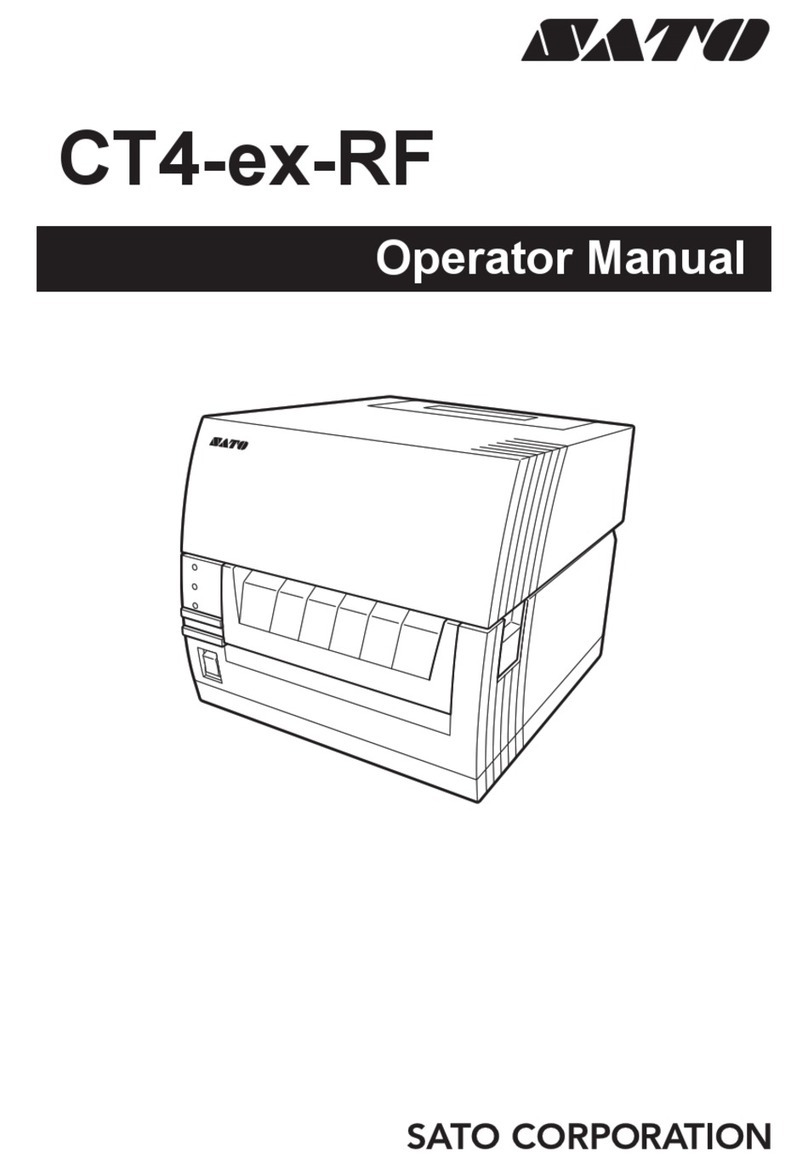
SATO CL608e User manual
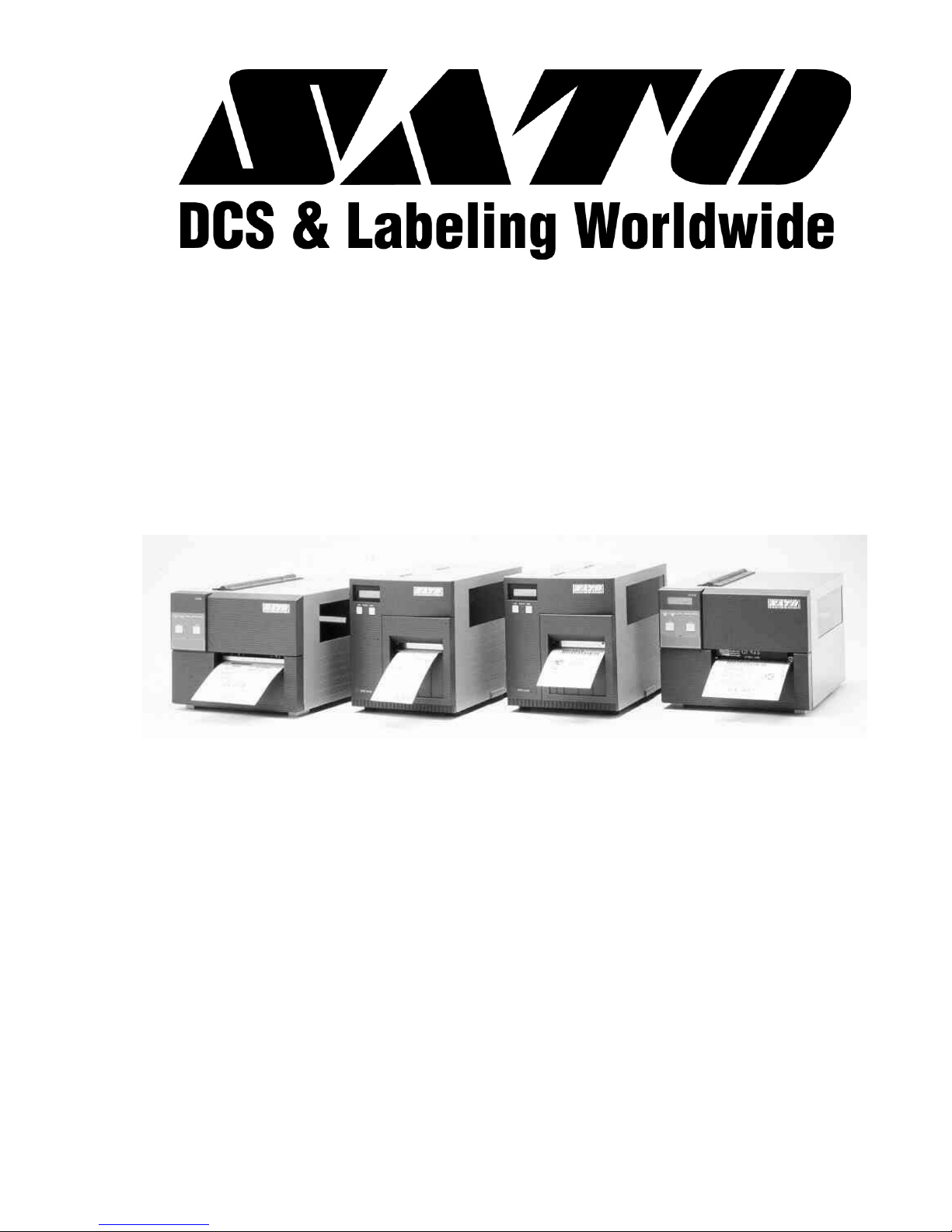
PN 9001074 Rev. B
CL Series “e”
Thermal Transfer Printers
Operator Manual for
CL408e, CL412e,
CL608e &
CL612e
CL408e and CL412e Printer Users Please Refer To
Supplemental Operator Manual PN: 9001159

SATO CL Series “e” Printers 08/31/03 PN 9001074 Rev. B
SATO America, Inc.
10350A Nations Ford Road
Charlotte, NC 28273
Main Phone: (704) 644-1650
Fax:(704)644-1662
Tech Support Hotline: (704) 644-1660
Tech Support Fax: (704) 644-1661
Email: [email protected]
www.satoamerica.com
© Copyright 2003
SATO America, Inc.
Warning: This equipment complies with the requirements in Part 15 of FCC rules for
a Class A computing device. Operation of this equipment in a residential area may
cause unacceptable interference to radio and TV reception requiring the operator to
take whatever steps are necessary to correct the interference.
All rights reserved. No part of this document may be reproduced or issued to third
parties in any form whatsoever without the express permission of SATO America, Inc.
The materials in this document is provided for general information and is subject to
change without notice. SATO America, Inc. assumes no responibilities for any errors
that may appear.

WARNING
CL408e AND CL412e PRINTERS ARE SHIPPED WITH
EITHER A110-VOLT OR 220-VOLT POWER SUPPLY
AS A CUSTOMER SPECIFIED OPTION.
BEFORE CONNECTING A PRINTER TO ANY POWER
SOURCE, ENSURE IT WAS FACTORY CONFIGURED
FOR THE APPROPRIATE VOLTAGE.
THE VOLTAGE FOR THE PRINTER DELIVERED MAY
BE FOUND ON THE SHIPPING CONTAINER.
CONTACT SATO AMERICA, INC. OR OUR
AUTHORIZED RESELLER SHOULD A DISCREPANCY
EXIST.

PREFACE
CL SERIES “e” PRINTER OPERATOR’S MANUAL
The CL Series “e” Printer Operator’s Manual contains basic information about the
printer such as setup, installation, cleaning and maintenance. It also contains
complete instructions on how to use the operator panel to configure the printer. The
following is a brief description of each section in this manual.
SECTION 1. PRINTER OVERVIEW
This section contains a discussion of the printer specifications and optional
features.
SECTION 2. INSTALLATION
This section contains instructions on how to unpack and set up the printer,
AND load the labels and ribbon.
SECTION 3. CONFIGURATION
This section contains instructions on how to use the operator panel to
configure the printer.
SECTION 4. CLEANING AND MAINTENANCE
This section contains instructions on how to clean and maintain the printer.
SECTION 5. PROGRAMMING
This section has been replaced by the “e” and PRO Printer Programming
Reference, PN 9001096 on the Printer Utilities CD-ROM. It introduces the
SATO printer programming language. It contains the commands that are used
with the printer to produce labels with bar codes, alphanumeric data and
graphics.
SECTION 6. INTERFACE SPECIFICATIONS
This section contains the printer’s interface specifications, which include
detailed information on how to properly interface your printer to the host
system.
SECTION 7. TROUBLESHOOTING
This section contains troubleshooting procedures to follow in the event you
have printer problems.
SATO CL “e” Series Printers PN 9001074 Rev. B Page - i

APPENDICES
APPENDIX A: Optional Features
Page - ii PN 9001074 Rev. B SATO CL “e” Series Printers
Preface

TABLE OF CONTENTS
SECTION 1. PRINTER OVERVIEW
Introduction .............................1-1
General Printer Specifications ....................1-2
Character Fonts ...........................1-4
Bar Codes ..............................1-5
Physical ...............................1-6
Optional Accessories .........................1-7
SECTION 2. INSTALLATION AND CONFIGURATION
Introduction .............................2-1
Unpacking and Parts Identification .................2-2
Setting Up the Printer ........................2-3
Loading Labels, Tags and Ribbon in the CL608 and CL612e.....2-4
Loading Labels, Tags and Ribbon in the CL408 and CL412e.....2-8
Label Sensor Adjustments, CL608e and CL612e ..........2-11
Label Sensor Adjustments, CL408e and CL412e ..........2-11
Operator Panel, CL608e and CL612e ................2-12
Operator Panel,CL408e and CL412e ................2-14
Rear Panel, CL608e and CL612e ..................2-16
Rear Panel, CL408e and CL412e ..................2-17
Switches and Sensors, CL608e and CL612e ............2-18
Switches and Sensors, CL408e and CL412e ............2-19
SECTION 3. CONFIGURATION
Printer DIP Switch Configuration ..................3-1
Default Settings ...........................3-6
Potentiometer Adjustments .....................3-7
LCD Panel Printer Configuration...................3-9
Normal Mode ..........................3-10
Advanced Mode .........................3-12
Card Mode ...........................3-15
Service Mode ..........................3-18
Counter Mode..........................3-22
Test Print Mode .........................3-22
Default Setting mode ......................3-23
Clear Non-Standard Protocol Codes...............3-24
SATO CL “e” Series Printers PN 9001074 Rev. B Page - iii
Preface

Download User Defined Protocol Codes ............3-24
HexDumpMode........................3-25
SECTION 4. CLEANING AND MAINTENANCE
Introduction .............................4-1
Procedures ..............................4-1
Adjusting the Print Quality ....................4-1
Darkness ...........................4-1
Print Speed ..........................4-2
Cleaning the Print Head, Platen and Rollers, CL608e and CL612e. . 4-2
Replacing the Print Head, CL608e and CL612e ...........4-4
Cleaning the Sensors, CL608e and CL612e .............4-5
Replacing the Fuse, CL608e and CL612e ..............4-6
Cleaning the Print Head and Platen, CL408e and CL412e ......4-7
Replacing the Print Head, CL408e and CL412e ...........4-8
Cleaning the Sensors, CL408e and CL412e .............4-9
Replacing the Fuse, CL408e and CL412e ..............4-9
Procedures, CL408e and CL412e...................4-7
SECTION 5. PROGRAMMING
For programming information, see the “e” and PRO Printer Programming
Reference, PN 9001096 on the Printer Utilities CD-ROM.
SECTION 6. INTERFACE SPECIFICATIONS
Introduction .............................6-1
Interface Types............................6-1
The Receive Buffer ..........................6-2
IEEE1284 Parallel Interface .....................6-3
Electrical Specifications .....................6-3
Data Streams ...........................6-4
Interface Pin Assignments ....................6-4
RS232C Serial Interface .......................6-5
General Specifications ......................6-5
Electrical Specifications .....................6-5
Pin Assignments .........................6-5
Ready/Busy Flow Control ....................6-6
X-On/X-Off Flow Control.....................6-7
Universal Serial Bus (USB) Interface.................6-7
Local Area Network (LAN) Interface .................6-8
Page - iv PN 9001074 Rev. B SATO CL “e” Series Printers
Preface

Bi-Directional Communications ...................6-8
ENQ/ACK/NAK..........................6-9
Status Response.........................6-12
Accessory (EXT) Connector.....................6-18
Pin Assignments.........................6-18
Standard Operation .......................6-19
Repeat Print...........................6-20
Error Signals ..........................6-20
SECTION 6. TROUBLESHOOTING
Initial Checklist ...........................7-1
Using the IEEE1284 Parallel Interface ................7-1
Using the RS232C Serial Interface ..................7-3
Error Signals .............................7-4
APPENDICES
APPENDIX A: Optional Accessories
Label Rewinder, All Models ...................A-1
Label Cutter, All Models .....................A-2
Label Dispense Option ......................A-3
CL608e and CL612e .....................A-3
CL408e and CL412e .....................A-4
Memory Cards, All Models ....................A-7
CL608e and CL612e .....................A-7
CL408e and CL412e .....................A-8
Interface Cards, All Models ...................A-10
Calendar, All Models ......................A-10
SATO CL “e” Series Printers PN 9001074 Rev. B Page - v
Preface

This page left intentionally blank.
Page - vi PN 9001044 Rev. B SATO CL “e” Series Printers
Preface

SECTION 1.
PRINTER OVERVIEW
INTRODUCTION
The SATO CL Series “e” Thermal Transfer Printers are complete, high-performance
on-site labeling systems. All printer parameters are user programmable using the
front panel controls and the DIP switches. All popular bar codes and 14
human-readable fonts, including a vector font, are resident in memory providing
literally thousands of type styles and sizes.
The Operator’s Manual will help you understand the basic operations of the printer
such as setup, installation, configuration, cleaning and maintenance.
The major differences in the CL408e and the CL412e printers is the resolution of the
head. The CL408e with its 203 dpi head provides an economical labeling solution for
most applications. It can print labels up to four inches wide. If a wider label is
needed, the CL608e can print labels up to six inches wide at the same resolution. The
CL412e provides a higher print resolution, 305 dpi, to give laser-quality printing. It is
useful when higher resolution is needed for detailed graphic images. The six inch
wide companion printer to the CL412e is the CL612e.
All of the CL Series “e” printers use the same command codes. The only differences
are the allowable values representing the print positions on the label. These values
are specified in “dots” and will vary depending upon the resolution of the printer and
the amount of memory available for imaging the label. The allowable range for each
printer is specified in a table for those command codes.
This commonalty makes it very easy to convert labels from one CL printer to another
without having to create an entirely different command stream. There are some
caveats that must be observed though to compensate for the different resolution print
heads. The effect of the different printer resolutions are best illustrated by taking a
label designed for a 203 dpi printer and sending the command stream to the its 305
dpi counterpart. The label printed will be an exact two-thirds scale, including the
fonts, bar code dimensions and line lengths/widths. The only exception is the PostNet
bar code which has only one legal size and the printer resolution is automatically
compensated for by the printer. Conversely, a label designed for a 305 dpi printer and
sent to its 203 dpi cousin will be one-third larger. It probably will be “truncated” if
the label size is larger than the maximum allowable for the printer.
The following general information is presented in this section:
•General Printer Specifications
•Optional Accessories
SATO CL Series “e” Printers PN 9001074 Rev. B Page 1-1
Other manuals for CL608e
2
This manual suits for next models
4
Table of contents
Other SATO Printer manuals

SATO
SATO ARGOX OS-200 Series User manual
SATO
SATO GZ4e Series User manual
SATO
SATO M-84Pro Series User manual

SATO
SATO MB400 User manual
SATO
SATO D508 User manual
SATO
SATO CL4NX Plus User manual
SATO
SATO D512 PCL Owner's manual
SATO
SATO CL4NX Plus Release note
SATO
SATO M-8400 Guide
SATO
SATO MB410i User manual