manuals.online logo
Brands
  1. Home
  2. •
  3. Brands
  4. •
  5. SCHUBERTH
  6. •
  7. Motorcycle Accessories
  8. •
  9. SCHUBERTH SC10U User manual

SCHUBERTH SC10U User manual

Other manuals for SC10U

3

Other SCHUBERTH Motorcycle Accessories manuals

SCHUBERTH SC10U User manual

SCHUBERTH

SCHUBERTH SC10U User manual

SCHUBERTH SC1 User manual

SCHUBERTH

SCHUBERTH SC1 User manual

SCHUBERTH S1 Pro User manual

SCHUBERTH

SCHUBERTH S1 Pro User manual

SCHUBERTH R2 BASIC User manual

SCHUBERTH

SCHUBERTH R2 BASIC User manual

SCHUBERTH C3 Limited User manual

SCHUBERTH

SCHUBERTH C3 Limited User manual
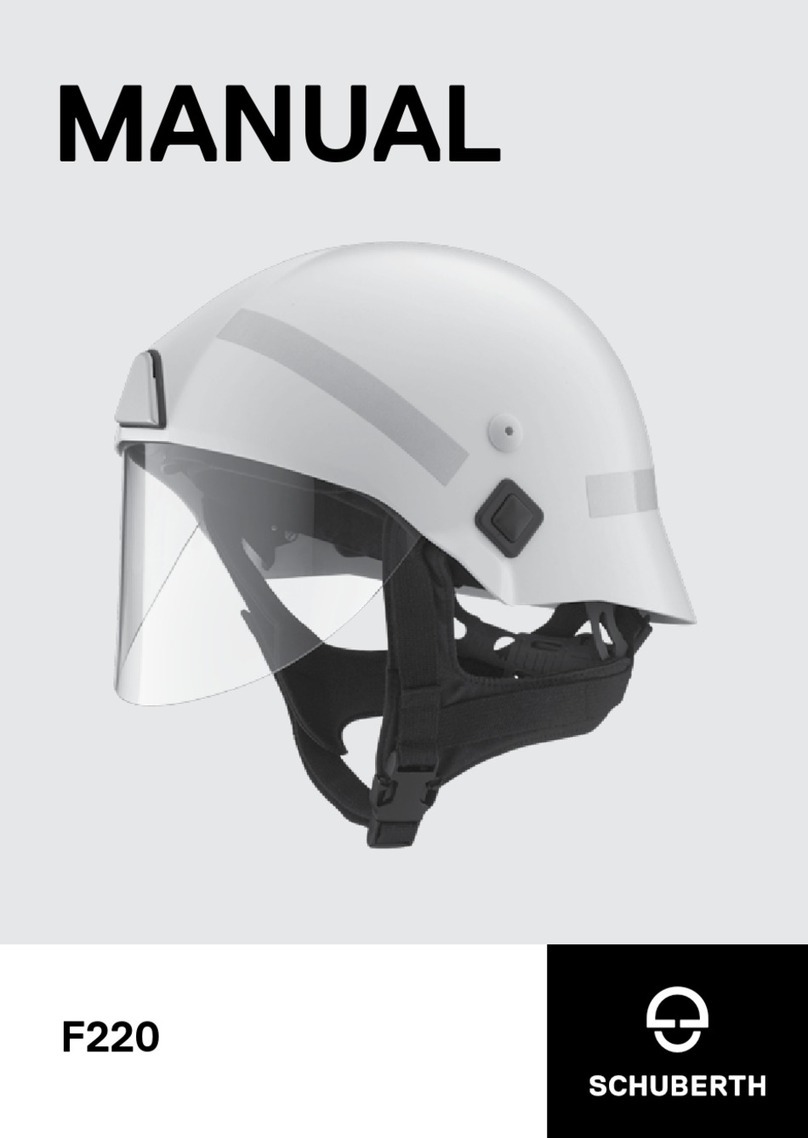
SCHUBERTH R2 BASIC User manual

SCHUBERTH

SCHUBERTH R2 BASIC User manual

SCHUBERTH J1 User manual

SCHUBERTH

SCHUBERTH J1 User manual

SCHUBERTH C3 PRO User manual

SCHUBERTH

SCHUBERTH C3 PRO User manual

SCHUBERTH C5 User manual

SCHUBERTH

SCHUBERTH C5 User manual

SCHUBERTH F 220 User manual

SCHUBERTH

SCHUBERTH F 220 User manual

SCHUBERTH C3 PRO User manual

SCHUBERTH

SCHUBERTH C3 PRO User manual

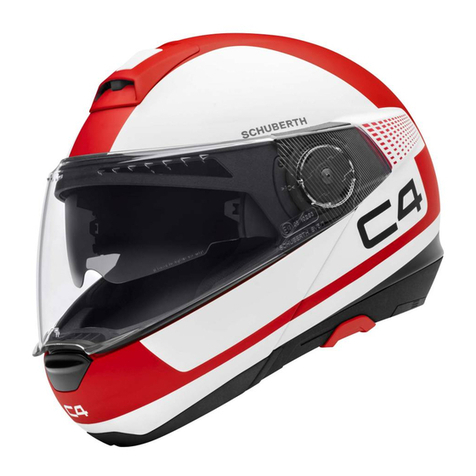
SCHUBERTH C4 User manual

SCHUBERTH

SCHUBERTH C4 User manual

SCHUBERTH M1 User manual

SCHUBERTH

SCHUBERTH M1 User manual

SCHUBERTH C4 User manual

SCHUBERTH

SCHUBERTH C4 User manual

SCHUBERTH C3 Limited User manual

SCHUBERTH

SCHUBERTH C3 Limited User manual

SCHUBERTH SC2 User manual

SCHUBERTH

SCHUBERTH SC2 User manual

SCHUBERTH BOP User manual

SCHUBERTH

SCHUBERTH BOP User manual

SCHUBERTH C3 Limited User manual

SCHUBERTH

SCHUBERTH C3 Limited User manual

SCHUBERTH F220R User manual

SCHUBERTH

SCHUBERTH F220R User manual

SCHUBERTH C3 Limited User manual

SCHUBERTH

SCHUBERTH C3 Limited User manual

SCHUBERTH M1 User manual

SCHUBERTH

SCHUBERTH M1 User manual
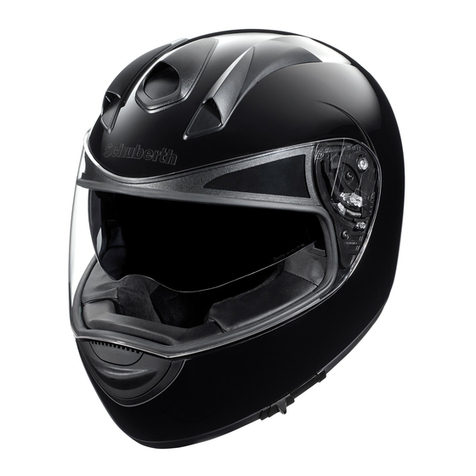
SCHUBERTH SC1M User manual

SCHUBERTH

SCHUBERTH SC1M User manual

SCHUBERTH S2 User manual

SCHUBERTH

SCHUBERTH S2 User manual
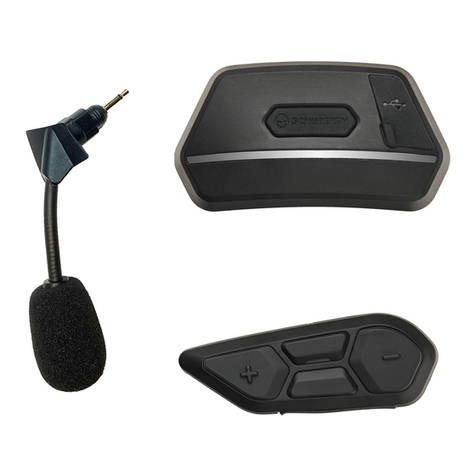
SCHUBERTH C3 Limited User manual

SCHUBERTH

SCHUBERTH C3 Limited User manual

Popular Motorcycle Accessories manuals by other brands

SRC H-ADV150-04-01AL quick start guide

SRC

SRC H-ADV150-04-01AL quick start guide

DMD P1 owner's manual

DMD

DMD P1 owner's manual

GIVI Airflow AF1110 manual

GIVI

GIVI Airflow AF1110 manual

Suzuki 99143-00A1 000 Series installation instructions

Suzuki

Suzuki 99143-00A1 000 Series installation instructions

Cardo Systems FREECOM 4+ Pocket guide

Cardo Systems

Cardo Systems FREECOM 4+ Pocket guide

Shark S 700 user manual

Shark

Shark S 700 user manual

R&G CR0081 Fitting instructions

R&G

R&G CR0081 Fitting instructions

SRC B-TRK502-01-01-SL quick start guide

SRC

SRC B-TRK502-01-01-SL quick start guide

hepco & becker 6307520 00 01 manual

hepco & becker

hepco & becker 6307520 00 01 manual

HOMCOM AA0-077 user manual

HOMCOM

HOMCOM AA0-077 user manual

hepco & becker 6307558 00 01 manual

hepco & becker

hepco & becker 6307558 00 01 manual

SHOEI JO Instructions for use

SHOEI

SHOEI JO Instructions for use

Wunderkind Custom 106503-F15 Installation and safety

Wunderkind Custom

Wunderkind Custom 106503-F15 Installation and safety

Suzuki 57100-05881 installation instructions

Suzuki

Suzuki 57100-05881 installation instructions

SIKH HELMETS Y-61 quick start guide

SIKH HELMETS

SIKH HELMETS Y-61 quick start guide

Dräger HPS 3500 Instructions for use

Dräger

Dräger HPS 3500 Instructions for use

M-WAVE SKI manual

M-WAVE

M-WAVE SKI manual

Kuryakyn 6212 installation instructions

Kuryakyn

Kuryakyn 6212 installation instructions

manuals.online logo
manuals.online logoBrands
  • About & Mission
  • Contact us
  • Privacy Policy
  • Terms and Conditions

Copyright 2025 Manuals.Online. All Rights Reserved.

QUICK START GUIDE
SC10U
QUICK START GUIDE
„Hello!“ – mit dem SCHUBERTH SC10U bleiben Sie in Verbindung mit
allem was Ihnen wichtig ist. Den Freunden auf dem Motorrad und denen
die zu Hause auf Sie warten. Dabei sagt Ihnen ihr Navi genau wo es lang
geht und auf dem Weg zum Ziel werden Sie bestens unterhalten.
Gute Fahrt und bleiben Sie in Verbindung!
“Hello!” – the SCHUBERTH SC10U lets you stay connected with
everything important to you: your friends on your motorbike and those
waiting for you at home. The navigation system provides directions and
keeps you entertained while travelling to your destination.
Have a great journey and stay connected!
“Hello!“ – grâce au SCHUBERTH SC10U, vous pourrez rester connecté
à tout ce qui est important pour vous, qu’il s’agisse de vos amis à
moto ou de ceux qui vous attendent à la maison. Votre système de
navigation vous indique l’itinéraire avec précision, tout en vous
garantissant un divertissement optimal jusqu’à destination.
Bonne route et restez connecté!
“Hej!” – SCHUBERTH SC10U hjälper dig att hålla kontakten med allt
som är viktigt för dig, med din medpassagerare och de som väntar på
dig hemma. Navigationssystemet hjälper dig att hitta din destination
och underhåller dig under resan.
Ha en bra resa och håll kontakten!
SC10U
Jan-Christian Becker Thomas Schulz
CEO SCHUBERTH GmbH Product Management SCHUBERTH GmbH
2
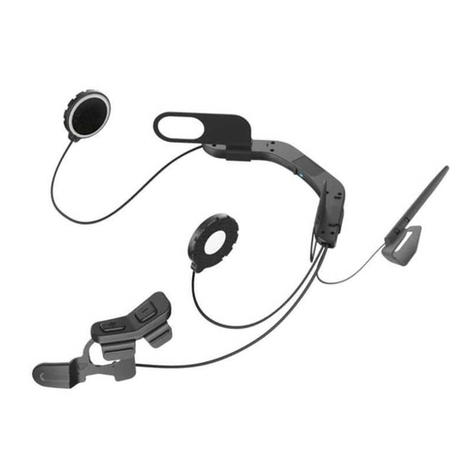
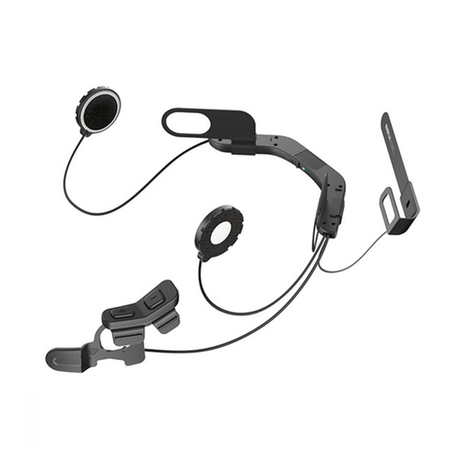
Status-LED / Status LED / DEL d’état / Indikator-LED
Ladeanschluss / Charging Port / Port de charge /
Uttag för laddare
Taste / Button / Bouton / Knapp
Mikrofon / Microphone / Microphone / Mikrofon
Antenne / Antenna / Antenne / Antenna / Antenn
Lautsprecher / Speaker / Haut-parleurs / Högtalare
Akku / Battery / Batterie / Batteri
1
1
2
2
3
3
4
4
5
5
6
6
7
7
8
8
-
+
3
Einbau / Installation / Installation / Installation
Laden / Charging / Rechargement / Laddning
Lädt / Charging / Charge
en cours / Laddning
Voll geladen / Fully Charged
Charge terminée /
Fulladdat
1 2
3 4
5 6
4
Tastenbedienung / Button Operation / Fonctionnement de la touche /
Knapparnas funktion
Antippen / Tapping / Appuyer une fois / Ett klick
Doppelt antippen / Double Tapping / Double pression /
Dubbelklick
1sec Gedrückt halten / Press for 1sec / Appuyer
pendant 1sec / Håll inne i en sekund
1sec
Grundfunktionen / Basic Function / Fonction de base /
Grundfunktion
Einschalten / Power On / Marche / Slå på
Ausschalten / Power O / Arrêt / Stäng av
Lautstärkeanpassung / Volume Adjustment / Ajustement du volume /
Justering av volymen
1sec
-
-
- +
+
+
&
&
5
Gegensprechanlage / Intercom / Intercom / Kommunikationsradio
Koppeln / Pairing / Couplage / Sammankoppling
Unterhaltung beginnen & beenden / Start & End each intercom /
Démarrer & Mettre n à chaque conversation / Starta och avsluta
ert intercom
Gruppenunterhaltung starten & beenden / Start & End Group Intercom /
Démarrer & Arrêter le Group Intercom / Starta och avsluta
gruppkommunikation
8sec
1sec
5sec
8sec
1.
2.
Headset A Headset B
-
-
-
-
-
6
Handy / Mobile Phone / Téléphone portable / Mobiltelefon
Koppeln mit einem Handy / Mobile phone pairing / Couplage du téléphone
portable / Sammankoppling med mobiltelefon
Sprachwahl / Voice dial / Composition vocale / Röstuppringning
Eingehenden Anruf ablehnen / Reject incoming call / Refuser appel entrant /
Avvisa inkommande samtal
Handy-Anruf beenden / End mobile phone call / Mettre n à un appel
mobile / Avsluta mobilsamtal
Handy-Anruf entgegennehmen / Answer mobile phone call / Répondre à
un appel sur téléphone portable / Svara på mobilsamtal
12sec
3sec
2sec
2sec
-
+
+
+
+
7
Musik / Music / Musique / Musik
Bluetooth-Musik wiedergeben & pausieren / Play & Pause Bluetooth music /
Lire & mettre en pause la musique par Bluetooth / Starta och pausa musik
via Bluetooth
1sec
+
Nächster Titel / Track forward / Piste suivante / Nästa ljudspår
2sec
+
Zweites Handy & Navigationsgerät / Second Mobile Phone & GPS /
Deuxième téléphone portable & GPS / Ytterligare mobil och GPS
Kopplung des zweiten Handys & Navigationsgerätes / Second Mobile Phone
Pairing & GPS / Couplage d’un second téléphone portable & GPS /
Sammankoppla ytterligare en mobil och GPS
12sec
1.
2.
-
+
8
UKW-Radio / FM Radio / Radio FM / FM Radio
Radio Ein- & Ausschalten / Radio On & O / Allumer & Éteindre la radio /
Radio på/av
5sec
+
Frequenzbandsuche Starten & Stoppen / Start & Stop scanning FM band /
Démarrer & Arrêter la syntonisation / Sök radiostation
5sec
-
9
Smartphone App
1. Laden Sie auf Ihrem Smartphone die Sena Smartphone-App für
Android oder iPhone von Google Play oder App Store herunter.
2. Koppeln Sie Ihr Smartphone mit dem Headset.
3. Führen Sie die Sena Smartphone-App aus. Wischen Sie auf dem
Bildschirm nach rechts und tippen Sie auf „Einstellung“, um die
Headset-Einstellungen vorzunehmen.
1. On your smartphone, download the Sena Smartphone App for
Android or iPhone from Google Play or App Store.
2. Pair your smartphone with the headset.
3. Run the Sena Smartphone App. Swipe the screen to the right and tap
Setting to congure the headset settings.
1. Sur votre smartphone, téléchargez l’application Sena Smartphone
App pour Android ou iPhone sur Google Play ou App Store.
2. Couplez votre smartphone avec le casque.
3. Lancez l’application Sena Smartphone App. Faites glisser l’écran vers
la droite et appuyez sur Paramètres pour congurer les paramètres du
casque.
1. Sök efter och ladda ner ”Sena” smartphone app till din smartphone.
Appen nns att ladda hem från Google Play till Android eller från
App Store till iPhone.
2. Sammankoppla din smartphone med headsetet.
3. Starta ”Sena” smartphone app. Dra till höger på skärmen och tryck
på ”inställning” för att kongurera headsetet.