6
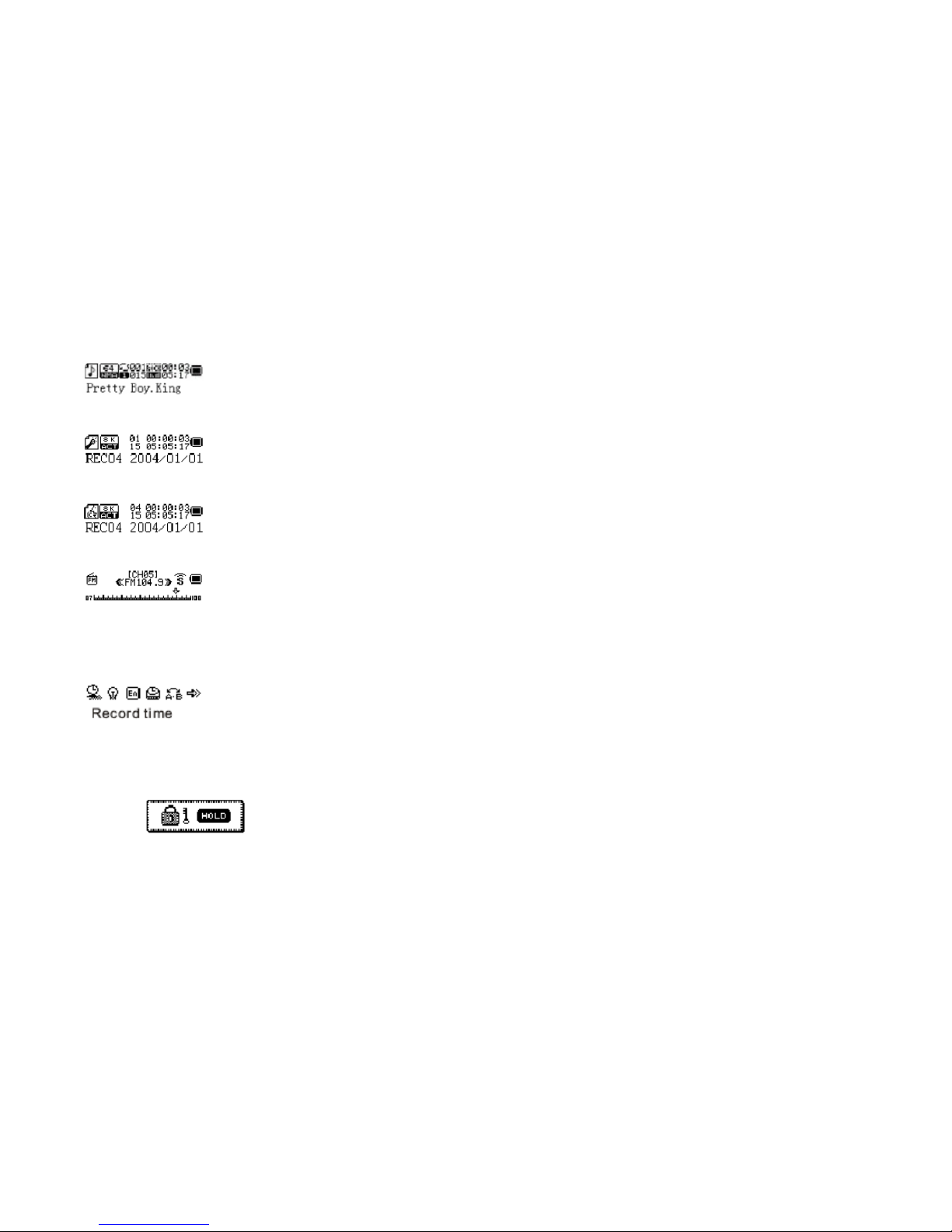
4. You can select 4 different recording qualities.
Fine REC – WAV Format, High Quality
Long REC – ACT Format, Normal Quality
Fine VOR – WAV format, High Quality (Recording will stop when there is no sound)
Long VOR – ACT Format, Normal Quality (Recording will stop when there is no sound)
Playing Recorded File
1. From Main Menu, navigate to RPL mode.
2. Press Play/Pause to play or stop the audio file.
3. If there is no recorded audio files you will see No Files!
4. While the recorded file is paused, you can change the current active folder for recording or you
can also delete the recorded audio. Press Mode to enter these options.
FM Operation
Adjusting and Saving Frequency
1. You can preset 20 fixed channel. You can navigate different channel using Play/Pause.
2. Press and hold the Left/Right for about 2 seconds to start auto-search for station.
3. Once stereo station found, symbol will appear.
4. To adjust the frequency manually with Left/Right. Pressing once will change 0.1MHz. To save
the frequency, press Mode > Save option. Press Mode again to save the station.
Recording FM
1. Press Mode. Navigate to Fine REC or Long REC to start recording.