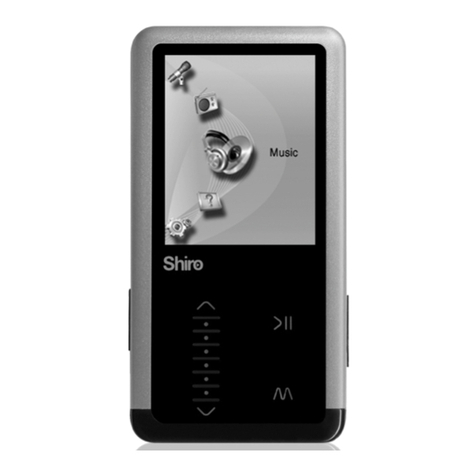
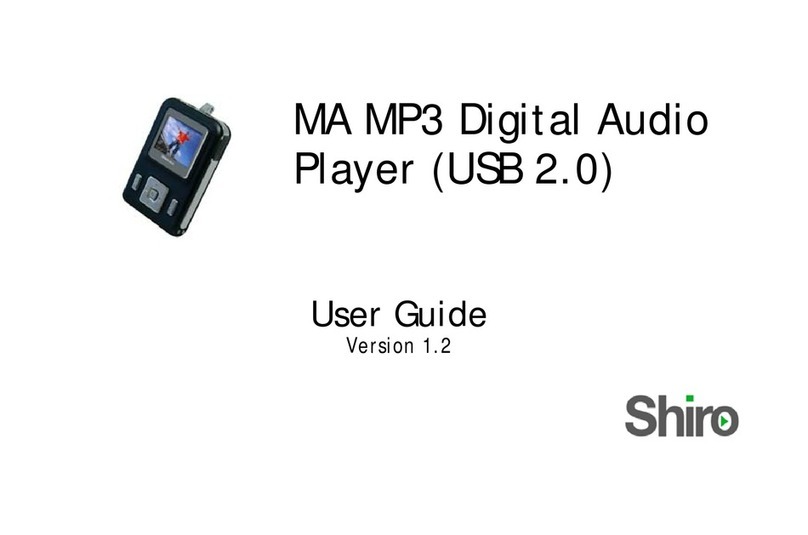
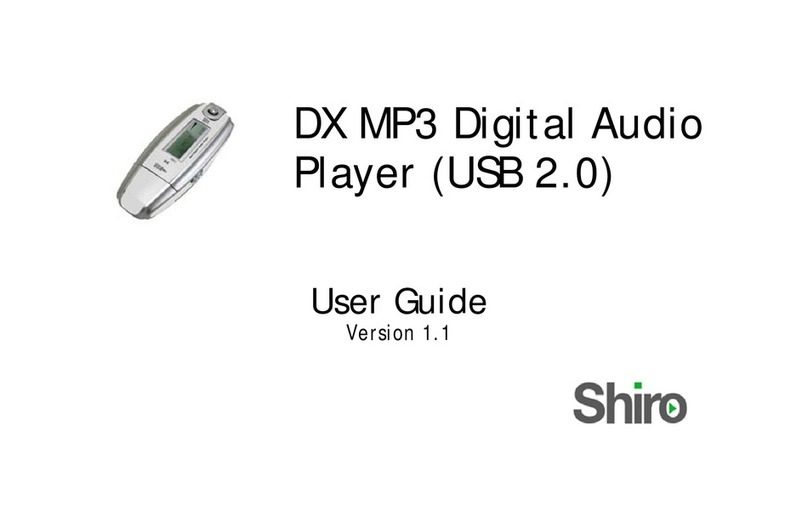
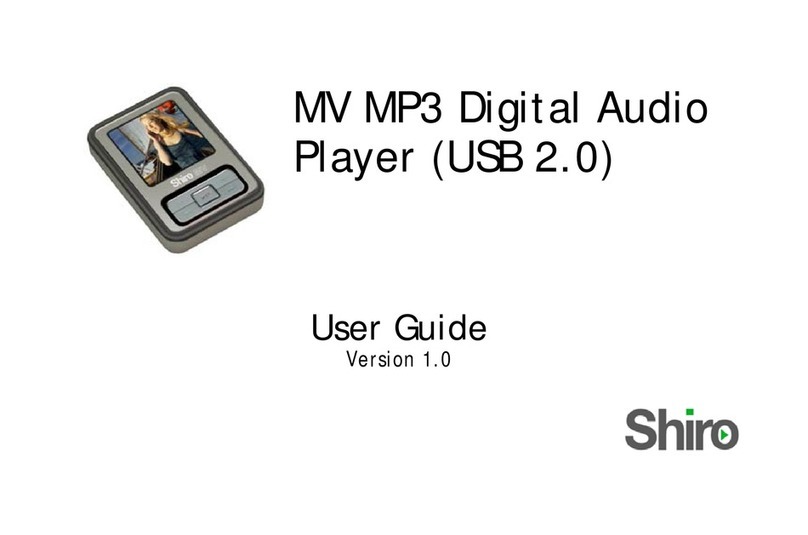
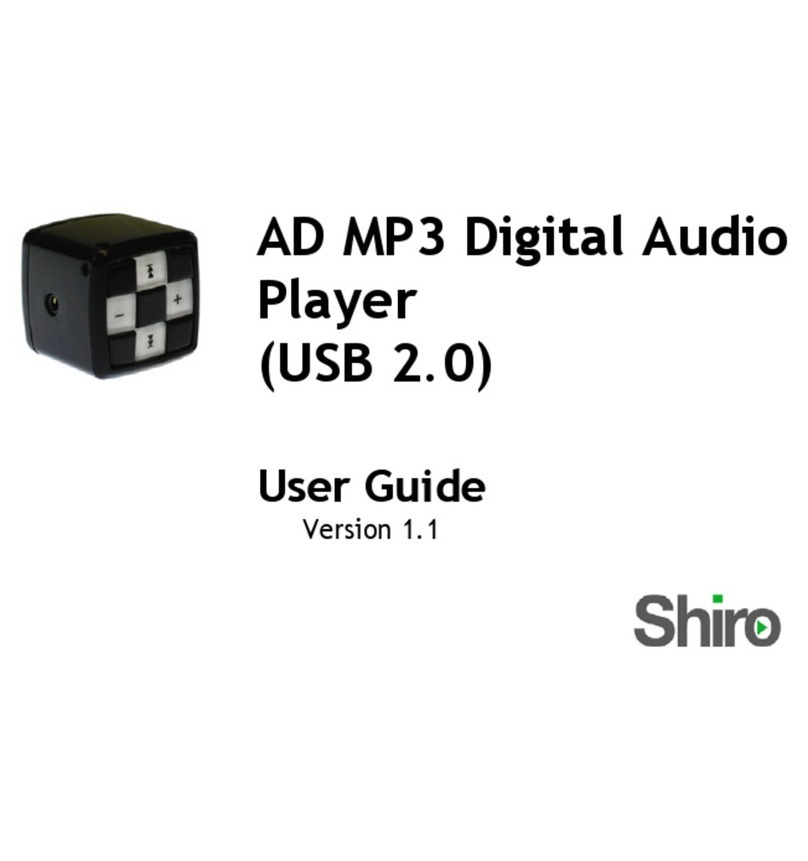
Shiro MD User manual
0

1
Table of Contents
Notice 1
Operation Buttons, Package Includes, Power On & Off 2
Minimum System Requirements, Menu Functions 3
Music Operation, Record Operation 4
FM Operation, System Settings 5
Setting Equalizer, Setting Repeat Mode 6
Setting A-B Clipping, Picture Operation, Video Operation,
Setting Different Folder 7
Text Operation, Convert video files to SMV, Connecting Player
to Computer 8
Firmware Upgrade, Troubleshooting Guide 9
Technical Specifications 10
Notice
1. Download latest user manual from www.shirocorp.com if there is a
difference in the instructions given in this manual.
2. Do not disconnect the player when it is being formatted or uploading
/downloading data.
3. This product needs to be charged for at least 3 hours before usage. Connect
the player to PC to start charging. Once player is fully charged, it will
display “Fully Charged” on the LCD.
4. Files inside MVIDEO, PHOTO and TEXT folders cannot be viewed from the
Folder. You can only view the files from Video, Image and Text Operations.
5. Voice and FM can only be viewed from Folder when there is wav files in
both the folders.

2
Operation Buttons
Package Includes
USB Cable, Earphone, User Guide
Mic
A-B/R
Reset
Earphone
USB Port
Volume
Backward
Forward
Menu
Play/Pause

3
Power On/Off and Lock/Unlock Player
To power on the player, press >II.
To power off the player, press and hold >II.
To Lock/Unlock the player, press >II and Mat the same time
Minimum System Requirements
Operating System: Windows® 98/98SE/ME/2000/XP/Vista or Macintosh™ OS
10.x
Hardware: 20MB of free disk space, 4x CD-ROM or higher, USB port
Menu Functions
1. Press Mto go to Main Menu. Pressing Magain will go to Music mode.
2. You can select Music, FM Tuner, Record, Images, Video, Text,
Folder, Settings and About.
3. You can navigate Main Menu by pressing ½or ¾. Press >II to enter.
4. Choose Music will go to music mode to enjoy your MP3/WMA songs.
5. Choose FM Tuner will go to radio mode.
6. Choose Record will go to voice recording mode.
7. Choose Images will go to picture viewing mode for JPG/BMP format
only.
8. Choose Video will go to video mode to view movie of SMV format only.
9. Choose Text will go to text file reading.
10. Choose Folder will allow you to view different folders.
11. Choose Settings will go to system settings mode.
12. Choose About for player information.

4
Music Operation
1. By default, player will always resume from Music mode. From Main Menu,
navigate to Music.
2. Press >II will either play or pause the song.
3. Press ½or ¾to choose to the next or previous song.
4. Press ¿or Àat the side of the player to adjust volume.
5. Press and hold ½or ¾to fast forward or rewind.
Synchronous Lyrics
You must ensure the Music file has additional. LRC file on the same folder.
E.g. Song.mp3 and Song.LRC. While playing song, the lyrics will be shown
automatically.
Record Operation
1. From Main Menu, navigate to Record. You will see the Record settings.
2. To change setting, press >II. To go to next setting, press ½or ¾.
3. To start, go to Start record and press >II. To save recording, press M.
Note: Playlist will be re-created whenever newly recorded file is saved to
the player.
Listening recorded files
1. From Main Menu > Folder > Internal, press >II to locate VOICE folder.
2. Press >II to enter and you can now play the file.

5
FM Operation
Adjusting and Saving Frequency
1. From Main Menu, navigate to FM Tuner. You can preset 20 fixed channel
and navigate using ½or ¾.
2. To auto search and save all available stations, press >II to select Auto
Scan.
3. To search manually, press >II to select Manual Scan. Press and hold
Left/Right to scan for available station, press >II to save.
Recording FM
Press and hold A-B/R to start recording. Press M to save recording and return
to radio mode. You can listen to the file under Music mode.
Note: Playlist will be re-created whenever newly recorded file is saved to
the player.
Delete FM Channel
Press >II to select Delete Preset.
To exit FM mode, press M.
System Settings
From Main Menu, navigate to Settings mode. Press ½or ¾to navigate
between settings.

6
Press >II to enter the following operations:
EQ Set the equalizer for the music
PlayMode Set the repeat mode for the music
Language Set the languages for Menu display
Display skin Set the color for the player display appearance
Display Off Set the duration for the display to turn off
Idle Off Set the duration player will turn off automatically
during idle period.
Slideshow Set the scheme for displaying pictures.
Exit Exit to Main Menu
Setting Equalizer.
1. From Main Menu, navigate to Settings > EQ.
2. Choose Normal, Rock, Pop, Classical, Jazz, Treble, Bass or User EQ.
Setting Repeat Mode
From Main Menu, navigate to Settings > PlayMode. Below are the
descriptions.
Normal: All music files will play sequentially once.
Repeat Track: Repeat current file repeatedly.
Repeat All: All music files will play sequentially and continuously.
Shuffle Once: All music files will play randomly once.
Shuffle Repeat: All music files will play randomly and continuously.

7
Folder Operation
1. From Main Menu, navigate to Folder.
2. You will see Internal.
3. Press >II to open the folder. Press M to go back one level. Press ½or ¾to
navigate between files. Press >II to play the file.
Note: You will not be able to see PHOTO, MVIDEO and TEXT folders in the
Folder menu.
Setting A-B Clipping
1. While playing music, press A-B/R to select A-B Clipping mode. You will
see A->, press A-B/R to select the end point. The particular portion will
repeat continuously.
2. Press A-B/R to exit.
Picture Operation
1. From Main Menu, navigate to Images mode. You can view either BMP or
JPG.
2. Press >II to view the files.
Note: All image files must be put into PHOTO folder.
Video Operation
1. From Main Menu, navigate to Video mode.
2. Press >II to view the files.
Note: All video files must be put into MVIDEO folder.

8
Text Operation
1. From Main Menu, navigate to Text mode.
2.Press >II to view the files.
Note: All text files must be put into TEXT folder.
Convert video files to SMV
1. In the player, locate the file video2smv.exe.
2. Click on Add to select the source audio/video file to convert.
3. Use 128x160 resolution for best viewing.
4. Press Convert to do the conversion.
Connecting Player to Computer
1. Connect the USB port of the player to the computer using the USB cable
provided.
2. Please take note if you are using Windows® 98 Second Edition, YOU
MUST INSTALL THE DRIVER PROVIDED IN THE INTERNAL MEMORY. For
user using Windows® Millenium/2000/XP/Vista, your computer will install
the driver automatically.
3. You will be able to locate the player under My Computer > Removable
Disk.
4. Double-click on it to open up. You can drag and drop your music files
here.

9
Firmware Upgrade
1. You may download the firmware file and updating procedure from
http://www.shirocorp.com/support_MP3.htm.
2. Please unzip the firmware file.
3. Please follow the instruction given on the Firmware Upgrade Procedure.
Troubleshooting Guide
1. My Windows® 98 Second Edition cannot detect the player? What should I
do?
Answer: Please install the driver provided in the player first. Then
connect up the player using USB cable to your computer.
2. I couldn’t scan any station using FM, what should I do?
Answer: Please ensure the earphone is plugged in properly and try again.
3. My player is fully charged but cannot be powered up.
Answer: Please try to reset the player by pressing Reset.
4. Why can’t I upgrade the firmware in Win 98SE/ME?
Answer: The firmware downloader does not support in Win 98SE and Win ME.
Table of contents
Other Shiro MP3 Player manuals