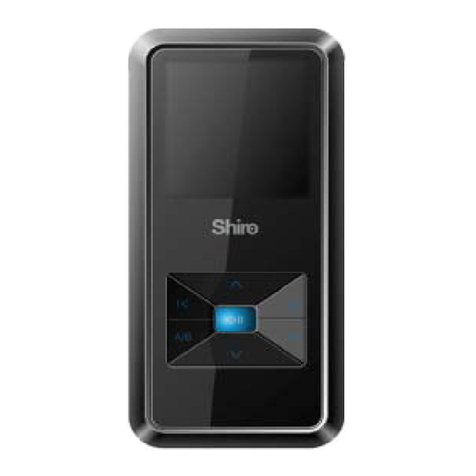
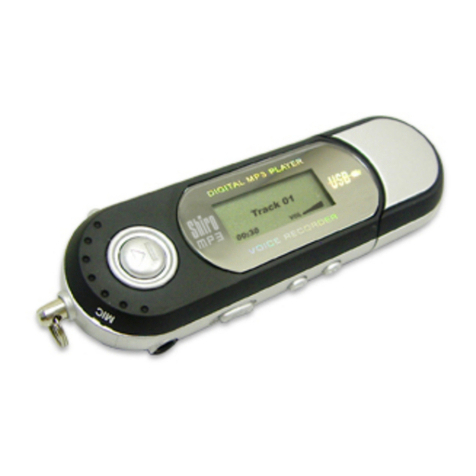
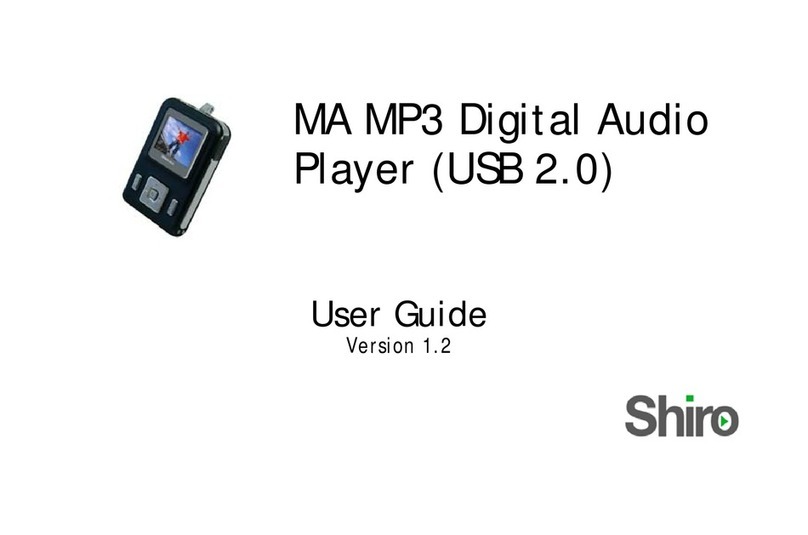
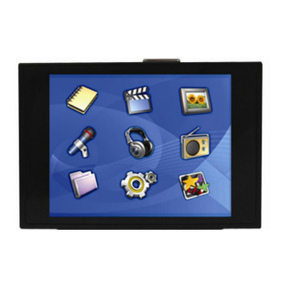
Shiro MX User manual
1
MX MP3 Digital Audio Player
(USB 2.0)
User Guide
Version 1.0

2
Table of Contents
1 Overview.....................................................................................5
1.1 Specifications............................................................................5
1.2 Button Function Definitions .....................................................7
1.3 Button Pressing Modes.............................................................8
1.4 Recording Function of the A-B Button.....................................8
1.5 Short-Cut Function of the MODE Button ................................8
1.6 Standard Control Interface ......................................................9
1.7 Battery Level...........................................................................11
2 Main Menu ...............................................................................11
3 Turn On/Off .............................................................................12
4 Musical File Playback .............................................................12
4.1 The Stop Interface...................................................................13
4.2 Functions in the Playing Interface .........................................17
4.3 Lyrics Show Interface .............................................................25
4.4 Auto Off...................................................................................27
5 Record .......................................................................................27
5.1 The General Interface of the Recorder ..................................27
5.2 The Stop Interface...................................................................28

3
5.3 The Recording Interface .........................................................29
5.4 The Pause Interface................................................................30
6 Voice..........................................................................................31
6.1 Functions in the Stop Interface ..............................................31
6.2 The Stop Menu Interface ........................................................32
6.3 Functions in the Playing Interface .........................................34
6.4 Disk Error...............................................................................37
7 FM .............................................................................................38
7.1 Interface..................................................................................38
7.2 Listen to the Radio..................................................................38
7.3 FM Submenus .........................................................................39
7.4 Saving Radio Station ..............................................................40
7.5 Deleting Radio Station ...........................................................40
7.6 Deleting All.............................................................................40
7.7 American Band .......................................................................40
7.8 Japanese Band........................................................................40
8 JPEG Viewer............................................................................41
9 Settings......................................................................................42

4
9.1 Clock Setting Interface ...........................................................43
9.2 LCD Set...................................................................................44
9.3 Language ................................................................................44
9.4 Power off.................................................................................45
9.5 Battery Charge .......................................................................46
9.6 Replay mode ...........................................................................46
9.7 Memory info............................................................................46
9.8 Firmware Version...................................................................47
10 UDISK.....................................................................................47
11 Upgrade ..................................................................................49
12. Notice .....................................................................................51

5
1 Overview
96x64 full-color MP3 Player adopts the ATJ2085 standard
solution. In addition to the four functions of playing MP3/WMA
files, digital recording, USB Disk storage and FM radio, the
player also has the added ability of playing MTV movie files (A
special software is required to perform necessary conversions.),
as well as the added function of viewing JPEG pictures.
The common functions of the product:
Recognize up to 99-recorded files in each directory.
Delete either single or all files in the current directory of
the player.
Off Status Memorization: When turned on, the player can
return back to the last off-status, including the last
musical file played and the recording position.
Resume playing: The player can memorize the position
where it stops playing the musical file in a directory.
Once the Play button is pressed after the player is on, the
player will resume playing the last musical file where it
stopped last time.
1.1 Specifications
65,000 OLED full-color Display
Support MP3, WMA, WMV and MTV function
Support JPEG picture browsing
Play music with 16-Level Speed

6
Full band FM stereo radio, with a total of 20 memory
stations.
Double-screen lyrics sync display to facilitate lyrics
learning and memorizing
Friendly volume fading playback function
Graphical operation interface, removable disk folder
management
Built-in microphone, hi-fi recording, short-cut start, 35
hours continuous recording (128M Flash)
USB 2.0 (Full-Speed) interface, with a max speed of
1000K Byte/S
Powerful expandability, online firmware upgrading
Convenient language learning features, a true digital
repeating device, segment A-B repeating, follow
speaking by contrasting with original sound, 16-level
variable-speed playback
For Windows ME/2000/XP, Mac OS 10.X and Linux
Kernel 2.4.2 or higher, no drivers are needed. For
Windows 98, driver is required
Lithium Battery
7
1.2 Button Function Definitions
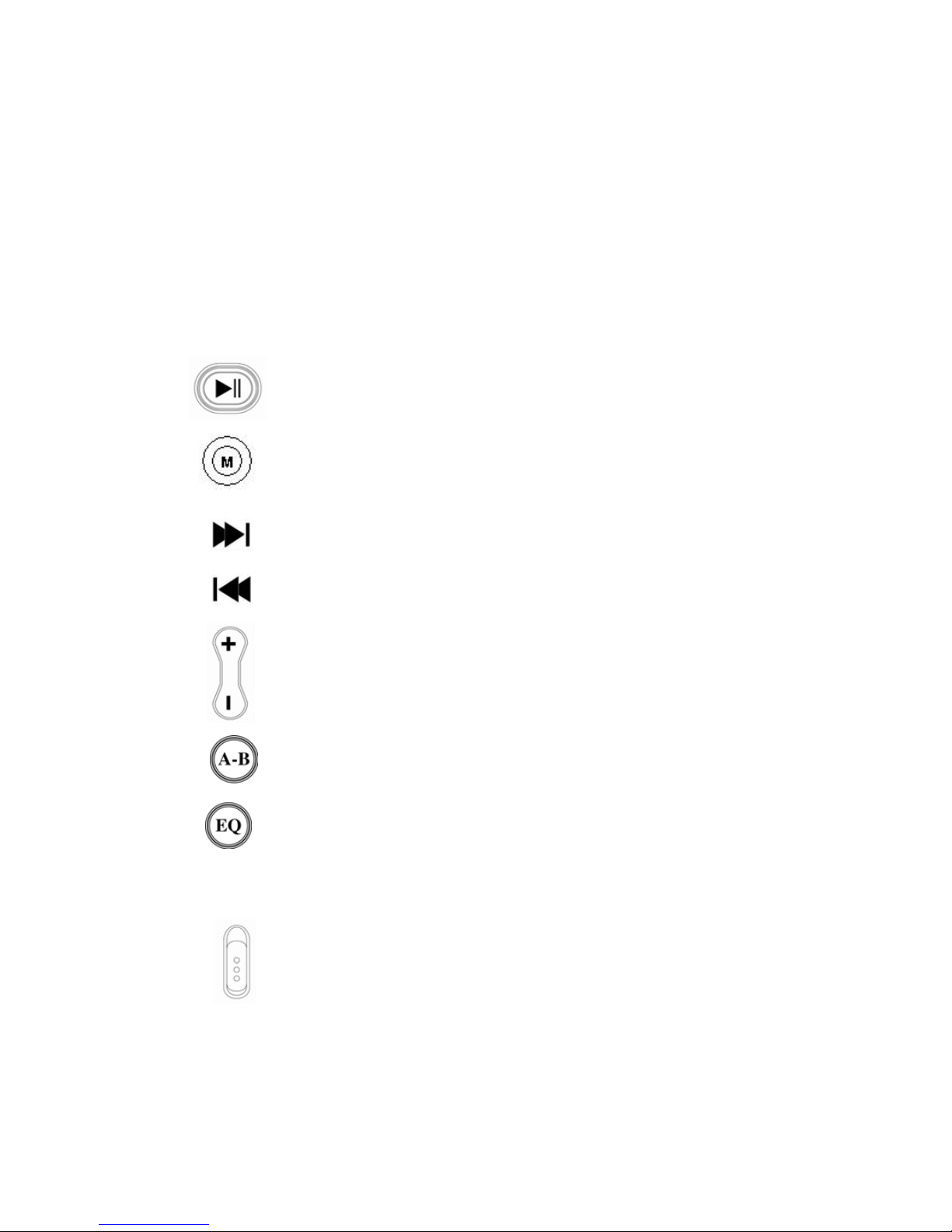
There are 9 buttons.
PLAY: Turn On, Turn Off, Play, Pause, and Stop
MODE: Switching Working Mode, Menu Options,
Interface Switching
NEXT: Move to Right, Forward
LAST: Move to Left, Backward
VOL+: Volume Increment, Last Item
VOL-: Volume Decrement, Next Item
A-B/REC: Special A-B / Recording Hot Button
EQ: Selection of equalizer mode of the musical file
directly without entering the option menu when
musical file is in play mode
POWER ON: Turn on or off the power

8
1.3 Button Pressing Modes
There are three types of pressing mode for the button:
1.3.1 Short-Press
For button with both long and short press functions,
the button will function as a short-press once they are released
within 1.2 seconds (E.g. Play, Stop, Last, Next).
For button with short-press function only, the button
will respond once it is released.
1.3.2 Long-Press: Press and hold button for longer than 1.2
seconds. (E.g. On/Off, Forward/Backward)
1.3.3 Hold On: Press and hold button to adjust the values
sequentially. Release button when done. (E.g. Volume
Adjustment)
1.4 Recording Function of the A-B Button
A-B button functions as a hot recording button in all other
interface except in the recorded file playback, musical file
playback interface, repeat interface, upgrading interface and U
Disk interface. A short-press of the A-B button will take you to
the recording interface and start recording.
1.5 Short-Cut Function of the MODE Button
In the music playback, recorder, recorded file playback, radio,
pictures and settings interfaces, a long-press of the MODE
9
button will stop the current operation and return to the main
menu.
1.6 Standard Control Interface
Standard Menu
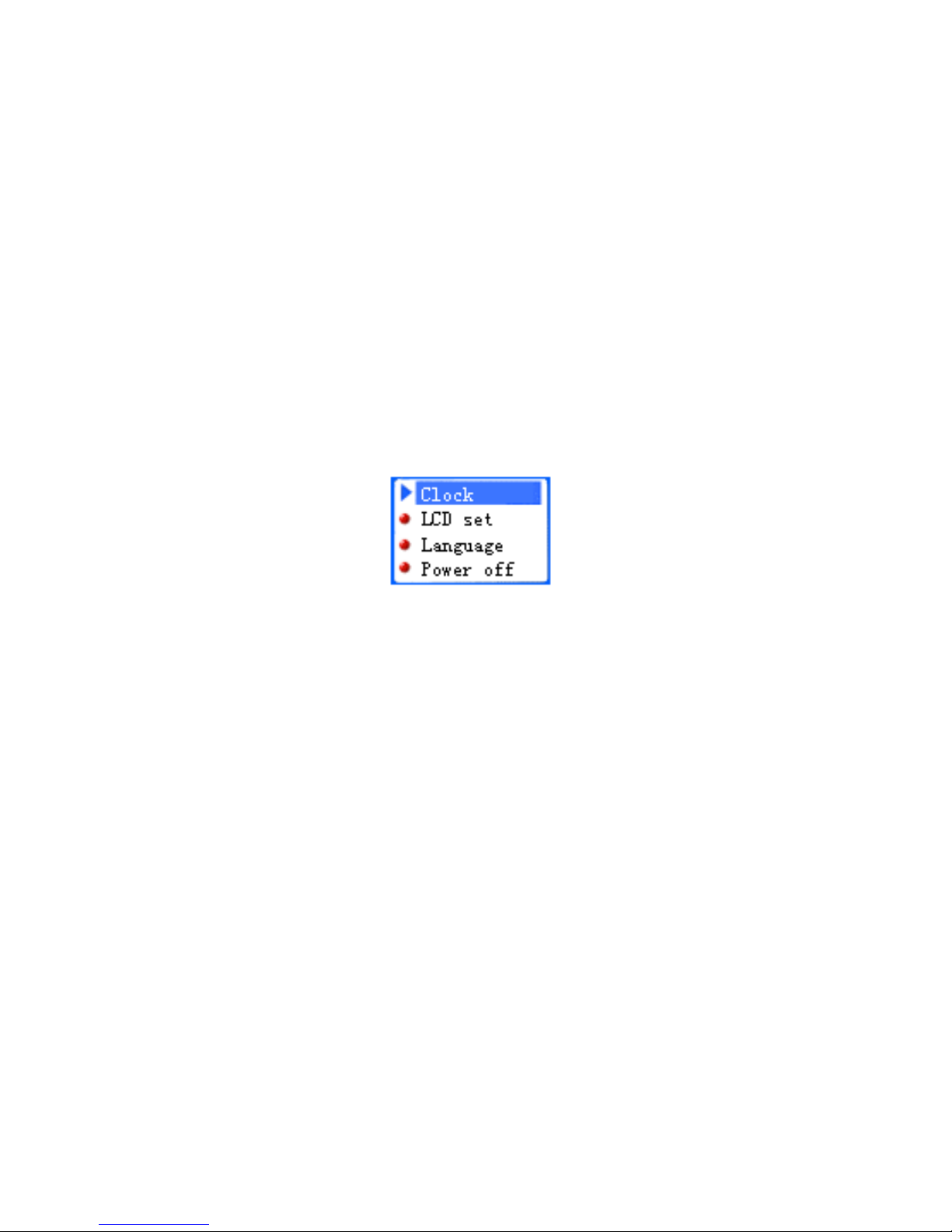
Note: For each functional module interface, the standard sub-
menu will appear. Below is one of standard sub-menu for the
settings interface of the player.
The Settings menu
Able to display up to 4options in one screen.
The option with the blue background is the one currently
selected.
Press the Mode button to enter the main or sub-menu
Press either “Vol-”, “Vol+”, “Next” or “Last” for option
selection
A short-press of the PLAY button will exit out of the sub-
menu.
A short-press of A-B will enter the recording mode
interface and start recording.
A short-press of PLAY will exit the menu.
10
Note: The player will auto exit to the main menu if player is
idling for more than 5 seconds.
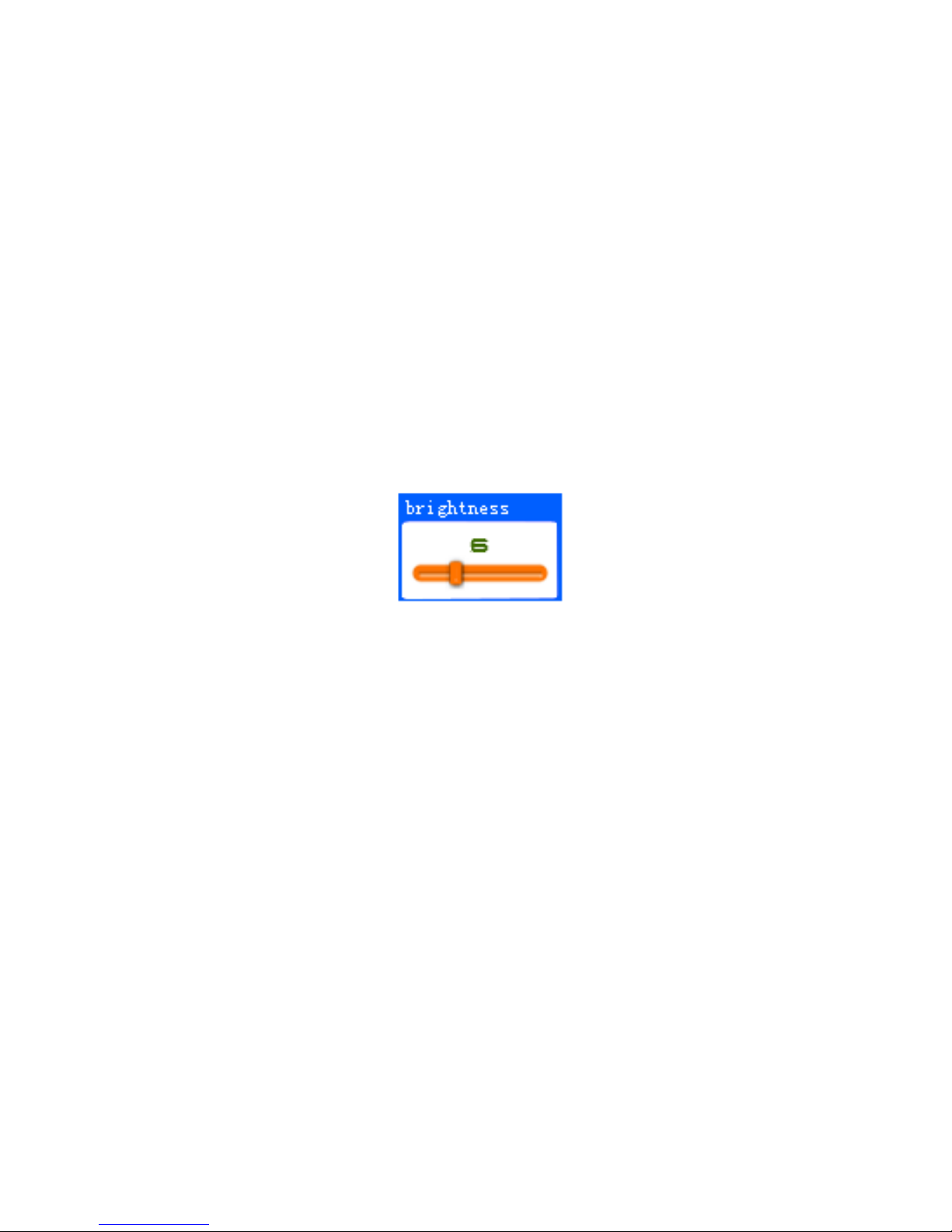
The Standard Slide Bar
Note: The standard slide bar offers a choice for adjustment of
the specific option either through increment or decrement of the
slide bar.
Below is a picture how the Standard Slide Bar looks like
Brightness Adjustment
The slide block can be moved to left or right.
The number on top of the slide bar indicates the position
of the slide block.
A short-press or long-press of NEXT will move the slide
block a step to right. The corresponding number will be
displayed step by step till the max number.
A short-press or long-press of LAST will move the slide
block a step to left. The corresponding number will be
displayed step by step till the min number.
A short-press of MODE will save the setting and exit to
the sub-menu.
Table of contents
Other Shiro MP3 Player manuals