2SIIG Inc.
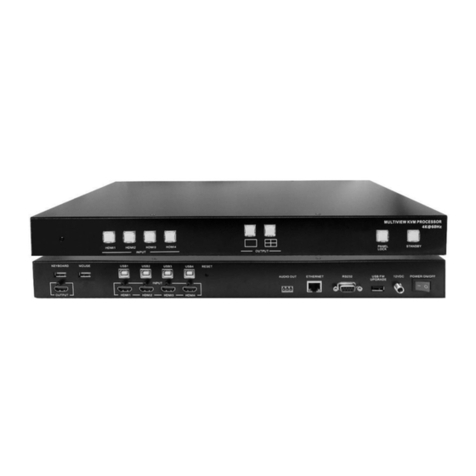
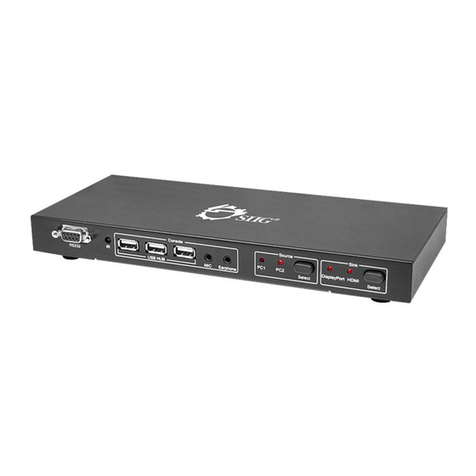
CE-KV0G11-S1
Table of Contents
1. KVM Switch .................................................................................... 4
1.1. Features..................................................................................... 4
1.2. Package Contents ....................................................................... 4
1.3. Specications.............................................................................. 5
1.4. Front Panel................................................................................. 6
1.5. Rear Panel.................................................................................. 6
2. Basic Operation.............................................................................. 7
2.1. Hotkey Control............................................................................ 7
3. Display Screen Layout Control....................................................... 8
3.1. Top-Bottom PBP Layout (Mode 1)................................................. 8
3.2. Left-Right PBP Layout (Mode 2 Landscape) ................................... 8
3.3. Vertical PBP Layout (Mode 2 Portrait) ........................................... 9
3.4. Full Screen Layout (Mode 0) ........................................................ 9
3.5. PIP Layout (Mode 7) ................................................................. 10
3.6. Up-scaling Output for Mode 0, Mode 7 ....................................... 10
3.7. PIP Swap Control ...................................................................... 10
3.8. PIP Position Control................................................................... 10
3.9. Main Screen Size Control ........................................................... 11
3.10. PIP Size Control ........................................................................ 11
3.11. PIP Transparency Control........................................................... 12
4. Other Control ...............................................................................12
4.1. Port Selection ........................................................................... 12
4.2. Audio Switch............................................................................. 12
4.3. USB 3.2 Gen 1 .......................................................................... 12
4.4. Change L-Ctrl to R-Ctrl............................................................... 13
4.5. Change from R-Ctrl to L-Ctrl....................................................... 13
4.6. Return to Factory Default Setting ............................................... 13
4.7. Find Mouse Cursor .................................................................... 13
4.8. Swap the Video Position ............................................................ 13
4.9. Swap the Video Control ............................................................. 13