7
Table of Contents
1. Main Features ............................................................................................................................... 9
2. Initial Boot-up Process................................................................................................................. 10
2-1. Initial Boot up and Basic Time Setup........................................................................................10
2-2. Setting up Daylight Savings Time.............................................................................................11
2-3. Setting NTP (Network Time Protocol).......................................................................................12
2-4. EZ Setup..................................................................................................................................15
2-5. IP Camera Setup (through SpecoTech Web Viewer) ...............................................................18
2-6. Dual Streaming........................................................................................................................18
3. Front and Rear Panels ................................................................................................................ 19
3-1. Front Panel..............................................................................................................................19
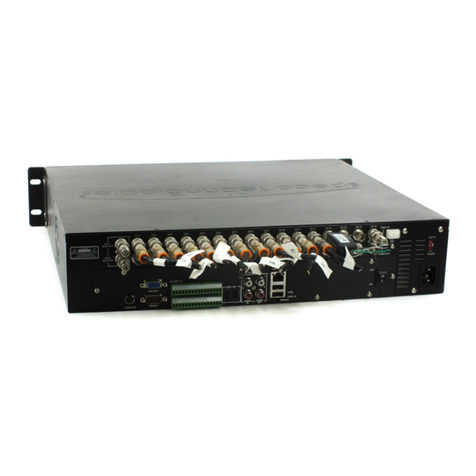
3-2. Rear Panel Connectors............................................................................................................20
3-3. Remote Control........................................................................................................................21
4. Setting up the DVR...................................................................................................................... 22
4-0. Setup –Main Live Screen........................................................................................................22
4-1. Setup –IP Camera ..................................................................................................................23
4-2. Setup –System........................................................................................................................27
4-3. Setup –Record Mode..............................................................................................................33
4-4. Setup –Device Mode...............................................................................................................36
4-5. Setup –Display Mode..............................................................................................................42
4-6. Setup –Network Mode.............................................................................................................43
4-7. Setup –User Management Mode ............................................................................................47
4-8. Setup –Storage Mode .............................................................................................................50
4-9. Setup - Config Mode................................................................................................................51
5. Live, Search and Playback.......................................................................................................... 53
5-1. Live View .................................................................................................................................53
5-2. Digital Zoom in Live and Playback Screen ...............................................................................57
5-3. Search Screen.........................................................................................................................57
5-4. Play Mode................................................................................................................................62
6. Back Up.......................................................................................................................................... 64
6-1. Still Image Backup onto USB Flash Drive.................................................................................64
6-2. Video Backup onto USB Flash Drive during playback..............................................................64
6-3. EZCopy: Video Backup onto USB Flash Drive during playback ...............................................66
6-4. Transferring Still Images or Video from the Archive List............................................................67
6-5. Playback of Backup Video........................................................................................................68
7. NetworkAccess Using the Multi-Sites Network Viewer................................................................... 69
7-1. Overview..................................................................................................................................69
7-2. PC Requirements.....................................................................................................................69
7-3. Installation of the Program .......................................................................................................70
7-4. Live Window ............................................................................................................................71