manuals.online logo
Brands
  1. Home
  2. •
  3. Brands
  4. •
  5. Speco
  6. •
  7. DVR
  8. •
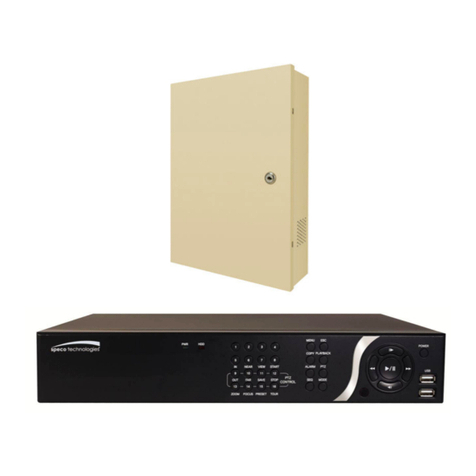
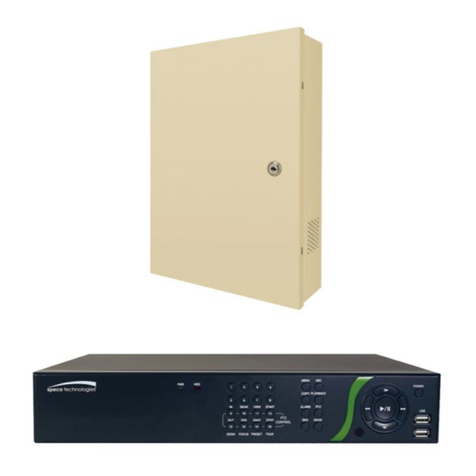
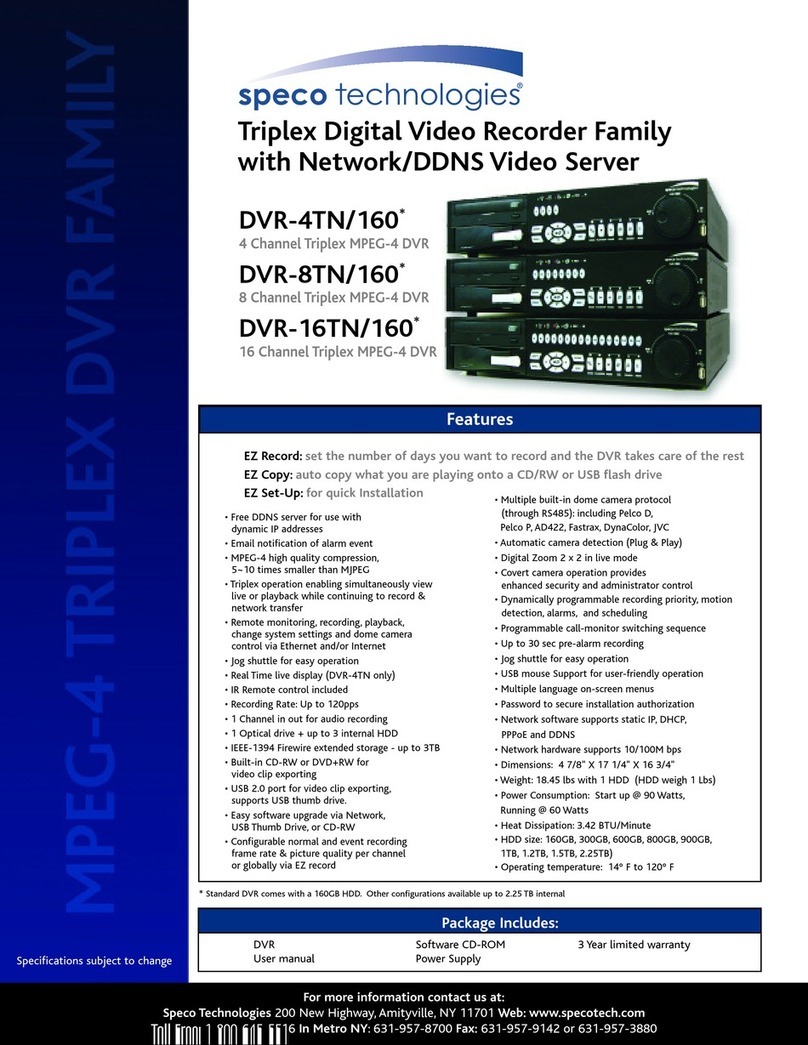
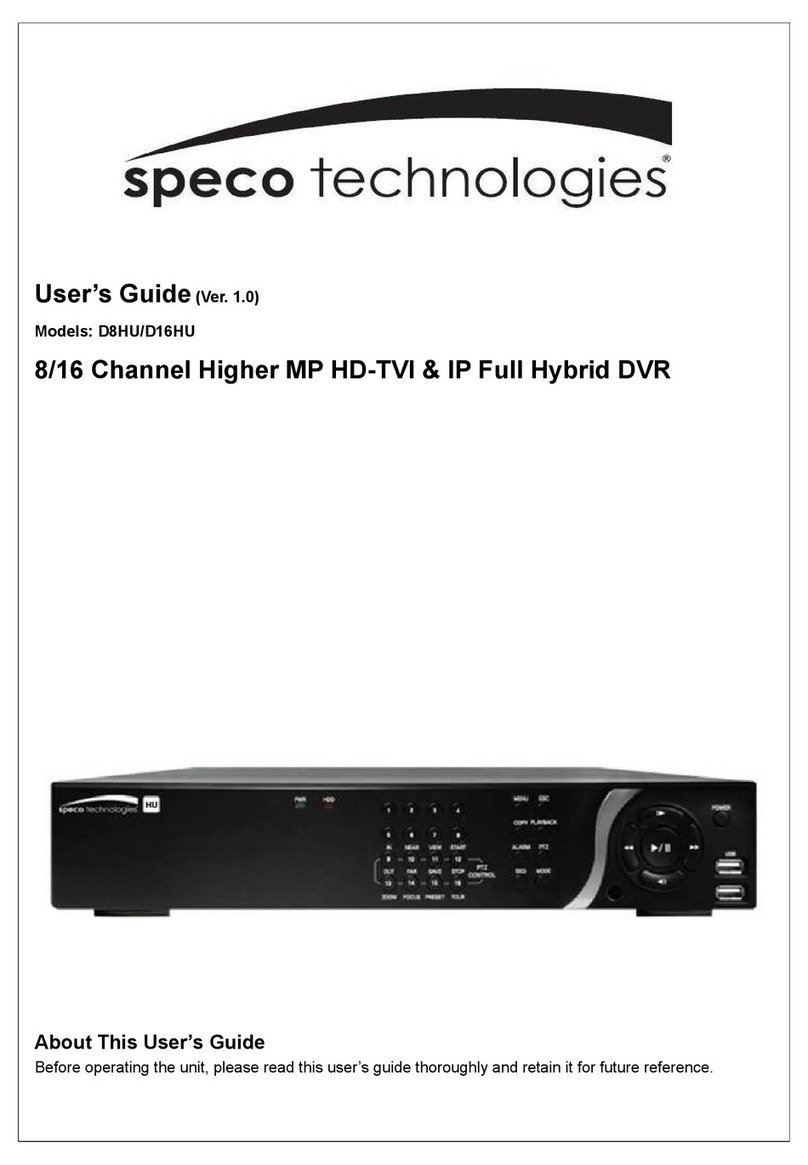
  9. Speco DVR-4TH Series User manual

Speco DVR-4TH Series User manual

Other manuals for DVR-4TH Series

2

This manual suits for next models

2

Other Speco DVR manuals

Speco D16WRS User manual

Speco

Speco D16WRS User manual

Speco D16RS User manual

Speco

Speco D16RS User manual

Speco N64NR48TB User manual

Speco

Speco N64NR48TB User manual

Speco DVRPC16T2TB User manual

Speco

Speco DVRPC16T2TB User manual

Speco HRN Series User manual

Speco

Speco HRN Series User manual

Speco D4CX Instruction manual

Speco

Speco D4CX Instruction manual

Speco N8NRE User manual

Speco

Speco N8NRE User manual

Speco D8WRSM User manual

Speco

Speco D8WRSM User manual

Speco N32NRE User manual

Speco

Speco N32NRE User manual

Speco DVR-16/IP User manual

Speco

Speco DVR-16/IP User manual

Speco LB-1 Owner's manual

Speco

Speco LB-1 Owner's manual

Speco D4CX Technical manual

Speco

Speco D4CX Technical manual

Speco D24GS Technical manual

Speco

Speco D24GS Technical manual

Speco N32NS User manual

Speco

Speco N32NS User manual

Speco DVR-16 User manual

Speco

Speco DVR-16 User manual

Speco D4RS Instruction manual

Speco

Speco D4RS Instruction manual

Speco DVR-4CF User manual

Speco

Speco DVR-4CF User manual

Speco D8HS User manual

Speco

Speco D8HS User manual

Speco D16DS User manual

Speco

Speco D16DS User manual

Speco EZVR4/8 User manual

Speco

Speco EZVR4/8 User manual

Speco mobile dvr User manual

Speco

Speco mobile dvr User manual

Speco D4CX User manual

Speco

Speco D4CX User manual

Speco VT Instruction manual

Speco

Speco VT Instruction manual

Speco DVRM42 User manual

Speco

Speco DVRM42 User manual

Popular DVR manuals by other brands

Pace TDC577X manual

Pace

Pace TDC577X manual

Zavio NQ2040 user manual

Zavio

Zavio NQ2040 user manual

KGuard Security KG-SHA104 user manual

KGuard Security

KGuard Security KG-SHA104 user manual

SanDisk V-Mate Quick manual

SanDisk

SanDisk V-Mate Quick manual

Panasonic WJND200 - NETWORK DISK RECORDER Setup instructions

Panasonic

Panasonic WJND200 - NETWORK DISK RECORDER Setup instructions

Hunt Electronic HVRM-T1600Q Install & user's guide

Hunt Electronic

Hunt Electronic HVRM-T1600Q Install & user's guide

Portwell PIVS-6104 user manual

Portwell

Portwell PIVS-6104 user manual

AVer EXR6004 Mini Quick user guide

AVer

AVer EXR6004 Mini Quick user guide

Security Labs SLD261 owner's manual

Security Labs

Security Labs SLD261 owner's manual

Swann DIGITAL VIDEO RECORDER instruction manual

Swann

Swann DIGITAL VIDEO RECORDER instruction manual

EverFocus ECOR 4 instruction manual

EverFocus

EverFocus ECOR 4 instruction manual

Xoro HRK 7550 user manual

Xoro

Xoro HRK 7550 user manual

FLIR M3100E Series instruction manual

FLIR

FLIR M3100E Series instruction manual

VTRACKPRO FPRO300 user manual

VTRACKPRO

VTRACKPRO FPRO300 user manual

Swann NVR-7085 models instruction manual

Swann

Swann NVR-7085 models instruction manual

RMRC FPV1000 manual

RMRC

RMRC FPV1000 manual

urmet domus 1093/004AHD instructions

urmet domus

urmet domus 1093/004AHD instructions

Toshiba D-VR3SU Service manual

Toshiba

Toshiba D-VR3SU Service manual

manuals.online logo
manuals.online logoBrands
  • About & Mission
  • Contact us
  • Privacy Policy
  • Terms and Conditions

Copyright 2025 Manuals.Online. All Rights Reserved.

DVR-4TH/8TH/16TH Series
SPECO TECHNOLOGIES 01/09
®
1-800-645-5516
200 New Highway
Amityville, NY 11701
www.specotech.com
DVR-4TH
DVR-8TH
DVR-16TH
Digital Video Recorder Family
With Network/DDNS Video Server
User’s Manual
User’s Manual
DVR-4TH/8TH/16TH Series
SPECO TECHNOLOGIES 01/09 1
User’s Manual
DVR-4TH/8TH/16TH Series
SPECO TECHNOLOGIES 01/09
2
Caution and Preventive Tips
•Take care not to drop the unit or subject the unit to major shocks or jolts.
•Do not place this unit on an unstable stand, bracket or mount.
•This unit is designed for indoor use only. Do not place the unit near water or in other
extremely humid conditions.
•This unit should not be placed in a built-in installation unless proper ventilation is provided.
•Please check the type of power source available before you plug and operate the unit.
•If the clearing is necessary, note to plug the unit from the outlet before uncovering the top
cover. Do not use liquid cleaners or aerosol cleaners. Use only a damp cloth for cleaning.
•Always power down the system prior to connecting and disconnecting accessories, with
the exception of USB devices.
•Lithium battery: Danger of explosion if battery is incorrectly replaced. Replace with
the same type of battery or equivalent type recommended by the battery manufacturer.
Dispose of used batteries according to the battery manufacturer’s instructions.
This symbol intends to alert the user to the presence of important operating and
maintenance (servicing) instructions in the literature accompanying the
appliance.
This symbol intends to alert the user to the presence of unprotected “Dangerous
Voltage” within the product’s enclosure that may be strong enough to cause a
risk of electric shock.
User’s Manual
DVR-4TH/8TH/16TH Series
SPECO TECHNOLOGIES 01/09 3
Important Information
Before proceeding, please read and observe all instructions and warnings in this
manual. Retain this manual with the original bill of sale for future reference and, if necessary,
warranty service. When unpacking your unit, check for missing or damaged items. If any item is
missing, or if damage is evident, DO NOT INSTALL OR OPERATE THIS PRODUCT. Contact your
dealer for assistance.
Rack Mounting
Consult with the supplier or manufacturer of your equipment rack for the proper procedure
and hardware for mounting this product in a safe fashion. Avoid uneven loading or
mechanical instability when rack-mounting units. Make sure the units are installed to get
enough airflow for safe operation. The maximum temperature for rack-mounted units is 104
°F/40 °C. Check product label for power supply requirements to assure that no overloading
of supply circuits or over current protection occurs. Main grounding must be reliable and
uncompromised by any connections.
User’s Manual
DVR-4TH/8TH/16TH Series
SPECO TECHNOLOGIES 01/09
4
Table of Contents
1. Overview .....................................................................................................................13
1.1 Product Key Features ........................................................................................14
1.2 Product Application Diagram..............................................................................15
2. System Setup..............................................................................................................16
2.1 Position the Unit.................................................................................................16
2.2 Selecting Video Format......................................................................................16
2.3 Connecting Devices to the Unit..........................................................................16
2.4 Rear Panel Connections....................................................................................17
3. General System Setup ...............................................................................................20
3.1 Front Panel Introduction ....................................................................................20
3.1.1 LED Definition .........................................................................................20
3.1.2 Functional Keys ......................................................................................21
3.2 Entering OSD Setup Menu ................................................................................24
3.2.1 User Management ..................................................................................25
3.3 Configuring the HDD in the unit .........................................................................26
3.4 Power On/ Off the Unit.......................................................................................27
3.5 System Date/ Time Setting ................................................................................28
3.5.1 Set Date/ Time ........................................................................................28
3.5.2 Daylight Saving Time Setup .................................................................29
3.5.3 Network Time Protocol Setup..................................................................30
3.6 IP Camera Setting .............................................................................................31
3.6.1 IP Camera Information ............................................................................31
3.6.2 Connection Setup ...................................................................................32
3.6.3 Device Setup...........................................................................................33
3.6.4 Activated .................................................................................................33
3.6.5 Status ......................................................................................................33
3.7 Record Schedule/ Quality Setting ......................................................................34
3.7.1 Record Mode Setup ................................................................................34
3.7.2 Schedule Setup.......................................................................................34
Day/ Night Time Start ..............................................................................35
Day/ Night Time End ...............................................................................35
Weekend Schedule .................................................................................35
Weekend Start/ End ................................................................................35
3.7.3 Preset Record Configuration...................................................................35
3.7.4 Per Camera Configuration ......................................................................36
3.7.5 To Record Event Video Only ...................................................................36
4. Basic Operation..........................................................................................................37
User’s Manual
DVR-4TH/8TH/16TH Series
SPECO TECHNOLOGIES 01/09 5
4.1 Viewing Live/ Playback Video ............................................................................37
4.1.1 Viewing Modes........................................................................................37
4.1.2 Digital Zoom............................................................................................38
4.1.3 Viewing Live Cameras ............................................................................38
To Freeze Live Image..............................................................................38
4.1.4 Viewing Recorded Video.........................................................................38
Key Usage in Playback ...........................................................................39
Pause Playback and Single Step Forward/ Backward ............................39
4.1.5 Dual Main Output ....................................................................................40
4.2 Sequence Setup ................................................................................................40
4.2.1 Sequence on Main Monitor .....................................................................40
4.2.2 Call Monitor Control ................................................................................41
4.3 Searching Recorded Video ................................................................................41
4.3.1 Searching by Time ..................................................................................42
4.3.2 Searching by Event.................................................................................42
4.3.3 Search by Text ........................................................................................43
4.4 Video Export ......................................................................................................44
4.4.1 Export from OSD Setup Menu ................................................................44
4.4.1.1 Select the External Device......................................................45
4.4.1.2 Select Video for Exporting.......................................................46
4.4.1.3 Digital Signature......................................................................47
4.4.1.4 Erase Disc...............................................................................47
4.4.2 Quick Video Export through Front Panel.................................................47
4.4.2.1 ezBurn Introduction.................................................................48
4.4.2.2 Export Normal Video...............................................................48
4.4.2.3 Export Event Video .................................................................49
4.5 Deleting Recorded Video...................................................................................50
4.6 Dome Control.....................................................................................................50
4.6.1 Dome Connection ...................................................................................51
4.6.2 Dome Protocol Setup..............................................................................51
4.6.3 RS485 Setup...........................................................................................52
4.6.4 Dome Controlling Key .............................................................................53
4.6.5 Setting Preset Points...............................................................................54
4.6.6 Calling Preset Points...............................................................................55
4.7 2-Way Audio Talk Function ................................................................................56
4.8 UPnP Function...................................................................................................56
4.8.1 Setting Up the DVR and the PC..............................................................57
4.8.2 UPnP NAT Traversal Function ................................................................57
5. Advanced System Configuration ..............................................................................58
Username and Password ...........................................................................................58

User’s Manual
DVR-4TH/8TH/16TH Series
SPECO TECHNOLOGIES 01/09
6
Key Usage in OSD setup menu..................................................................................59
Key Usage in Virtual Keyboard...................................................................................60
5.1 System Setup ....................................................................................................61
5.1.1 System/Version Info ................................................................................61
5.1.1.1 DVR System Information & Version Numbers.........................61
5.1.1.2 Software Upgrade via Local Device ........................................62
5.1.1.3 Software Upgrade via Internet ................................................62
5.1.2 Language ................................................................................................63
5.1.3 Date / Time..............................................................................................63
5.1.3.1 Date / Time Setting(s) .............................................................63
5.1.3.2 Time Zone...............................................................................64
5.1.3.3 Date / Time Display.................................................................64
5.1.3.4 Date Display Mode..................................................................64
5.1.3.5 Time Display Mode .................................................................65
5.1.3.6 Date/Time Order .....................................................................65
5.1.3.7 Daylight Saving Time Setup....................................................65
Daylight Saving Time ..............................................................65
DST Start / End .......................................................................65
DST Bias.................................................................................65
5.1.3.8 Network Time Protocol Setup..................................................65

NTP Server .............................................................................66
Automatically Time Sync .........................................................66
Manually Time Sync................................................................66
5.1.4 Unit Name ...............................................................................................66
5.1.5 Show Unit Name .....................................................................................67
5.1.6 User Management ..................................................................................67
5.1.6.1 Password Protection ...............................................................67
5.1.6.2 Account Setup.........................................................................67
5.1.6.3 Authority Setup .......................................................................68
5.1.6.4 Load Default Setting ...............................................................68
5.1.7 Network Setup ........................................................................................69
5.1.7.1 LAN Select ..............................................................................69
5.1.7.2 LAN Setup...............................................................................70
DHCP......................................................................................70
IP ............................................................................................70
Netmask..................................................................................71
Gateway..................................................................................71
DNS ........................................................................................71
PPPoE Account.......................................................................71
PPPoE Password....................................................................72
User’s Manual
DVR-4TH/8TH/16TH Series
SPECO TECHNOLOGIES 01/09 7
PPPoE Max Idle......................................................................72
Connect At Booting .................................................................72
Network Restart ......................................................................73
5.1.7.3 Modem Setup..........................................................................73
Dial-in Setup ...........................................................................73
Dial-out Setup .........................................................................76
Dial Port Selection ..................................................................79
5.1.7.4 Trigger Port .............................................................................79
5.1.7.5 Email Address .........................................................................80
5.1.7.6 SMTP Setup............................................................................80
Email via SMTP ......................................................................80
SMTP Server ..........................................................................80
SMTP Port ..............................................................................81
SMTP Account ........................................................................81
SMTP Password .....................................................................82
5.1.7.7 DDNS Setup ...........................................................................82
Enable DDNS..........................................................................82
Host Name..............................................................................83
DDNS Port ..............................................................................83
Submit/ Update .......................................................................83
ezDDNS..................................................................................84
5.1.7.8 UPnP Setup ............................................................................84
UPnP ......................................................................................84
UPnP NAT Traversal ...............................................................84
5.1.8 RS485 Setup...........................................................................................85
5.1.8.1 Unit ID.....................................................................................85
5.1.8.2 Baud Rate...............................................................................85
5.1.8.3 Bits..........................................................................................85
5.1.8.4 Stop.........................................................................................85
5.1.8.5 Parity.......................................................................................85
5.1.9 Audio Output/Key Beep..........................................................................85
5.1.9.1 Audio Output...........................................................................86
5.1.9.2 Key Beep ................................................................................86
5.1.10 IP Camera Support...............................................................................86
5.2 Monitor Setup ....................................................................................................87
5.2.1 Show Camera Title..................................................................................87
5.2.2 Title Position............................................................................................87
5.2.3 Monitor Brightness ..................................................................................88
5.2.4 Monitor Contrast .....................................................................................88
5.2.5 Monitor Chrominance..............................................................................88
User’s Manual
DVR-4TH/8TH/16TH Series
SPECO TECHNOLOGIES 01/09
8
5.2.6 Screen Center Adjust ..............................................................................88
5.2.7 VGA Resolution.......................................................................................89
5.2.8 VGA Frequency.......................................................................................89
5.2.9 Show Color Bar.......................................................................................89
5.3 Camera Setup....................................................................................................90
5.3.1 Analog Camera .......................................................................................90
5.3.1.1 Camera Select ........................................................................90
5.3.1.2 Dome Protocol ........................................................................90
5.3.1.3 Dome ID..................................................................................90
5.3.1.4 Camera Title............................................................................91
5.3.1.5 Covert .....................................................................................91
5.3.1.6 Termination .............................................................................92
5.3.1.7 Brightness...............................................................................92
5.3.1.8 Contrast ..................................................................................92
5.3.1.9 Saturation ...............................................................................92
5.3.1.10 Hue .........................................................................................92
5.3.1.11 Audio Association....................................................................92
5.3.2 IP Camera...............................................................................................92
5.3.2.1 IP Camera Select ....................................................................93
5.3.2.2 IP Camera Title .......................................................................93
5.3.2.3 Hostname/IP ...........................................................................94
5.3.2.4 Model ......................................................................................94
5.3.2.5 Connection Setup ...................................................................94
Account...................................................................................94
Password ................................................................................94
Management Port ...................................................................94
Streaming Format ...................................................................94
Advance Streaming Option .....................................................95
Streaming Port ........................................................................95
Streaming Protocol..................................................................95
IP Dome Protocol....................................................................95
5.3.2.6 Device Setup...........................................................................95
Product ID...............................................................................96
Image Resolution/ FPS/ Compression/ Quality .......................96
Sharpness/ Brightness/ Contrast/ Saturation/Hue...................96
Apply.......................................................................................97
5.3.2.7 Activated .................................................................................97
5.3.2.8 Status......................................................................................97
5.4 Record Setup.....................................................................................................98
5.4.1 Record Mode Setup ................................................................................98
User’s Manual
DVR-4TH/8TH/16TH Series
SPECO TECHNOLOGIES 01/09 9
5.4.1.1 Record Resolution ..................................................................98
5.4.1.2 Record Format ........................................................................99
5.4.1.3 Max Rec. PPS.........................................................................99
5.4.2 Schedule Setup.......................................................................................99
5.4.2.1 Day / Night Time Start / End....................................................99
5.4.2.2 Weekend Schedule.................................................................99
5.4.2.3 Weekend Start / End .............................................................100
5.4.3 Preset Record Configuration.................................................................100
5.4.4 Per Camera Configuration ....................................................................100
5.4.4.1 Camera Select ......................................................................101
5.4.4.2 Normal PPS ..........................................................................101
5.4.4.3 Normal Qlty...........................................................................101
5.4.4.4 Event Max PPS.....................................................................101
5.4.4.5 Event Qlty .............................................................................101
5.4.4.6 Event Active ..........................................................................101
5.4.5 ezRecord Setup ....................................................................................102
5.4.6 Data Lifetime.........................................................................................103
5.4.7 Pre-Alarm Recording ............................................................................103
5.4.8 Circular Recording ................................................................................104
5.4.9 Audio Recording ...................................................................................104
5.4.10 Purge Data............................................................................................104
5.4.10.1 Purge All Data .......................................................................104
5.4.10.2 Purge All Event Data.............................................................104
5.4.10.3 Purge Event Before...............................................................105
5.4.10.4 Start To Purge .......................................................................105
5.5 Sequence Setup ..............................................................................................105
5.5.1 Main / Call Monitor Dwell ......................................................................105
5.5.2 Main / Call Monitor Schedule ................................................................105
5.6 Event Setup .....................................................................................................106
5.6.1 Internal Buzzer......................................................................................106
5.6.2 Event Icon .............................................................................................106
5.6.3 Email Notice..........................................................................................107
5.6.4 Email Attachment ..................................................................................107
5.6.5 Alert Notification Setup..........................................................................107
5.6.5.1 Alert Configuration Set..........................................................108
5.6.5.2 Alert Configuration ................................................................108
5.6.5.3 Alert IP ..................................................................................108
5.6.5.4 Alert Port...............................................................................108
5.6.5.5 Alert Interval..........................................................................108
5.6.6 Event Full Screen..................................................................................108