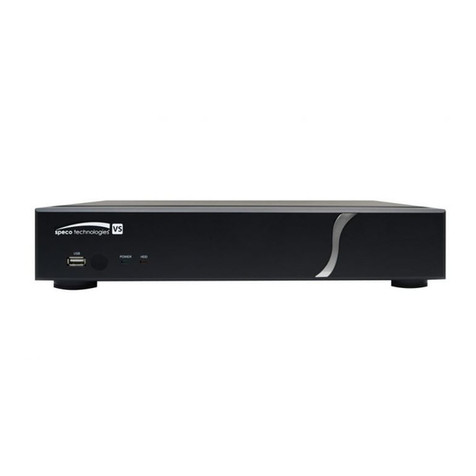
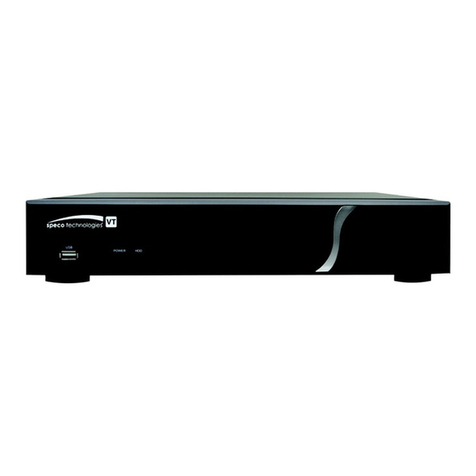
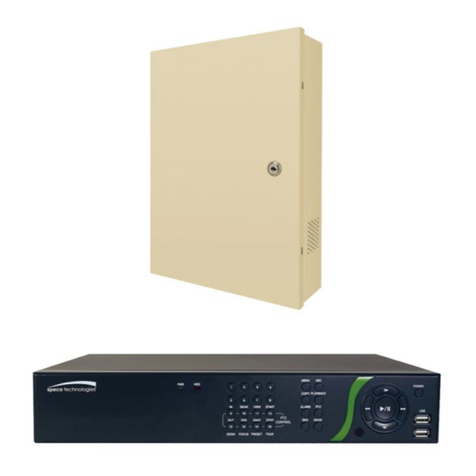
Connect theAC Power Cord with Power Adapter andplug intoan electrical outlet. The Red LED indicator light will be
ON and the DMR is in Standby mode.
1.
Press the Power button. The POWER LED will turn from red to orange,and other redLED indicators will turn ON. It
takes approximately 5 to 15 seconds to boot the system with the message: “HDD Detecting ”. Onceconnected, the
POWER LED will changetogreen color, and theAlarm LED will be ON.
2.
8
Before using theDMR, please have the HDDs installed ready. (refer to Appendix #1 for installation or removal of HDDs).
START THIS UNIT Basic Operation
OPERATION
3. Before operating theDMR, please set upthe system time first. (for settingsystem time, pleaserefer to page.11).
NOTE : When HDD not found”messageshows up,please refer to appendix# 1. Asthe HDD is likely not
installed correctly.
2002 JAN 01 01:02:03
M●032GB 080GB
RECORDING
TheDMR offers avariety ofrecording modes, suchas record continuously, at scheduledtime, andbyevents. You can set
up recording speedand resolution. You can set theseoptions by selecting MENU /RECORD beforerecording, pleaserefer
to page.14. Under the recordingstatus, if power is off accidentally, recorded videowill stillstore in the HDDs. DMR will
return tooriginal recordingsituation after power returns again.
On the screen, you will find thedate, time, HDD recording type, theamount of available GB left in the HDDs memory and
theletter “M”represents the method of recording that is occurring.
(OW : HDD Overwrite)
NOTE : 1. When the HDDs are full under O/W Recording mode,previous recorded
files maybe overwritten without further warning notices.
2. XXGB at the left side meansthe left spacein theMaster HDD and at theright sidemeans
the left space in the Slave HDD.
3. If the HDDs’capacity is only5 GBleft, it will buzz for 3 seconds; so as in4GB, 3GB, 2GB and
1GB. If the O/W Recording mode(NOTE 1) is on, it won’thave thewarning buzzer.
There are4 recording modes in which Recording canoccur : Alarm, Timer and Manual Record.
1. ALARM RECORD
DMR is triggeredby analarm input. Indicatedby the letter “A”and showdiagram on the triggered channel.
2. TIMER RECORD
Recording is scheduled by a Timer. Indicatedby the letter “T”.
3. MANUAL RECORD
Recording is initiated by manually pressing theREC button. Indicatedby theletter “M”.
4. MOTION TRIGGER RECORD
Recording is triggeredby motion detection. Indicatedby the letter “D”and show diagram on the triggered channel.