11/146
Measuring errors are possible in case of:
Îcolourless fluids (e.g. water)
Îclean, translucent glass
Îstyrofoam or similar semi-translucent surfaces
Îstrongly reflecting targets that deflect the
laserbeam
Îmeasurements aimed at moving objects
Causes:
ÎStrongly reflecting targets deflect the laser
beam and cause measuring errors.
ÎNon-reflecting, dark surfaces increase the
measuring time.
For constantly high-quality measurements
ÂPerform control measurements periodically.
ÂPerform control measurements before and
after important measurements.
8.2 Switching on/off
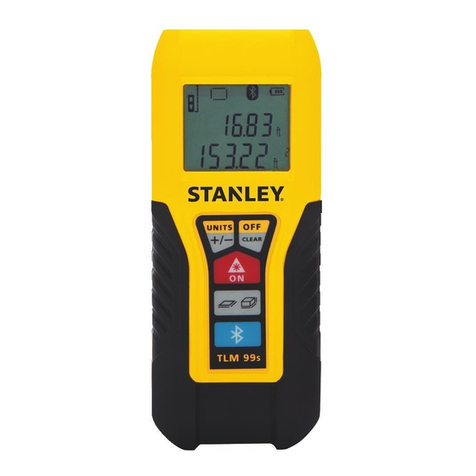
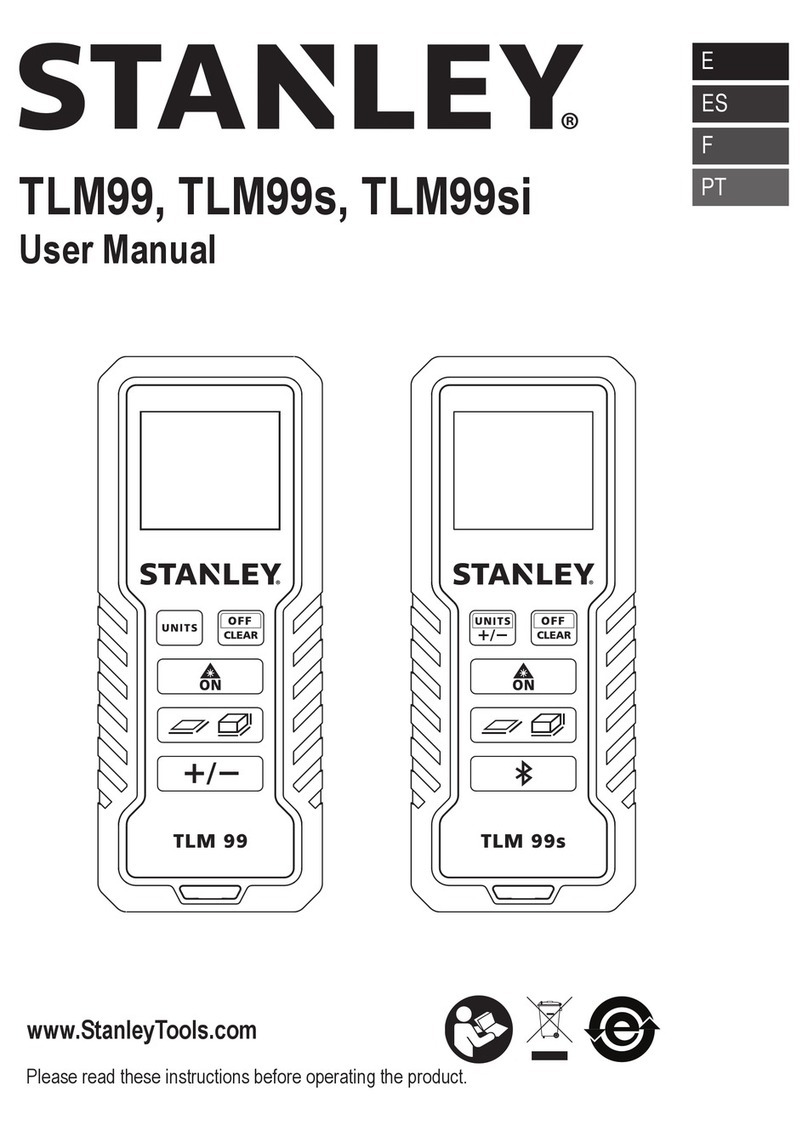
ÂSwitch on the device by pressing key 4briefly.
The device shows the battery symbol until ano-
ther key is pressed.
ÂSwitch off the device by holding key 5for
several seconds.
If no key is pressed for 180 seconds, the device
switches off automatically.
8.3 Clear key
ÂUndo the most recent action by pressing key 5
briefly.
8.4 Adjusting the measuring
plane
See drawing F:
Rear measuring plane is the standard setting.
ÂFor measurement from front edge, press key 7
for several seconds.
ÂFor measurement from rear edge, press key 7
for several seconds again.
8.5 Unit setting
Metric system is the standard setting.
ÂTo change the unit, hold key 6for several
seconds.
With every keypress, the device switches to the
next unit.
Possible units:
Îfeet inch fractional
Îsummary row up to 1/16 inch
Îsecond row up to 1/8 inch
Îinch fractional
Îsummary row up to 1/16 inch
Îsecond row up to 1/8 inch
Îmeters with mm display
9 Measuring
9.1 Measuring single distances
ÂPress key 4briefly.
ÂAim active laser at target area.
ÂPress key 4briefly.
The device measures the distance.
The device displays the result immediately.
9.2 Continuous measuring
This function enables distances to be staked out.
ÂHold key 4for several seconds.
Continuous measuring starts.
ÂPress key 4briefly.
Continuous measuring stops.
The value last measured appears in the summary
row.
10 Functions
10.1 Add/Subtract
Add:
ÂMeasure the first distance.
ÂPress key 6once.
The device adds the second measuring result
to the first measuring result.
ÂMeasure the second distance.
Subtract:
ÂMeasure the first distance.
ÂPress key 6twice.
The device subtracts the second measurement
result from the first measurement result.
ÂMeasure the second distance.
Repeat if required. The device displays the result
in the summary row and the previous value in the
second row.
Stanley TLM 130i.book Page 11 Tuesday, February 5, 2008 5:00 PM