Guangzhou Zhiying Technology Co., Ltd
Room 2401, 24 / F, South Tower, Lisheng Plaza, No. 68 Huadi Avenue,
Liwan District, Guangzhou, China, 510000
support@syncoaudio.com
www.syncoaudio.cn
Warranty Period
Warranty Exclusions and Limitations
Warranty Claim Procedure
Thank you for purchasing SYNCO products.
1. Customers are entitled to free replacement or repair service in case
of quality defect(s) found in the product under normal use within 30
days upon receipt of the product.
2. Original SYNCO products are entitled to 12-month limited warranty
service. The warranty period begins on the date of purchase of brand
new, unused products by the rst end-user.
Faults resulted from inappropriate use of a product without
following its operation specication
1. Articial damage, e.g. crash, squeeze, scratch, or soaking
2. Modications to a product by its user or a third party without prior
written consent of SYNCO, e.g. replacement of element or circuit,
label alteration
3. The code on product is inconsistent with that of warranty
certicate, or the code on the product or warranty certicate is
altered or torn o
4. All consumable accessory attached to a product, like cable, wind
mu, battery
5. Faults as a result of force majeure, such as re, ood, lightning, etc.
1. If failure or any problem occurs to your product after
purchase, please contact a local agent for assistance, or you can
always contact SYNCO’s customer service through email at
support@syncoaudio.com.
2. Please retain your sales receipt and warranty certicate as proof of
purchase. If any of these documents is missing, only sales return or
chargeable service will be provided.
3. If the SYNCO product is out of the warranty coverage, the service
and the parts cost will be charged.
Warranty
Within the warranty period, if product defect or failure is attributable
to material defection or technological problem, the defective product
or defective part will be repaired or replaced without charge (service
and materials fee).
*Please register your warranty. Meanwhile, you are welcomed to contact us via Email:
support@syncoaudio.com
WARRANTY CERTIFICATE
Wireless Transmission
RF Frequency Band
Frequency Response
Working Distance
Sampling Rate
Bit Depth
Sensitivity
SNR
Battery Type
Battery Charging Time
Battery Life
Dimensions
Material
Weight
Wireless Transmission
RF Frequency Band
Working Distance
Sampling Rate
Bit Depth
Connector
Power Input
Dimensions
Material
Weight
Battery Type
Battery Charging Time
Charging Port
Power Requirements
Dimensions
Weight
Digital 2.4GHz
2400-2483.5MHz
20Hz-20KHz
492ft/150m(LOS area);
164ft/50m(NLOS area)
48KHz
16Bit
-36dB
> 75dB
Built-in Lithium Battery, 120mAh
1.5H
5H
49x19x19 (mm)
ABS
10g
Digital 2.4GHz
2400-2483.5MHz
492ft/150m(LOS area);
164ft/50m(NLOS area)
48KHz
16Bit
Type-C or Lightning Output
Type-C
49x30x9 (mm)
ABS
5g
Built-in Lithium Battery, 700mAh
2H
Type-C Port
5V 2A
70x68x38(mm)
87.5g
5. Adjust the volume
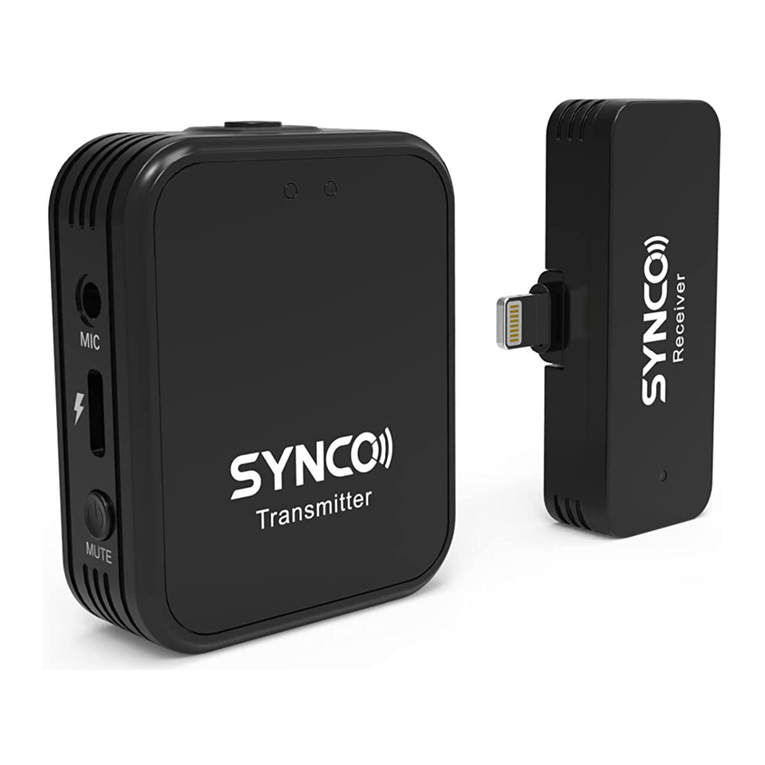
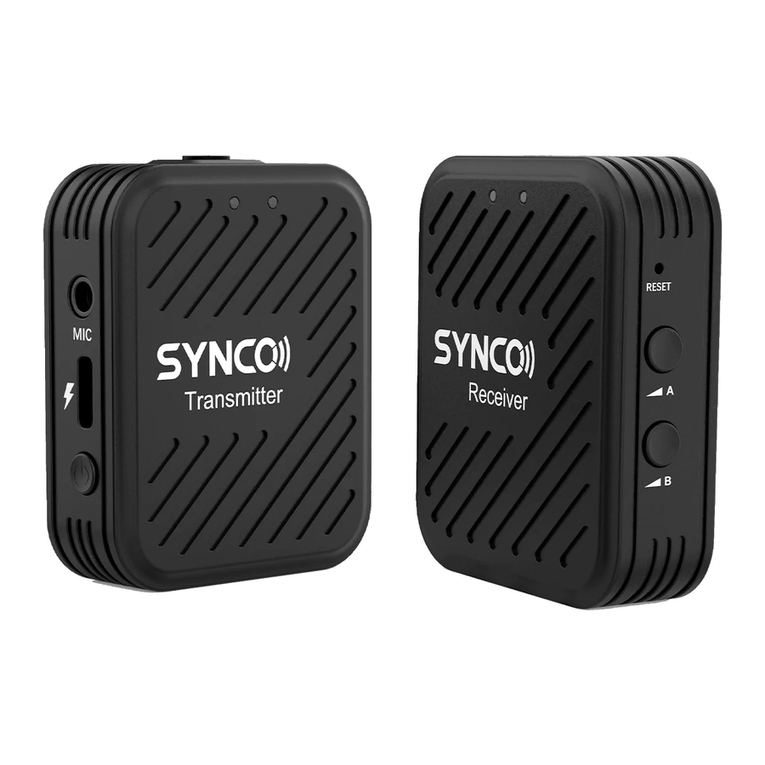
TX Transmitter
RX Receiver
Wireless Charging Case
6. Noise reduction
Click the receiver volume button to adjust the volume and the
number of indicators shows the current volume level.
Double click the volume button to enable or disable mute and single
indicator keeps on when mute is on.
Click the power button of the transmitter to turn on the noise
reduction, and single indicator keeps on.
* Double click the power button of the transmitter to turn o/on the
light eect.
Specications
4. Paring
Pairing in the charging box:
① Place the transmitter and receiver in the charging box, and
connect the contact with the contact of the charging box;
② Open the charging box, press and hold the matching button on
the box for 3 seconds;
③ The indicator lights of the transmitter and receiver cycle, and the
pairing is successful.
Pairing in use:
① The receiver has been inserted into the mobile phone and is
switched on;
② Turn o the transmitter, press and hold for 8 seconds when it is
turned o, and wait for ve indicator lights to ash quickly to enter
the frequency alignment state.
③ The working indicator light of transmitter and receiver is broken,
and the matching is successful.
Product Model:
Date of Purchase:
Serial Number:
Malfunction Description :
Buyer Name:
Buyer Telephone :
Buyer Mail :
Buyer Address :
Dealer :
Dealer Telephone :
Delivery Date :
Cause of Malfunction :
Maintenance Personnel :
Malfunction Processing :