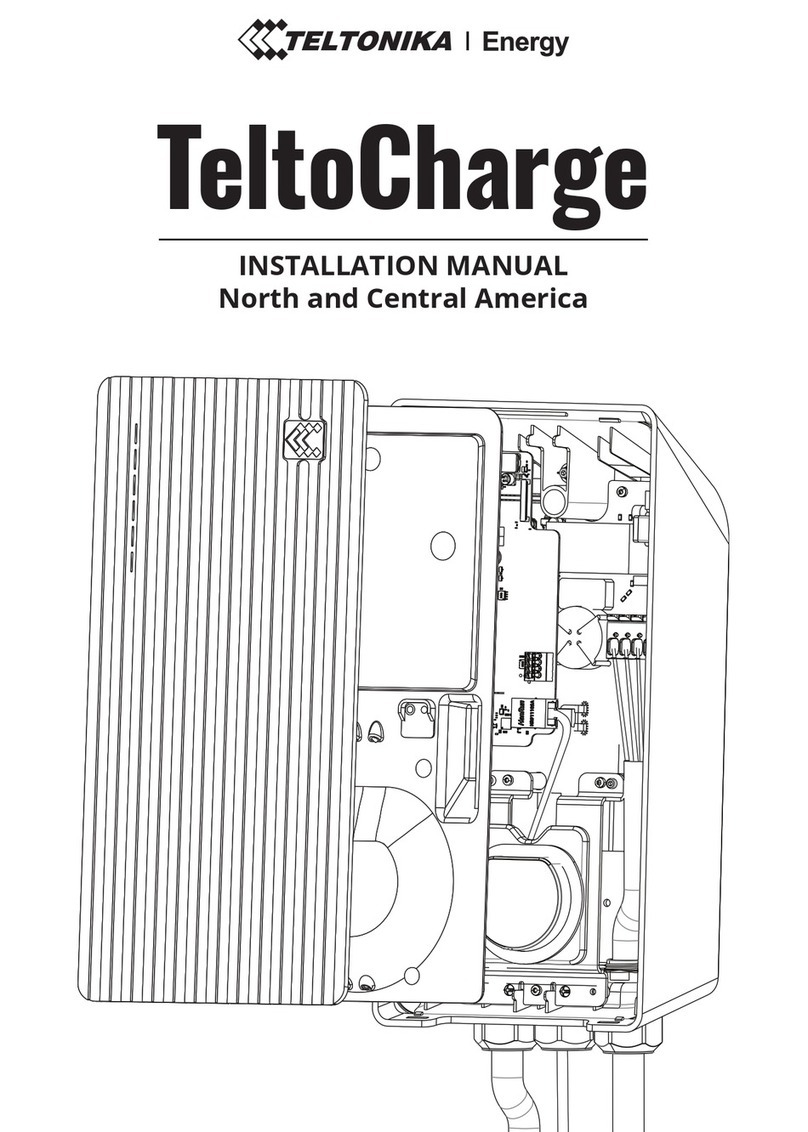
Installer menu
This is the menu for installer to reach configuration settings.
After every installation installer must open this menu and set required parameters.
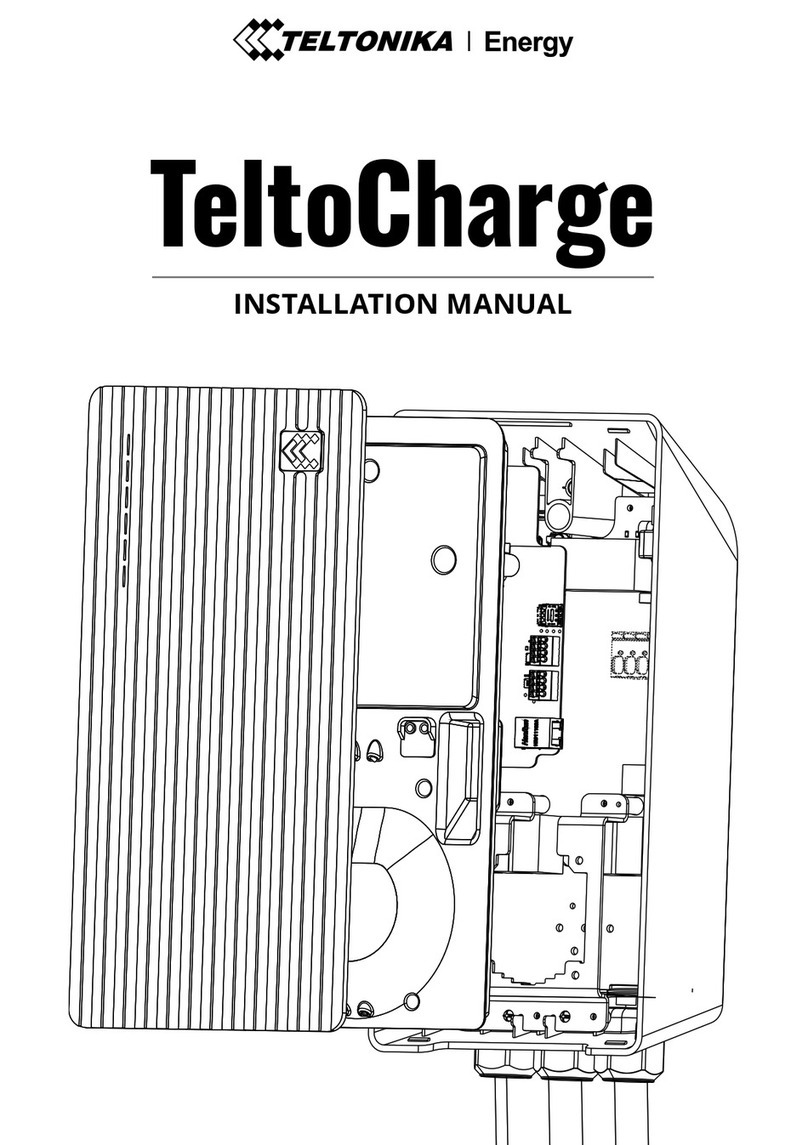
To open installer menu, it is needed to insert Installer code. You can find this code on the sticker,
which is placed on the middle plate (under the front plate).
*Installer menu is only for installers or personnel with relevant qualifications.*
Max power from grid
This configuration shall be used in two different ways:
If you are using Dynamic load balancing, use this value to set the maximum current per phase
that can be supplied to the whole electrical installation. Usually this value is the rated current
of the main circuit breaker.
If you are not using Dynamic load balancing, use this value to set maximum current, which
charger can use. This value should be calculated according to the possible load, that other
appliances can be using, by subtracting it from the maximal current which is provided to the
grid. That said, in this situation, current should not be higher than 16 amperes (If 11 kW
charger is installed) or 32 amperes ( if 7,4 or 22 kW chargers is installed).
By default this setting is set to 10 Amps
Supply voltage
Installer can change supply voltage (voltage between phase and neutral wires)
Different regions can have different supply voltages, so installer can set this value accordingly
to the used voltage in the individual site;
Global product: By default this setting is set to 230 V
North American product: By default this setting is set to 120 V
Upper voltage tolerance
There is a possibility to change the tolerance limit for upper voltage threshold. This can be used in
the sites where voltage fluctuation is recurring.
By default this setting is set to 10 %
Lower voltage tolerance
There is possibility to change the tolerance limit for lower voltage threshold. This can be used in the
sites where voltage fluctuation is big.