manuals.online logo
Brands
  1. Home
  2. •
  3. Brands
  4. •
  5. Tyco
  6. •
  7. Security Camera
  8. •
  9. Tyco DSC-D114 User manual

Tyco DSC-D114 User manual

Other Tyco Security Camera manuals

Tyco IFS02-D12-ITA4 User manual

Tyco

Tyco IFS02-D12-ITA4 User manual

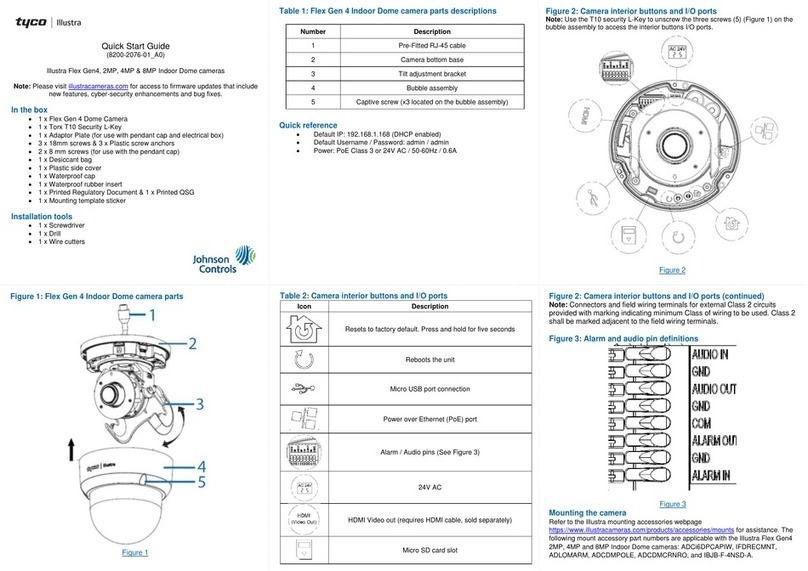
Tyco Illustra Flex Gen 3 User manual

Tyco

Tyco Illustra Flex Gen 3 User manual

Tyco American Dynamics Illustra 625 User manual

Tyco

Tyco American Dynamics Illustra 625 User manual

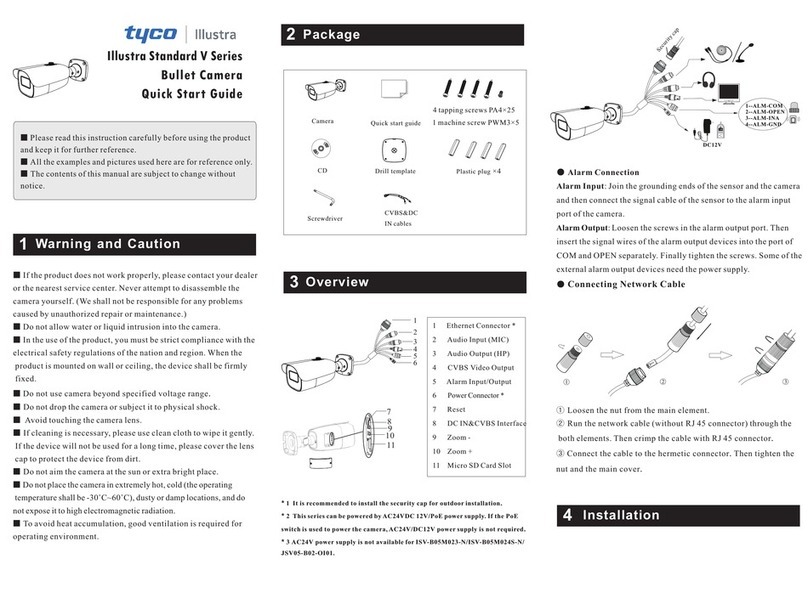
Tyco Illustra Standard V Series User manual

Tyco

Tyco Illustra Standard V Series User manual

Tyco Illustra Standard V Series User manual

Tyco

Tyco Illustra Standard V Series User manual

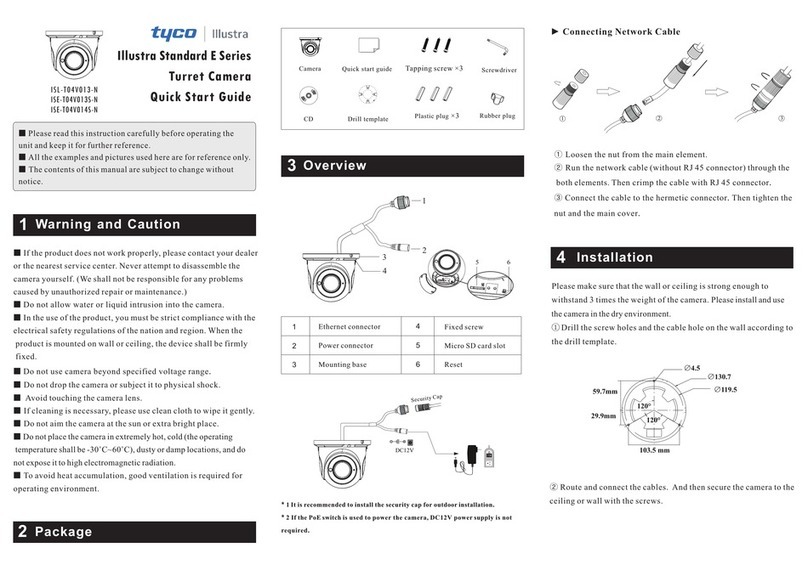
Tyco Illustra Standard E Series User manual

Tyco

Tyco Illustra Standard E Series User manual

Tyco Illustra Pro User manual

Tyco

Tyco Illustra Pro User manual

Tyco Illustra Standard V Series User manual

Tyco

Tyco Illustra Standard V Series User manual

Tyco Illustra Pro IPS03CFOCWST User manual

Tyco

Tyco Illustra Pro IPS03CFOCWST User manual

Tyco Illustra Essentials 1MP User manual

Tyco

Tyco Illustra Essentials 1MP User manual

Tyco Illustra Pro series User manual

Tyco

Tyco Illustra Pro series User manual

Tyco Illustra Standard E Series User manual

Tyco

Tyco Illustra Standard E Series User manual

Tyco E Series User manual

Tyco

Tyco E Series User manual

Tyco Illustra Standard Series User manual

Tyco

Tyco Illustra Standard Series User manual

Popular Security Camera manuals by other brands

ADEMCO RapidDome Owners Operating & Installation Guide

ADEMCO

ADEMCO RapidDome Owners Operating & Installation Guide

EverFocus EBA2880 user manual

EverFocus

EverFocus EBA2880 user manual

Honeywell OptiCAM-IR Installation and setup guide

Honeywell

Honeywell OptiCAM-IR Installation and setup guide

Uniq UC-600 user manual

Uniq

Uniq UC-600 user manual

OPTICOM NVD-120-S datasheet

OPTICOM

OPTICOM NVD-120-S datasheet

Steren CCTV-221 instruction manual

Steren

Steren CCTV-221 instruction manual

Arm Electronics C420BCDNVFIR Features

Arm Electronics

Arm Electronics C420BCDNVFIR Features

Eneo PLD-2036PTZ installation guide

Eneo

Eneo PLD-2036PTZ installation guide

Axis AXIS M20 Series installation guide

Axis

Axis AXIS M20 Series installation guide

Panasonic KX-HCM230 operating instructions

Panasonic

Panasonic KX-HCM230 operating instructions

COP-USA CC15NV-SL Specifications

COP-USA

COP-USA CC15NV-SL Specifications

Active Silicon HARRIER H.264 quick start guide

Active Silicon

Active Silicon HARRIER H.264 quick start guide

Motorola Avigilon 1.3C-H5SL-BO1-IR installation guide

Motorola

Motorola Avigilon 1.3C-H5SL-BO1-IR installation guide

INSTEON 2864-232 user manual

INSTEON

INSTEON 2864-232 user manual

Wisenet XNB-6002 quick start guide

Wisenet

Wisenet XNB-6002 quick start guide

Axis M5525-E user manual

Axis

Axis M5525-E user manual

Vitek VTC-IR62NZ922 user guide

Vitek

Vitek VTC-IR62NZ922 user guide

Panasonic WV-SF342 Specifications

Panasonic

Panasonic WV-SF342 Specifications

manuals.online logo
manuals.online logoBrands
  • About & Mission
  • Contact us
  • Privacy Policy
  • Terms and Conditions

Copyright 2025 Manuals.Online. All Rights Reserved.

8200-1116-02
DSC-D114_Camera
Quick Start Guide
1
Regulatory Information
FCC Information
FCC compliance: This equipment has been tested and found to comply with the
limits for a digital device, pursuant to part 15 of the FCC Rules. These limits are
designed to provide reasonable protection against harmful interference when
the equipment is operated in a commercial environment. This equipment
generates, uses, and can radiate radio frequency energy and, if not installed and
used in accordance with the instruction manual, may cause harmful interference
to radio communications. Operation of this equipment in a residential area is
likely to cause harmful interference in which case the user will be required to
correct the interference at his own expense.
FCC Conditions
This device complies with part 15 of the FCC Rules. Operation is subject to the
following two conditions:
1. This device may not cause harmful interference.
2. This device must accept any interference received, including interference that
may cause undesired operation.
EU Conformity Statement
This product and - if applicable - the supplied accessories too
are marked with "CE" and comply therefore with the
applicable harmonized European standards listed under the
Low Voltage Directive 2006/95/EC, the EMC Directive 2004/108/EC, the RoHS
Directive 2011/65/EU.
2012/19/EU (WEEE directive): Products marked with this
symbol cannot be disposed of as unsorted municipal waste
in the European Union. For proper recycling, return this
2
product to your local supplier upon the purchase of equivalent new equipment,
or dispose of it at designated collection points. For more information see:
www.recyclethis.info.
2006/66/EC (battery directive): This product contains a
battery that cannot be disposed of as unsorted municipal
waste in the European Union. See the product
documentation for specific battery information. The battery
is marked with this symbol, which may include lettering to
indicate cadmium (Cd), lead (Pb), or mercury (Hg). For proper recycling, return
the battery to your supplier or to a designated collection point. For more
information see: www.recyclethis.info
3
Safety Instruction
These instructions are intended to ensure that user can use the product correctly
to avoid danger or property loss.
The precaution measure is divided into “Warnings” and “Cautions”
Warnings: Serious injury or death may occur if any of the warnings are neglected.
Cautions:Injury or equipment damage may occur if any of the cautions are
neglected.
Warnings
In the use of the product, you must be in strict compliance with the electrical
safety regulations of the nation and region.
Please refer to technical specifications for detailed information.
Input voltage should meet both the SELV(Safety Extra Low Voltage) and the
Limited Power Source with AC 24V or DC 12V according to the IEC60950-1
standard. Please refer to technical specifications for detailed information.
Do not connect several devices to one power adapter as adapter overload may
cause over-heating or a fire hazard.
WarningsFollow these
safeguards to prevent serious
injury or death.
Cautions Follow these precautions to
prevent potential injury or material
damage.
4
Please make sure that the plug is firmly connected to the power socket.
When the product is mounted on wall or ceiling, the device shall be firmly fixed.
If smoke, odor or noise rise from the device, turn off the power at once and
unplug the power cable, and then please contact the service center.
If the product does not work properly, please contact your dealer or the nearest
service center. Never attempt to disassemble the camera yourself. (We shall not
assume any responsibility for problems caused by unauthorized repair or
maintenance.)
Cautions
Make sure the power supply voltage is correct before using the camera.
Do not drop the camera or subject it to physical shock.
Do not touch CMOS modules with fingers. If cleaning is necessary, use clean cloth
with a bit of ethanol and wipe it gently. If the camera will not be used for an
extended period, please replace the lens cap to protect the CMOS from dirt.
Do not aim the camera at the sun or extra bright places. Blooming or smearing
may occur otherwise (which is not a malfunction), and affect the endurance of
CMOS at the same time.
The CMOS may be burned out by a laser beam, so when any laser equipment is
in using, make sure that the surface of CMOS will not be exposed to the laser
beam.
Do not place the camera in extremely hot, cold (the operating temperature shall
be-30℃~+60℃), dusty or damp locations, and do not expose it to high
electromagnetic radiation.

5
To avoid heat accumulation, good ventilation is required for operating
environment.
Keep the camera away from liquid while in use.
While in delivery, the camera shall be packed in its original packing, or packing of
the same texture.
Regular part replacement: a few parts (e.g. electrolytic capacitor) of the
equipment shall be replaced regularly according to their average enduring time.
The average time varies because of differences between operating environment
and using history, so regular checking is recommended for all the users. Please
contact with your dealer for more details.
Improper use or replacement of the battery may result in hazard of explosion.
Replace with the same or equivalent type only. Dispose of used batteries
according to the instructions provided by the battery manufacturer.
6
Table of Contents
Overview .............................................................................................................7
Installation ..........................................................................................................9
Accessing via Web Browser ...............................................................................14
7
Overview
Figure 1-1 Overview
1
2
3
4
5
6
7
8
9
8
Table 1-1 Physical Description
No. Description
1 Mounting Base
2 Horizontal Stand
3 Vertical Stand
4 Bubble
5 Cables
6 IR Led
7 Lens
8 Black Liner
9 Safety Rope
9
Installation
Before you start:
Please make sure that the device in the package is in good condition and all
the assembly parts are included.
Make sure that all the related equipment is power-off during the installation.
Check the specification of the products for the installation environment.
Make sure the power supply is matched with your required voltage to avoid
damage.
If the product does not function properly, please contact your dealer or the
nearest service center. Do not disassemble the camera for repair or
maintenance by yourself.
Please make sure that the wall is strong enough to withstand three times the
weight of the camera.
Steps:
Drill the cable hole and the screw holes in the ceiling according to
the supplied drilling template.
Screw Hole
Screw Hole Screw Hole
Ceiling Mounting