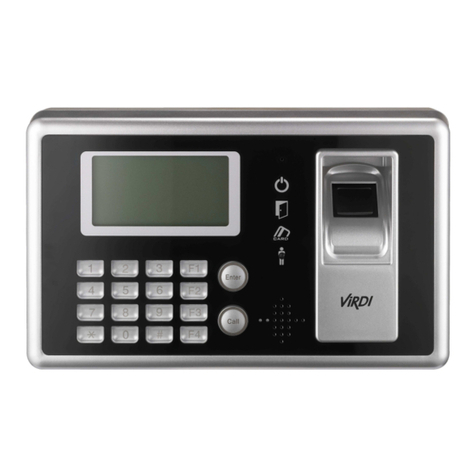
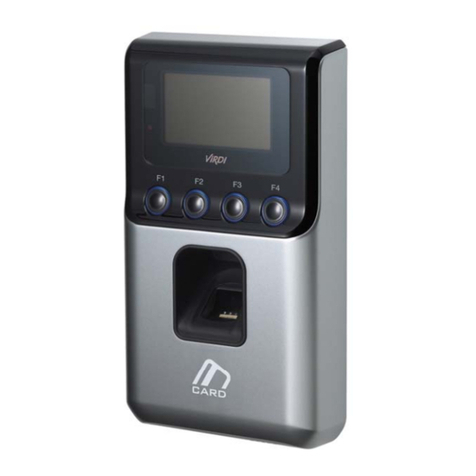
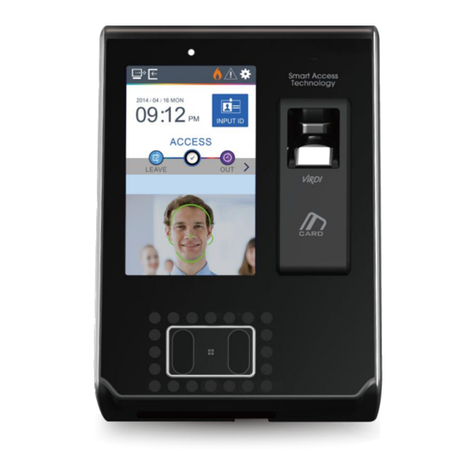
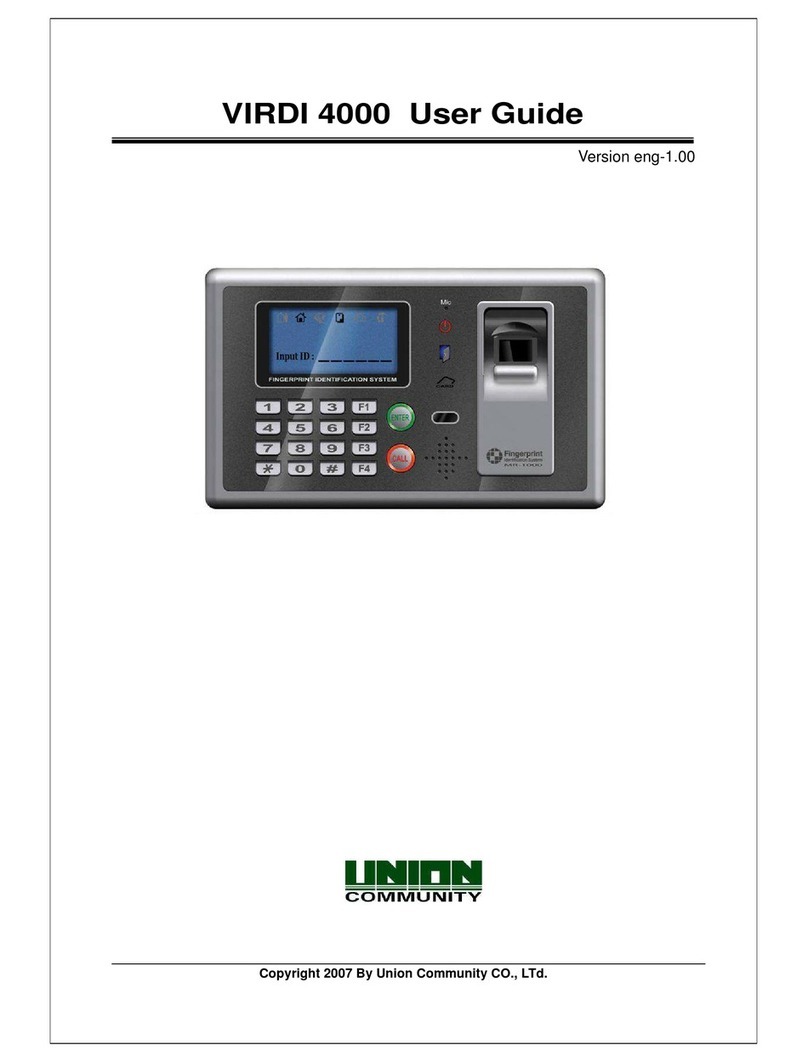
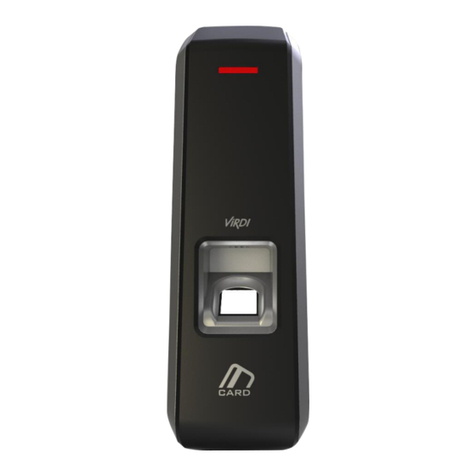
FMD10 User Guide
Seoul, Songpa-gu, Bangi-dong 44-3 Hyundai Topics Bldg 9F (138-050)
http://www.virditech.com
Table of Contents
<Revision History>...................................................................................................2
< Glossary >..............................................................................................................2
Table of Contents .....................................................................................................3
1. Read Before Using ...............................................................................................4
1.1. Safety precautions ......................................................................................4
1.2. Specification................................................................................................5
1.3. Device description.......................................................................................6
1.4. LED operation..............................................................................................6
1.5. Door Bell Key Operation.............................................................................7
1.6. Buzzer sound during operation..................................................................7
1.7. Correct fingerprint registration and input methods .................................7
2. Introduction ..........................................................................................................9
2.1. Description...................................................................................................9
2.2. Features .......................................................................................................9
2.2. Configuration.............................................................................................10
2.2.1. Standalone Configuration ...................................................................10
3. Environment Settings ........................................................................................11
3.1. Parameters.................................................................................................11
4. How to use the terminal.....................................................................................13
4.2. Authentication ...........................................................................................13
4.2.1. Fingerprint authentication...................................................................13
4.2.2. Card authentication ............................................................................13
4.2.3. Successful Authentication...................................................................13
4.2.4. Door Bell Operation............................................................................13