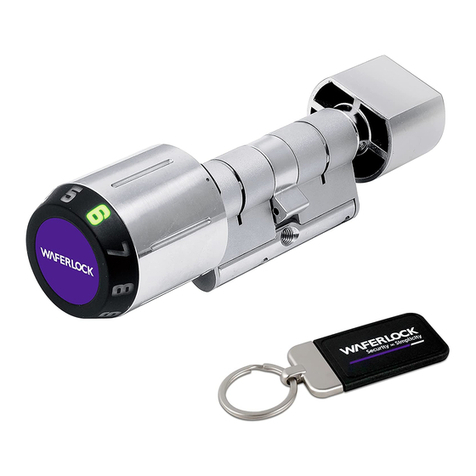
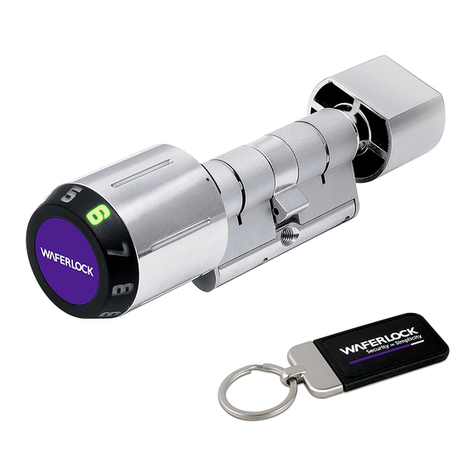
C-700 Series
Digital Locking
Modular Assembly Manual 1Slide cylinder into assembly holder.
Loosen all screws on bridge with
flathead screwdriver.
5Tighten screw of connect body set on
Reader Knob part and Inner Knob part
with Phillips screwdriver.
Length Adjustment
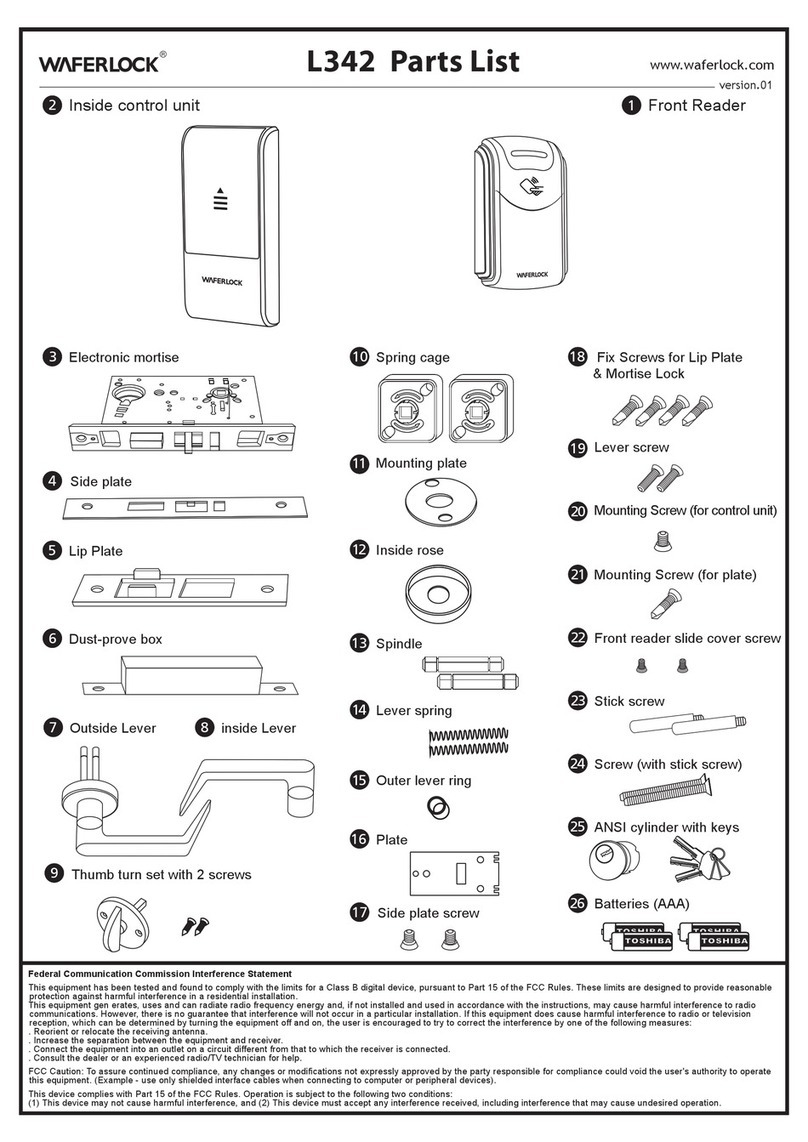
Parts list for Tool Kit
2 6 Assemble three parts: Reader Knob
part, Cam, and Inner Knob part.
3Take apart cylinder into three sections:
Reader Knob part, Cam, and Inner Knob
part.
7
4Select a specified length connect body
set or combination with screws for
Reader Knob part and Inner Knob part.
★Please refer to Length Assembly Diagram
for connect body set selection.
★There is size indicator on the bridge
8Tighten bridge screws with flathead
screwdriver.
Connect Bodies and pins:
5mm x 12, 10mm x 12, and 15mm x 4
Bridges: 30/35 x 6, 35/35 x 6, 35/40 x
6, 40/40 x 6, 40/45 x 3, and 45/45 x 3
Connect Body Set Screws: 35mm x
18, 40mm x 18, and 45mm x 6
Bridge Screws: 50pcs
Reader Knob Screws: 50pcs
Steel Balls: 50pcs
Anti-pulling Pins: 20pcs
Anti-drilling Pins: 20pcs
Seal Rings inside Reader Knob: 10pcs
Assembly Holder: 1pc
Knob Cap Assembly Tool: 1pc
Slightly turn reader knob and inner knob
to fit into cam.
Put steel balls back to the original
position.
Select appropriate bridge and assemble it.
WFE TECHNOLOGY CORPORATION
Tel: 886-4-22300362 Fax: 886-4-22377995
No. 16 Ke Yuan 2nd Rd., Central Taiwan Science Park
Taichung city 407, Taiwan.
body pin
Remove bridge from the top of
cylinder carefully. There are two steel
balls in between. Please keep steel
balls in a container to prevent from
loss during the length adjustment.
Reader KnobCamInner Knob