manuals.online logo
Brands
  1. Home
  2. •
  3. Brands
  4. •
  5. Waferlock
  6. •
  7. Lock
  8. •
  9. Waferlock C-700 Series User manual

Waferlock C-700 Series User manual

Other Waferlock Lock manuals

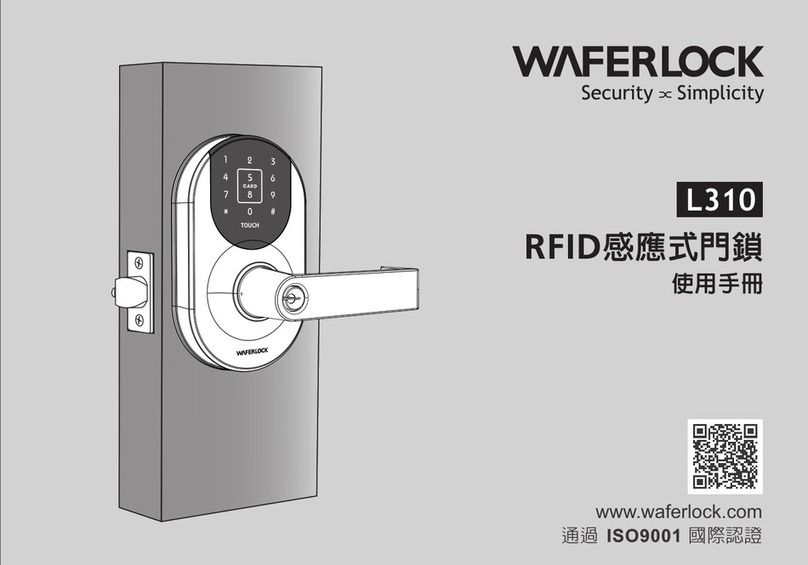
Waferlock L310 User manual

Waferlock

Waferlock L310 User manual

Waferlock L701 User manual

Waferlock

Waferlock L701 User manual

Waferlock C210 User manual

Waferlock

Waferlock C210 User manual

Waferlock C760 User manual

Waferlock

Waferlock C760 User manual

Waferlock L700 User manual

Waferlock

Waferlock L700 User manual

Waferlock L701 User manual

Waferlock

Waferlock L701 User manual

Waferlock L701 User manual

Waferlock

Waferlock L701 User manual

Waferlock L701 User manual

Waferlock

Waferlock L701 User manual

Waferlock C-700 Series User manual

Waferlock

Waferlock C-700 Series User manual

Waferlock C210 User manual

Waferlock

Waferlock C210 User manual

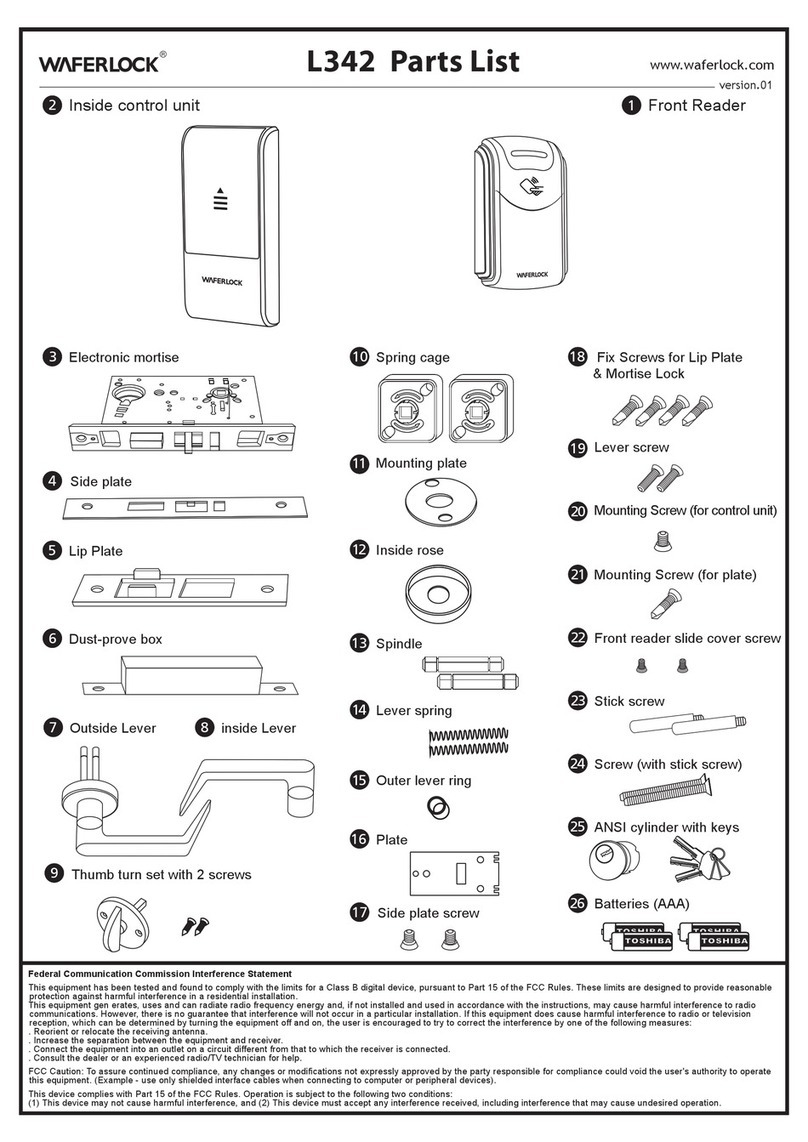
Waferlock L342 User manual

Waferlock

Waferlock L342 User manual

Waferlock WEL-7103 User manual

Waferlock

Waferlock WEL-7103 User manual

Waferlock C760 User manual

Waferlock

Waferlock C760 User manual

Popular Lock manuals by other brands

Magic 105 manual

Magic

Magic 105 manual

Gantner GAT NET.Lock 7020 System Installation, configuration & operation

Gantner

Gantner GAT NET.Lock 7020 System Installation, configuration & operation

Dorma Studio Classic Installation instruction

Dorma

Dorma Studio Classic Installation instruction

Securam ECSL-601 quick start guide

Securam

Securam ECSL-601 quick start guide

Sudhaus 3003 operating manual

Sudhaus

Sudhaus 3003 operating manual

Safety 1st 48517 user guide

Safety 1st

Safety 1st 48517 user guide

Pado FDS-10 user manual

Pado

Pado FDS-10 user manual

Esco systeQ Series installation instructions

Esco

Esco systeQ Series installation instructions

COMPX National D8951 instruction sheet

COMPX

COMPX National D8951 instruction sheet

secureo Key Box instruction manual

secureo

secureo Key Box instruction manual

Stock Loks C8713 instruction sheet

Stock Loks

Stock Loks C8713 instruction sheet

COMPX 1T-058 Information

COMPX

COMPX 1T-058 Information

Auslock T11 user manual

Auslock

Auslock T11 user manual

Stealth SAFES ShadowVault Instructions & Troubleshooting

Stealth SAFES

Stealth SAFES ShadowVault Instructions & Troubleshooting

Knox KeySecure 5 Admin & user guide

Knox

Knox KeySecure 5 Admin & user guide

Kwikset 48334/01 Quick installation guide

Kwikset

Kwikset 48334/01 Quick installation guide

Metra Electronics Door Access Terminal Combo Technical manual

Metra Electronics

Metra Electronics Door Access Terminal Combo Technical manual

Kilitronik miniK10m operating manual

Kilitronik

Kilitronik miniK10m operating manual

manuals.online logo
manuals.online logoBrands
  • About & Mission
  • Contact us
  • Privacy Policy
  • Terms and Conditions

Copyright 2025 Manuals.Online. All Rights Reserved.

www.waferlock.com
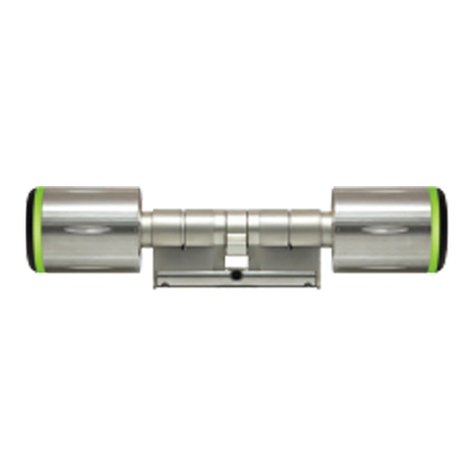
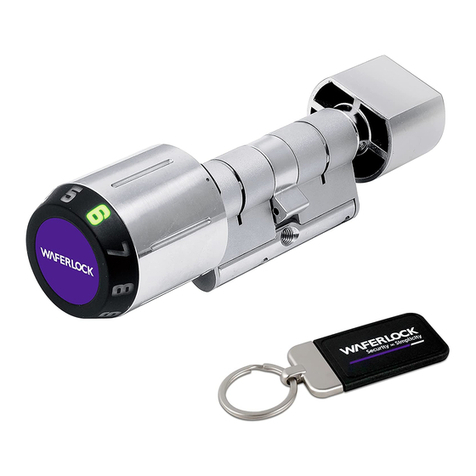
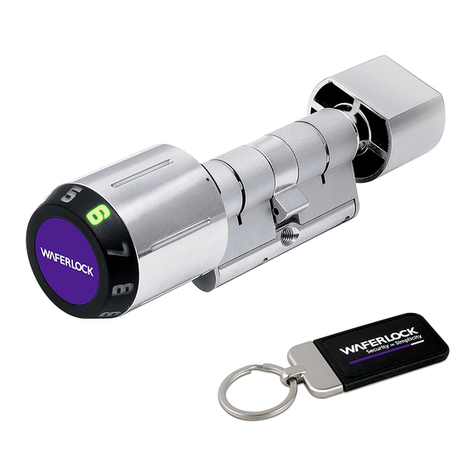
■ Digital Locking Cylinder X 1
External Knob Dimensions: 47 (L) x 35.8 (D)mm
■ Batteries X 1 ( CR2 )
Parts list for the C700 Cylinder
■ L shape 1.5mm Hex Screw Driver
■ C7 Tool ( optional )
Waferlock Screw Driver for C700 Cylinder use
■ M5 Screw x 1
C-700 Series
Cylinder
Digital Locking
User Manual
■ Internal Knob x 1
(Dimensions: 25 (L) x 32 (D)mm )
1
Battery Replacement
2
3
knob ring
white strap
Use the C7 screw driver to find and match
2 holes of external knob.
( There are 4 holes alongside of external
knob )
One hand holds the knob cover and the
other hand turns the tool counter-clockwise
until the knob ring is loosed from the knob,
then pull out the metal cover.
Insert CR2 x 1 battery into the knob and
make sure that the white strap is properly
under/cross the battery. ( The strap will
help you to pull ou the battery easily )
4
Place the metal cover back to the knob by
matching the cover hint hole with knob
raised edge properly.
5
Turn the knob ring clockwise with the C7
tool to tighten the knob ring back insdie
the knob properly.
Assemble C700 on Door Lock Your Warranty
CE Marking
This device has been tested to and conforms
to the regulatory requirements of the
European Union and has attained CE
Marking. The CE Mark is a conformity
marking consisting of the letters “CE”. The
CE Mark applies to products regulated by
certain European health, safety and
environmental protection legislation. The CE
Mark is obligatory for products it applies to:
the manufacturer affixes the marking in order
to be allowed to sell his product in the
European market.
This product conforms to the essential
requirements of the R&TTE directive
1999/5/EC in order to attain CE Marking. A
notified body has determined that this device
has properly demonstrated that the
requirements of the directive have been met
and has issued a favorable certificate of
expert opinion. As such the device will bear
the notified body number 0560 after the CE
mark.
The CE Marking is not a quality mark.
Foremost, it refers to the safety rather than to
the quality of a product. Secondly, CE
Marking is mandatory for the product it
applies to, whereas most quality markings
are voluntary.
Marking: The product shall bear the CE
mark, the notified body number(s) as
depicted to the right. CE 0560.
1
Insert Cylinder through door
( from outside )
2
Ready the small internal knob and put it on
the cylinder core.
3
Match the screw hole of the knob and
cylinder.
4
Turn the screw clockwise with the L – Shape
hex screwdriver ( enclosed ) to secure the
knob tightly onto the cylinder.
5
Turn internal knob to activate dead/latch
bolt and check if the cylinder is in the right
position; then insert M5 screw ( enclosed )
to fix cylinder with the door lock.
Your Warranty covers all manufacturers'
defects in workmanship and material. It does
not cover any unit that is damaged beyond
normal usage,by improper installations, by
contacts to chemicals, or any other acts or
omissions unsanctioned within the user manual.
All components are covered for one (1) year
after the date of purchase or installation from
supplier.
The user is required to provide dated proof of
purchase. Waferlock or its authorized
distributor will determine if there is a
warrantable condition associated with material
and/or manufacturing workmanship.
If the lock conforms to the warranty conditions,
the lock will be repaired free of charge. The
shipping freights would be at owner's expense.
The warranty does not include any further
obligation whatsoever, including but not
limited to the installation of the replacement
unit to the customer's lock.
All other warranties, express or implied, are
disclaimed. All collateral agreements, which
purport to modify this limited warranty, are of
no effect.
WFE TECHNOLOGY CORPORATION
Tel: 886-4-22300362 Fax: 886-4-22377995
No. 16 Ke Yuan 2nd Rd., Central Taiwan Science Park
Taichung city 407, Taiwan.

E-mail: [email protected]