5
ENGLISH
ENGLISH
Need help? http://cellphonesignalbooster.us
magnet base of the antenna to the at
surface of the bracket. The antenna must
be mounted vertically for the best signal.
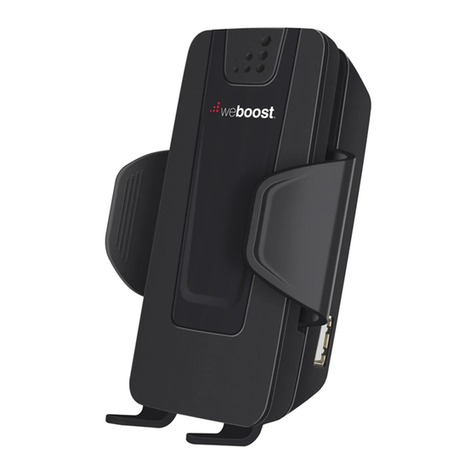
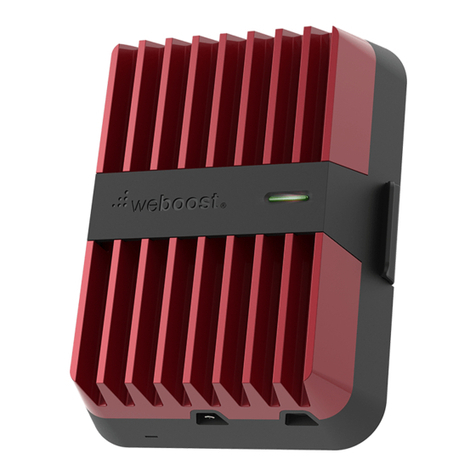
2. Install the Mounting Bracket and Drive 3G-S.
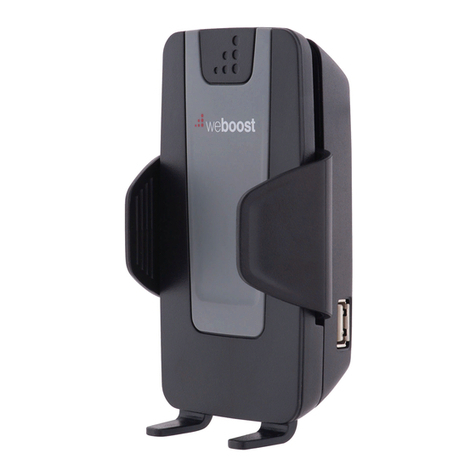
Put your Drive 3G-S in the Mounting Bracket
(see instructions under Vehicle Installation)
and place it in a convenient location such as
a desk or table top in the room where you
will use the phone. The location should be at
least three feet from the Outside Antenna to
avoid oscillation (feedback). Your cell phone
must be in the cradle for the Drive 3G-S to
amplify the signal. Use a Bluetooth headset,
wired hands-free device or speakerphone for
talking on the phone.
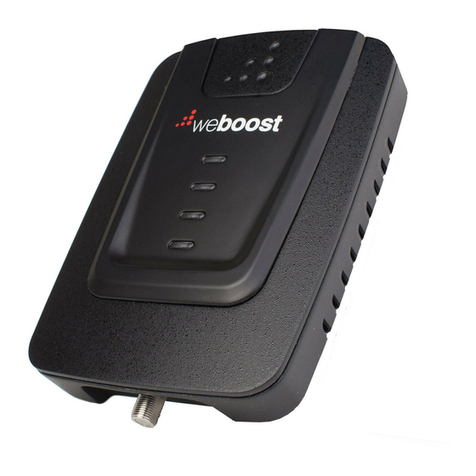
3. Attach the antenna to the Drive 3G-S.
Connect the cable from the Outside
Antenna to the antenna connector on the
bottom of the Drive 3G-S. Do NOT plug
in the power supply (next step) until the
Outside Antenna cable is connected to the
Drive 3G-S.
4. Power up your Drive 3G-S. Connect the
power cable to the mini-USB port on the
bottom of the Drive 3G-S. Then insert
the adapter into the AC power supply
(859969), sold separately. Use only the
supplied weBoost power supply.
6. Power up your Drive 3G-S. Connect the
power cable to the mini-USB port on the
bottom of the Drive 3G-S. Then insert the
adapter into the vehicle 12V DC power
source. Use only the supplied weBoost
power supply. While the Drive 3G-S may
remain on, leaving the Drive 3G-S on
in a vehicle when it is not running may
discharge the battery in a day or two. Also
note that some 12V DC power sources
are shut down when the vehicle ignition
is turned to off. Use a Bluetooth headset,
wired hands-free device or speakerphone for
talking on the phone.
In-Building Installation Option
Note: Home Ofce Accessory Kit sold
separately
1. Install the Outside Antenna to a window. For
best results:
• Select a window on the side of the building
where you get the strongest cell signal.
• Attach the suction cup bracket (sold
separately) to the inside of a window so
the cable will reach the location of the
Mounting Bracket and Drive 3G-S. Place
the bracket as high on the window as
possible.
NOTE: Many modern energy efcient dual
pane windows use a metal coating that
may decrease the strength of a cellular
signal, reducing the effectiveness of
the Drive 3G-S. If you have dual pane
windows, consider a weBoost signal
boost product that provides an option for
mounting an antenna on an outside wall or
roof of a building.
• With the bracket in place, attach the